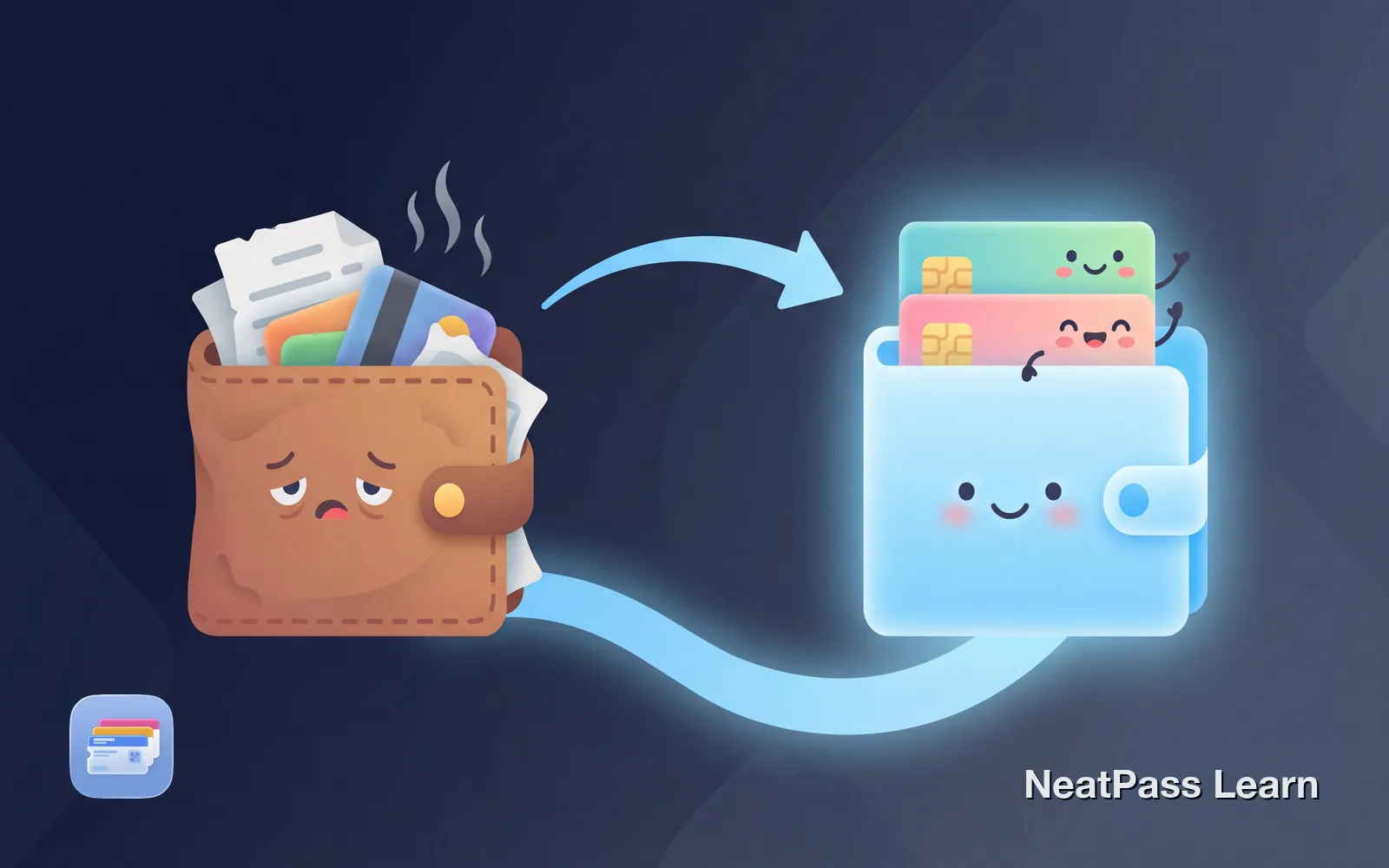
Your physical wallet is full of cards you rarely use but always need at the worst moment. The gym membership buried behind receipts. The insurance card you cannot find at the pharmacy counter. The loyalty card left in another jacket.
Going fully digital is not just possible, it is practical. Your iPhone can replace most of what you carry, and the items it cannot replace are fewer than you think. Here is how to transition to a wallet-free lifestyle, category by category.
What Can Be Digitized
Most cards in your wallet fall into categories that work perfectly in digital form. The barcode or membership number is what matters, not the plastic itself.
Category by Category Guide
Loyalty and Rewards Cards
These are the easiest cards to digitize. Every loyalty card has a barcode that stores scan at checkout. That barcode works identically whether it is on plastic or your phone screen.
Some major retailers like Starbucks and Target offer native Apple Wallet support. For the rest, NeatPass converts any barcode card into a Wallet pass. Learn more about digitizing physical loyalty cards.
Grocery stores
Kroger, Safeway, Albertsons, and more
Pharmacies
CVS, Walgreens, Rite Aid
Retail stores
Best Buy, REI, Sephora, Ulta
Coffee shops
Local cafes, chains with stamp cards
Membership Cards
Gyms, warehouses, museums, and professional organizations typically use barcode scanning for access. Your membership card becomes a Wallet pass that works offline, ready in seconds.
Gym memberships
Scan at the door, no app login needed
Warehouse clubs
Costco, Sam's Club membership cards
See our guides for specific cards: gym cards, Costco, library cards, and museum memberships.
Insurance Cards
Health, dental, and vision insurance cards rarely have native Apple Wallet support. Most insurers expect you to dig through their app, wait for it to load, and hope you remember your password.
NeatPass lets you add your insurance card to Apple Wallet. If your card has a barcode, it can be scanned. If not, you can store your member ID, group number, and a photo of the card for quick reference.
Doctor's offices love this
Event Tickets
Major ticketing platforms like Ticketmaster offer Apple Wallet integration. For smaller venues, Eventbrite events, or PDF tickets, NeatPass extracts barcodes automatically and creates proper Wallet passes.
Once in Wallet, tickets appear on your lock screen on event day. No searching through email or opening apps while holding up the line.
Ready to digitize your wallet?
NeatPass makes it easy to convert any ticket, pass, or loyalty card to Apple Wallet.
What Cannot Be Digitized (Yet)
Some items require the original or have technical limitations that prevent full digitization.
Driver's Licenses
Apple Wallet supports driver's licenses in Arizona, California, Colorado, Georgia, Hawaii, Illinois, Iowa, Maryland, Montana, New Mexico, North Dakota, Ohio, West Virginia, and Puerto Rico. More states are expected throughout 2026.
Even in supported states, not all situations accept digital IDs. Law enforcement may still require your physical license. For now, keep the plastic version available.
Payment Cards
Credit and debit cards require bank integration with Apple Pay. You cannot manually add payment cards to Apple Wallet. If your bank supports Apple Pay, adding your card takes seconds. If not, the physical card is still necessary.
Most major banks and credit unions now support Apple Pay. Check the Wallet app's "Add Card" feature to see if yours is available.
The Transition Process
Going wallet-free is best done gradually. Start with cards you use most often, then expand from there.
Audit your current wallet
Start with loyalty cards
Add membership cards
Digitize insurance cards
Set up payment cards
NeatPass supports 18+ barcode formats. If a card has a barcode, it can likely be converted.
Benefits of Going Digital
The wallet-free lifestyle offers advantages physical cards cannot match.
Instant access
Double-click side button to show any card
Works offline
No internet needed once passes are saved
Cloud backup
Passes sync via iCloud, never truly lost
Location awareness
Cards appear automatically when you arrive
Privacy protection
No app tracking your purchases
Always with you
Your phone is always in your pocket
Lock screen access
What to Keep in Your Slim Wallet
A completely empty wallet is not realistic for most people. Here is what still needs physical form.
Driver's license
Required for driving, ID verification
One backup card
For places that do not accept tap-to-pay
Small cash reserve
Emergency backup for dead phone or system outage
Many people find they can switch to a minimal cardholder or phone case with card slots, carrying just 2-3 essential items. Everything else lives in Apple Wallet.
Privacy Advantages
Physical cards do not track you. Neither does Apple Wallet. Third-party wallet apps, however, often monetize your shopping data.
When you use NeatPass to create Wallet passes, your card data stays on your device. There is no account required, no cloud storage of your cards, and no tracking of when or where you use them.
Learn more about why wallet apps track you and how Apple Wallet avoids these privacy issues.
Frequently Asked Questions
Start digitizing today
DownloadYour Lighter Wallet Awaits
The goal is not carrying zero, but carrying less. Moving cards to Apple Wallet means your phone handles the everyday tasks while your physical wallet handles the exceptions.
Start with the cards you use most often. Use NeatPass to convert barcode cards, then customize how they look in Wallet. Within a week, you will wonder why you carried all that plastic for so long.