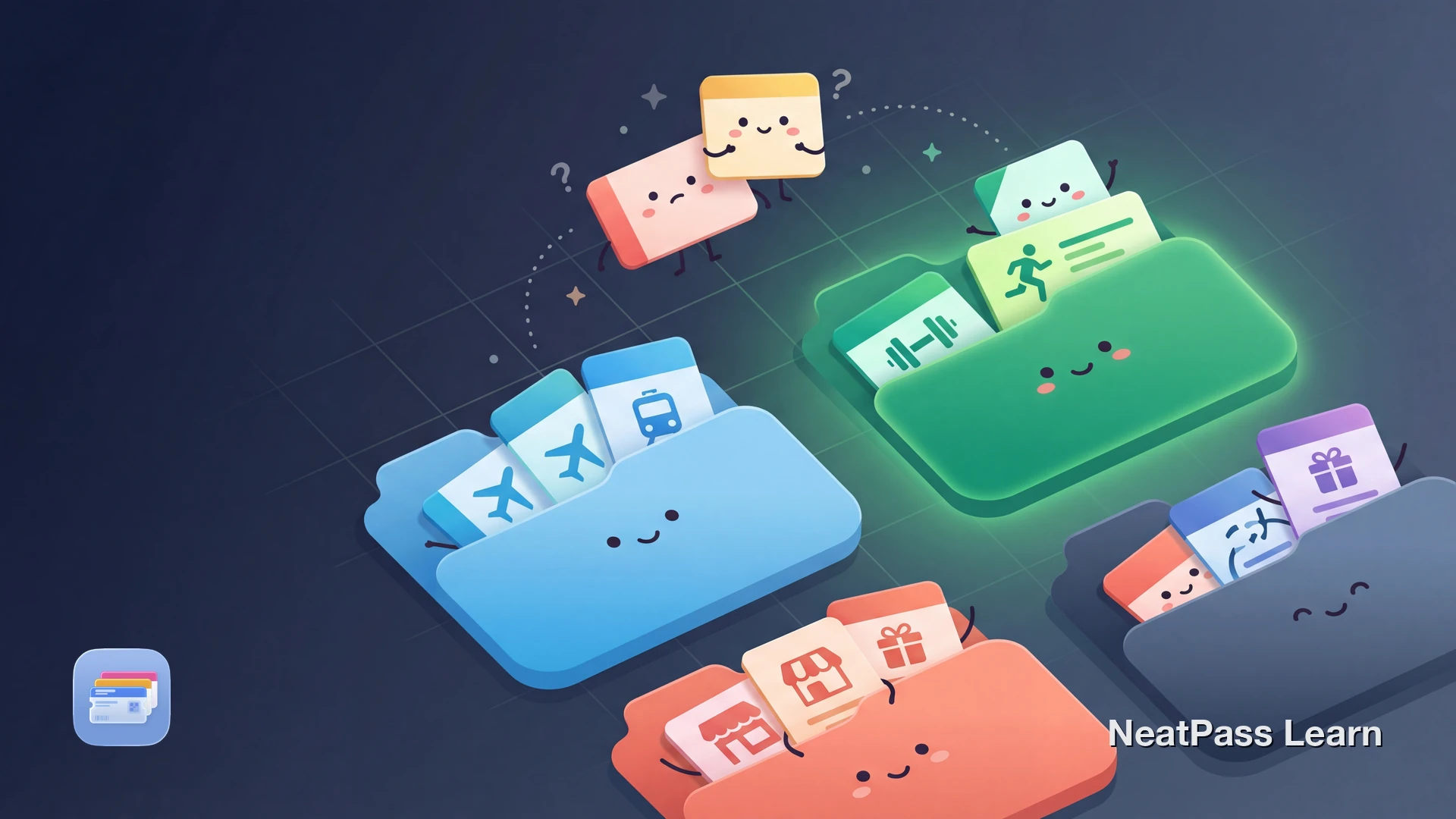
Apple Wallet stores your passes in a single flat stack. You can drag to reorder, but there are no folders, collections, or custom groups. With dozens of loyalty cards, event tickets, and membership passes, finding what you need becomes a scrolling exercise.
Third-party wallet apps fill this gap. NeatPass offers Collections - custom folders where you can group passes by category, purpose, or any system that works for you. Plus a Favorites section for one-tap access to your most-used passes.
What Apple Wallet Does and Doesn't Offer
Apple Wallet has basic organization features, but they are limited compared to what many users expect from a digital wallet.
Manual reordering
Drag passes up or down within the stack to change their position
No folders
Cannot create folders or collections to group related passes together
No categories
Cannot tag or categorize passes by type, location, or frequency of use
Automatic type grouping
Payment cards stay at the top, passes and tickets group below
For a complete breakdown of Wallet limitations, see our guide on Apple Wallet limitations.
Native Wallet vs. Companion Apps
You have two options for organizing passes on iPhone: work within Apple Wallet's constraints or use a companion app.
- All passes in one long stack
- Manual reordering only
- No folders or collections
- Search by pass name or issuer
- Hide expired passes (Settings)
- Custom folders for any category
- Favorites for quick access
- Custom icons and colors
- Still adds passes to Wallet
- Search and filter options
NeatPass works alongside Apple Wallet, not instead of it. Your passes still live in Wallet with all its benefits - offline access, lock screen suggestions, Apple Watch sync. NeatPass adds the organization layer that Wallet lacks. Learn more about managing your library.
Organize your passes
NeatPass makes it easy to convert any ticket, pass, or loyalty card to Apple Wallet.
How People Organize Their Passes
With custom collections, you can organize passes in whatever way makes sense for your life. Here are common approaches:
By category
Separate folders for loyalty cards, event tickets, travel passes, and memberships
Work vs. personal
Keep office building access, parking, and work events separate from personal passes
By trip or project
Group all passes for an upcoming trip - flights, hotels, events - in one collection
By frequency
Daily-use passes in Favorites, seasonal or occasional passes in separate folders
Event-heavy schedule?
Creating Collections in NeatPass
Collections are custom folders you create within NeatPass. Each collection can have its own name, icon, and color for visual distinction.
Open the Collections view
Create a new collection
Add passes to the collection
Access your organized passes
Each pass you add can also be customized with colors and imagesto make it instantly recognizable.
The Favorites Collection
Favorites is a special collection for your most-used passes. Think of it as your VIP section - the gym card you scan daily, the coffee shop loyalty card you use every morning, the parking pass for your building.
Unlike regular collections which you browse occasionally, Favorites is designed for instant access. Star a pass and it appears in Favorites. Unstar it when your routine changes.
Combine Favorites with home screen widgets or lock screen widgetsfor even faster access. One tap from your home screen takes you directly to your most-used passes.
Benefits of Organized Passes
Proper organization transforms how you use your digital passes:
Faster checkout
Find the right loyalty card instantly instead of scrolling through dozens
Never lose a pass
When every pass has a home, nothing gets forgotten at the bottom of the stack
Visual clarity
Custom icons and colors let you identify collections at a glance
Works offline
Collections sync locally - no network needed to access your organized passes
Your organization stays private
Frequently Asked Questions
Get organized
DownloadYour Passes, Your System
Apple Wallet is excellent at what it does - storing passes securely, showing them offline, syncing across devices. What it does not do is help you organize a growing collection of cards and tickets. That is where companion apps fill the gap.
NeatPass adds the folders and favorites that Wallet lacks while keeping all the benefits - your passes still live in Wallet, work offline, appear on your lock screen, and sync to Apple Watch. Collections is just the organization layer on top.