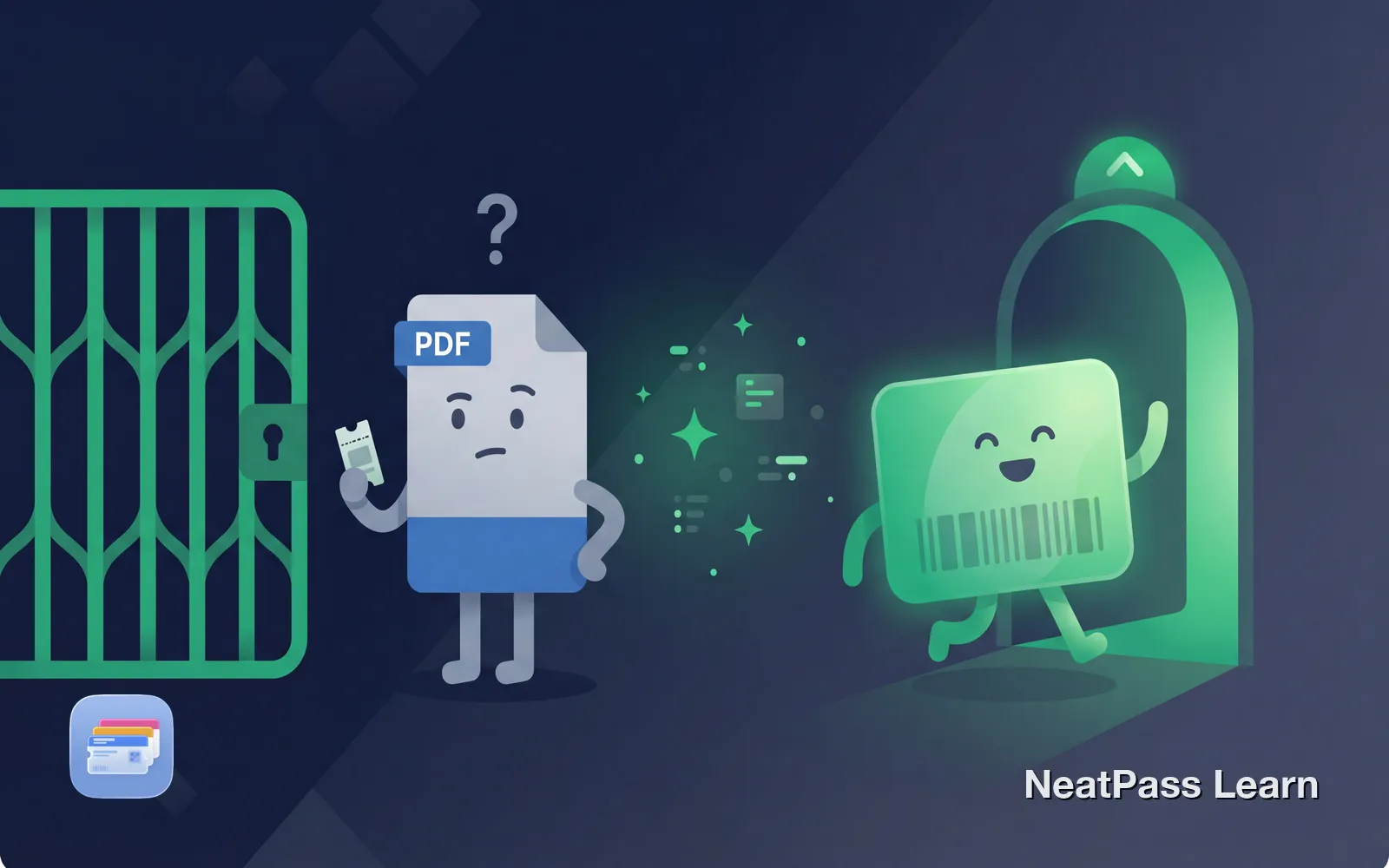
Apple Wallet does not accept PDF files, only .pkpass files work. If you have a PDF ticket with a barcode, you can extract that barcode and turn it into a native Wallet pass that works at the gate.
Why PDFs Do Not Work with Apple Wallet
Apple Wallet has a strict rule: it only accepts .pkpass files. That is Apple's proprietary format designed specifically for passes. PDFs, no matter how official they look, are just document files that Wallet cannot read.
PDF files
Document format, not recognized by Wallet
.pkpass files
Apple's native pass format, works instantly
No built-in conversion
Apple does not offer PDF-to-pass conversion
Companies must create .pkpass
Many lack the technical resources
Airlines, sports teams, and event organizers that offer "Add to Wallet" buttons have built custom integrations with Apple's PassKit framework. This requires developer resources and ongoing maintenance. Many companies, especially smaller venues and international providers, just send PDFs instead because they work universally for printing and email.
Not entirely Apple's fault
Convert your PDF tickets
NeatPass makes it easy to convert any ticket, pass, or loyalty card to Apple Wallet.
How NeatPass Bridges the Gap
NeatPass solves this by extracting the barcode from your PDF and creating a proper .pkpass file that Apple Wallet accepts. The process works through screenshots: you capture your PDF ticket, NeatPass reads the barcode, and generates a native Wallet pass.
The barcode data is identical. The scanner at the gate reads the same information whether you show the original PDF or your new Wallet pass. The difference is that your pass lives in Wallet, works offline, and opens with a double-tap.
Step-by-Step: PDF to Apple Wallet
Open your PDF ticket
Take a screenshot
Import into NeatPass
AI detects the barcode
Add to Apple Wallet
The whole process takes about 30 seconds. For email attachments, you can also use the Share Extension to send PDFs directly to NeatPass.
Multiple tickets?
Why This Actually Works
Same barcode data
NeatPass extracts the exact encoded information
Native .pkpass format
Generated pass meets Apple's Wallet requirements
Auto-brightness
Screen goes to maximum for reliable scanning
Works offline
No internet needed to display your pass
Scanners at airports, venues, and train stations read barcode data, not file formats. As long as the barcode contains the correct information, it does not matter if it comes from a PDF, a printed ticket, or an Apple Wallet pass.
Frequently Asked Questions
Convert your PDF ticket
DownloadPDF to Wallet in Seconds
With NeatPass, any PDF ticket with a barcode becomes a native Wallet pass. Screenshot the barcode, import it, and add to Wallet, ready for the gate.