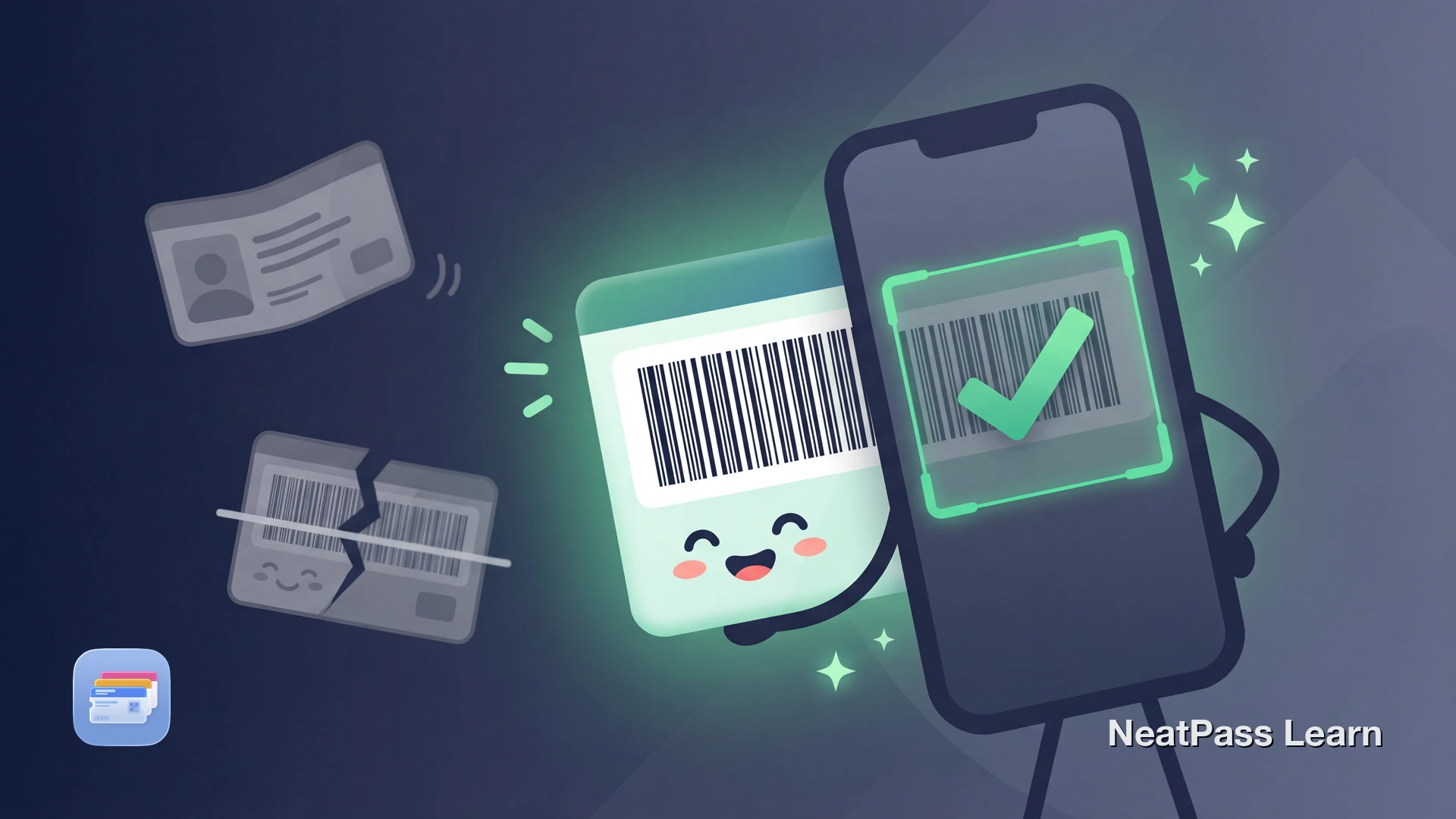
PDF417 is one of the four barcode formats Apple Wallet supports, which means your driver's license barcode can live in Wallet. The challenge is capturing it. Many apps fail to read license barcodes, leaving you with error messages or endless retry loops. This is not your phone's fault - PDF417 barcodes are genuinely difficult to scan.
Understanding why these barcodes are tricky and using the right scanning approach makes all the difference. Here is how to successfully digitize your license barcode for personal backup.
What Is a PDF417 Barcode?
PDF417 is a two-dimensional barcode format that stores data in stacked rows of bars and spaces. Your driver's license uses this format because it can hold hundreds of characters in a compact space. The barcode contains your name, address, date of birth, license number, and other details following the AAMVA standard used across North America.
Unlike simple retail barcodes, PDF417 codes require specialized decoding. NeatPass supports 18+ barcode formats, including PDF417 and other complex 2D codes commonly found on official documents.
Why License Barcodes Are Hard to Scan
Driver's license barcodes combine several factors that make scanning difficult, even for capable smartphone cameras.
High data density
Hundreds of characters packed into a small area require precise focus and steady positioning
Reflective plastic surface
The laminated card creates glare and reflections that confuse camera autofocus
Angle sensitivity
PDF417 codes must be scanned nearly straight-on, with minimal tilt
Physical wear and damage
Scratches, dirt, and fading from everyday wallet use degrade barcode readability
Some users have found success printing their license barcode slightly larger on photo paper, then scanning the printout. This works because the source is bigger and not reflective, but it is a cumbersome workaround. A better scanning approach eliminates the need for such tricks.
Scan dense barcodes with live detection
NeatPass makes it easy to convert any ticket, pass, or loyalty card to Apple Wallet.
How NeatPass Handles PDF417 Scanning
NeatPass uses camera-based scanning with real-time visual feedback, designed specifically for challenging barcodes like PDF417.
Live camera detection
Continuous scanning analyzes every frame until the barcode is captured
Bounding box overlay
Visual guide shows exactly where the barcode is detected in your camera view
Instant feedback
See immediately when the barcode is recognized without guessing
Data verification
Confirms the barcode content is readable before creating your pass
The bounding box overlay is the key difference. Instead of hoping a single snapshot captures the barcode correctly, you see exactly when detection succeeds. Learn more about live barcode detection and how it works.
Tips for Scanning Your License
Even with good scanning software, technique matters. Follow these steps for the best results.
Find good lighting
Position at slight angle
Hold steady at proper distance
Clean the card surface
No luck with live scanning?
Why Digitize Your License Barcode?
Having your license barcode in Apple Wallet is useful for several scenarios.
Your digitized license works completely offline, so there is no worry about cell service when you need to look up your details.
Important: Legal Considerations
A scanned copy of your driver's license is for personal convenience only. It is not a valid form of identification for law enforcement, TSA checkpoints, age verification at bars or clubs, financial institutions, or any official purpose that requires your physical license.
NeatPass stores your license data entirely on your device. Your data stays on your device and is never shared with third parties. Learn more in our privacy FAQ.
Always carry your physical license
Troubleshooting Scan Failures
If your license barcode still will not scan after following the tips above, try these additional steps.
- Check for physical damage: Severe scratches across the barcode may have destroyed part of the data pattern. PDF417 has error correction, but extensive damage can make recovery impossible.
- Try different lighting: Harsh shadows or uneven light can cause issues. Move to a different location with more consistent lighting.
- Use photo import instead: Take a photo of your license in ideal conditions, then import the image. This gives you more control over the capture.
- Verify your app is updated: Make sure you are running the latest version of NeatPass for the best barcode detection performance.
If none of these work, see our guide on what to do when barcodes are not detected.
Frequently Asked Questions
Your License Barcode in Wallet
PDF417 barcodes on driver's licenses are genuinely difficult to scan, but they are not impossible. The combination of live detection, visual feedback, and proper scanning technique makes capture reliable even when other apps fail.
Once digitized, your license barcode lives in Apple Wallet for quick reference whenever you need it. Just remember: it is a personal backup, not a replacement for your physical ID.
Ready to migrate your cards?
DownloadRelated Articles