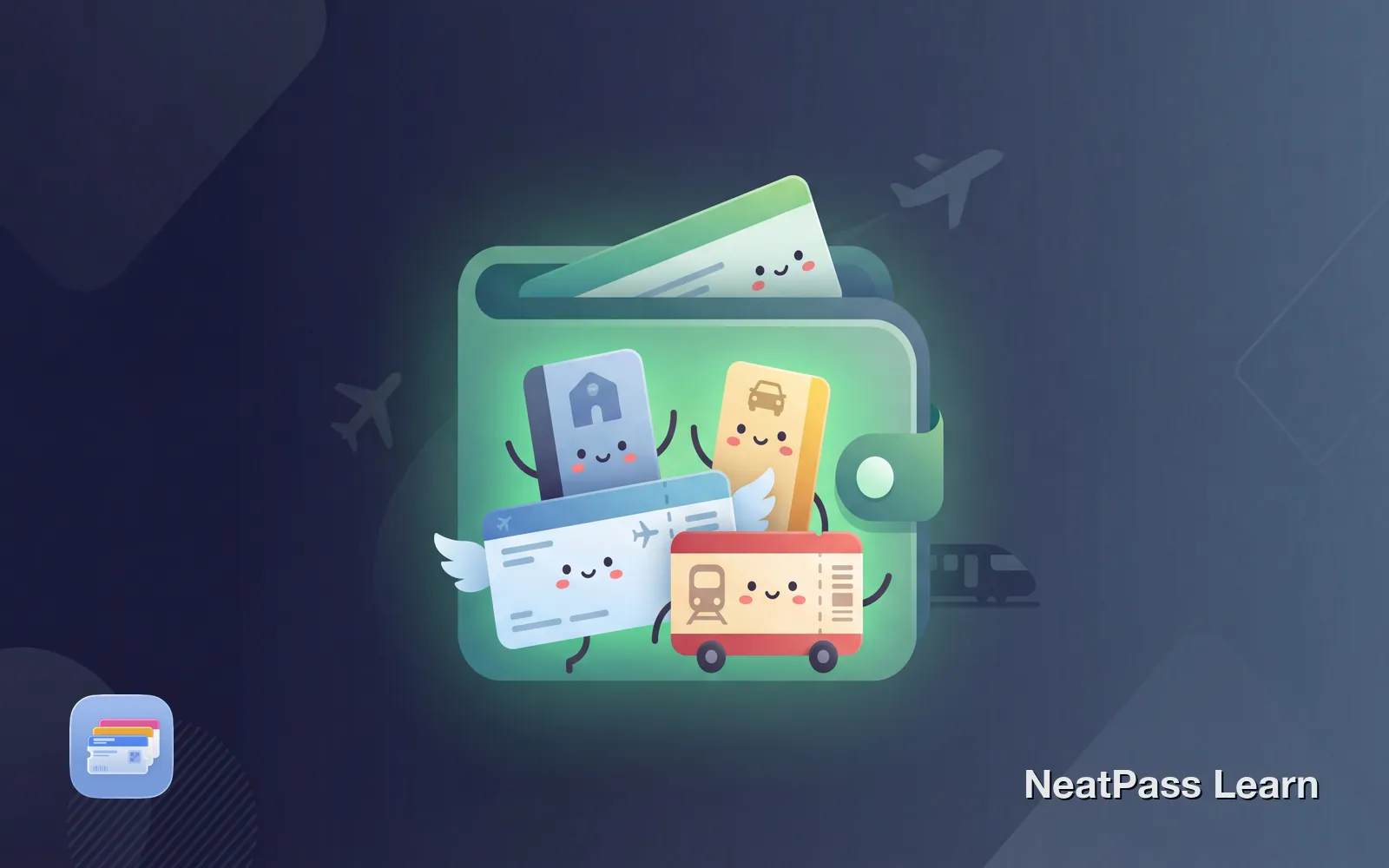
A typical trip means juggling four or five apps. The airline app for your boarding pass. The hotel app for your room key. The rental car app for your pickup confirmation. The train app for your connecting journey. Each requires a separate login, different interface, and network connectivity at the worst possible moment.
Apple Wallet can hold all your travel passes in one place. Boarding passes, train tickets, hotel keys, and event tickets live together, accessible with a double-tap from the lock screen. No app switching, no logins, no network required.
What Travel Passes Apple Wallet Supports
Apple Wallet handles most travel documents you will encounter. The key is getting them added, which varies by provider.
Boarding passes
Most major airlines support native Wallet passes with real-time updates
Train tickets
Amtrak, many European rail operators, and transit cards work natively
Hotel room keys
Hyatt, Hilton, and Marriott hotels support digital room keys
Rental car confirmations
Booking confirmations can be added, though functionality is limited
The Problem with Travel Apps
J.D. Power studies show travel apps and websites score lower satisfaction than other industries, despite being "heavily used digital tools." The specific features most used on travel day, like boarding passes and check-in, score worse than less critical features.
For a deeper look at app limitations, see why Apple Wallet beats third-party apps.
Why? Because you use them under stress:
Network dependency
Airport WiFi is unreliable, international data is expensive or unavailable
Login friction
Forgot your password? Security checkpoint is not the place to reset it
App crashes
Airlines report frequent crashes during peak travel times
Context switching
Jumping between apps while holding luggage and watching the clock
Works without internet
Add your travel passes
NeatPass makes it easy to convert any ticket, pass, or loyalty card to Apple Wallet.
How to Get Boarding Passes in Wallet
Most major airlines support Apple Wallet directly. After online check-in, look for the "Add to Apple Wallet" button in your confirmation email or the airline's app.
Complete online check-in
Look for the Wallet button
Tap to add
Airlines with native Wallet support include Delta, United, American, Southwest, British Airways, Lufthansa, Air France, and most major carriers. Budget and regional airlines are less consistent.
No Wallet option?
Adding Train Tickets
Train ticket support varies by region and operator. In the US, Amtrak supports Apple Wallet for most tickets. In Europe, support is fragmented.
- Amtrak - Native Wallet support through the app
- Deutsche Bahn - Domestic tickets support Wallet via DB Navigator; international tickets do not
- UK National Rail - Many operators support Wallet via Trainline app
- Other European operators - Check individual apps for Wallet export options
For tickets without native support, NeatPass can create Wallet passes from the barcode using on-device AI. No uploads, no account required. Learn more about European train tickets in Apple Wallet.
Hotel Room Keys in Wallet
Several major hotel chains support digital room keys directly in Apple Wallet. Hyatt pioneered this feature, with Hilton and Marriott following.
Skip the front desk
Check in through the app and go straight to your room
Works on Apple Watch
Room keys sync automatically to your paired watch
Power Reserve mode
Key works up to 5 hours even when iPhone battery is dead
Auto-updates
Room changes or extended stays update automatically
To add a hotel room key, you need the hotel's app installed and an upcoming reservation. The "Add to Wallet" option appears once your room is ready.
What About Rental Cars and Confirmations
Rental car confirmations can be added to Wallet, but functionality is limited. These passes typically show booking details and confirmation numbers but cannot unlock cars or complete check-in.
For rental car confirmations, NeatPass lets you create custom passes with your booking details and barcodes from confirmation emails. Choose from multiple import methods, screenshot the barcode or forward the email. NeatPass supports all common barcode types used on travel confirmations.
Managing Multiple Travel Passes
With multiple passes in Wallet, organization matters. Apple Wallet groups related passes, but you can also:
- Name passes clearly - "MUC to FRA Dec 15" is more useful than "Flight"
- Use location alerts - Passes can appear automatically when you arrive at airports or stations
- Archive expired passes - Keep your Wallet clean by removing old tickets
Learn how to set up widgets for quick access to your most-used passes right from your home or lock screen.
Benefits of Consolidated Travel Passes
One-tap access
Double-tap the side button for instant access to any pass
Works offline
No network needed at security, boarding, or check-in
Auto-brightness
Screen brightens automatically for scanners
Location-aware
Relevant passes surface when you arrive at locations
Your travel data stays private
Frequently Asked Questions
Organize your trip
DownloadOne Wallet for Every Trip
Consolidating your travel passes in Apple Wallet removes friction at every checkpoint. No more app switching, no digging through emails, no worrying about network connectivity. Your boarding pass, train ticket, hotel key, and rental confirmation are all one tap away.
For passes that providers will not add natively, NeatPass fills the gap. Import any barcode from a screenshot or PDF, customize the pass details, and add it to Wallet alongside your official passes. NeatPass keeps your original ticket attached to each pass, so you always have the full confirmation if needed.