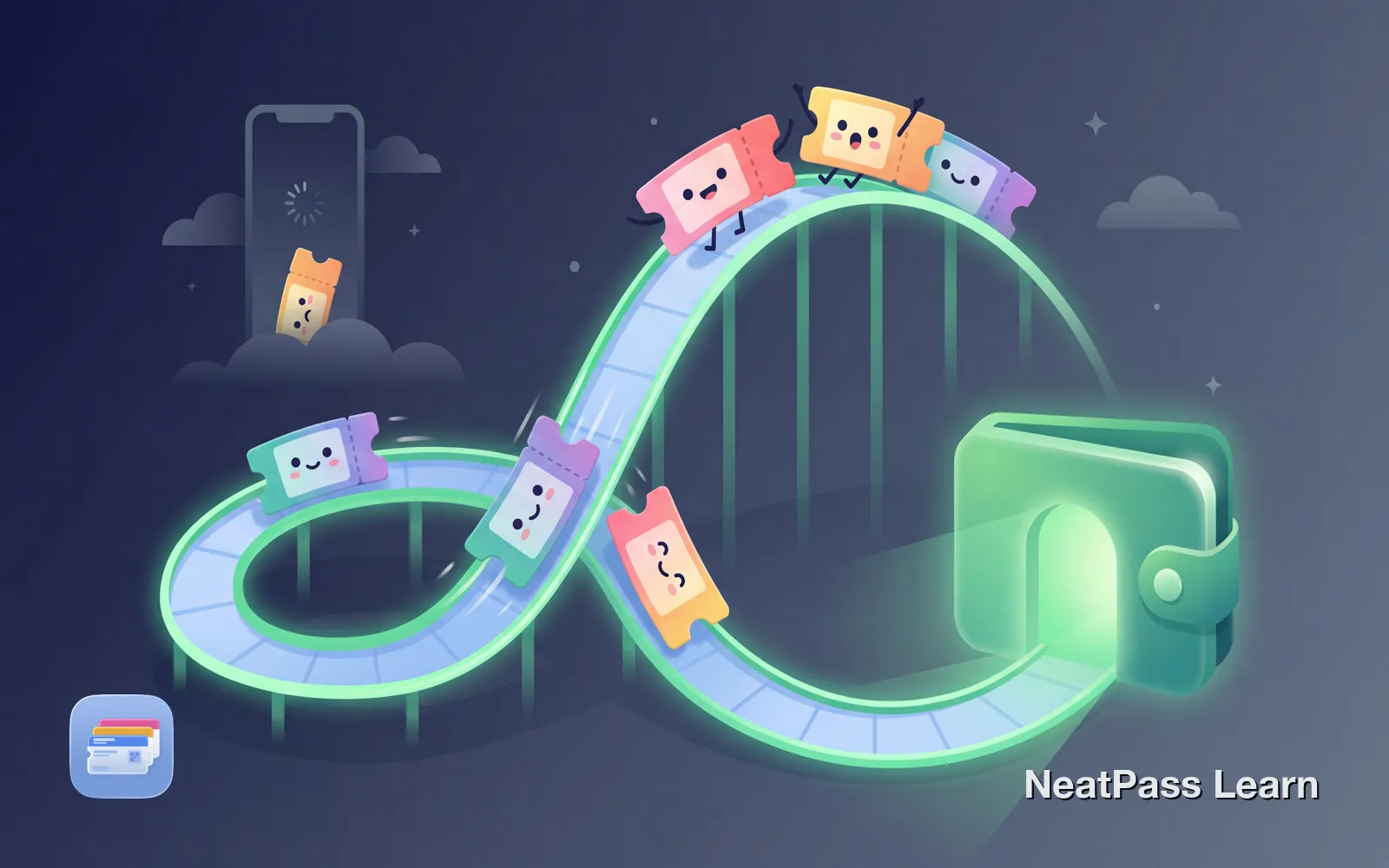
Theme park apps are notorious for slow loading, especially when thousands of visitors are trying to enter at once. Standing at the turnstile while your ticket refuses to load is stressful, and the people behind you will let you know.
Apple Wallet offers instant access to tickets without waiting for apps to load or authenticate. The challenge is that theme park support varies wildly. Here is which parks support Wallet natively and how to get your tickets there regardless.
The Theme Park App Problem
Every major theme park has its own app, and each one wants to be your single point of access for tickets, reservations, mobile ordering, and more:
Slow loading
Apps struggle when thousands of guests hit the servers at rope drop
Spotty connectivity
Crowded parks often overwhelm cellular networks right when you need them
Battery drain
Park apps running all day for wait times and reservations drain your phone
Multiple apps
Visit different parks? Disney, Universal, Six Flags each need their own app
By the time you reach the front of the line, your phone has been in your pocket, the app has timed out, and you are holding up everyone behind you while it reloads.
Parks That Support Apple Wallet Natively
Some theme parks offer direct Apple Wallet integration. When available, this is the easiest path to instant ticket access:
Disney Parks (MagicMobile)
MagicMobile - Walt Disney World offers MagicMobile, a free service that adds your park tickets directly to Apple Wallet. Once added, Express Mode lets you tap into parks without unlocking your phone or opening any app. MagicMobile also works for Lightning Lane check-ins, PhotoPass connections, and hotel room charges.
Disneyland Resort offers similar functionality through the Disneyland app with Apple Wallet integration.
Six Flags
Six Flags recently improved their Apple Wallet support. The Six Flags app now offers an "Add to Wallet" option for tickets and season passes. Look for this button in your ticket confirmation.
Hersheypark
Hersheypark provides a direct "Add to Apple Wallet" button in ticket confirmation emails. Both regular tickets and season passes can be saved to Wallet for quick scanning at turnstiles.
LEGOLAND
LEGOLAND issues digital passes that can be added to your mobile wallet. After purchasing, you receive a confirmation email with an option to save tickets to your phone. All passes are digital only and must be presented on a mobile device.
Check confirmation emails first
Get your theme park tickets in Wallet
NeatPass makes it easy to convert any ticket, pass, or loyalty card to Apple Wallet.
Parks That Require Workarounds
Not every park makes it easy. Some rely entirely on their proprietary apps:
- Disney (MagicMobile)
- Six Flags (app integration)
- Hersheypark (email link)
- LEGOLAND (digital passes)
- Many regional parks
- Universal Studios (proprietary wallet)
- Busch Gardens (limited support)
- SeaWorld (app-based)
- Cedar Fair parks (varies)
- Some local parks
Universal Studios
Universal Orlando and Universal Studios Hollywood use proprietary ticket wallets within their apps rather than Apple Wallet integration. Your tickets live in the Universal app, which means you need the app loaded and working at park entry.
Busch Gardens and SeaWorld
These parks have moved toward digital-only tickets but do not make Apple Wallet integration straightforward. You may need to use NeatPass to convert your ticket barcodes into Wallet passes.
Converting Theme Park Tickets to Wallet
When a park does not support Apple Wallet natively, you can still get your tickets there. NeatPass converts ticket barcodes into proper Wallet passes that work offline and display instantly.
Find your ticket barcode
Import into NeatPass
Review extracted details
Add to Apple Wallet
You can customize the pass design with colors that match the park or help distinguish different ticket types.
Keep the original accessible
Multi-Day Passes and Annual Passes
Theme park visits often span multiple days. Whether you have a multi-day ticket, annual pass, or season pass, getting it into Apple Wallet saves time every single visit:
Multi-day tickets
One pass for all your visit days, no need to switch between tickets
Annual/season passes
Single tap entry for every visit throughout the year
For Disney Annual Passholders using MagicMobile, your pass automatically works at all four Walt Disney World parks. Converted passes through NeatPass work the same way, the barcode data is identical regardless of which day you visit.
Managing Family Tickets
Theme park visits with family mean managing multiple tickets. Standing at the turnstile switching between five barcodes in an app while kids get impatient is nobody's idea of fun:
Create individual passes
Group or distribute
Practice the flow
When passes share the same event details, Apple Wallet groups them together. Swipe left on the first pass to reveal others in the group. Learn more in our guide on managing family tickets on one phone.
Use lock screen widgetsto make frequently used passes even more accessible. You can also add home screen widgets for one-tap access to specific tickets.
Why Wallet Beats Apps at Theme Parks
Theme parks are uniquely challenging environments for mobile apps. Apple Wallet handles these challenges better:
No internet needed
Passes work offline, crucial when cell service fails at crowded parks
Instant display
Double-tap the side button, no app loading or login needed
No battery drain
Wallet passes use minimal power compared to full apps
Location awareness
Your theme park pass can appear automatically when you arrive
The difference is especially noticeable at rope drop when everyone rushes the gates simultaneously. While others wait for apps to load, you tap and walk through.
Frequently Asked Questions
Quick Access at the Turnstile
Theme park days are long enough without waiting for apps to load at every turnstile. Getting your tickets into Apple Wallet - whether through native integration like Disney MagicMobile or by converting barcodes with NeatPass, means instant access every time.
Start with your next park visit. Find your ticket, check for an "Add to Wallet" option, or convert the barcode if needed. When you walk up to the turnstile and tap through while others are still waiting for their apps to load, you will understand why this matters.
Ready to migrate your cards?
Download