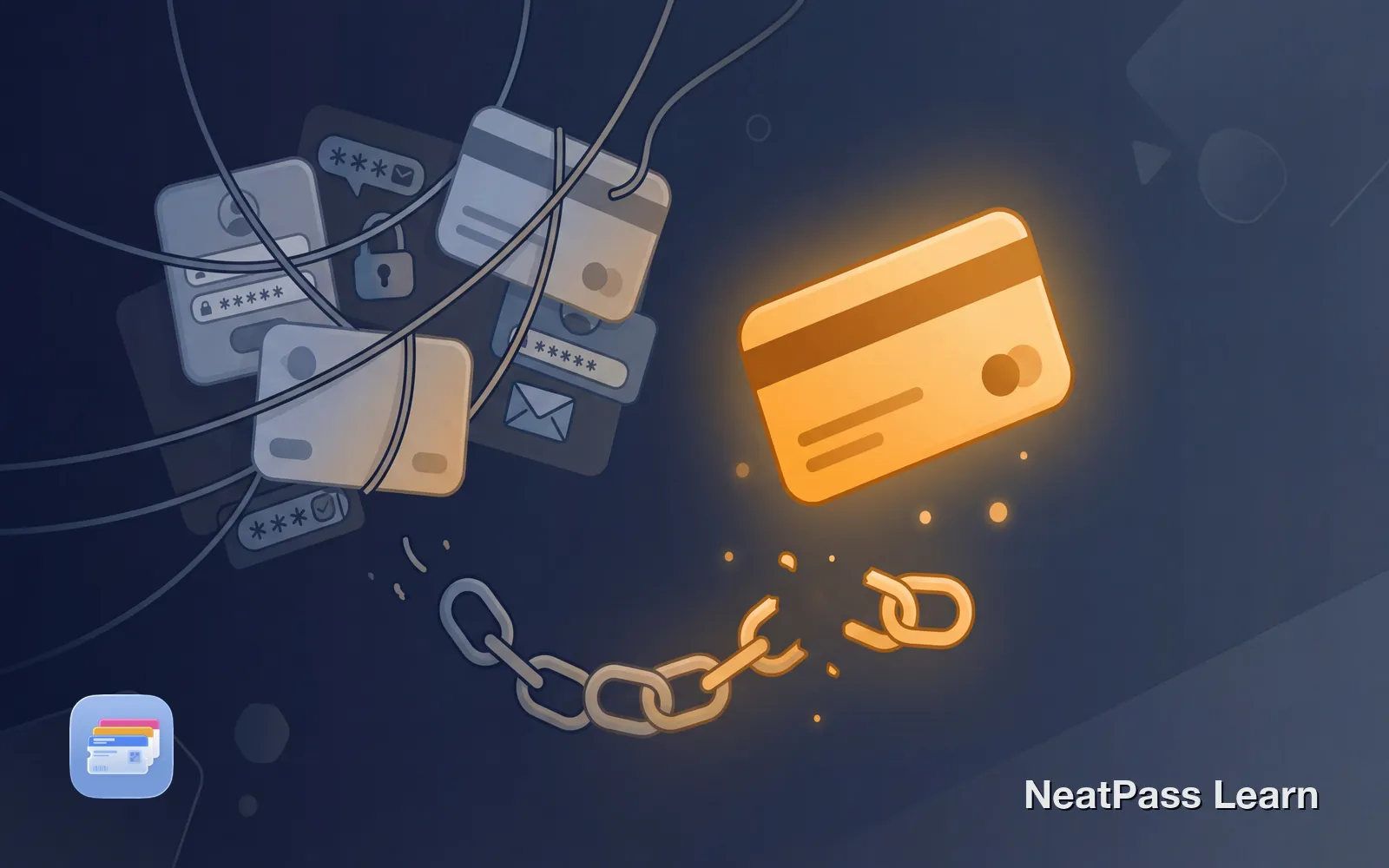
Another app wants your email address. Another password to remember. Another company storing your personal information on their servers. For something as simple as storing a loyalty card, does it really need to be this complicated?
The short answer: no, it doesn't. But most wallet apps require accounts anyway, and there's a reason for that. Let's explore why apps demand your email, what risks come with account-based apps, and how you can avoid all of this entirely.
Why Do Wallet Apps Require Accounts?
When an app asks for your email before you can use it, there's usually more going on than "security" or "convenience." Here's what companies actually want:
Data collection
Your email, usage patterns, and card data become part of their database
User tracking
Apps track which stores you visit, how often, and when
Cloud sync as a feature
Storing your data on their servers lets them analyze and monetize it
Engagement metrics
Accounts let companies measure retention and target you with notifications
Many apps use Software Development Kits (SDKs) from third parties that collect data about you. This data can be sold to advertisers, marketers, or data brokers. The "free" app you're using might be making money from your information without you realizing it.
The real cost of free
Risks of Account-Based Wallet Apps
Creating an account for every app might seem harmless, but it comes with real risks:
Data Breaches
Companies get hacked. In 2025 alone, major loyalty programs experienced significant breaches. The UK's Co-op had 6.5 million customer records exposed in a cyberattack. Marks & Spencer suffered a ransomware attack that exposed customer names, contact details, and order histories. Harrods confirmed hackers stole data linked to 430,000 customer records through a third-party provider.
When you create an account, your data sits on someone else's server. It's only as safe as their security practices, and even large companies can fail.
Password Fatigue
The average person has dozens of online accounts. When you're forced to create yet another password, you're more likely to reuse one you already have. This creates a vulnerability: if one service gets breached, every account with that same password is at risk.
Account Lockouts
Forgot your password? Email provider changed? Company requires a phone number you no longer have? You could lose access to all your saved cards. Some users have reported being locked out of apps like Stocard when transitioning to Klarna's system.
Email Spam
Once a company has your email, expect marketing messages, promotional offers, and "we miss you" emails. Unsubscribing doesn't always work, and your email might be shared with "partners."
The Benefits of No-Account Apps
Apps that don't require accounts offer a fundamentally different approach to privacy:
- Privacy by default
- No email or password required
- No data on external servers
- Nothing to breach
- Delete the app, delete everything
- Your data stored on company servers
- Risk of data breaches
- Password to remember
- Marketing emails
- Account lockout risk
With no-account apps, you get simplicity. Download, open, and use. No verification emails, no password requirements, no terms of service to accept about data sharing.
Ready for privacy without compromise?
NeatPass makes it easy to convert any ticket, pass, or loyalty card to Apple Wallet.
NeatPass: No Account Required
NeatPass was built with a privacy-first philosophy. No email. No password. No phone number. Your loyalty cards and passes stay entirely on your device.
Everything on-device
Your passes are stored locally on your iPhone, not on any server
No tracking
NeatPass does not know what cards you have or which stores you visit
Complete deletion
Delete the app and everything goes with it. No trace left behind
No external dependencies
No server to go offline, no company to get acquired, no service to shut down
For more details on how NeatPass handles your data, see the privacy FAQ.
Apple Wallet: Also No Account Required
Here's something many people don't realize: Apple Wallet itself doesn't require an account for storing passes. You need an Apple ID for Apple Pay (credit cards, transit cards), but for regular passes like loyalty cards, boarding passes, and event tickets, your passes are simply stored on your device.
When you use NeatPass to create Apple Wallet passes, those passes live in Apple's native wallet app. Apple doesn't track which loyalty cards you have or which stores you frequent. The passes sync through iCloud if you have it enabled, but that's Apple's secure infrastructure, not some third-party startup's server.
What You Avoid Without Accounts
By choosing apps that don't require sign-up, you sidestep a long list of potential problems:
Frequently Asked Questions
Go account-free
DownloadTake Back Your Privacy
The next time an app asks for your email to store a simple loyalty card, ask yourself: why do they need it? The answer is almost never "for your benefit."
Apps that work without accounts exist because some developers believe your digital wallet shouldn't require you to trade your privacy for convenience. NeatPass is one of them. Your cards, your phone, your privacy.
Quick privacy check