Education
Best Way to Store Loyalty Cards on iPhone (2026 Guide)
Compare iPhone loyalty card storage: Apple Wallet vs apps vs store apps. Learn which method is most reliable, private, and convenient for your cards.
5 min read
Guides, tips, and migration help for getting the most from your digital passes.

Compare iPhone loyalty card storage: Apple Wallet vs apps vs store apps. Learn which method is most reliable, private, and convenient for your cards.

Learn how iOS 26 brings live flight tracking to Apple Wallet boarding passes. See gate changes, delays, and boarding times right on your lock screen.

Learn what data loyalty card apps collect about you, how it's used, and discover privacy-first alternatives that don't track your every move.

Discover why Apple Wallet is the best place for your passes. Learn about the benefits of native wallet integration over third-party apps.
Which airlines support Apple Wallet boarding passes, what works on iOS 26, Apple Watch sync status, and how to convert any PDF when no Wallet button appears.

Apple Wallet pass not adding, updating, syncing, or scanning? Start with the symptom, find the likely cause, and use the right fix.
DB Navigator's Add to Wallet button missing or doing nothing? Diagnosis by ticket type plus a NeatPass fallback when the bahn.de PDF refuses Wallet.

Convert PDF boarding passes, event tickets, and train tickets to Apple Wallet. Extract barcodes from email attachments for instant access.

Tired of subscriptions? Find wallet apps that let you pay once and own forever. Why one-time purchases make sense.

Stocard is shutting down, but Apple Wallet was always the superior choice. Here's why native Wallet beats any third-party loyalty card app.

Learn exactly what data NeatPass collects in bug reports and what it never touches. Barcodes automatically redacted, no tracking, complete transparency.

Third-party wallet apps often need internet to work. Learn why offline-first matters and how Apple Wallet keeps your passes accessible anywhere.

Stocard is gone and Klarna kept the cards in a payments app. Here's how to get every loyalty card back, as real Apple Wallet passes, no account.

Complete step-by-step guide to migrate all your Stocard loyalty cards to Apple Wallet using NeatPass. Takes about 20 seconds per card.

Compare Apple Wallet vs third-party wallet apps. Learn how passes work, where data is stored, and which option suits you best.

Screenshot tickets often fail to scan at checkout. Learn why barcodes break when screenshotted and how to create reliable Wallet passes.

No Add to Wallet button? Learn how to add concert, sports, and festival tickets to Apple Wallet, even from Ticketmaster or Eventbrite.
Which event tickets work in Apple Wallet, why rotating barcodes block screenshots, and how to handle Ticketmaster, Eventbrite, AXS, DICE, Fever, and Eventim.
Compare top wallet pass apps for iPhone in 2026. One-time purchase vs. subscription, native passes vs. in-app storage, privacy compared.
Which wallet apps create native Apple Wallet passes instead of keeping cards in-app? Compare pass creation, privacy, and portability before choosing one.

On-device AI keeps your tickets private. No uploads, no servers. Your boarding passes and event tickets never leave your phone.

Why do wallet apps need your email? Learn about the privacy benefits of no-account wallet apps and how to store passes without signing up.

Get your Deutschlandticket into Apple Wallet. See which providers support it, how to enable auto-updates, and workarounds for those that don't.
Move loyalty cards, membership cards, and static tickets into Apple Wallet. See what transfers, what does not, and how to rebuild passes safely.
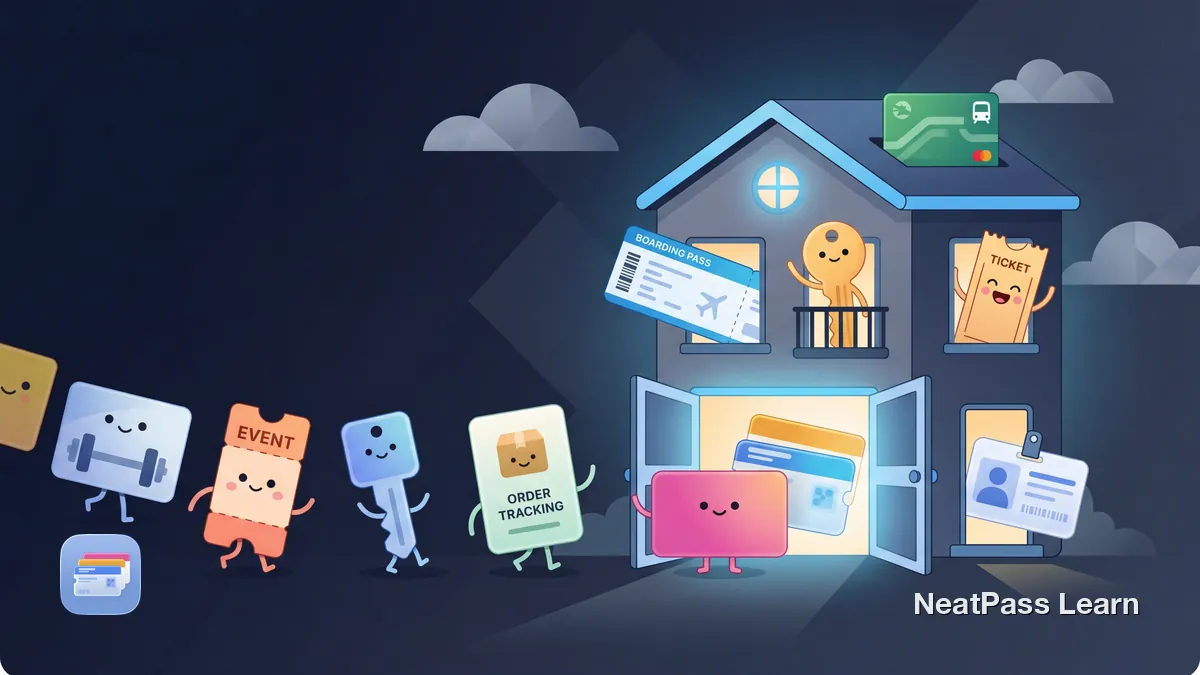
Complete 2026 guide to Apple Wallet: payments, transit, tickets, keys, IDs, passports, order tracking, and what still needs a third-party app like NeatPass.

Unlock Apple Wallet's hidden features: lock screen access, location alerts, Express Mode, AirDrop sharing, and more tips you're probably missing.
Add loyalty, rewards, and membership cards to Apple Wallet. See which cards need the original app and which static barcodes work through NeatPass.
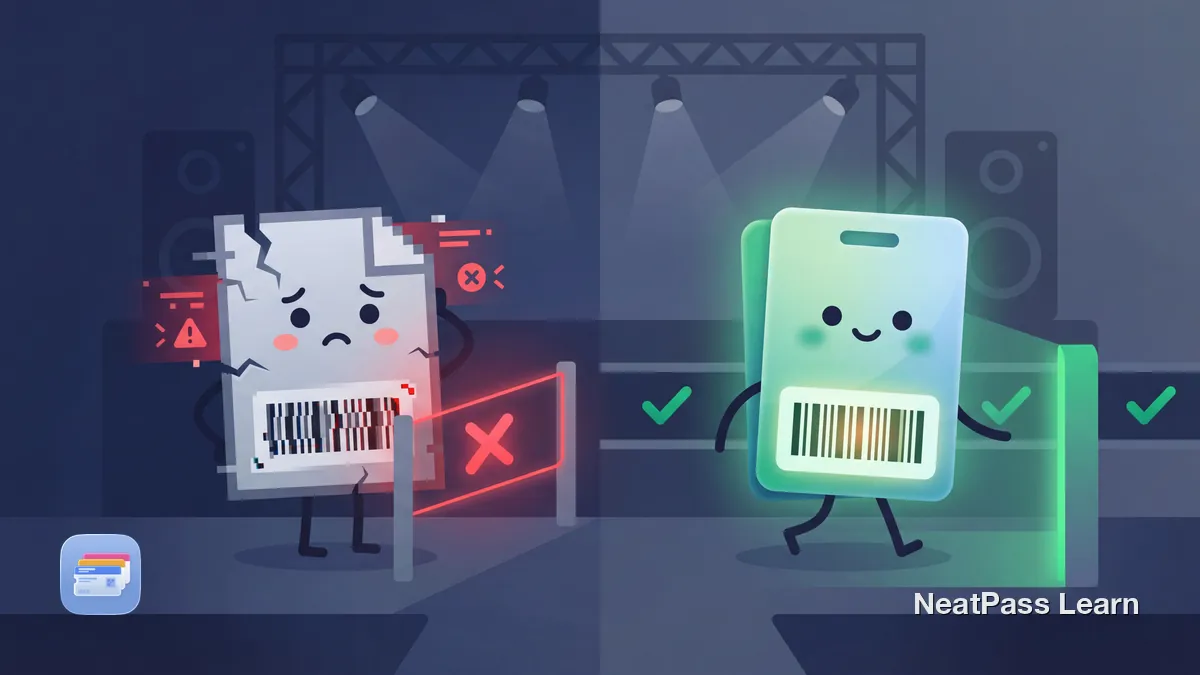
A screenshot won't scan because the barcode rotates every few seconds. Here's what actually gets you through the gate and how to keep a static backup.
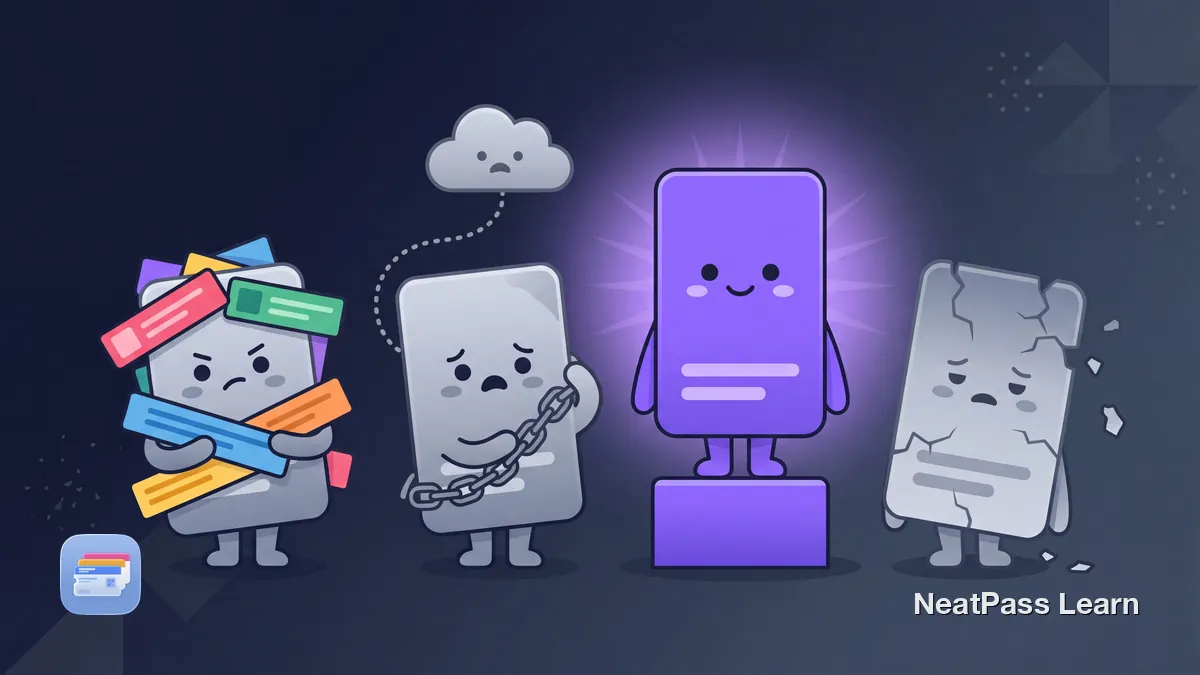
Pass2U, WalletPasses, Stocard, and NeatPass compared on price, ads, accounts, and where your card data goes. Find the best Apple Wallet pass app for you.

Compare web tools with NeatPass, the native iPhone route from static barcode photos, screenshots, PDFs, and emails to signed Apple Wallet passes.
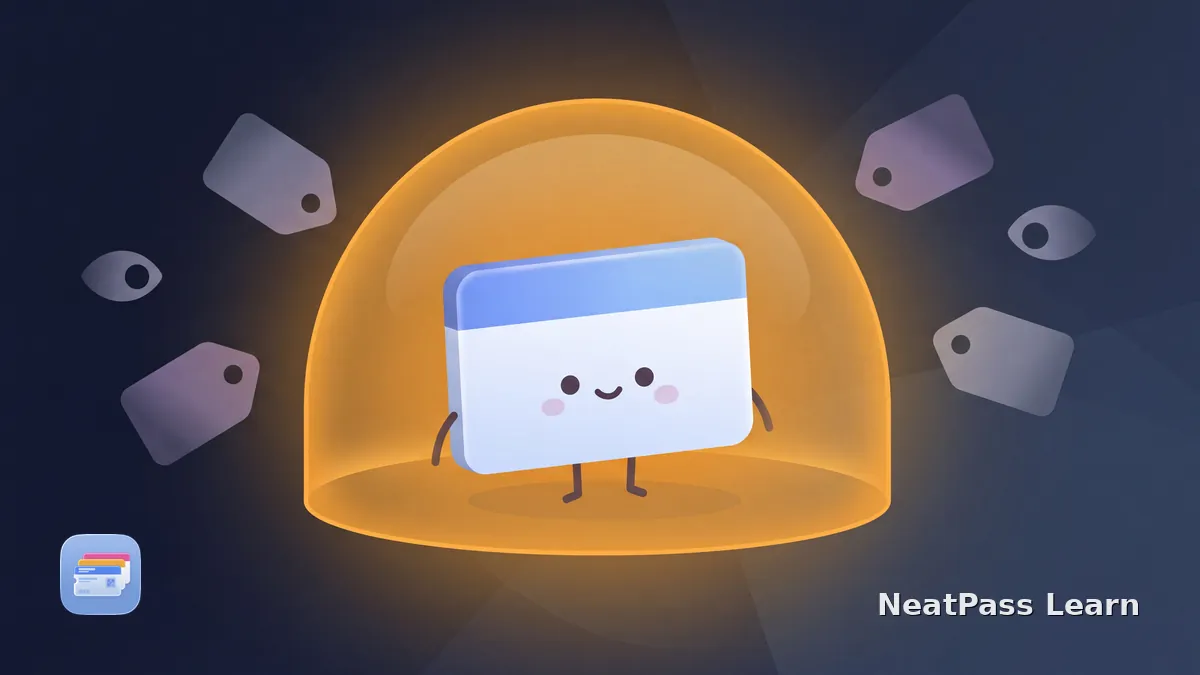
Do wallet pass apps sell your data? It depends on how they make money. Learn how to spot ad-funded tracking and pick an app that keeps your cards private.
Wallet app permissions explained: what camera, photos, location, notifications, and tracking really do, which a pass app needs, and how to grant only those.
Pass2U already creates Apple Wallet passes. Try the built-in Add to Apple Wallet flow first, then rebuild stuck passes from barcodes only when needed.

Stocard to Klarna transfer failing with a technical error? Here is how to save your barcode and recreate your loyalty cards in Apple Wallet instead.
Sync and display Apple Wallet passes on your Apple Watch. Boarding passes, loyalty cards, and event tickets on your wrist, accessible with one double-click.
Some passes share by AirDrop or iMessage; many block it. Which passes can be shared, why yours can't, and how to make a copy anyone can add.

Apple Wallet only accepts .pkpass files, not PDFs. Learn why your PDF ticket gets rejected and how to convert it into a native Wallet pass that actually works.
Whether your Bundesliga Dauerkarte works in Apple Wallet depends on the club. Some offer native Wallet tickets, others lock it in an app. NeatPass adds the PDF.
NeatPass vs Pass2U Wallet compared: on-device AI scanning, pricing, accounts, and privacy. See which Apple Wallet pass app fits the way you add your cards.
WalletPasses is an Android app for viewing .pkpass files. On iPhone, Apple Wallet opens passes natively. Here is what an iPhone actually needs instead.
Boarding pass barcodes can expose your name, booking locator, route, flight, seat, and other data. Learn what they contain and how to share tickets safely.
Google Wallet passes don't transfer to iPhone. Learn how to recreate loyalty cards, tickets, and passes in Apple Wallet after switching from Android.
Stocard shut down. The best alternative depends on what you used it for. Compare Apple Wallet via NeatPass, Klarna, Pass2U and plain store apps.

iOS 26 adds AutoFill, AI order tracking, Digital ID, redesigned boarding passes, and more to Apple Wallet. Here is what changed and how to use each feature.

Wallet passes only surface on the Lock Screen near the right time or place. Here's the setting that controls it and why your pass stays hidden.
German loyalty cards in Apple Wallet: Lidl Plus, dm active beauty, PAYBACK, ADAC, coupon limits, scanner issues, and the NeatPass workaround.

Yes, you can add a photo to Apple Wallet. Convert any image with a barcode into a real Wallet pass: screenshots, photos, PDFs, from any source.
Apple Wallet vs Google Wallet compared: platforms, adding your own cards, digital IDs, car keys, and what happens to your passes when you switch phones.
Can you use Apple Wallet on Android? Find the issuer, Android, and Google Wallet options that can hold a ticket or membership pass.
Moving from Pass4Wallet while preserving Apple Wallet passes? Recreate supported static barcodes in NeatPass from a screenshot, photo, or physical card.
Moving from WalletPasses to iPhone? Open an original .pkpass in Apple Wallet, or recreate missing cards in NeatPass from a barcode screenshot or physical card.

Apple Wallet holds more than credit cards. Discover all the pass types you can store, from boarding passes to hotel keys, ID cards, and more.
New to Apple Wallet? This beginner's guide explains what it stores, how to add passes and tickets, and practical tips to get the most out of it every day.
Your .pkpass file won't open? Learn the common causes like VPN issues and expired certificates, and how to fix them.

Costco's official membership card is not an Apple Wallet pass. Learn when a barcode copy from your physical card may work and which official card or app to keep ready (2026).
Stocard has shut down. See how NeatPass compares as a replacement: cards in Apple Wallet, no account, on-device scanning, and a one-time price, not ads.
Klarna now holds Stocard's loyalty cards, but it is a payments app. Compare NeatPass: cards in Apple Wallet, no account, on-device scanning, one-time price.
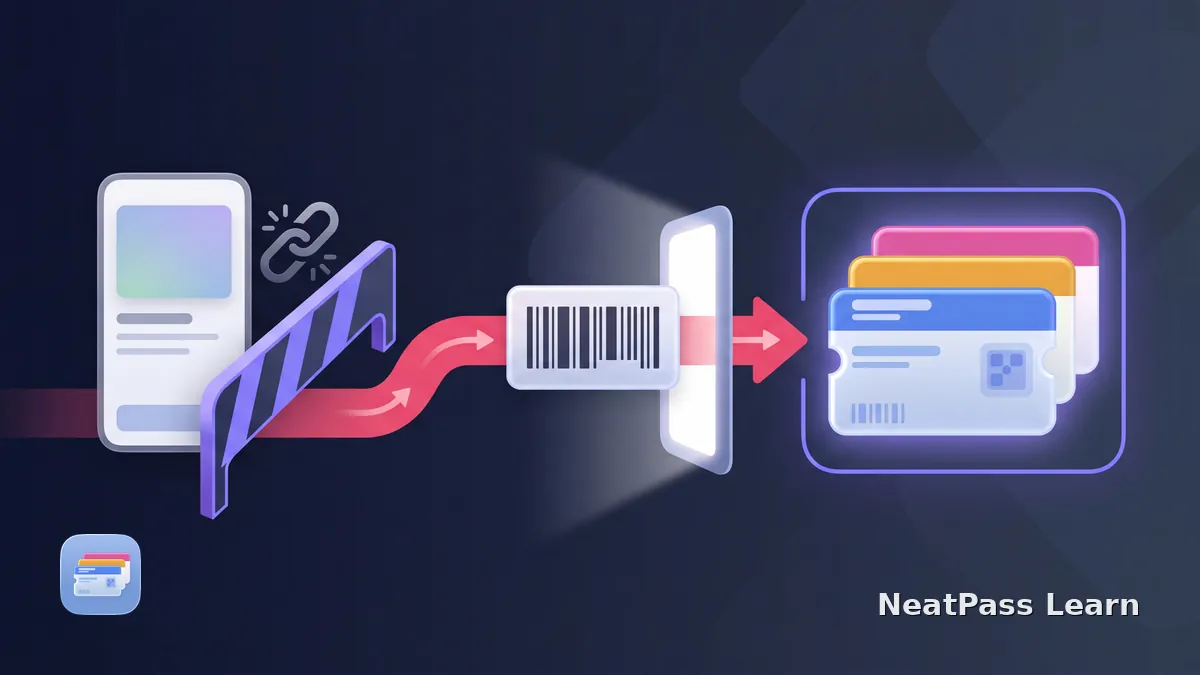
Moving cards from SuperCards? Use a clear static barcode screenshot or physical card to recreate each card in NeatPass, then add the new passes to Apple Wallet.
Learn how NeatPass adds deep links to exported Apple Wallet passes. Tap a button on the back of your pass to open it in NeatPass for editing and more.
Event pass disappeared from lock screen after day 1? Learn why Apple Wallet's single relevantDate hides multi-day event passes and how to fix visibility.

Most retailers don't support Apple Wallet for loyalty cards. Learn why stores skip Wallet integration and how to add any loyalty card using its barcode.
Deutsche Bahn doesn't support Apple Wallet for BahnCard. Learn how to turn the QR code from the official PDF into a handy Wallet pass using NeatPass.
Compare NeatPass, IntoWallet, Pass2U, PassX, and MakePass as Pass4Wallet alternatives, with current App Store status and the right replacement path.
Fix Apple Wallet barcode scanning issues. Learn why passes fail to scan and troubleshoot brightness, positioning, data corruption, and scanner problems.

Honest guide to Apple Wallet limitations: no NFC cloning, bank requirements, no screenshots. Learn which workarounds actually work.
Starbucks Wallet support varies by region and app, with UK and US flows differing. Learn how to use native support when offered or save an eligible barcode as a convenience Wallet copy.
Klarna keeps loyalty cards in its own app with no Apple Wallet export. Learn why, what the workaround is, and how to get your barcode into Wallet anyway.
Complete guide to Apple Wallet card types: payment, transit, tickets, loyalty, keys, IDs. What works natively vs what needs NeatPass.

Convert your physical loyalty cards to Apple Wallet passes. Scan any barcode, create native passes, and access your cards instantly from the lock screen.
Sam's Club Apple Wallet support has been unreliable. Here's how to add your membership barcode to Wallet for instant lock screen access at checkout and entry.

AARP officially supports Apple Wallet, but the integration is broken for many members. Here's how to get your membership card in Wallet reliably.

Wallet passes are convenient, but your original ticket matters. Learn when you need source documents and how to keep them accessible alongside your passes.
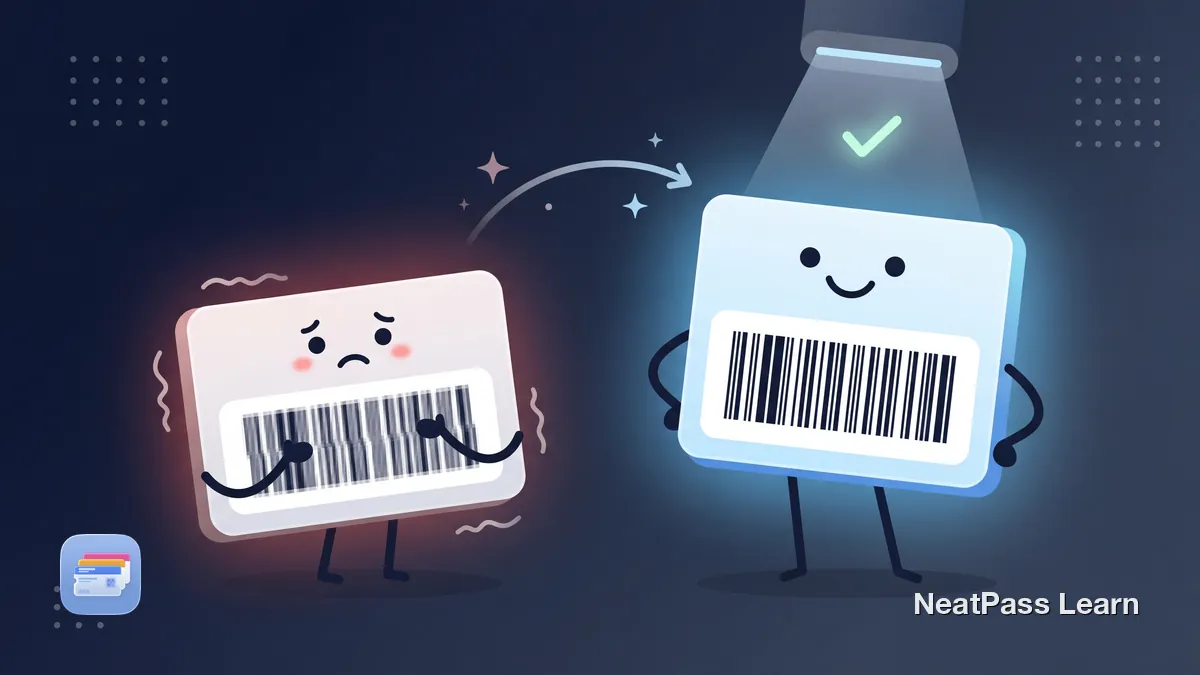
Your Apple Wallet pass barcode looks blurry and won't scan. Learn why screenshot-based passes lose barcode quality and how to get crisp, scannable passes.
Most gift cards don't support Apple Wallet natively. Here's how to add Target, Amazon, and other retail gift cards to your Wallet using a barcode workaround.

Official Wallet student IDs depend on participating schools and issuers. Learn which barcode uses may work and what still needs your physical card.

QR, Code 128, PDF417, Aztec, EAN. Learn how different barcode types work and how to convert any format to Apple Wallet for reliable scanning.

Does your pass say expired while the ticket may still be accepted? Learn how expirationDate and relevantDates affect Wallet, how to check Expired, and how to keep eligible passes visible.

Turn any screenshot of a ticket, loyalty card, or boarding pass into a native Apple Wallet pass. Yes, it's actually possible.
Got an email ticket without 'Add to Wallet'? Create a native Apple Wallet pass from the barcode that works offline.
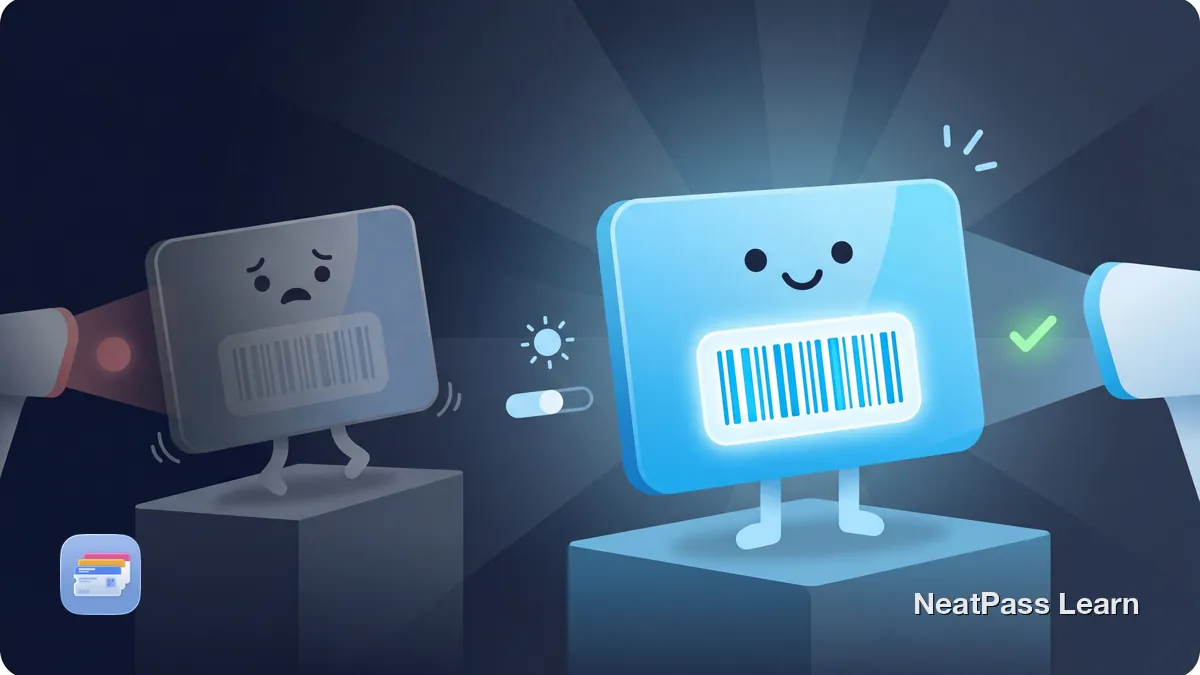
Apple Wallet barcode scanning tips: how auto-brightness works, fixing glare and screen protector issues, and quick fixes for hard-to-scan passes.
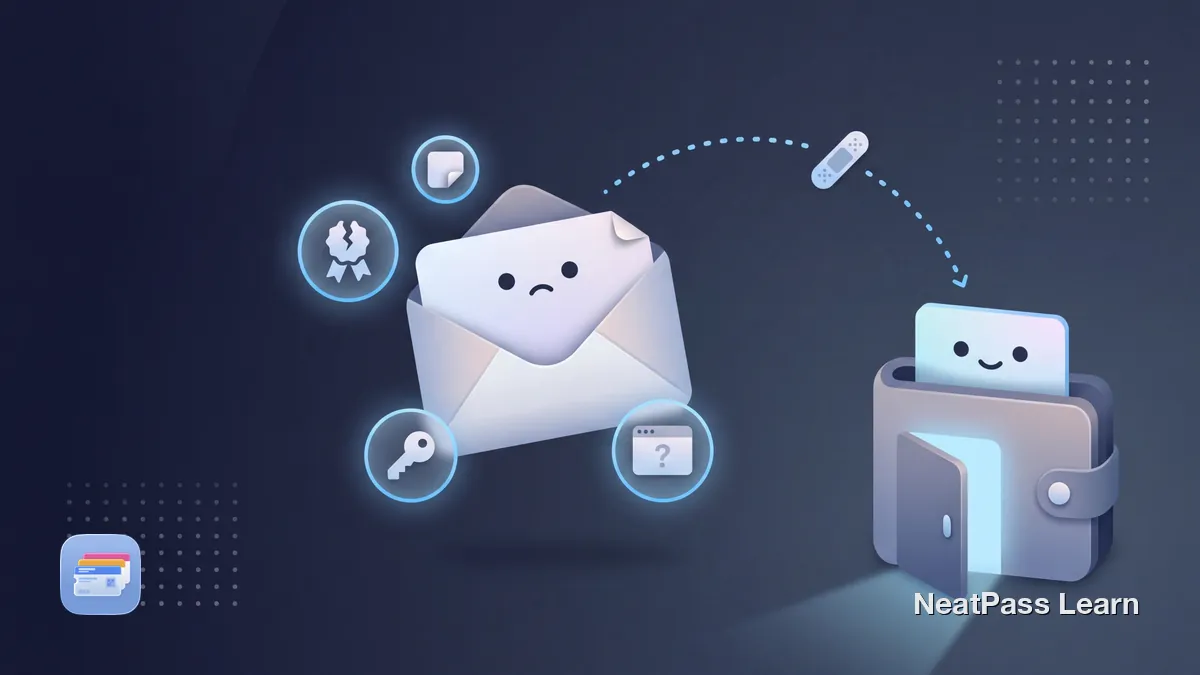
Apple Wallet not detecting a .pkpass file usually points to delivery or issuer problems. Learn what Wallet expects and when a barcode workaround helps.

Forums say adding gym cards to Apple Wallet isn't possible. Here's the workaround for Planet Fitness, LA Fitness, and more.
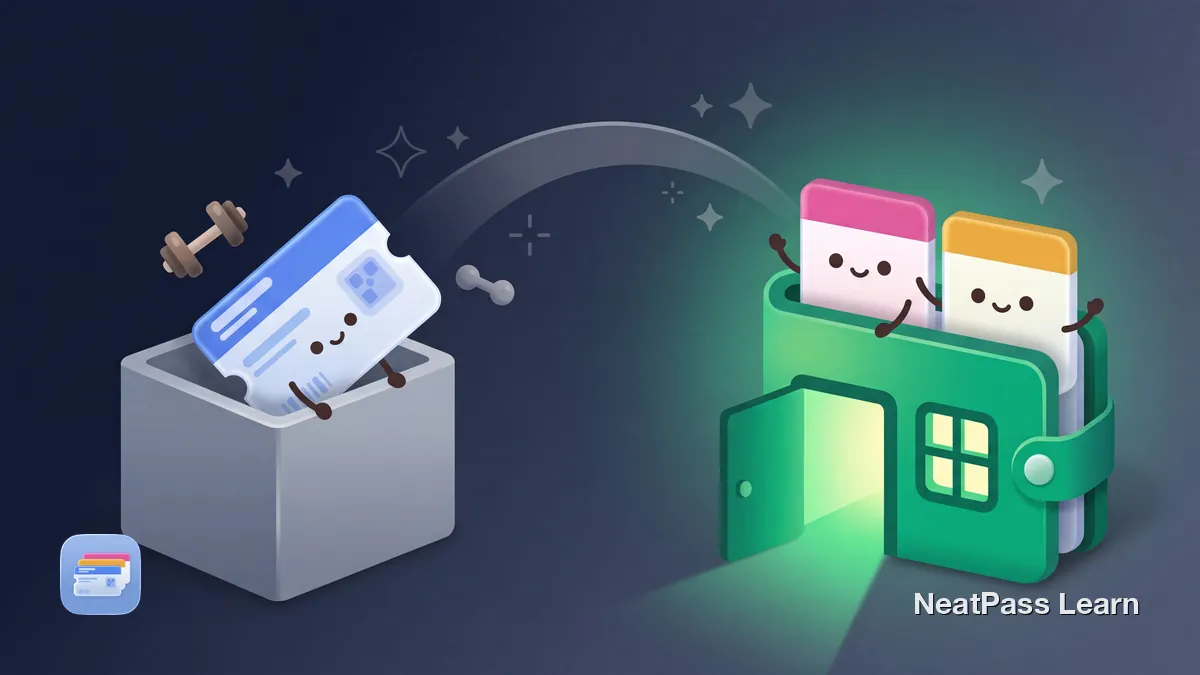
McFit has no Apple Wallet support. Here's how to get your McFit membership barcode into Wallet so you check in with one tap, no app and no login needed.
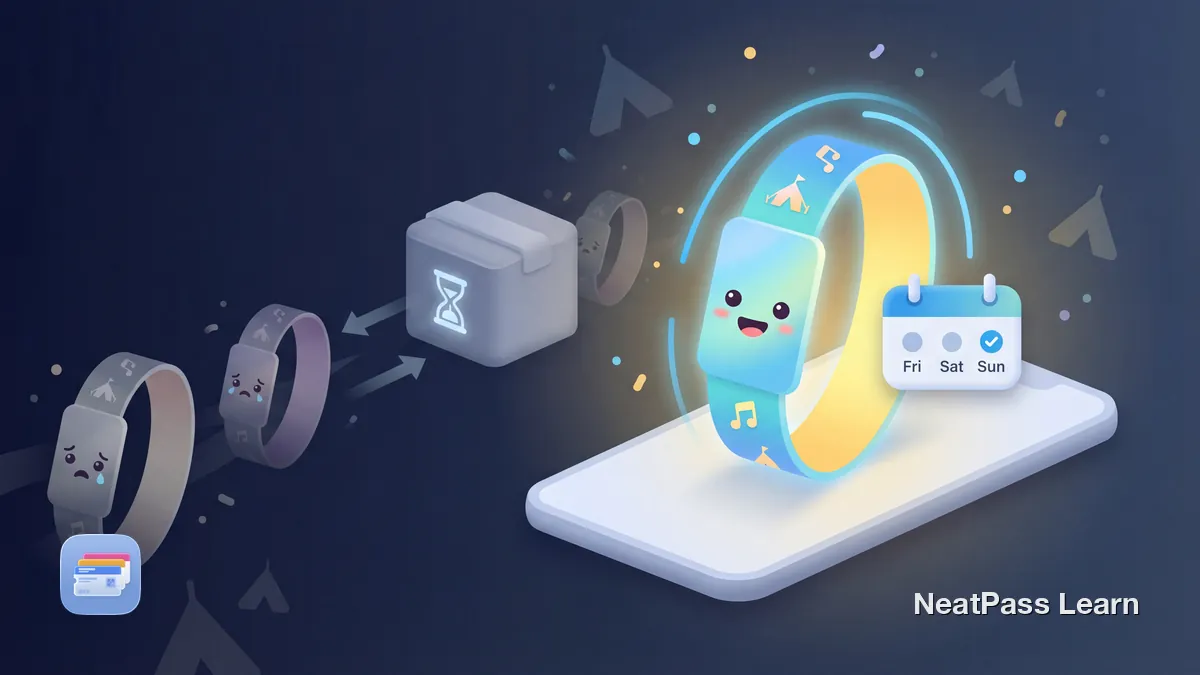
Festival pass vanished from Apple Wallet after Day 1? Learn why iOS hides multi-day event passes and how to keep your wristband pass visible all weekend long.
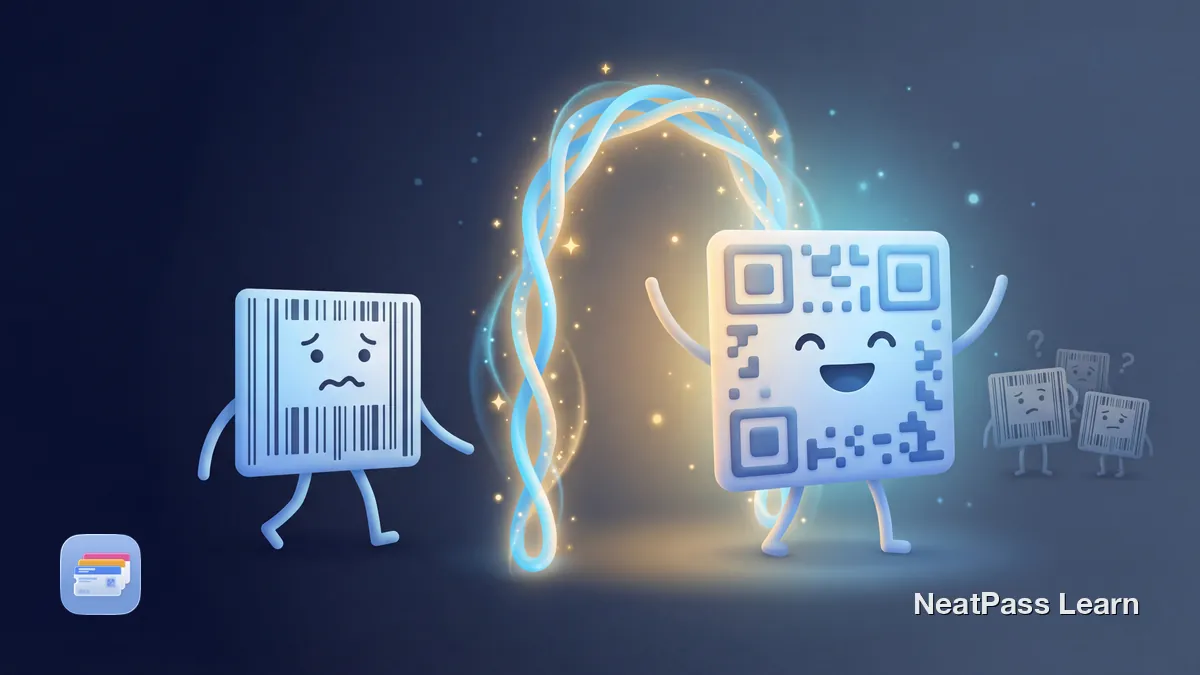
Apple Wallet doesn't natively support GS1 DataBar barcodes. Learn how NeatPass displays them in-app and auto-converts to compatible QR Code for Wallet.
Target has no native Apple Wallet pass for Target Circle. Scan your static Circle loyalty barcode into Wallet as a reliable rewards backup at checkout.
CVS offers an official Apple Wallet flow for ExtraCare cards. Your physical card barcode can also become a Wallet backup. Here's how to set up both options.

Festival pass disappears after day one? Learn why Apple Wallet hides multi-day passes and how to set an end date so your pass stays visible all weekend.
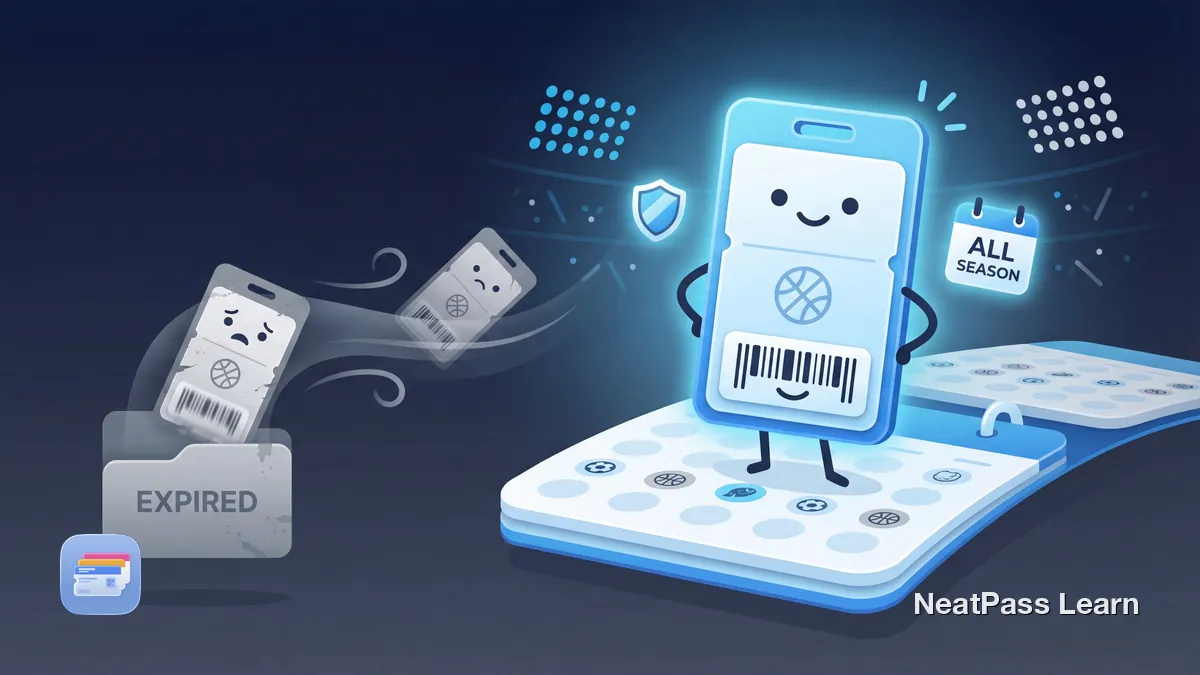
Season ticket barcode removed before the game? Learn why Apple Wallet marks tickets expired early and how to keep passes active with proper end dates.
Most yoga and fitness studios don't support Apple Wallet for check-in. Learn how to digitize your studio membership barcode and add it to Wallet with NeatPass.
If your zoo or aquarium membership includes a scannable barcode, here's how to create a Wallet pass and what to check before relying on it at the gate.

Complete guide to going wallet-free with Apple Wallet. Digitize loyalty cards, memberships, insurance cards, and tickets, plus what cannot be digitized.
Apple Wallet won't accept QR codes directly. Learn how to convert any QR code from tickets, loyalty cards, or memberships into a native Wallet pass.
BJ's Wholesale keeps the membership card in its own app and uses Apple Pay for payment. Scan your membership barcode into Apple Wallet for faster club access.
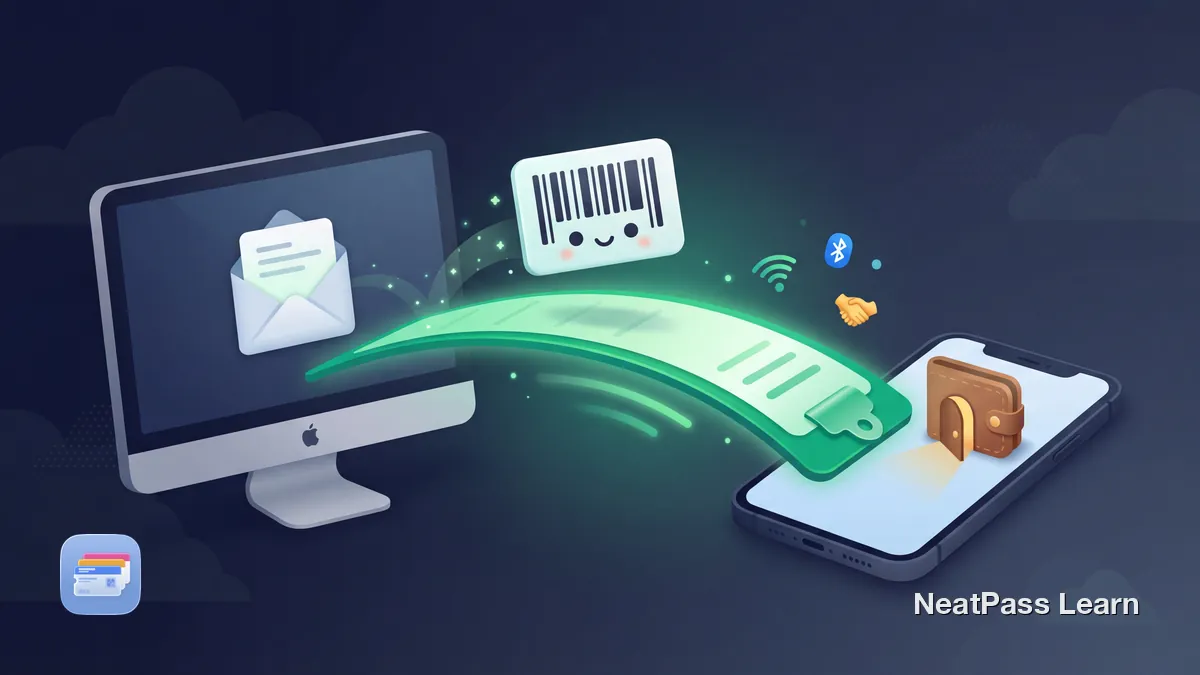
Use Apple's Universal Clipboard to screenshot a barcode on Mac and paste it into Apple Wallet via NeatPass on iPhone. No AirDrop or file transfers needed.
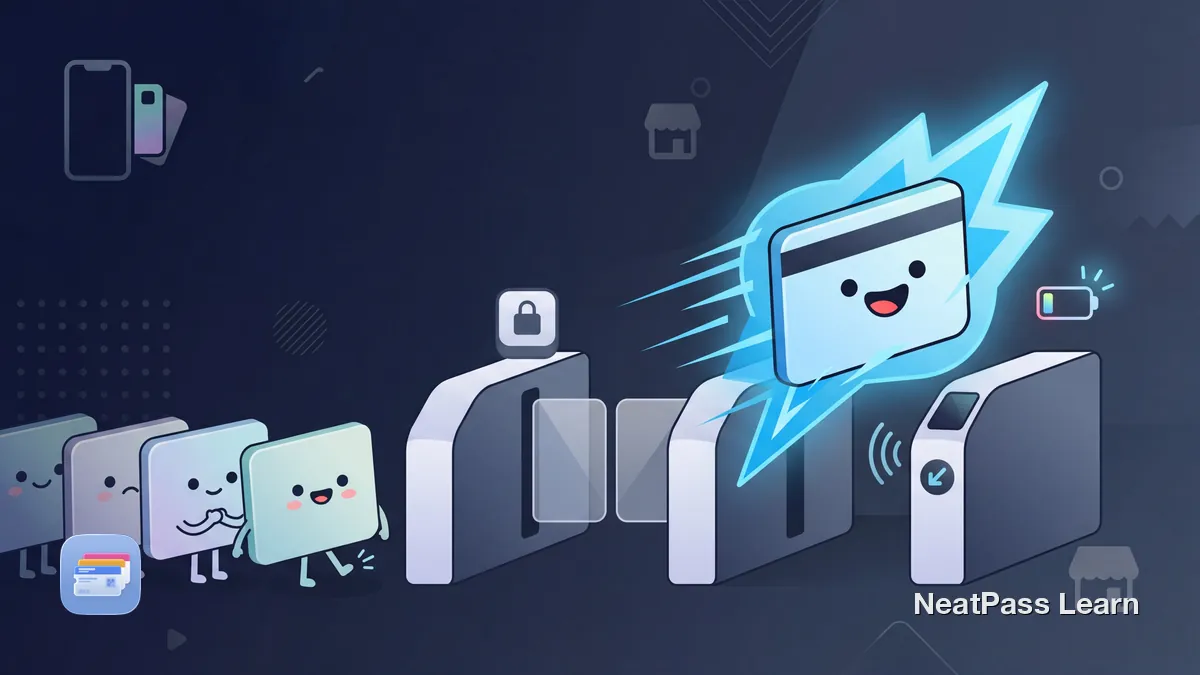
Express Mode works for compatible transit cards, keys, student IDs, and some passes. Eligibility varies by pass issuer, so many barcode cards do not qualify.
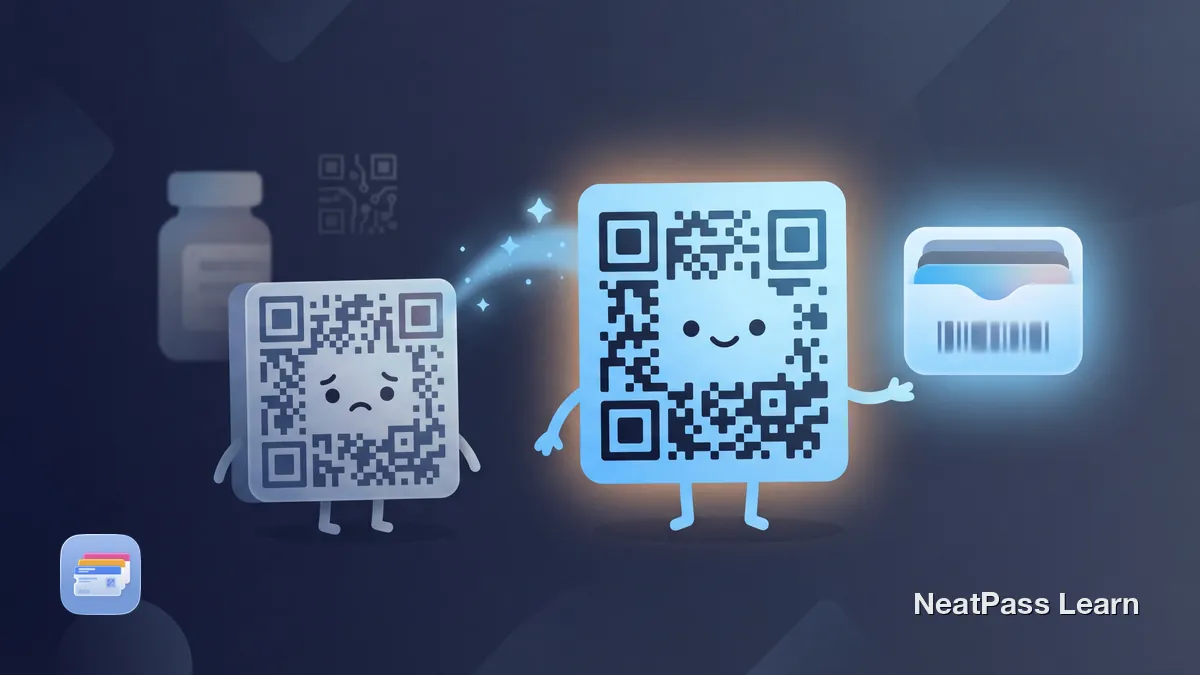
Apple Wallet doesn't support DataMatrix barcodes natively. Learn how NeatPass preserves your original barcode in-app and converts to QR for Wallet export.
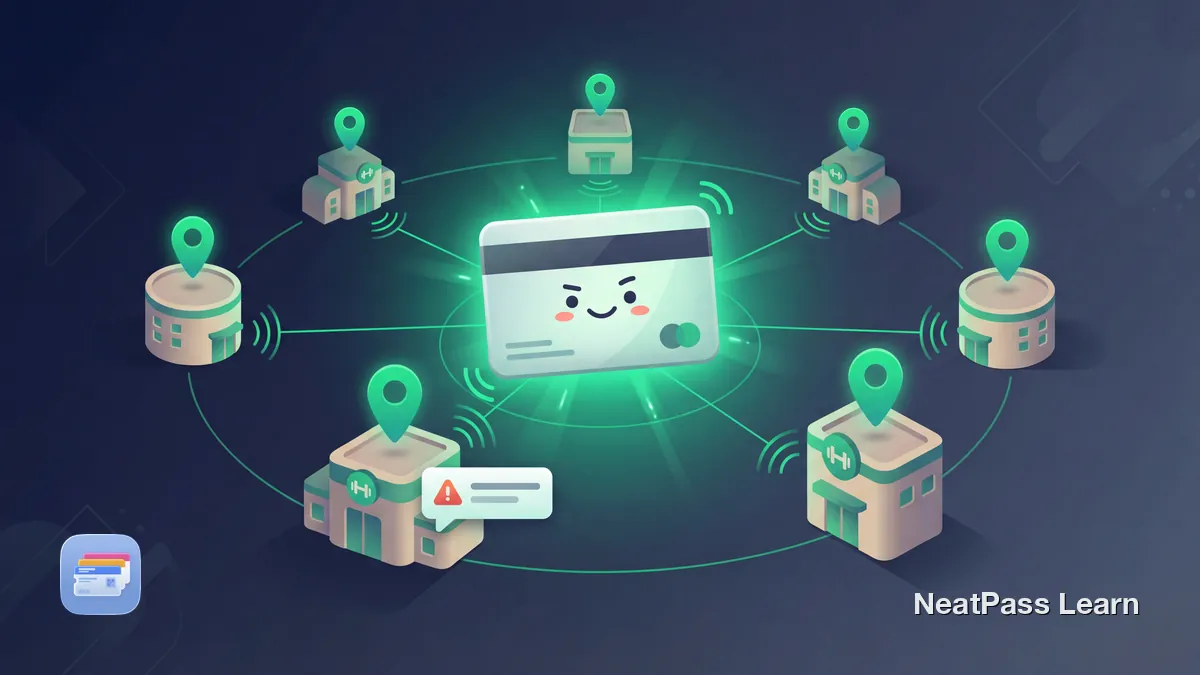
One gym card, alerts at every location. Learn how to add multiple gym locations to your Apple Wallet pass for automatic lock screen access at any branch.

Library support for Apple Wallet varies. Learn how to keep your library barcode as a convenience pass for in-person scanning where the library accepts it.

Apple Wallet doesn't support EAN-13 or DataMatrix barcodes natively. Learn how NeatPass displays originals in-app and converts to QR for Wallet export.

Apple Wallet doesn't support Micro QR Codes natively. Learn what Micro QR is, how it differs from standard QR, and how NeatPass converts it automatically.
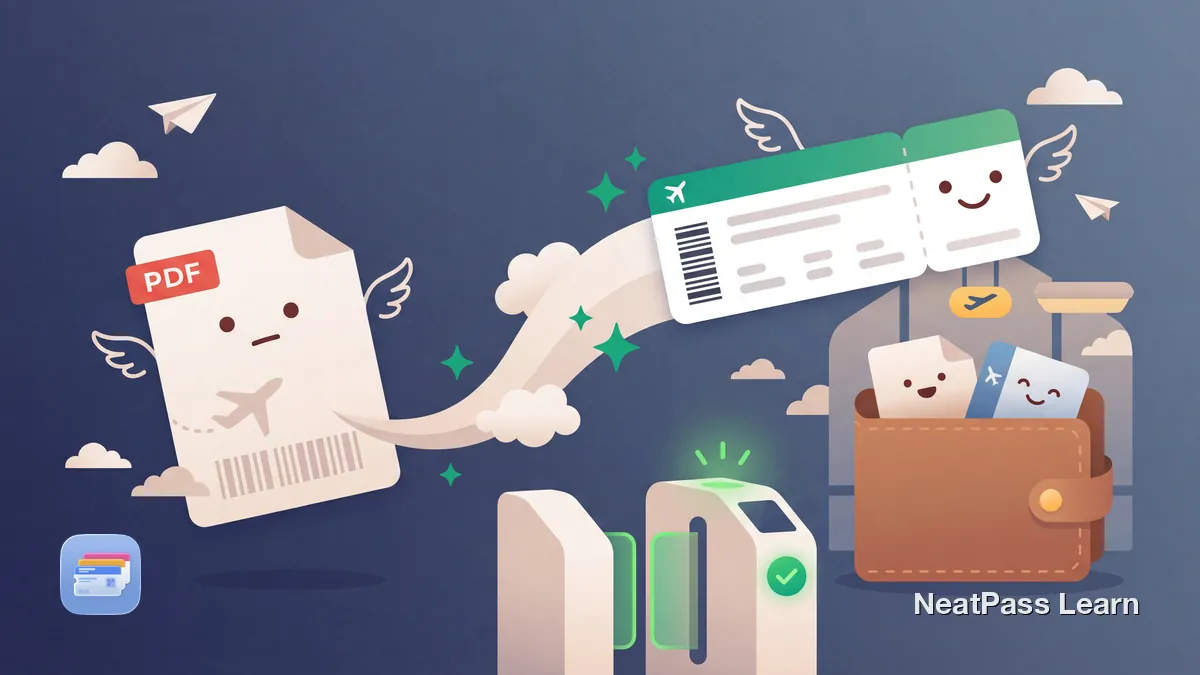
Got a PDF boarding pass without Wallet support? Learn how to screenshot the barcode and create a native Apple Wallet pass for faster airport security.

DB Navigator has limited Wallet support. Learn which tickets work and how to add your BahnCard to Apple Wallet anyway.
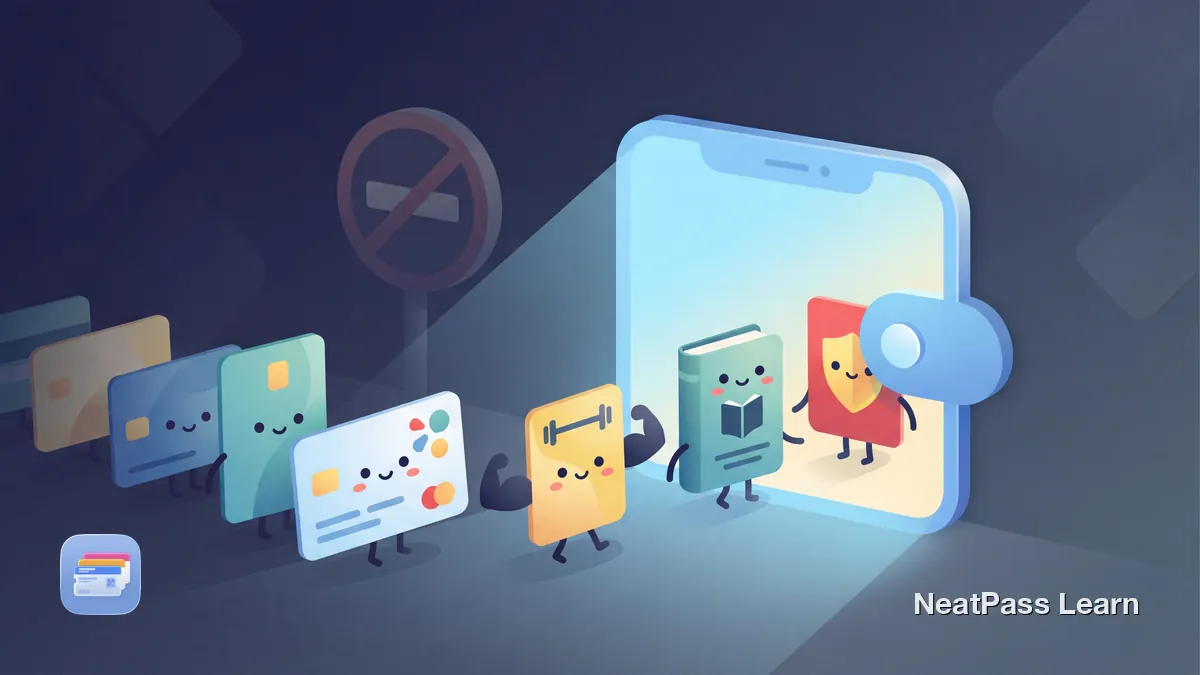
Apple Wallet only supports certain cards natively. Learn how to add loyalty cards, gym memberships, and any barcode card using privacy-focused apps.
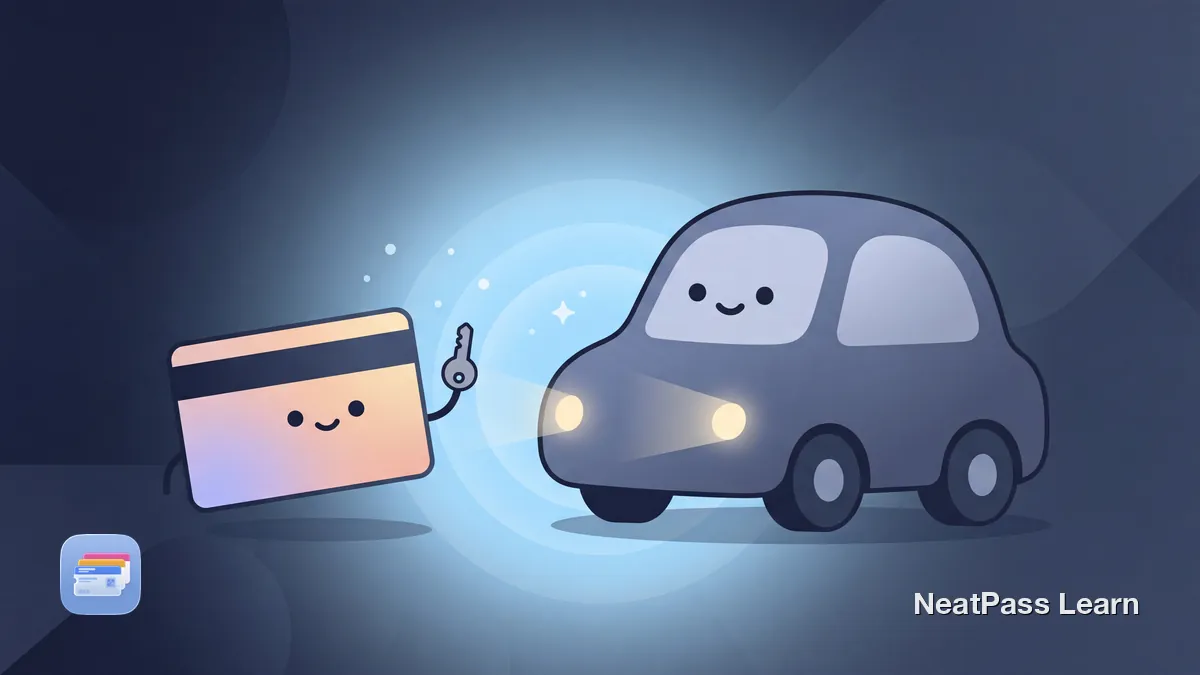
Add a native digital car key to Apple Wallet for BMW, Mercedes, Hyundai, and Kia. Learn how to set it up, share it, and which iPhone you need in Germany.
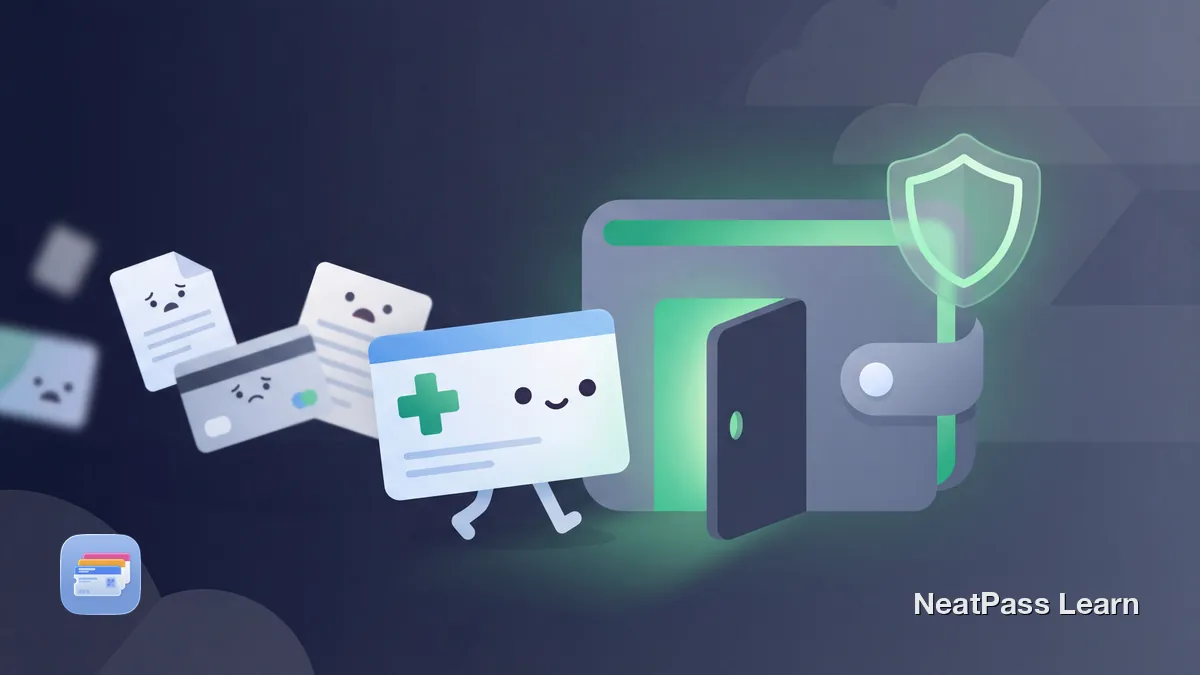
Tired of slow insurance apps? Add your health insurance card to Apple Wallet for instant access at the pharmacy or doctor.

Convert museum membership cards to Apple Wallet passes. Works with art museums, zoos, aquariums, and science centers. Keep your member QR code ready.

Tickets often have multiple barcodes. Learn which one to pick for Apple Wallet and how NeatPass color-codes duplicates so you choose the right one.
Lost your Wallet passes after a reset? Learn what completed iCloud sync may make available, what Apple does not promise, and how to keep issuer files ready.
Balance Rewards became myWalgreens back in 2020. There is no native Wallet button, but scanning the physical card into Apple Wallet gives a fast backup.
Add your American Airlines boarding pass to Apple Wallet on iOS 26 with Apple Maps, Find My Baggage, and TSA PreCheck support. Full step-by-step guide.
Missing Apple Wallet passes after an iOS update? Check the Expired list, completed iCloud data, and the issuer or original file. Settings toggles are not guaranteed recovery.

Most wallet apps lowercase German brands like REWE and EDEKA and strip umlauts. Learn why Großschreibung matters and how to keep your cards correct.
The Deutschlandticket costs 63 Euro from January 2026, up from 58 Euro. What this means for Wallet passes, renewal, cancellation, and the 2027 price index.
Add an ICE ticket to Apple Wallet in 2026: the DB Navigator flow, what the Wallet pass shows on the lock screen, plus the bahn.de PDF fallback.

Supported Apple Wallet passes may sync or appear on paired Apple devices, but issuer, pass, device, or iCloud settings can limit access. Learn how to troubleshoot compatible custom data on iPhone with NeatPass.

NeatPass iCloud Sync automatically preserves all your passes during iPhone upgrades. No manual exports, no lost cards - your data transfers seamlessly.
Most grocery loyalty programs are trapped in retailer apps. Here's how to turn a supported store barcode into a native Apple Wallet pass with NeatPass.
Learn the difference between digital park passes and the physical America the Beautiful annual pass before you rely on Apple Wallet for a national park trip.

Declutter your wallet this year. Learn how to audit your cards, digitize loyalty and membership cards, and move everything to Apple Wallet.

Prepare your boarding passes for summer travel. Learn which airlines support Apple Wallet, how to convert PDFs, and why offline access matters at airports.
Driver's license barcode won't scan? Learn why PDF417 codes fail and how live camera detection with bounding box overlay captures them reliably every time.
Apple Wallet groups passes by type but offers no pin or favorites feature. Learn how to keep your gym card, transit pass, or work badge always one tap away.
Apple’s announced starting carriers for the iOS 26 enhanced semantic boarding-pass experience, issuer requirements, operating-carrier data, settings, and troubleshooting.
Apple Wallet pass not updating? Learn what to check on iPhone and Apple Watch, when Wallet can refresh, and when the issuer backend must republish.
Most stores don't support Apple Wallet for rewards cards. Learn how to recreate a supported static barcode in Wallet, then test it at checkout.

Which European railways support Apple Wallet? DB, SNCF, SBB, Renfe status and how to add any train ticket to Wallet, even without native support.
A pass shows on your iPhone but not your Apple Watch? Learn how Wallet syncs, which passes reach the watch, and the step-by-step fixes to get it back.
Ticketmaster shows "Unable to Add Pass" or "could not add pass, please try again later"? Learn what the error really means and the fixes that actually work.

Stop juggling airline, hotel, and rental car apps. Add boarding passes, train tickets, and hotel keys to Apple Wallet for instant offline access anywhere.

No 'Add to Wallet' for your movie tickets? Learn which theaters support it and how to convert any movie ticket QR code.
Why Ticketmaster Apple Wallet passes show Pass Disabled or Device Limit Reached after a transfer, how to troubleshoot, and the limits of any workaround.
Apple Wallet error "Unable to add pass. Try again later." explained. Six root causes, fix order from most to least common, and how to tell pass vs device.
Add an Air Canada boarding pass to Apple Wallet from the app or aircanada.com, keep the Aeroplan card a separate pass, and convert any PDF when no button shows.
Cebu Pacific has no native Add to Apple Wallet button. Save the e-boarding pass PDF or screenshot and turn that barcode into a real Apple Wallet pass.
Learn how to remove expired passes from Apple Wallet, understand what deletion changes on your devices, and how NeatPass archiving simplifies cleanup.
Apple Wallet says "This pass is associated with a different Apple ID." Learn why issuer account binding disables tickets and how to fix it step by step.
Trainline only shows an Add to Apple Wallet button for eligible eTickets. Mobile Tickets stay app locked, but an eTicket PDF can reach Wallet via NeatPass.
Add an Alaska Airlines boarding pass to Apple Wallet via the iOS app, with TSA PreCheck, Atmos Rewards status, and a PDF fallback for travel agency bookings.
Delta added iOS 26 Wallet boarding pass support in 2025. Here is why Live Activity may not show, what to check on the iPhone, and what actually works.

Some providers push the new Deutschlandticket to Apple Wallet automatically each month, others need a manual re-add. Here is who does what in 2026.

Add BVG tickets to Apple Wallet in Berlin. Which BVG app supports it, how Einzelfahrschein and Deutschlandticket work, and fallbacks for the rest.
The red SwissPass card uses RFID and cannot be added to Apple Wallet. SBB's SwissPass Mobile shows GA and Halbtax in the SBB app instead. Honest options.
Safari refusing to download a pkpass file? MIME type, Content-Disposition, browser settings explained, plus a Mac AirDrop and Apple Mail workaround.
Why Ticketmaster SafeTix often hide the Add to Apple Wallet button, when it returns, which events still allow Wallet, and what NeatPass can and cannot do.
PAYBACK officially documents a physical card and a mobile in-app card. Here's how to turn your PAYBACK barcode into a personal Apple Wallet pass.
GoodRx discount cards live in the app or a printout, not Apple Wallet. Here's how to turn your prescription discount barcode into a native Wallet pass.
Remove Pass missing? The pass is probably hidden, expired-and-hidden, or managed by another app. Three checks that fix it in under a minute.

Many tickets and cards lack an Add to Apple Wallet button. Learn why companies skip Wallet support and how to create your own pass from any barcode.

AMC ticket not adding to Apple Wallet? Check the AMC app first, confirm whether Wallet is actually offered, and use a static barcode fallback when safe.
Most coupons don't have an Add to Wallet button. Learn how to turn any coupon barcode into a native Apple Wallet pass for instant access at checkout.
Fix the Add to Apple Wallet button not showing on your iPhone. The most common cause is Display Zoom. Learn how to switch to Standard view and other fixes.
Stop searching through apps and emails for tickets. Learn how to consolidate concert, sports, and festival tickets in Apple Wallet for instant access.
Cruise-line Wallet support varies. Learn when a static boarding-pass QR code may work in Wallet, what original documents to keep, and how to add a signed convenience copy.
Physical punch cards get lost and forgotten. Learn how to add your loyalty punch card barcode to Apple Wallet for instant access at checkout every time.
Pass won't add to Apple Wallet in Chrome on iPhone? Retry in Safari first. Learn what's a browser issue vs. an issuer issue and when a workaround helps.

Learn which passes and tickets belong in Apple Wallet, how official Add to Wallet flows work, and how to add barcode passes when apps do not support it.

StubHub tickets missing the 'Add to Wallet' button? Learn which tickets can be converted and how to add static barcode event tickets to Apple Wallet.
DeutschlandCard has no native Apple Wallet pass and is winding down. Here's how to turn your physical card barcode into a clean Wallet pass with NeatPass.

Understand QR, Aztec, PDF417, and Code 128 in Apple Wallet, when each format is used, and how to choose the right ticket barcode before converting safely.
Will an Apple Wallet boarding pass work offline? Learn what Wallet stores, what still needs the airline, and how to test your pass before the airport.
GA and Halbtax are SwissPass subscriptions and cannot be added to Apple Wallet. They live in SwissPass Mobile. Here is what can actually go in Wallet instead.
National Rail Apple Wallet support is operator dependent. An eTicket with an Aztec barcode reaches Wallet via an email button or NeatPass; mTickets stay locked.

Learn what .pkpass files are, how they work inside Apple Wallet, what data they contain, and how to open, inspect, or create them from PDFs and barcodes.
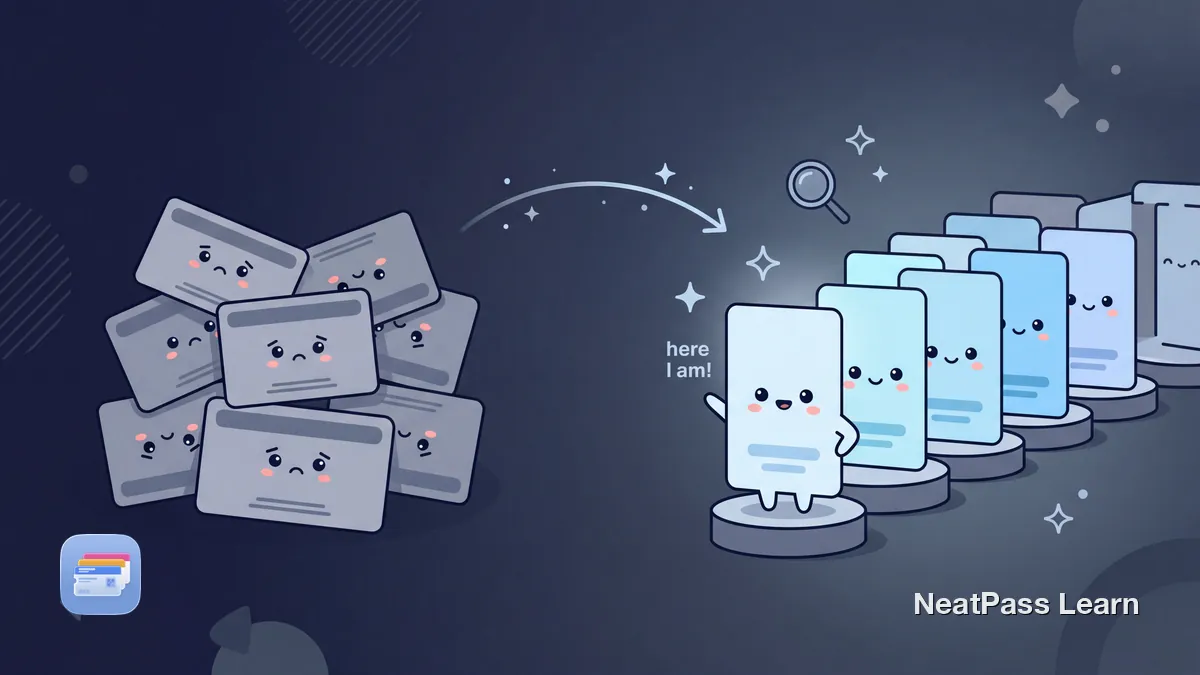
Rename Apple Wallet passes with clear naming rules so you find the right ticket or card faster, especially when managing many similar passes under pressure.
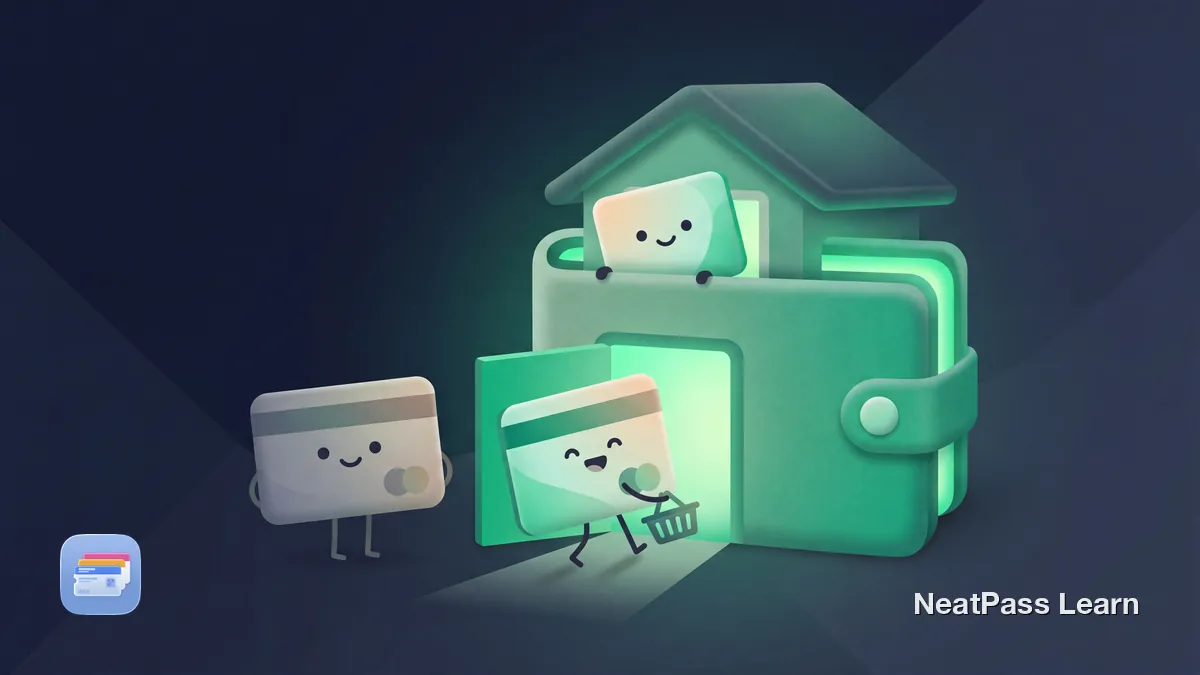
REWE Bonus, EDEKA (now PAYBACK), and ALDI changed loyalty in 2025, and none ships a native Apple Wallet pass. Here's how to get the barcode in anyway.

SeatGeek tickets missing the 'Add to Wallet' button? Learn which SeatGeek tickets can be converted and how to add static barcode tickets to Apple Wallet.
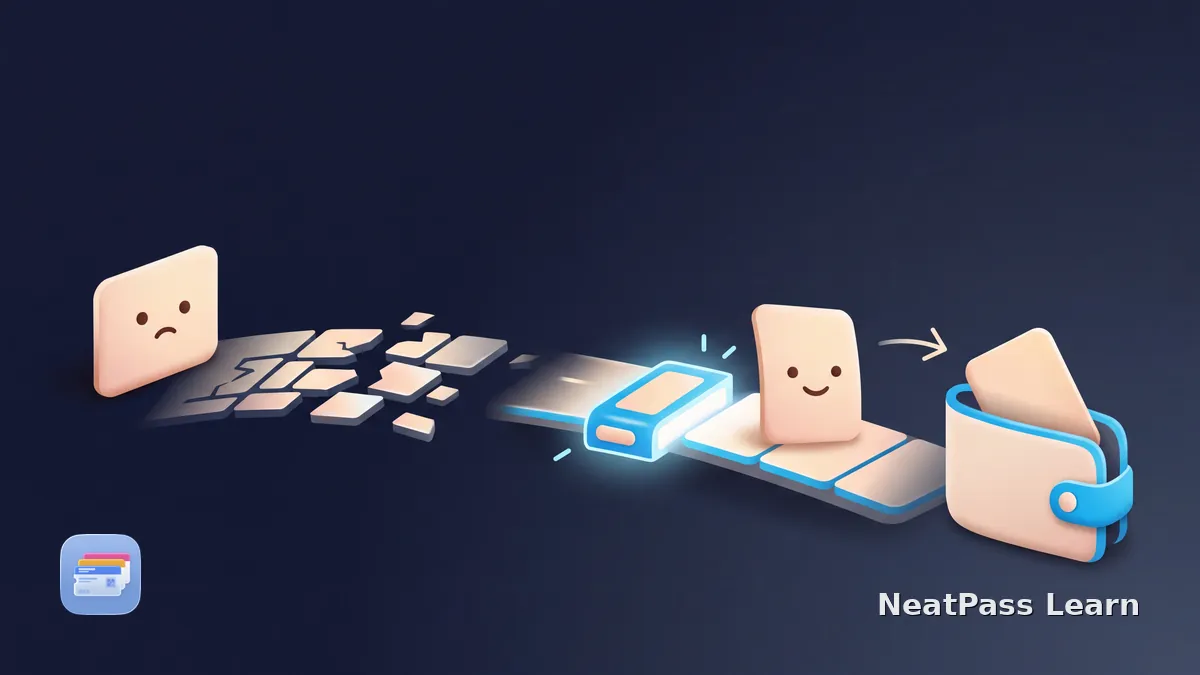
The Add to Apple Wallet button is visible but inert? Check pass eligibility, the browser handoff, and signed delivery before requesting a fresh link.
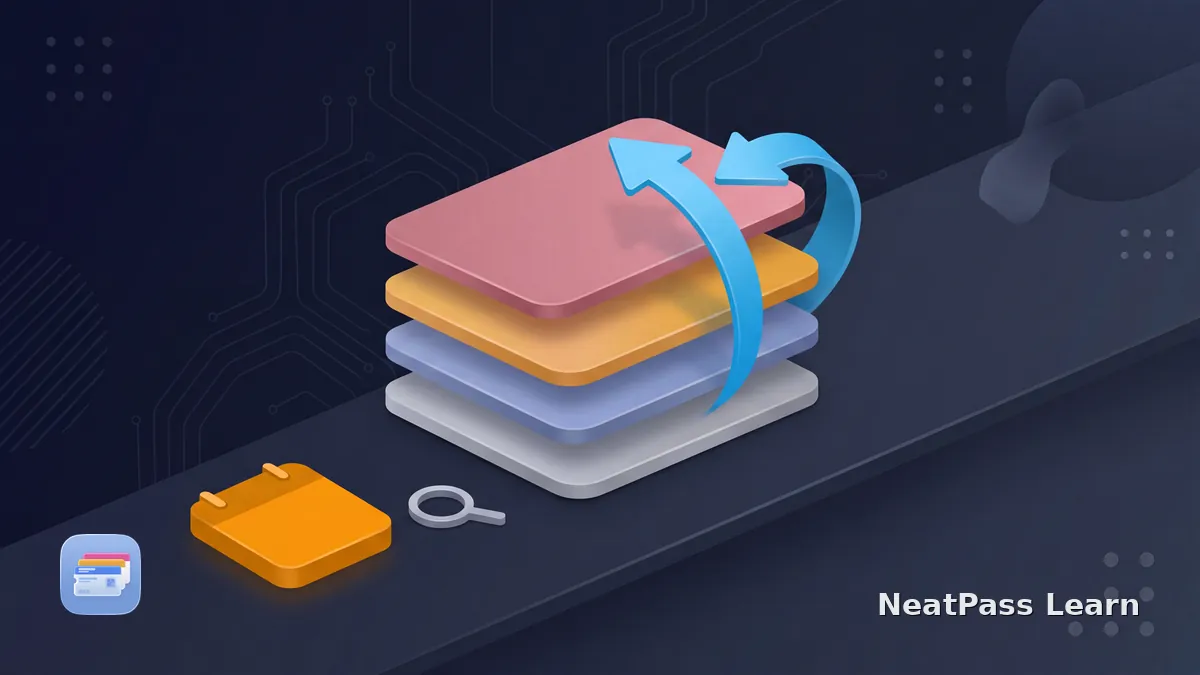
Apple Wallet has no documented date-sort control. Learn to reorder passes manually, view expired passes, and use relevance dates without expecting alerts.
Sephora has no Apple Wallet button. Beauty Insider lives in the app, but you can screenshot the barcode into Wallet with NeatPass and keep the app for points.
Add the Austrian Airlines boarding pass to Apple Wallet via the Austrian app or check-in email. iOS 26 features, PDF fallback with NeatPass, FAQ.
Your boarding pass vanished about an hour after the flight? It was auto-hidden to the Expired list, not deleted. Here is how to find it and unhide it.
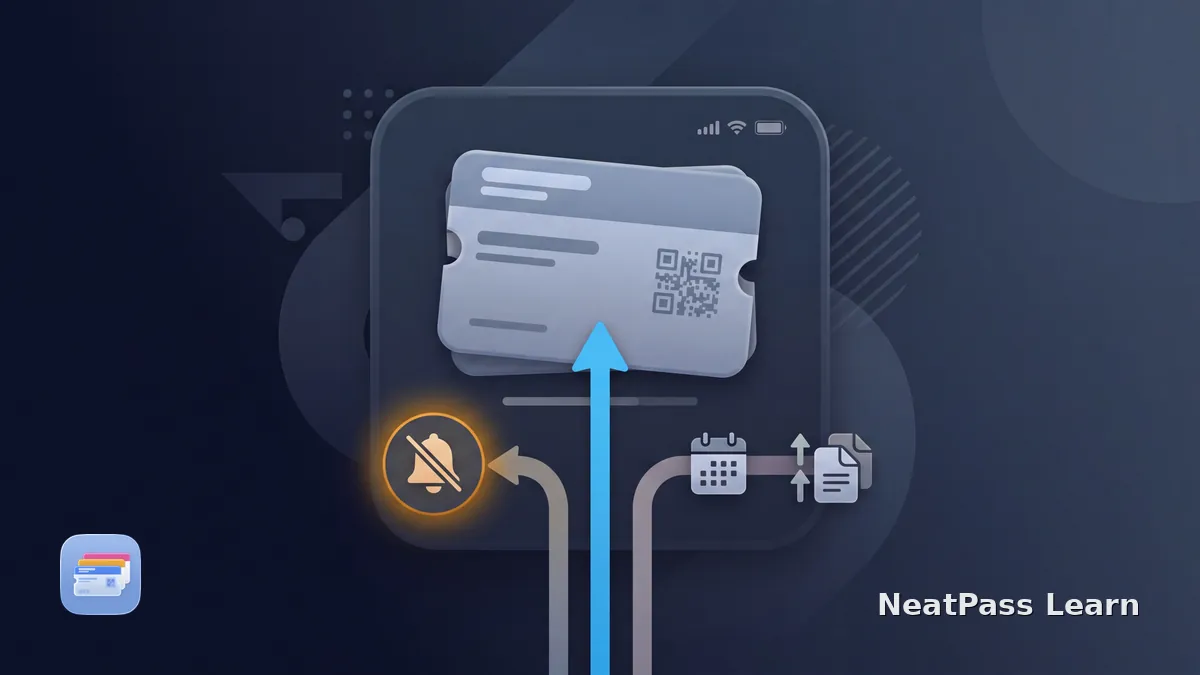
Apple Wallet pass updated without notification? Separate issuer updates, Wallet alerts, Lock Screen relevance, and NeatPass reminders to find the cause.
Save an eligible easyJet boarding pass to Apple Wallet. Covers the airport exclusion list, check-in timing, Speedy Boarding, and why a phone PDF is not accepted at security.
FC Bayern changes Allianz Arena access from 2026/27: use the FC Bayern App or Allianz Arena App, not Apple Wallet, Google Wallet, or PDFs.
Your Apple Wallet boarding pass shows the wrong gate or time? Learn why Wallet does not refresh, how to update it manually, and when the barcode still works.
Boarding pass shows wrong time in Apple Wallet after travel? Learn why timezone issues happen in .pkpass files and how to fix them.

Interrail and Eurail mobile passes do not support Apple Wallet. Here is why, what the Rail Planner app actually does, and the workarounds that exist.

KlimaTicket Ö is not officially in Apple Wallet. Here is what the ÖBB app shows, why it stays a plastic card, and how to handle the PDF or barcode.
iOS 26 adds Upcoming Events to Apple Wallet Poster Event Tickets. See what changed since iOS 18 and how NeatPass handles supported static barcode tickets.
How many passes can Apple Wallet hold? Apple does not publish a personal pass-count maximum. The 10-pass, 150 MB limit applies to pass bundles.
How to add an eligible Lufthansa boarding pass to Apple Wallet via the app or lufthansa.com. Covers flight and destination limits for Lufthansa, Austrian and SWISS, separate partner flows, and personal PDF barcode copies.

Add MVV and MVG tickets to Apple Wallet in Munich. What MVGO supports, how the Deutschlandticket works, plus a NeatPass workaround for other tickets.
Apple Wallet can flag a pass as invalid because of its package, issuer status, or a dynamic code. Check the source before rebuilding a replacement.
Is an Apple Wallet pass download stuck? Check whether Safari finished, where the .pkpass file was saved, and whether the issuer package is valid on your iPhone.

ÖBB has no native Apple Wallet support. Here is how SparSchiene, Standard, and international ÖBB tickets reach Wallet via PDF, screenshot, and NeatPass.
Fever tickets usually live in the app or confirmation email. Learn when to create a scannable Wallet pass, when to save a ticket ID, and what to keep as backup.
Apple Wallet location relevance is passive, not a guaranteed alert. Check pass coordinates, Location Services, permissions, dates, and your fallback reminder.
Checked in but no boarding pass in Apple Wallet? Separate check-in from pass issuance, recover the current airline pass, and understand static-import limits.
Concert ticket missing the 'Add to Wallet' button? Learn why venues skip Wallet support and how to add static barcode tickets to Apple Wallet with NeatPass.
Eventbrite's Apple Wallet button often fails or is missing. Learn why, quick fixes using Safari, and how to create a Wallet pass from any Eventbrite ticket.
A cancelled flight makes the old Apple Wallet boarding pass stale. Rebook first, retrieve a fresh pass, and use NeatPass only for the current static document.
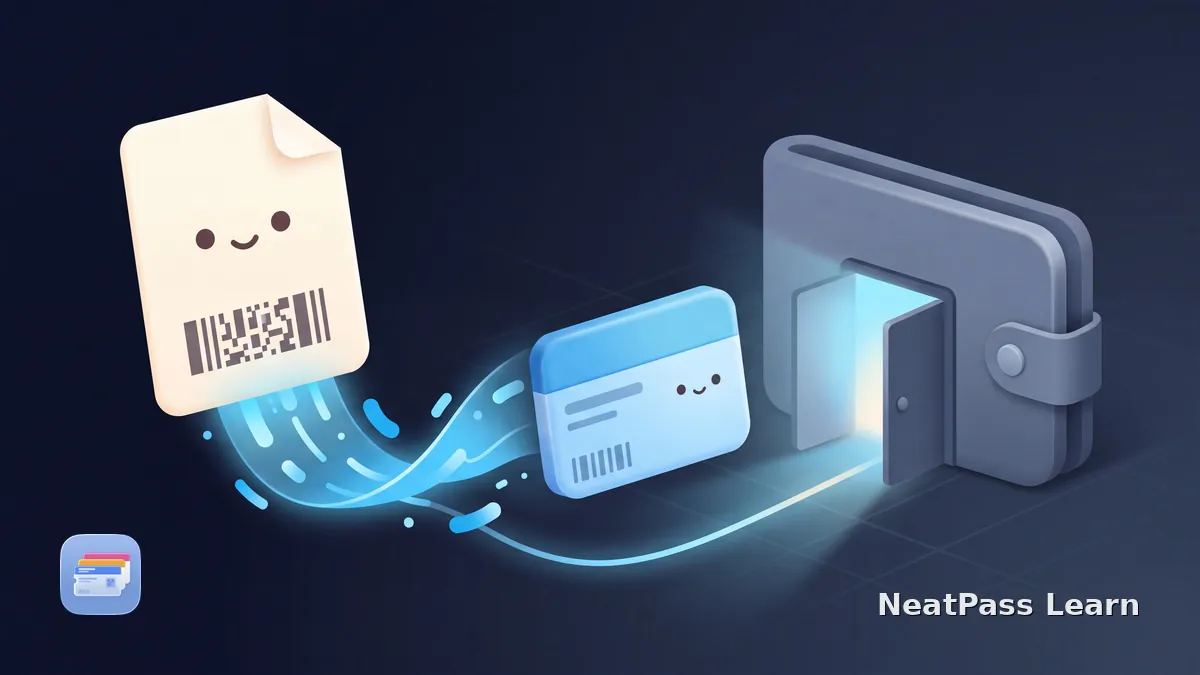
Yes, any PDF with a barcode or QR code can become a real Apple Wallet pass. A converter reads the code out of the PDF and builds a pass on your iPhone.

Sports tickets not adding to Apple Wallet? Learn which tickets can be converted, how SafeTix rotating barcodes work, and when NeatPass can help.
Ticketmaster not scanning in Wallet? Learn how SafeTix barcodes behave when your event uses them, how to clear Pass Disabled, and which tickets you can convert to a static pass.
Can you use Apple Wallet passes on iPad? Learn what iPad Wallet and Apple Pay settings mean, why passes stay iPhone-centered, and where NeatPass fits.
Pass4Wallet shows a connection error? Check the current version 4.3.1 status, earlier failure reports, and safe steps before deleting the app.
Add your SWISS boarding pass to Apple Wallet via the SWISS app, the check-in email, iOS 26 features, or a PDF fallback with NeatPass, plus a travel FAQ.

Deutschlandticket via HVV in Apple Wallet: which Hamburg app exports it, how auto-update works on iPhone, and what does not fit in Wallet.
Learn what remains in Apple Wallet when a pass app disappears, how static and update-dependent passes differ, and how to preserve your original card or ticket.
A dead iPhone cannot show a normal Wallet barcode. Learn the narrow Power Reserve exception for compatible NFC Express Mode items and how to prepare a backup.
How CTS Eventim tickets land in Apple Wallet, why some events only ship a PDF, and a NeatPass fallback for the print-at-home barcode.
Lidl Plus does not officially support Apple Wallet. Here is the workaround for the loyalty barcode plus the catch with coupons at checkout.
Lost your iPhone with Wallet passes? Use Find My and Lost Mode, check Wallet's iCloud sync on a replacement, and learn when a static barcode can be recreated.
Learn what Automatic Selection does for Wallet passes, how to enable it, and why it is different from Lock Screen suggestions, Express Mode, and NFC.

Add SBB tickets to Apple Wallet on iPhone. How SBB Mobile, Supersaver tickets, Saver Day Pass, and PDF QR-only tickets work, plus a NeatPass workaround.
Trying to add an AXS ticket to Apple Wallet? Learn the difference between AXS Mobile ID and static e-tickets, and when the NeatPass workaround applies.
Should you tap or scan an Apple Wallet pass? Learn how visible barcodes differ from issuer contactless credentials and why a QR code does not gain NFC.
Ticket details missing in Apple Wallet? Check More and Pass Details, understand Wallet field hierarchy, then compare the issuer original before editing.
DICE tickets are stored in the app as unique QR codes tied to your phone number. Learn when Apple Wallet is not the right fit and when a static pass can help.

Most conferences don't offer Apple Wallet passes for badges. Learn how to add your conference badge QR code to Wallet for instant access at check-in.
Learn VoiceOver basics for Apple Wallet passes, barcode presentation, and how NeatPass clarifies labels while Wallet and issuers determine behavior.
Managing 41+ season tickets per season? Learn which tickets support Apple Wallet, how SafeTix rotating barcodes work, and best organization tips.
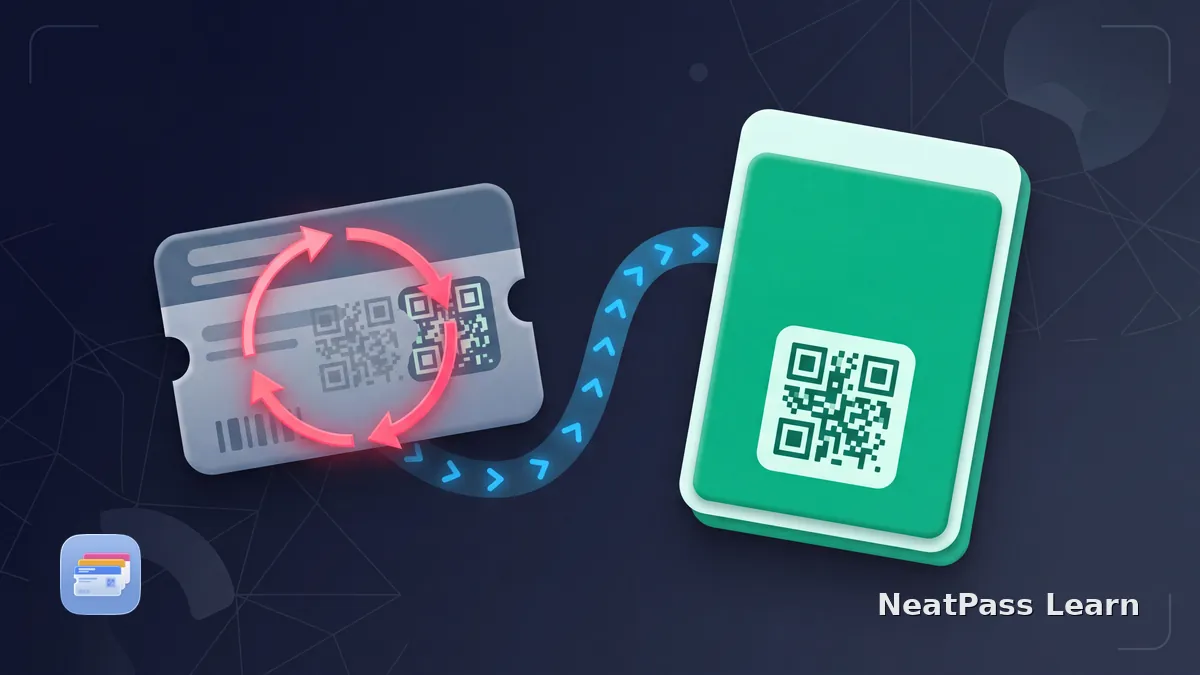
Rotating event QR code in Apple Wallet? Learn why screenshots fail, when to use the issuer app or official Wallet pass, and when a static NeatPass pass may fit.
Add a Korean Air mobile boarding pass to Apple Wallet on iOS 26. Convert the Auto-Entry Gate barcode with NeatPass when the app offers no Wallet button.
How the Borussia Dortmund digitale Dauerkarte gets to Apple Wallet, why it ships per match, block restrictions, and a NeatPass fallback for PDF tickets.

BVG offers the Deutschlandticket as a Wallet pass through the BVG Tickets app. Setup takes minutes, but the monthly refresh in Berlin is manual.
dm offers Mein dm and Active Beauty in app form, but no native Apple Wallet button. Here is the workaround to get the loyalty barcode into Wallet.
The physical Oyster card cannot be added to Apple Wallet. Use a contactless bank card with Express Transit instead. Same fares, same daily caps, no plastic.

Add SNCF Connect tickets to Apple Wallet. Which trains are eligible (TGV INOUI, TER, Eurostar), what about OUIGO, and a NeatPass workaround for the rest.

Add Trenitalia tickets to Apple Wallet on iPhone. How Frecciarossa, Intercity, the Regional Digital Ticket, and CartaFRECCIA work, plus a NeatPass workaround.
When native Apple Wallet is unavailable for a FlixBus ticket or documented flow, use the convenience workaround and keep the original ticket and any required ID authoritative.
Kaufland keeps Card XTRA in its app. Save a stable loyalty barcode with NeatPass as a practical Apple Wallet companion.
FlixTrain delivers tickets by email and in the app as a PDF with a QR code, not a native Apple Wallet pass. Learn what works and the practical workaround.

MVGO puts the Deutschlandticket into Apple Wallet, but according to MVG the pass must be re-downloaded each month. Setup, limits, and alternatives.

Four Verbünde, four paths into Apple Wallet. What VRR, VRS, RMV, and VVS actually export to Wallet in 2026, and what does not make it across.

Add an eligible Eurostar ticket to Apple Wallet via the iPhone app or email. Why connecting journeys may miss the Wallet button, plus a NeatPass workaround for confirmed e-tickets and PDFs.
Apple's official student ID in Wallet requires a participating school. Here's how to get compatible barcode-based campus cards into Apple Wallet with NeatPass.
Amtrak can send eTickets to Apple Wallet, but some tickets still fail or lack the button. Learn the official options and the safe barcode workaround.
Learn how to manage multiple event tickets for your family on one iPhone. Add group tickets to Apple Wallet, share via AirDrop, and speed up venue entry.
Fix your hotel room key in Apple Wallet. Learn NFC key troubleshooting, which hotels support Wallet keys, and how to add hotel loyalty cards.

Campus, workplace, and residential parking permits rarely support Apple Wallet. Here's how to convert your permit barcode into a scannable Wallet pass.
Understand issuer-controlled event-ticket transfers, new recipient credentials, Wallet sharing, and where NeatPass fits for static tickets.
In Germany, ROSSMANN offers a digital loyalty card in its app but does not currently document an Apple Wallet export. Save a stable barcode with NeatPass.
AirAsia has no native Add to Apple Wallet button. Get the airasia MOVE boarding pass or web check-in PDF into Apple Wallet so it scans at the gate offline.

Add Renfe AVE and Avlo tickets to Apple Wallet on iPhone. How the app button and Passbook email work, why Cercanías does not fit, plus a NeatPass workaround.

RMVgo has no Apple Wallet button for single and day HandyTickets. Here is how the RMV ticket really works and how to get the static barcode on your screen.

Add your Deutschland-Semesterticket to Apple Wallet on iPhone via the RIDE Campus portal button, or import a PDF or Aztec barcode with NeatPass offline.
Holiday gift cards get lost and forgotten every year. Learn how to add compatible barcode-based gift cards to Apple Wallet and keep balances easier to track.
Fix the 'Pass Disabled' error in Apple Wallet when sharing tickets. Learn how issuer account, device, and sharing controls work and when a static copied pass may be accepted.
Create a digital business card in Apple Wallet with a scannable QR code. Share your contact info from the lock screen, no subscription or extra app needed.
Add hotel locations to your Marriott, Hilton, or Hyatt loyalty card in Apple Wallet. Get automatic lock screen alerts when you arrive at any property.

Apple Wallet has no folders or collections for passes. Learn how to organize passes by category, location, or frequency using NeatPass Collections.
Resold ticket missing or inactive in Apple Wallet? Check issuer status, recover the buyer's ticket, and use static NeatPass barcodes only when appropriate.
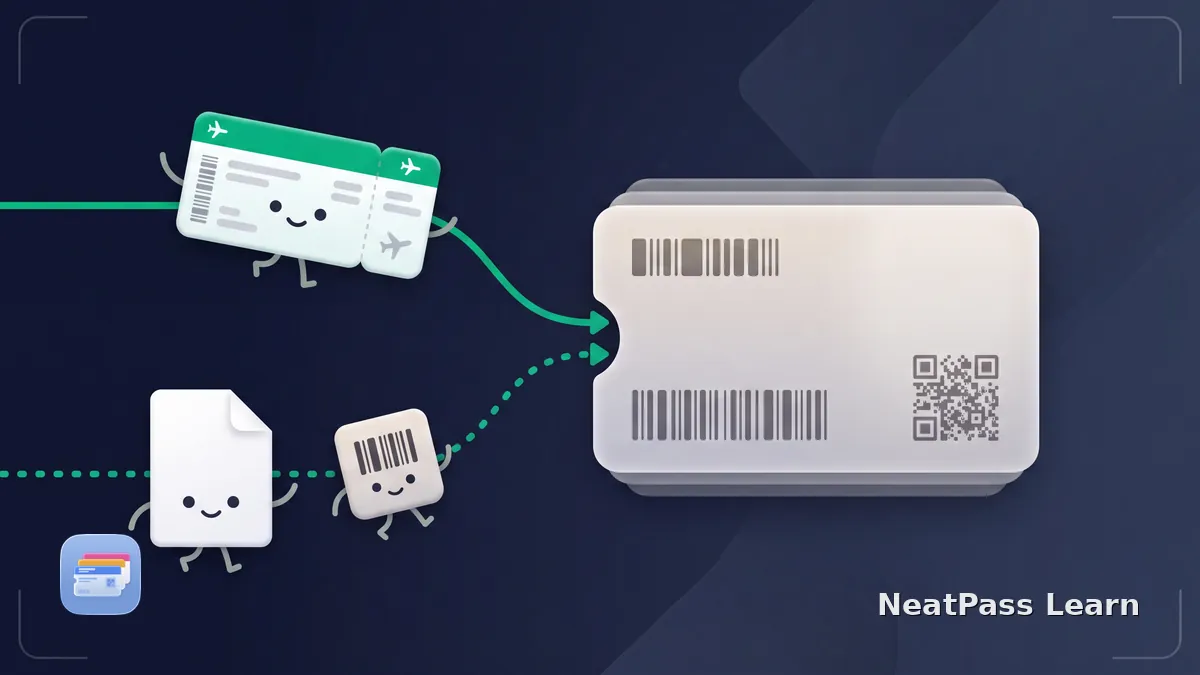
Learn how to save a flight ticket to Apple Wallet, when the airline button is required, and how to create a static pass from a PDF or image.
Müller keeps the Vorteilskarte, Blüten, coupons and receipts in its app. MüllerPay is documented for Germany and Austria. Use only a stable loyalty barcode in Wallet.
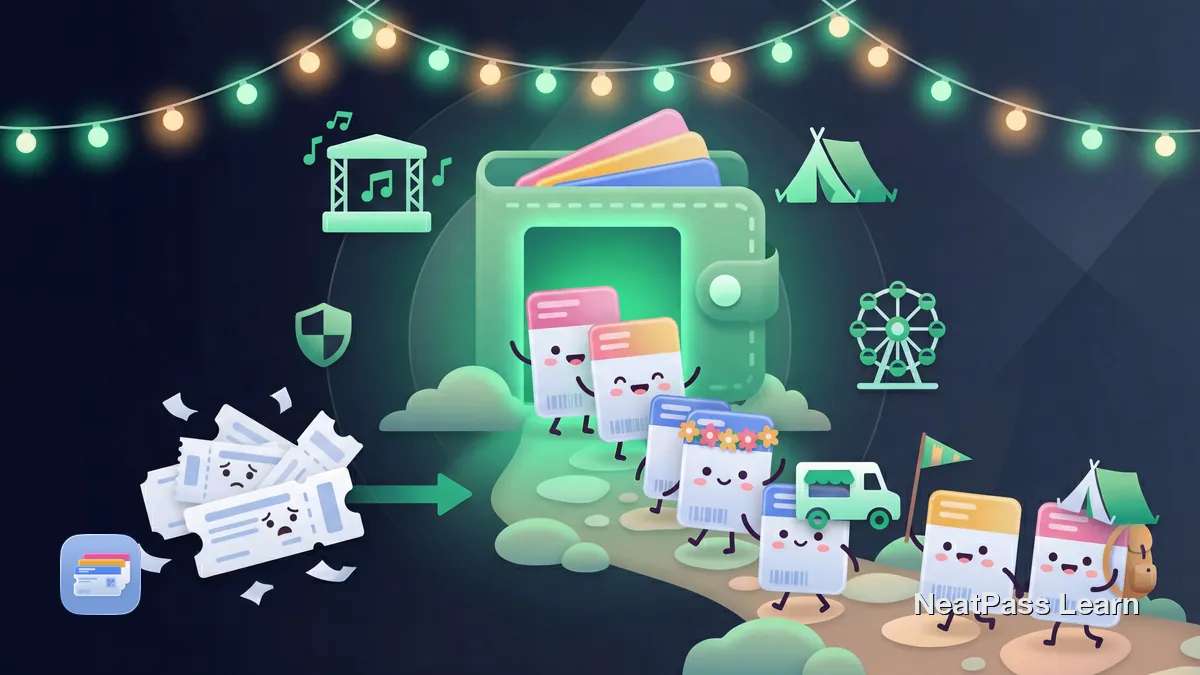
Prepare your festival passes for the 2026 season. Add tickets, parking permits, and campground credentials with static barcodes to Apple Wallet with NeatPass.
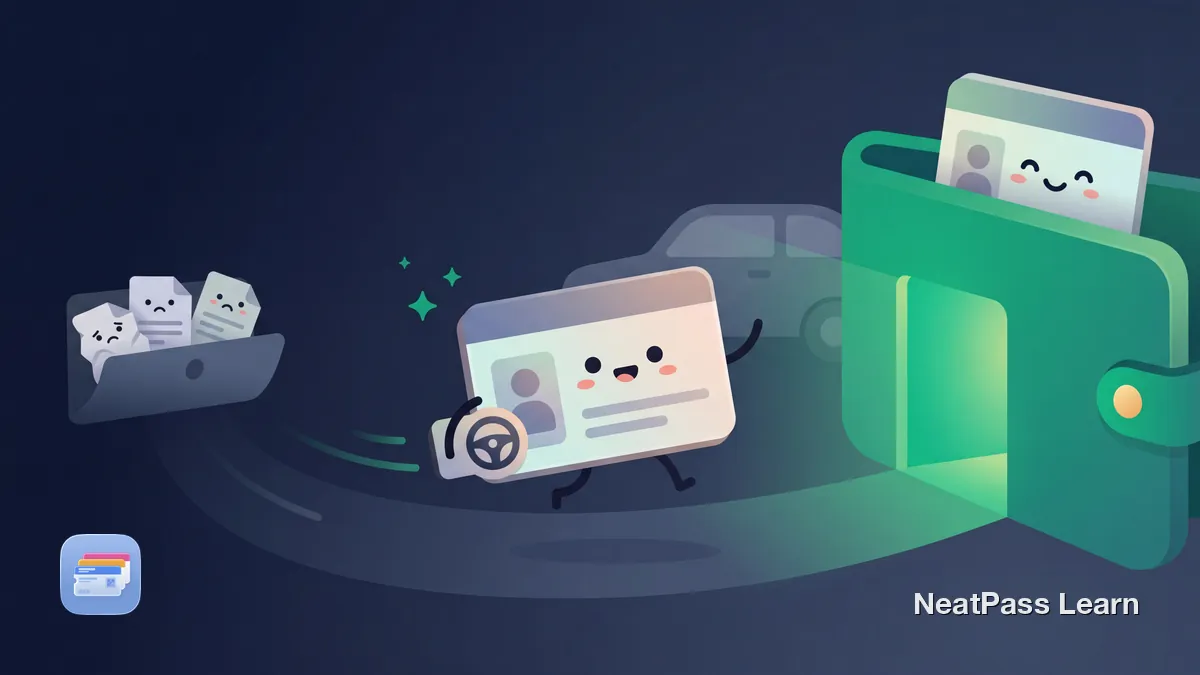
Apple Wallet doesn't support vehicle registration natively. Learn which states allow digital registration and how to add yours as a Wallet pass with NeatPass.

Turn your wedding invitation into an Apple Wallet pass with venue name, date, time, and location alerts. Your pass appears on the lock screen when you arrive.
Your pass library grew to 100+. Here is how to stay organized with Collections, iCloud Sync, widgets, and search in NeatPass v1.1.
Airbnb removed Apple Wallet support. Booking.com's integration is unreliable. Convert booking confirmation PDFs and QR codes into Wallet passes with NeatPass.
Organize boarding passes for several passengers and connecting flights. Keep each pass separate, label them in NeatPass, and retain the latest source.
Ryanair went 100% digital in 2025. Add the boarding pass to Apple Wallet from the myRyanair app and keep the app pass offline as a backup.
Ski lift passes use RFID chips that can't be added to Apple Wallet. Learn what you can store instead: booking QR codes, rental barcodes, and confirmations.
Most pools still use physical cards or facility apps instead of Apple Wallet. Digitize your pool membership or seasonal pass for instant scanning at the gate.

Skip slow-loading park apps. Learn which theme parks support Apple Wallet natively and how to add Disney, Universal, Six Flags tickets for instant access.
Kohl's Rewards is a US program in the Kohl's app. Learn when a stable barcode can become a tested Apple Wallet pass at checkout and what stays in the app.
Add eligible British Airways boarding passes to Apple Wallet via the BA app or mobile site. Covers booking-reference check-in, UK route caveats, and a personal barcode copy for PDF tickets, not a replacement for the airline pass.
The jö Bonus Club card has no documented Apple Wallet export. Learn what stays in the jö äpp, why Bluecode stays in the app, and when a permitted static pass can help.
Add United boarding passes to Apple Wallet. United was the first airline to support iOS 26 boarding passes with Live Activities and luggage tracking.
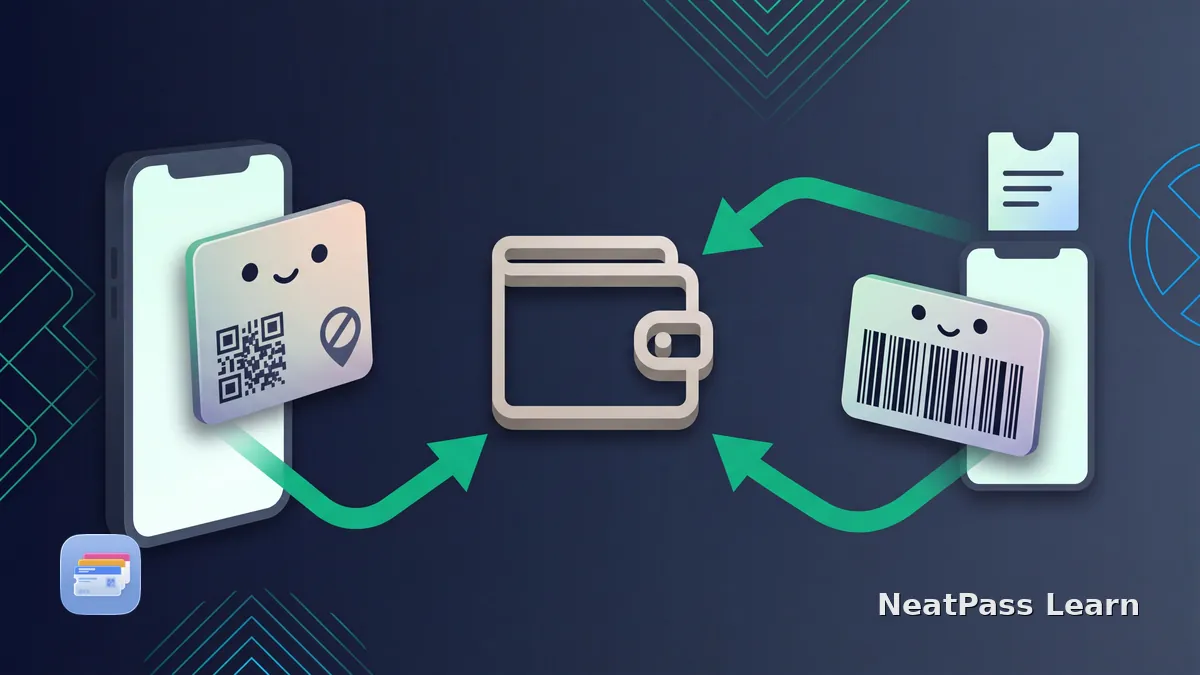
Normal ZVV tickets stay in the official app. Learn why Apple Pay is separate, why personal QR tickets need their live source, and when an authorized barcode may work.
Add a Wizz Air boarding card to Apple Wallet via the WIZZ iOS app. Covers live route and airport availability, booking instructions, and a PDF fallback.
How Emirates, Qatar Airways, and Etihad iOS apps add boarding passes to Apple Wallet. Mobile pass policy, UAE airport rules, and the PDF fallback covered.
Planet Fitness has no Add to Apple Wallet button. Here is how to save your member key tag barcode as a Wallet pass for faster, offline check-in at the gym.
How the KLM iOS app can offer an Apple Wallet boarding pass after check-in, how codeshares follow the operating carrier, Flying Blue status, and the PDF fallback.
LA Fitness has no Add to Apple Wallet button. Here is how to save your member key tag barcode as a Wallet pass for faster, offline check-in every visit.
Add an Air France boarding pass to Apple Wallet from the iOS app after check-in. Flying Blue status, the KLM shared flow, and the PDF fallback covered.
Equinox keeps your membership barcode inside the EQX+ app, not Apple Wallet. Here is how to save it as a Wallet pass for faster, offline club check-in.
How Iberia, Vueling, and TAP Air Portugal iOS apps add boarding passes to Apple Wallet. Live-updating passes, loyalty cards, and the PDF fallback covered.
The VA Veteran ID Card is a digital file, not an Apple Wallet card. Here is how to save it as a Wallet pass for fast reference when claiming veteran discounts.
How to add a Turkish Airlines boarding pass to Apple Wallet via the app, with Miles&Smiles status, Apple Watch sync, and converting tour operator PDFs.
Global Entry and TSA PreCheck are not Apple Wallet cards. Here is how to keep your card image and Known Traveler Number in Wallet for quick reference.
How to add a Southwest Airlines boarding pass to Apple Wallet via the app, with iOS 26 Live Flight Tracking, Rapid Rewards, and a PDF fallback.
How to add a JetBlue boarding pass to Apple Wallet from the app or jetblue.com, with TrueBlue and Mosaic status, Apple Watch, and a PDF workaround.
How to add a Singapore Airlines boarding pass to Apple Wallet via the SingaporeAir app, with KrisFlyer and PPS Club status notes and a PDF workaround.
How to add a Cathay Pacific boarding pass to Apple Wallet from the app, with oneworld status, Apple Watch access, and converting a PDF-only boarding pass.
How ANA and Japan Airlines iOS apps add boarding passes to Apple Wallet. Touchless boarding in Japan, Apple Watch support, airport limits, and the PDF fallback.
How the Qantas and Virgin Australia iOS apps add boarding passes to Apple Wallet. Mobile pass flow, iOS 26 Live Flight Tracking, and the PDF fallback covered.
Add festival tickets, camping passes, and parking permits to Apple Wallet. Works offline when 50,000 people overwhelm cell towers.
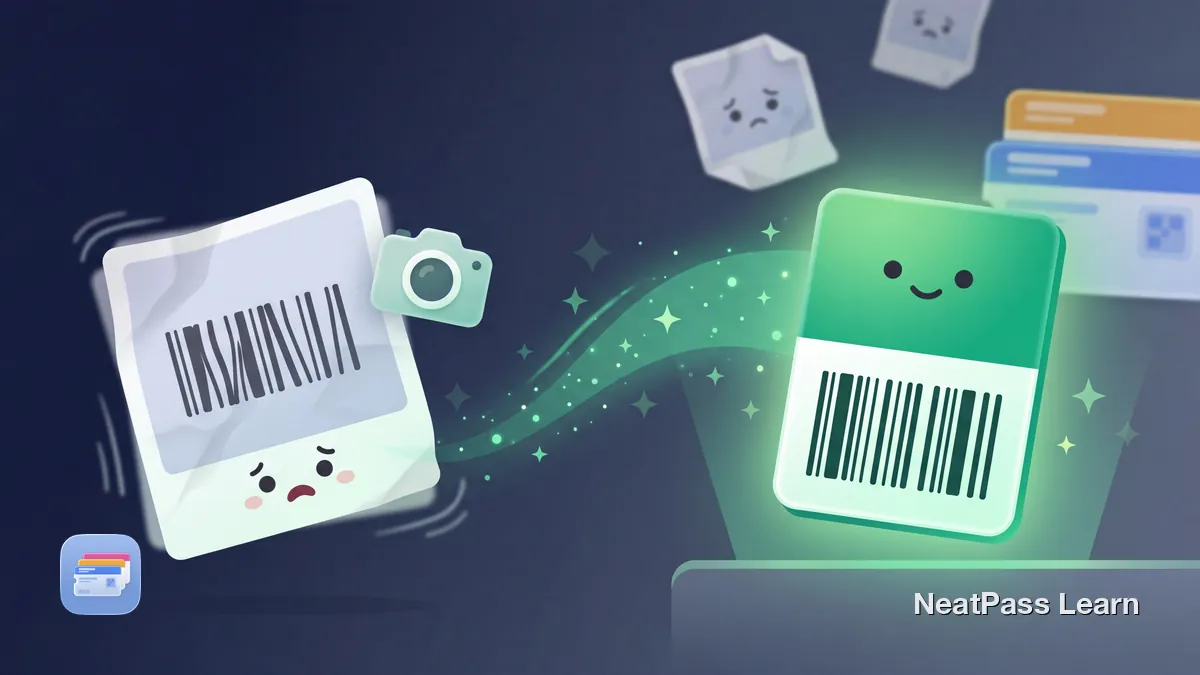
Take a clear photo of any barcode card or ticket, extract the code, and create a real Apple Wallet pass that scans better than a saved image at check-in.
Add gym, club, and other membership cards to Apple Wallet by scanning the barcode and creating a pass that is faster to open, find, and use at check-in.
Add your ADAC membership card to Apple Wallet. Official member-portal flow and how NeatPass creates a separate pass from your physical membership card.

Add your hunting license to Apple Wallet for quick field access. Works with PDF confirmations, state app screenshots, and printed hunting license barcodes.
Add your OSHA 10 or 30-Hour training card to Apple Wallet by scanning the QR code. Show safety training proof from your lock screen on any job site.
Add your CPR certification card to Apple Wallet for instant proof at work or the pool. Works with AHA, Red Cross, and any provider - no paid add-on required.
Most employee badges use NFC chips iPhones can't copy. Learn what Apple's enterprise badge feature requires and how to digitize your badge barcode.
Add your food handler card to Apple Wallet for instant proof during health inspections. Works with ServSafe, StateFoodSafety, eFoodHandlers, and any provider.
Most offices and coworking spaces still rely on physical badges or apps for building access. Learn how to digitize a barcode-based badge for Apple Wallet.
No state offers Apple Wallet fishing licenses. Add your license barcode or number to Wallet with NeatPass for offline proof when a game warden checks.
Nonprofits rarely offer digital badges. Learn how to add your volunteer ID, credential, or badge barcode to Apple Wallet with NeatPass for quick check-in.
There is no OMNY card in Apple Wallet. Add a contactless bank card, set it as Express Transit, and tap. Same fares, same weekly cap, no plastic to carry.
The CharlieCard cannot be added to Apple Wallet yet. Tap a contactless card or Apple Pay on the new Charlie readers instead: same fare, bus, subway, and ferry.
CinemaxX, CineStar and UCI Kinowelt cinema tickets rarely land in Apple Wallet reliably. Here is how to turn the PDF or QR ticket into a real Wallet pass.
The SEPTA Key card cannot be added to Apple Wallet. Tap a contactless bank card with Express Mode instead. Same $2.90 fare, every mode, no Key card needed.
Royal Caribbean's Add to Apple Wallet button for the SetSail Pass often errors out. Keep a backup that scans at the terminal and works offline at embarkation.
SmarTrip already works in Apple Wallet. Add a new card or transfer a plastic one, set Express Transit, and tap every DC Metrorail and Metrobus reader.
The Ventra card works natively in Apple Wallet. Here is how to add it on iPhone, transfer your balance, enable Express Transit, and tap on CTA and Pace.
Clipper works natively in Apple Wallet. Add a card or transfer a plastic one, then tap BART, Muni, and Caltrain with Express Transit. Full 2026 setup guide.
TAP card not tapping, not adding, or balance missing in Apple Wallet? Walk through Express Transit, reader contact, load timing, and reinstall fixes fast.
The Arsenal Digital Pass is a native Apple Wallet pass. This guide shows how to add it from the email or Ticket Hub, fix it when it hides, and tap in offline.
How the SAS, Norwegian, and Finnair iOS apps add boarding passes to Apple Wallet after check-in. Mobile pass rules, loyalty cards, and the PDF fallback covered.
How the Aer Lingus and Virgin Atlantic iOS apps add boarding passes to Apple Wallet. Check-in flow, mobile pass policy, loyalty, and the PDF fallback covered.
How Eurowings, Condor, and ITA Airways add boarding passes to Apple Wallet. App flows, Condor's email-link quirk, loyalty changes, and the PDF fallback.
Add the Miles & More service card to Apple Wallet, understand Frequent Traveller, Senator, and HON Circle status, plus the NeatPass barcode workaround.
Add a TUI fly boarding pass to Apple Wallet after check-in, plus a fix for package-holiday PDFs from a TUI booking that arrive with no Wallet button.
Add Edelweiss and Helvetic Airways boarding passes to Apple Wallet: online check-in, mobile passes, SWISS wet-lease flights, and a PDF route with NeatPass.
Add an Asiana Airlines mobile boarding pass to Apple Wallet after app check-in, with Korean Air merger context and a NeatPass workaround for PDF tickets.
How the Thai Airways (THAI) iOS app adds boarding passes to Apple Wallet after check-in. Royal Orchid Plus, Apple Watch, and the PDF fallback covered.
How IndiGo (6E) and Air India iOS apps add boarding passes to Apple Wallet. DigiYatra, Indian airport mobile-pass rules, and the PDF fallback explained.
How to add an EgyptAir boarding pass to Apple Wallet from the app or web check-in, with EgyptAir Plus status, Apple Watch access, and the PDF fallback covered.
Batik Air sends boarding passes by email and app, with limited Apple Wallet support. Here is how to get an Indonesia or Malaysia Batik Air pass into Wallet.
VIA Rail boarding passes reach Apple Wallet from the app, but the emailed pass has no button. Keep the barcode in Wallet offline with NeatPass on any device.
Add a Frontier Airlines boarding pass to Apple Wallet from the app or flyfrontier.com, and convert a PDF or screenshot into a Wallet pass when no button shows.
Add a WestJet boarding pass to Apple Wallet from the WestJet app, and convert a PDF or screenshot into a Wallet pass when no Add to Wallet button shows.
Add a Hawaiian Airlines boarding pass to Apple Wallet from the Alaska Hawaiian app, and convert a PDF or screenshot when no Add to Wallet button appears.
Add a LATAM boarding pass to Apple Wallet, fix the cannot generate boarding pass error, and convert an emailed PDF into a Wallet pass that scans at the gate.
Add an Avianca boarding pass to Apple Wallet after check-in, and convert an OTA or emailed PDF into a Wallet pass when the Add to Wallet button is missing.
The SunExpress app's Add to Apple Wallet button is unreliable, with white screens and check-in errors reported. Here is how to save the pass from the PDF.
Boots has an official Add to Apple Wallet button, but it locks to one Apple account. Here is how to make a standalone Advantage Card pass with NeatPass instead.
Kroger offers no official Apple Wallet pass for the Plus Card. Scan your physical Shopper's Card barcode into Wallet for fast, offline checkout, no app needed.
The Nectar app can add a basic card to Apple Wallet, but it shows no points. Here is how to build a cleaner standalone Nectar pass with NeatPass instead.
Safeway's for U app Wallet tab is not Apple Wallet. Scan your Member Card barcode into a real Wallet pass that works across Albertsons, Vons and Jewel-Osco too.
The Douglas app can add your Beauty Card to Apple Wallet, but it depends on the app. Here is how to build a standalone Douglas Beauty Card pass with NeatPass.
Ulta offers no Apple Wallet button for the rewards card. Scan your Ultamate member barcode into Wallet and skip the slow app login at every single checkout.
The Dunkin' Card in Wallet pays, but it will not earn points. Scan your Dunkin' Rewards ID into Apple Wallet to earn on every order without opening the app.
IKEA has no Add to Apple Wallet button in its app, and the pass only arrives by email. Here is how to build a standalone IKEA Family pass with NeatPass instead.
Chick-fil-A dropped native Apple Wallet member support. Scan your Chick-fil-A One QR code into Wallet for one-tap points and rewards access at the register.
Greggs will not put your Rewards QR in Apple Wallet, so it stays in the app. Here is how to build a standalone Greggs pass with NeatPass for faster stamps.
Tesco UK Clubcard has an official Apple Wallet route. Learn what the Wallet barcode does, what needs the Tesco app, and when a separate NeatPass display can help.
Morrisons has an official Apple Wallet path for the More Card barcode. Learn what stays in the app or website and when a static NeatPass pass helps.
M&S's UK app provides a digital Sparks card. Learn the official card flow, Apple Wallet barcode limits, and where current offers and rewards remain.
The Canadian PC Optimum App Store listing includes Wallet in its Supports section but not account-specific pass steps. Learn what stays in the app and when a static NeatPass card helps.
Walmart+ keeps its membership barcode in the Walmart app. Learn when a stable barcode can work in NeatPass and which features stay in Walmart's app.
BMO moved AIR MILES to Blue Rewards on June 2, 2026. Add the refreshed digital card to Apple Wallet, or use NeatPass for a stable barcode fallback.
Club Publix uses a 10-digit phone number, not a documented Wallet pass. Learn what stays in the account and when an authorized barcode can be tested.
AAA Apple Wallet support varies by regional club and ZIP code. Check the official path first, then use NeatPass only for a genuine static barcode fallback.
Scene+ has a direct Apple Wallet path in Canada. Learn what the official pass shows, what stays in the app, and when a static NeatPass card helps.
ASDA Rewards supports Apple Wallet. Learn what the pass covers, where Cashpot and vouchers stay, and how NeatPass provides a supported static-barcode fallback.
The UK Co-op Membership app adds its card to Apple Wallet. Learn what stays in the app, how offers work, and where NeatPass fits.
Add your myWaitrose card to Apple Wallet with the official Waitrose app. See which features stay in the account, including offers, vouchers, and ScanPayGo.
Migros Cumulus has an official Apple Wallet path in Switzerland. Learn where to find it, what stays in the Migros app, and how coupons work with the pass.
There is no ORCA card in Apple Wallet. Tap a contactless card or Apple Pay for Seattle fares, and keep barcode tickets and day passes in Wallet with NeatPass.
Swiss Coop Supercard currently stays in the official app, with no Apple Wallet export for its loyalty code. Learn why payment cards in Apple Pay are separate.
There is no RTD card in Apple Wallet. Tap a contactless card or Apple Pay for Denver buses and trains, and keep barcode tickets and passes in Wallet too.
Tim Hortons Canada does not currently support Apple Wallet for Tims Rewards, and its app QR code rotates and expires in screenshots. Learn the safe limits.
There is no Opal card in Apple Wallet. Tap a contactless card or Apple Pay set as Express Transit for Sydney fares, and keep barcode tickets in Wallet.
VGN has no native Apple Wallet export. Eligible HandyTickets can be saved as issuer-generated images; PrintTickets are provided as PDFs.
There is no OV-chipkaart in Apple Wallet. The Netherlands uses OVpay, so tap Apple Pay to ride, and keep your NS and event tickets in Wallet with NeatPass.
Wiener Linien has no native Apple Wallet ticket. Store the QR code from a paper Vienna transit ticket in Wallet with NeatPass, always bright and offline.
FitX documents the X-Card and armband, but not a membership pass. See when a stable barcode makes a useful Wallet shortcut and when to keep the contactless credential.
Fitness First Germany documents a membership card and app, but no documented Wallet path. Learn when a barcode works in NeatPass and where club rules apply.
Urban Sports Club check-in can require location, activity selection, a partner QR scan, and confirmation. Learn where a separate static venue barcode can help.
Add a membership-card screenshot to Apple Wallet with NeatPass. Import your gym, club, or library barcode and keep the card ready for your next visit.
Turn a gift-card screenshot into an Apple Wallet pass with NeatPass. Import the image, review the barcode, and find your card quickly at checkout.
Add an event ticket screenshot to Apple Wallet with NeatPass. Choose a clear barcode, review the ticket, and keep it ready at the entrance.
Flybuys Australia documents a digital card in its app, not a confirmed Apple Wallet export. Use NeatPass only as a stable-barcode fallback.
Everyday Rewards Australia documents an Apple Wallet flow. Send the card to your iPhone, see what stays in the app, and learn when to test a barcode fallback.
Myer says the MYER one card can be added to a phone wallet, but gives no fixed Apple steps. Follow the current prompt and test a stable barcode with NeatPass.
Use your ÖBB Vorteilscard on iPhone with the official app. Learn where to find it, which ID to carry, and why the journey ticket stays separate.
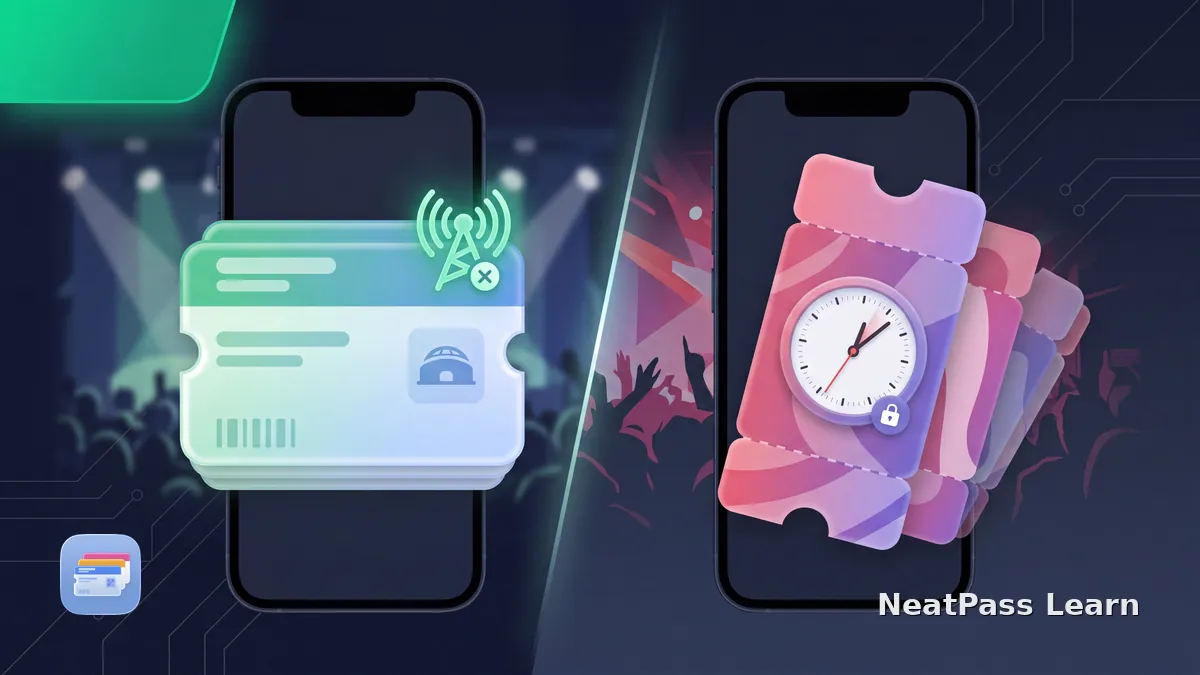
Do event tickets work offline? Learn which Apple Wallet and issuer passes can show without signal, why dynamic codes stay in the app, and where NeatPass fits.
PetSmart shows a Treats barcode in its app and phone or email lookup, but no documented Wallet export. Learn when a stable barcode can become a NeatPass pass.
Petco's current sources do not document a native Wallet export for Petco Perks. Learn why a member number is not a barcode and when a static code could work.
Add the 2026 Bodensee Card PLUS to Apple Wallet from its official purchase email, then understand activation days, family cards, and photo ID requirements.
Add the official Vienna Mobile PASS to Apple Wallet when your order has no Wiener Linien season ticket. Learn activation, group use, and transport limits.
Costa Club has an official Apple Wallet card. Learn what stays in the app, why an app QR screenshot is not an equivalent pass, and when NeatPass helps.
Nando's UK documents an account-linked NFC Wallet Card for rewards, not payment. Learn why a barcode copy is not equivalent and what to do when tap fails.
Valid Juleica holders can add the official digital pass to Apple Wallet. Learn the Apple add steps, why to keep the physical card, and acceptance limits.
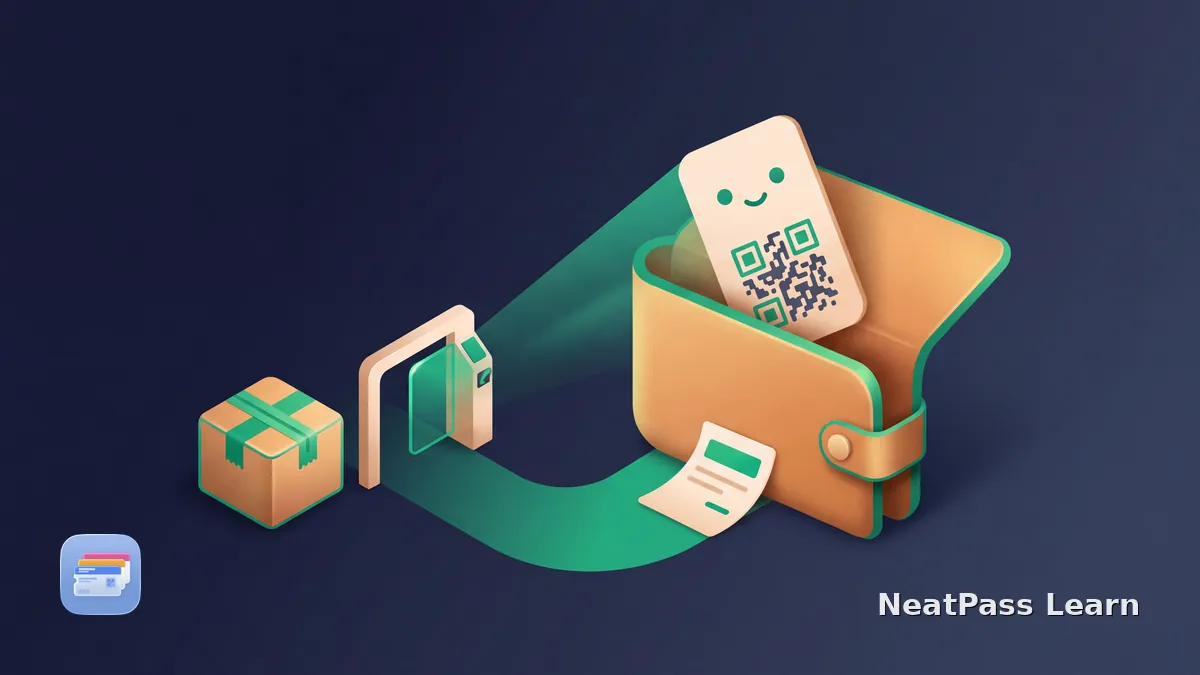
Save a static return QR code in Apple Wallet when the issuer provides no Wallet pass. The merchant and carrier control locations, validity, and handoff rules.
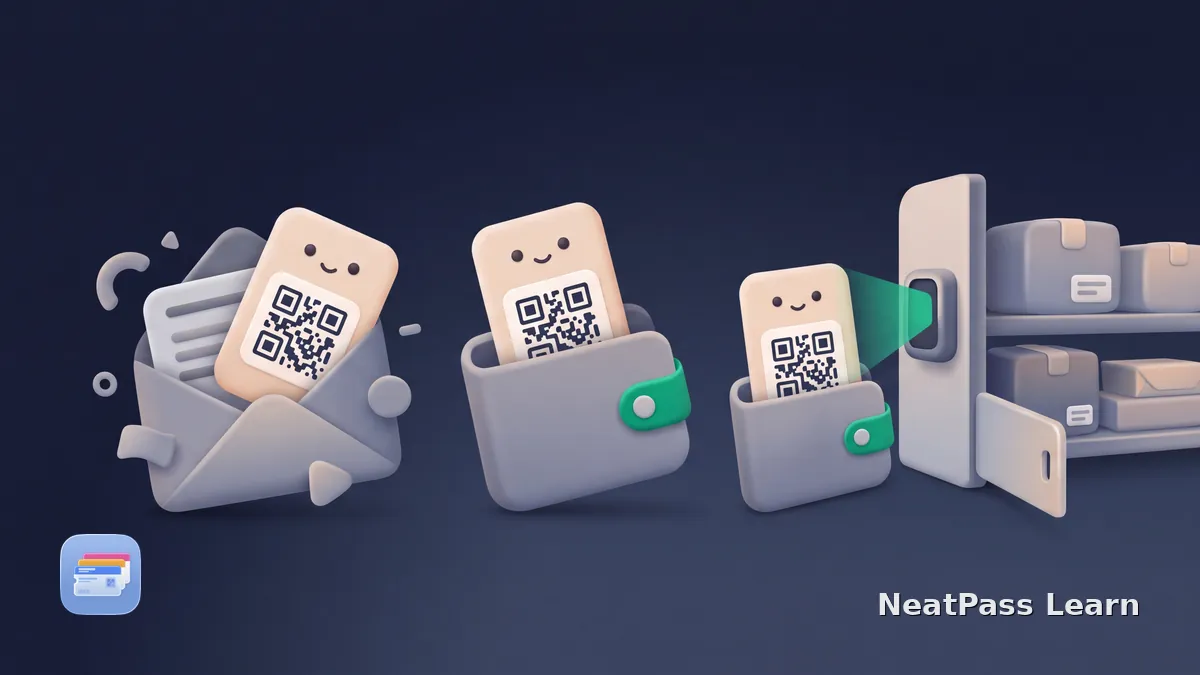
Save a stable parcel-shop collection QR code in Apple Wallet. Rotating locker codes, including DHL Packstation codes, must remain in the carrier app.
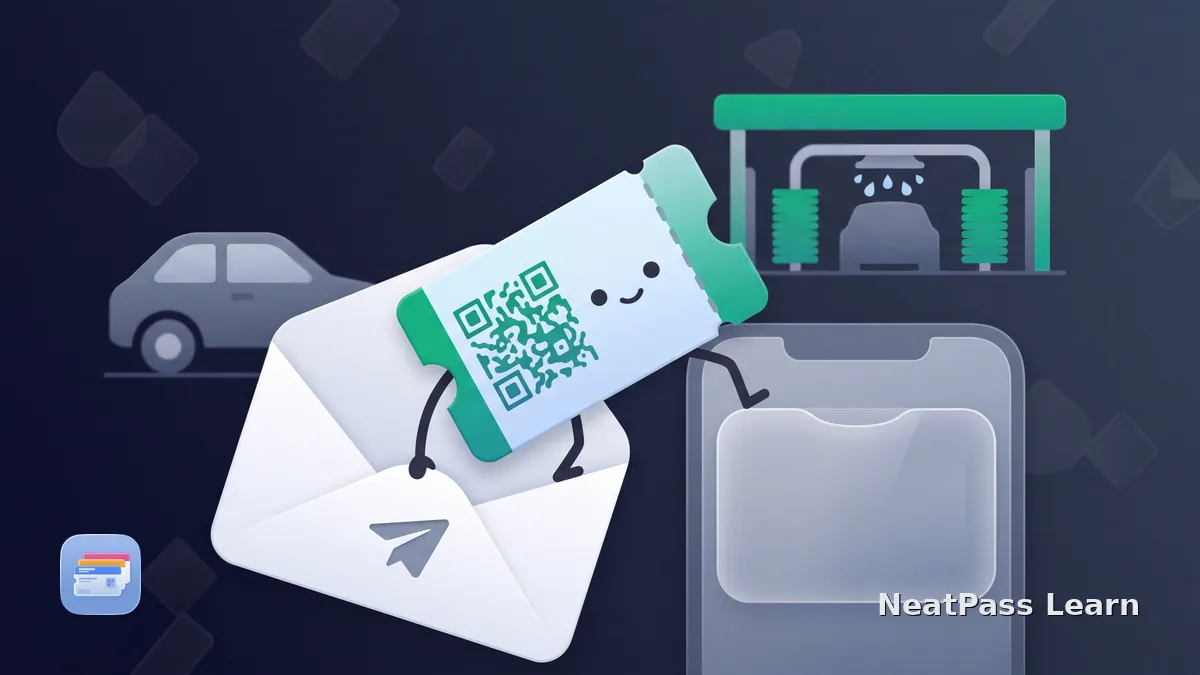
A static NeatPass pass preserves an issued car-wash QR code for quick access, while the operator remains the authority for uses, expiry, and vehicle-linked access.
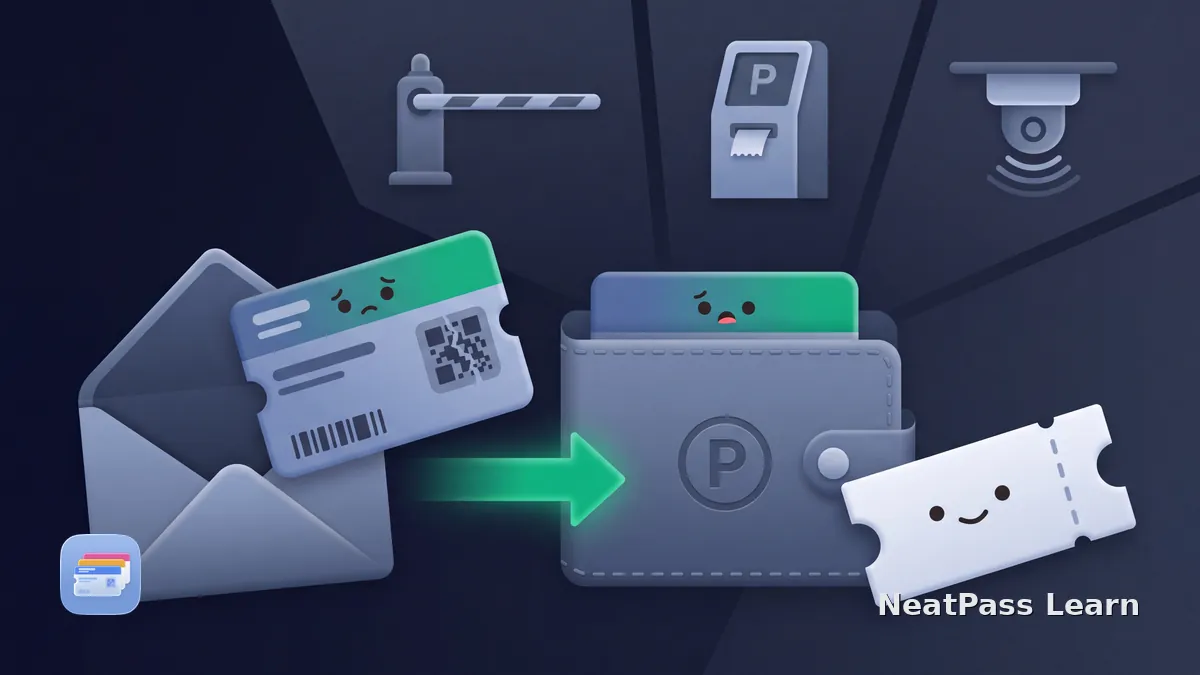
Keep your airport parking QR code in Apple Wallet. Import the booking PDF or screenshot with NeatPass and find the current code quickly at the barrier.
Save a static airport security timeslot QR code in Apple Wallet. Check Schiphol, Stuttgart, Manchester, Frankfurt SmartWay, and the ended BER Runway service.
Add a current Washington State Ferries barcode to Apple Wallet. Learn fare tickets versus reservations, validity, reissues, and proof of eligibility.
Save a Disney Cruise Port Arrival Form QR code as a static Wallet pass. Use Disney's official option first; keep the complete form and required documents.
MSC Wallet support varies by market. Learn where a static QR copy can help, while booking channel, arrival slot, photo, and document checks still apply.
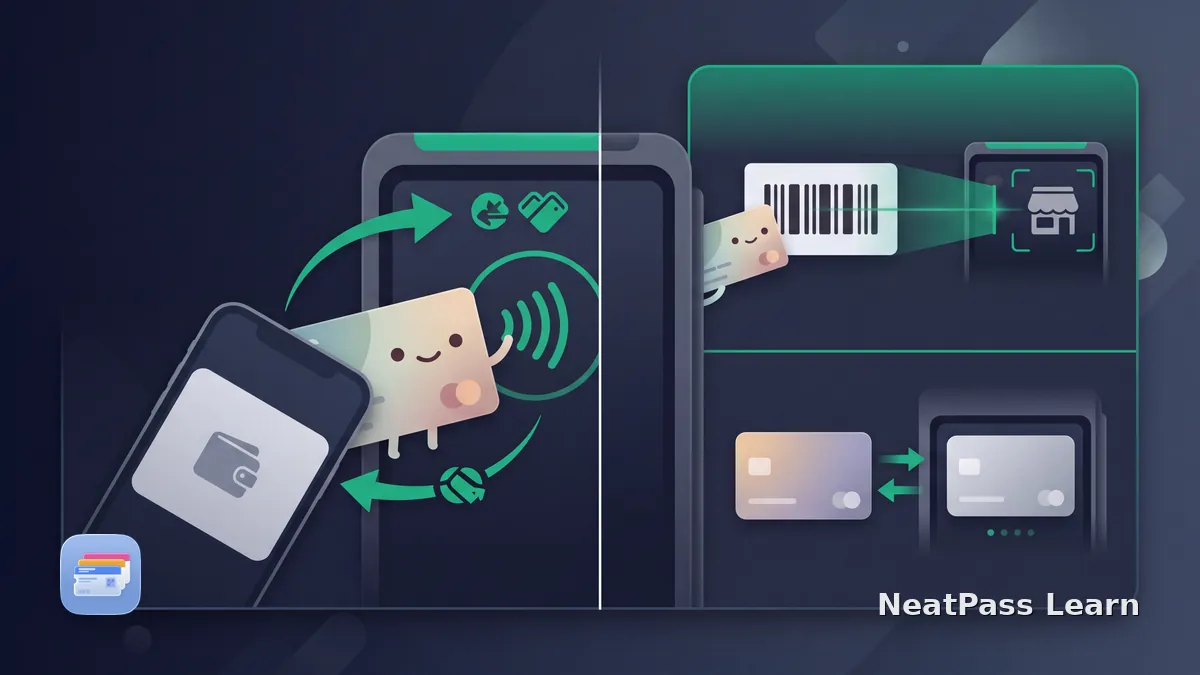
Learn when an Apple Wallet loyalty card and Apple Pay can work in one step, what NFC and VAS support require, and why static barcodes still need scanning.
Target's checkout barcode expires and cannot be saved to Apple Wallet. Learn the official GiftCard flow and when a separate static barcode copy may help.
Add an eligible EVA Air boarding pass to Apple Wallet from the official app, with operator, document, airport and check-in deadline limits.
Add an Allegiant boarding pass to Apple Wallet from the official app, with check-in, counter, ID, baggage and airport printing-fee boundaries.
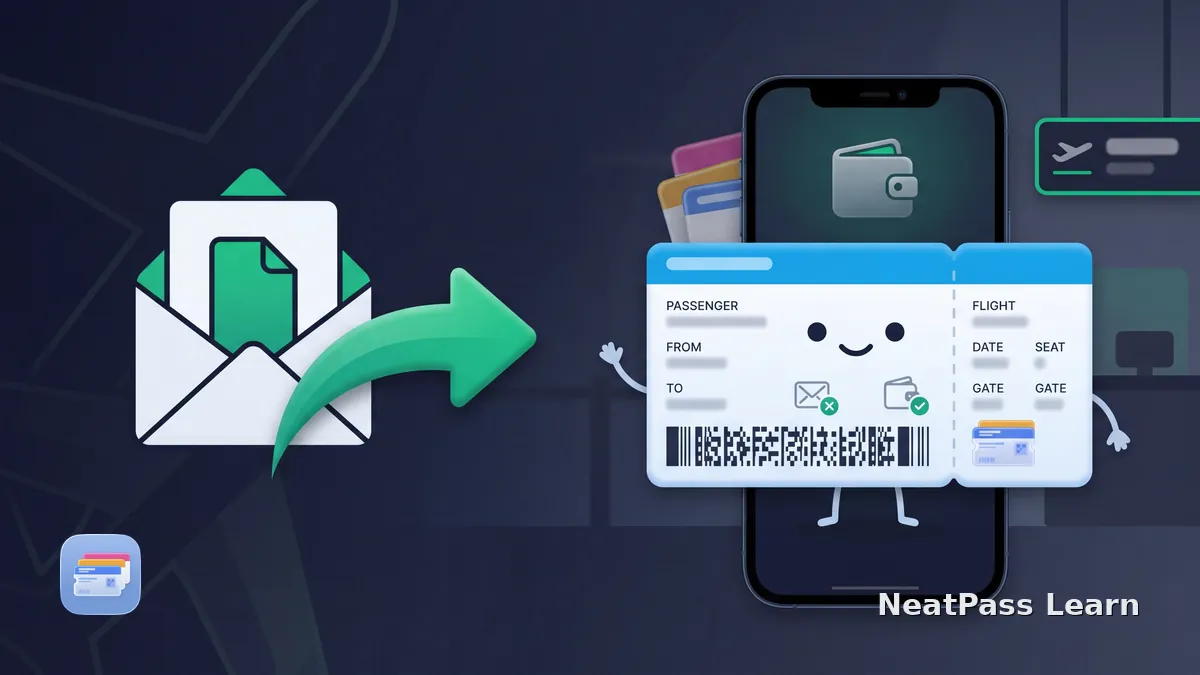
Use Air NZ’s official Apple Wallet option first. Learn when NeatPass can help with a static boarding pass and what to check before relying on a digital copy.
Use your current official parkrun barcode to create an independent Apple Wallet pass. Learn the finish scan order, limits, and official fallback options.
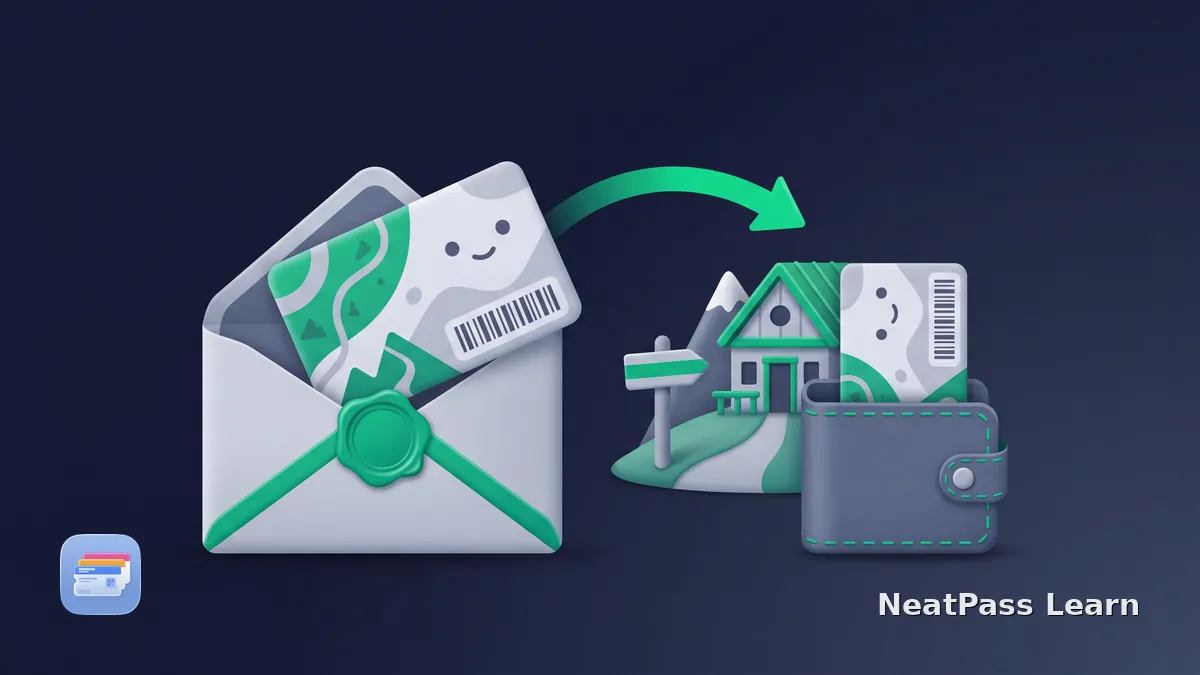
Add the ÖAV membership card to Apple Wallet through mein.alpenverein and its official Wallet file. Learn why the official issuer route should come first.
Get the official DAV membership card as a PDF from Mein.Alpenverein or by email. Learn why photo ID is required and what Apple Wallet can and cannot add.
Try completely free. €4.99 for unlimited passes.