NeatPass Press Kit
Everything you need to cover NeatPass
One-Liner Description
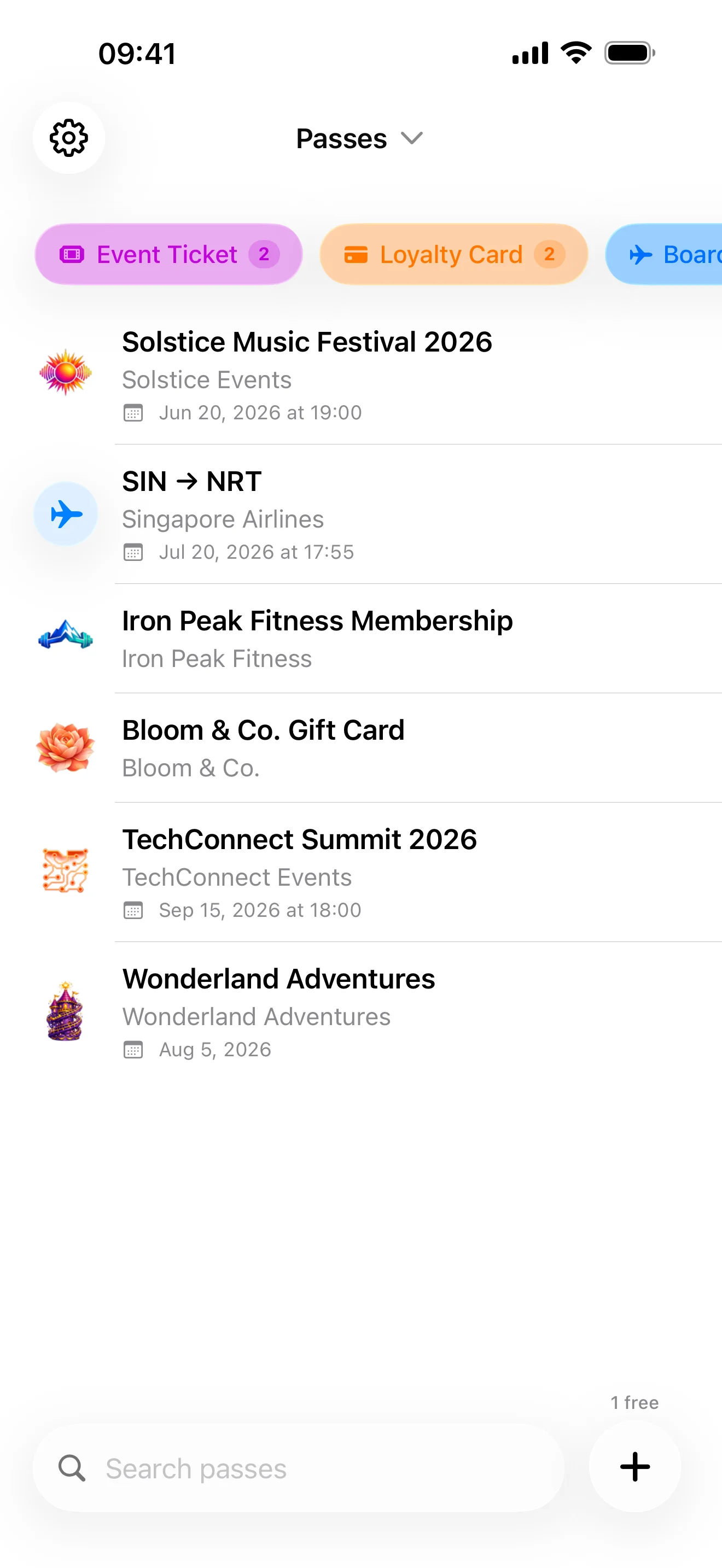
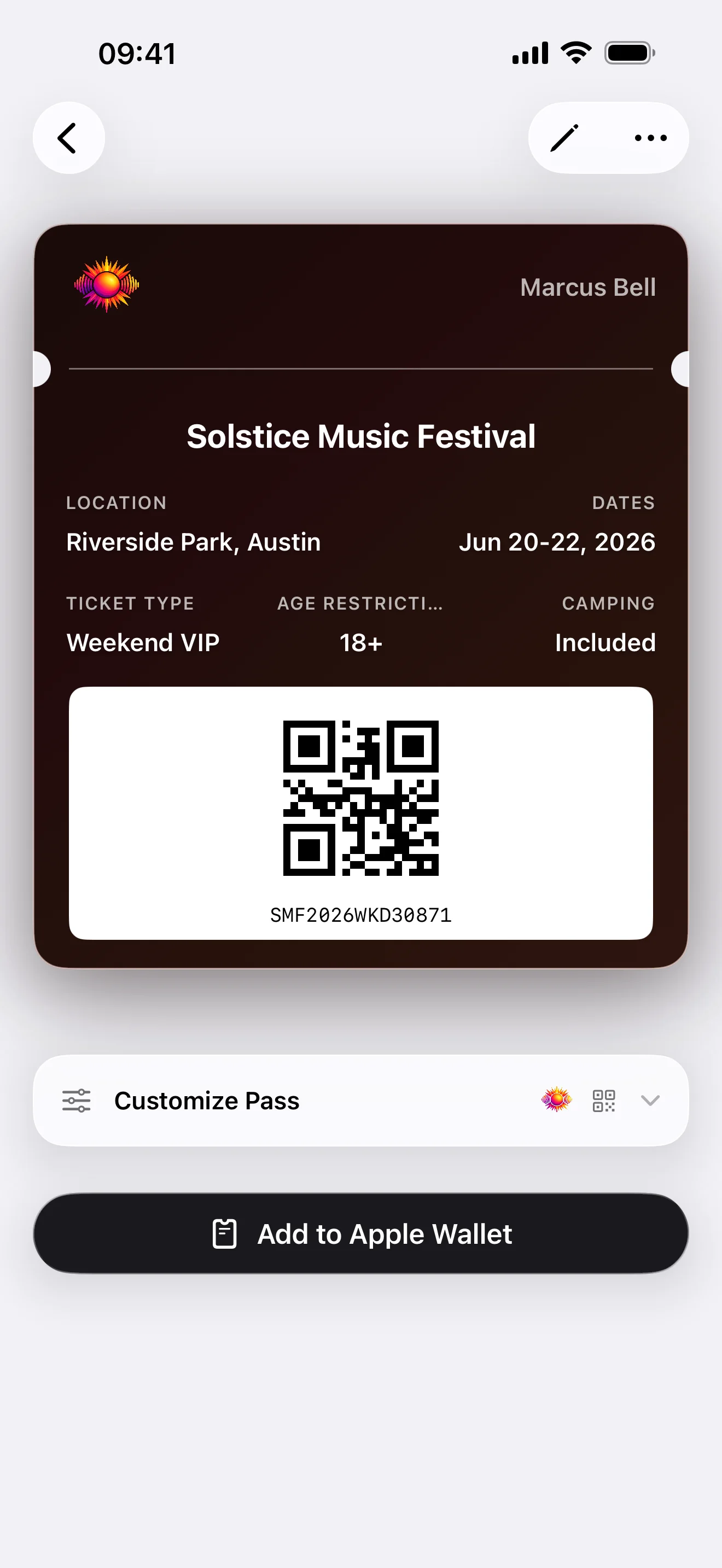
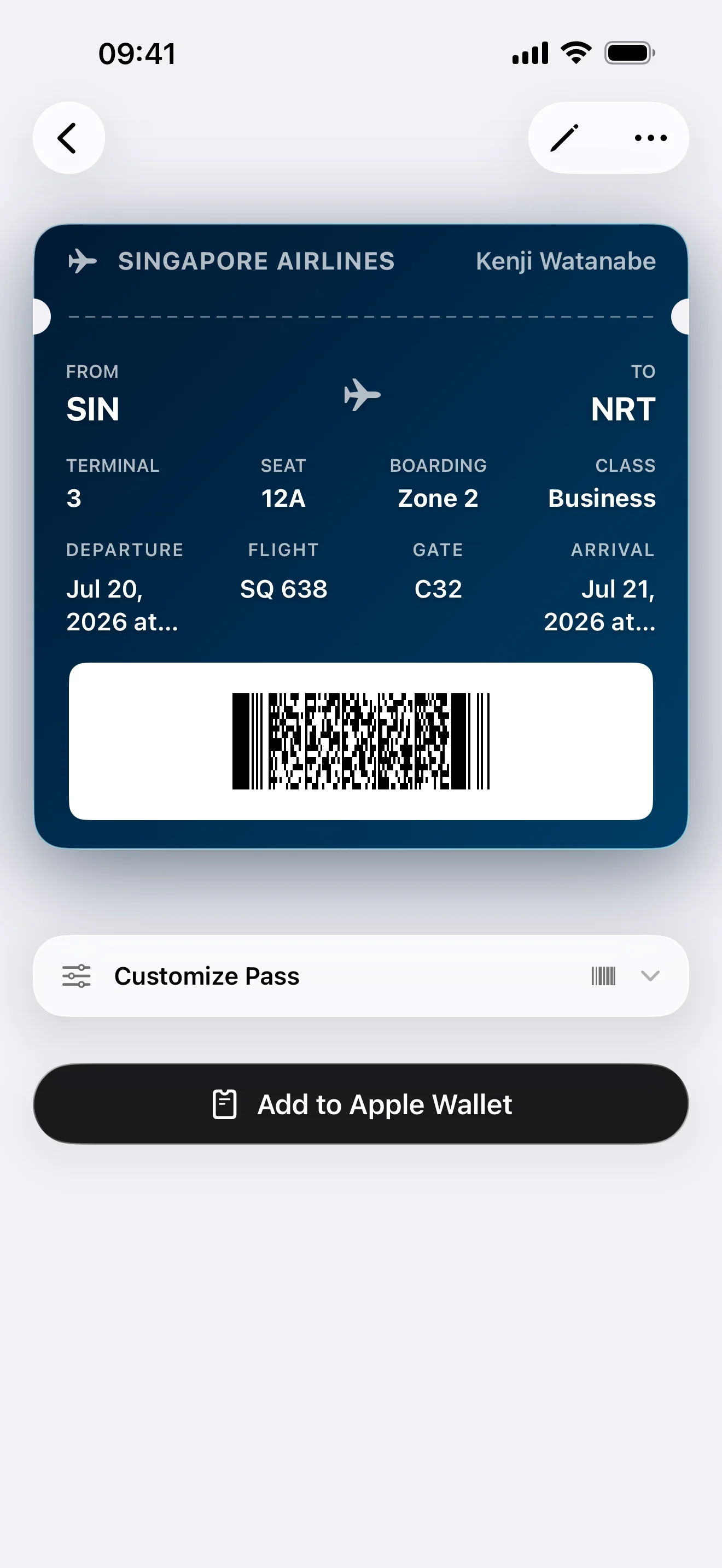
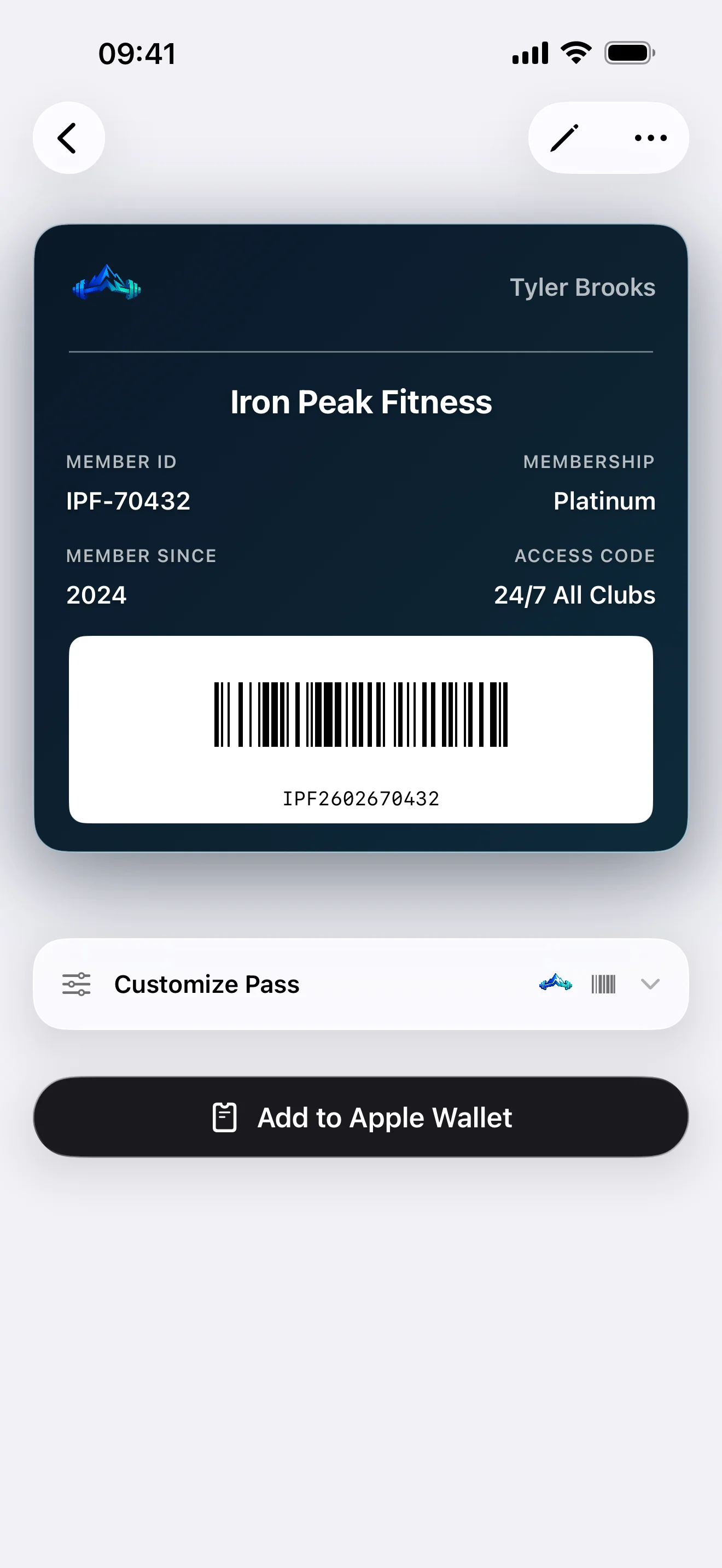
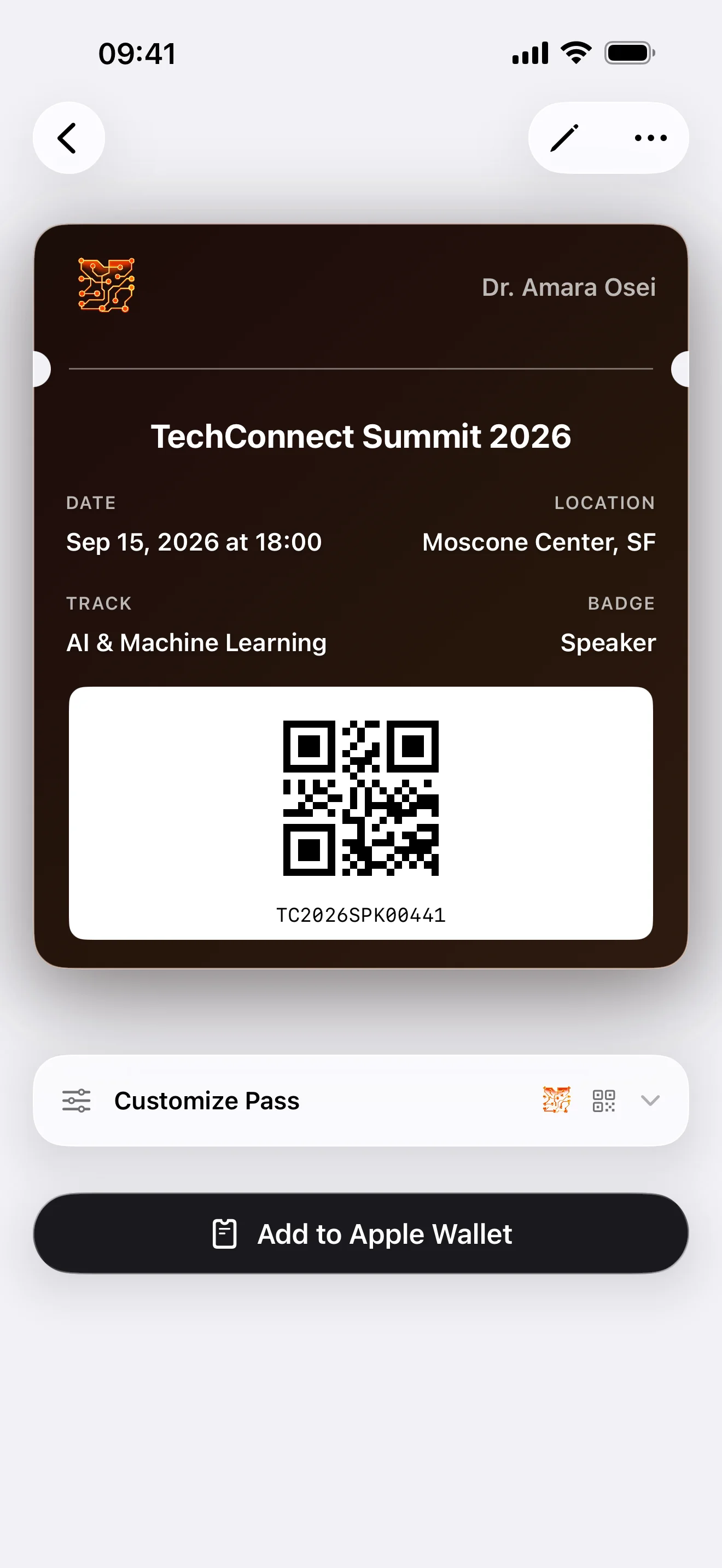
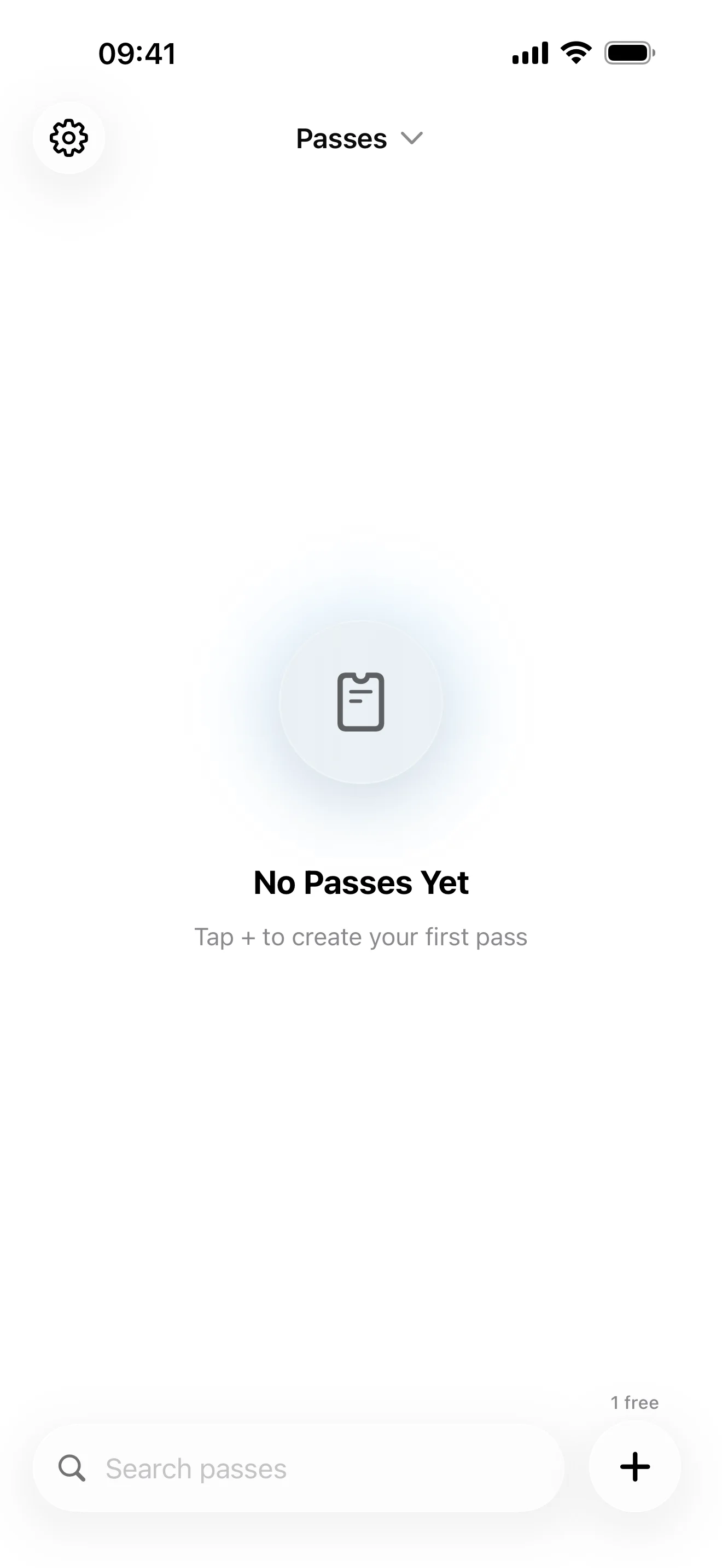
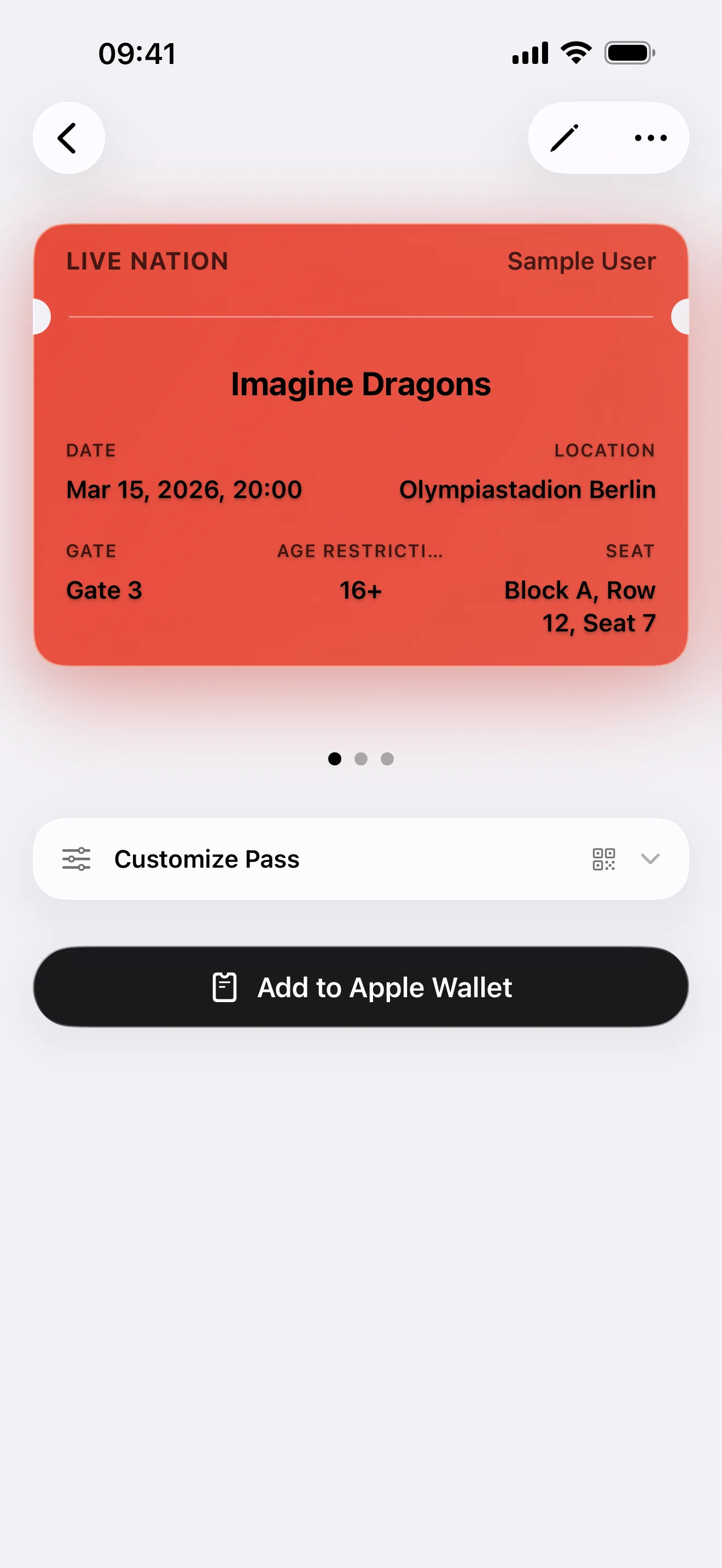
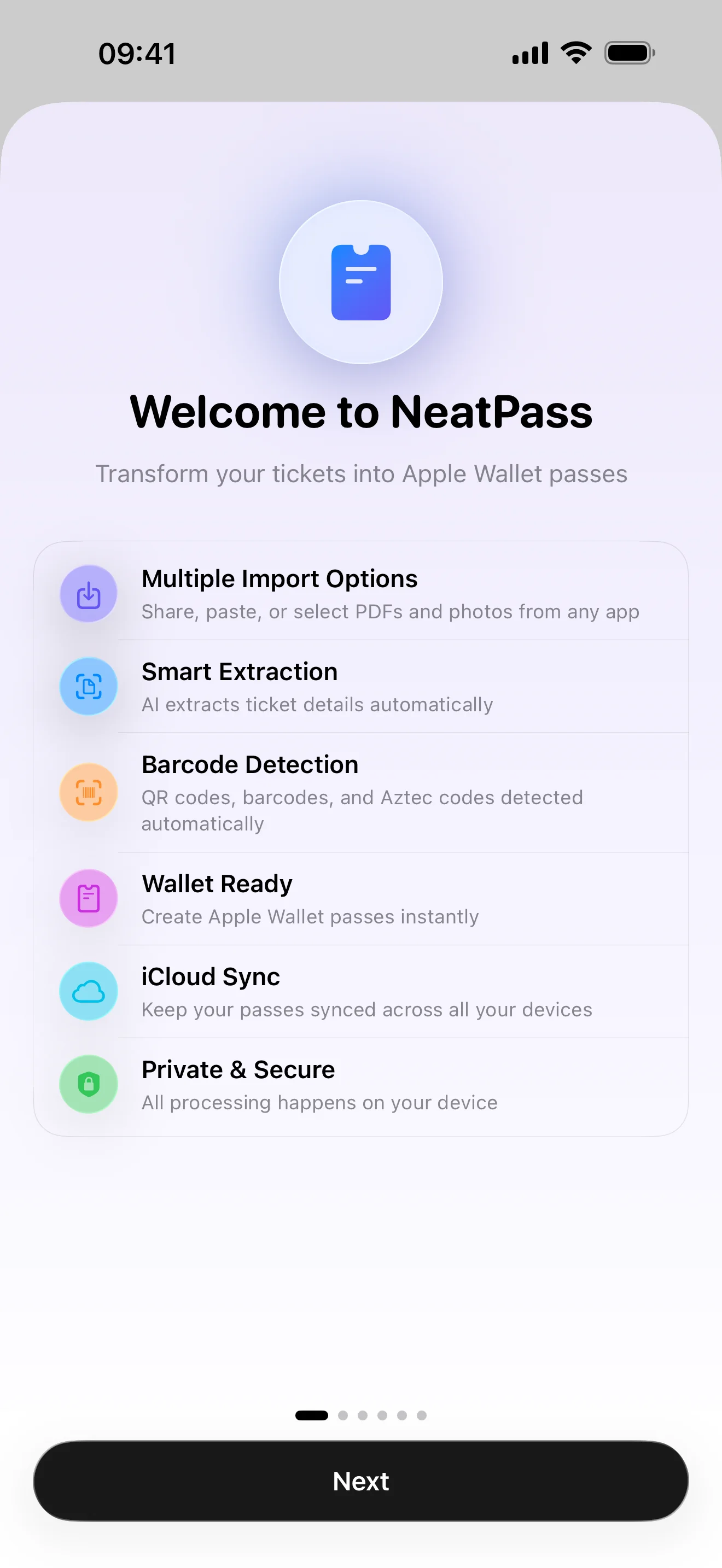
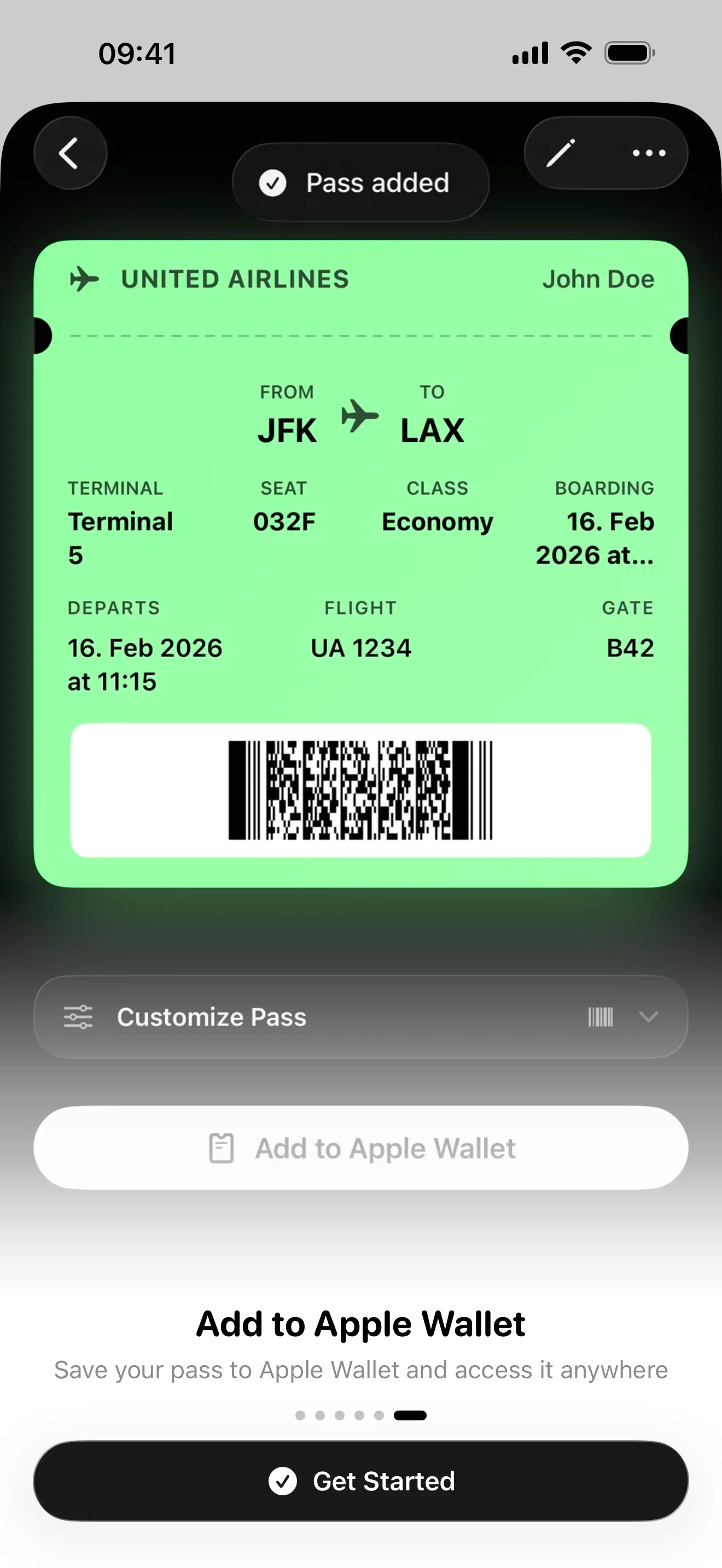
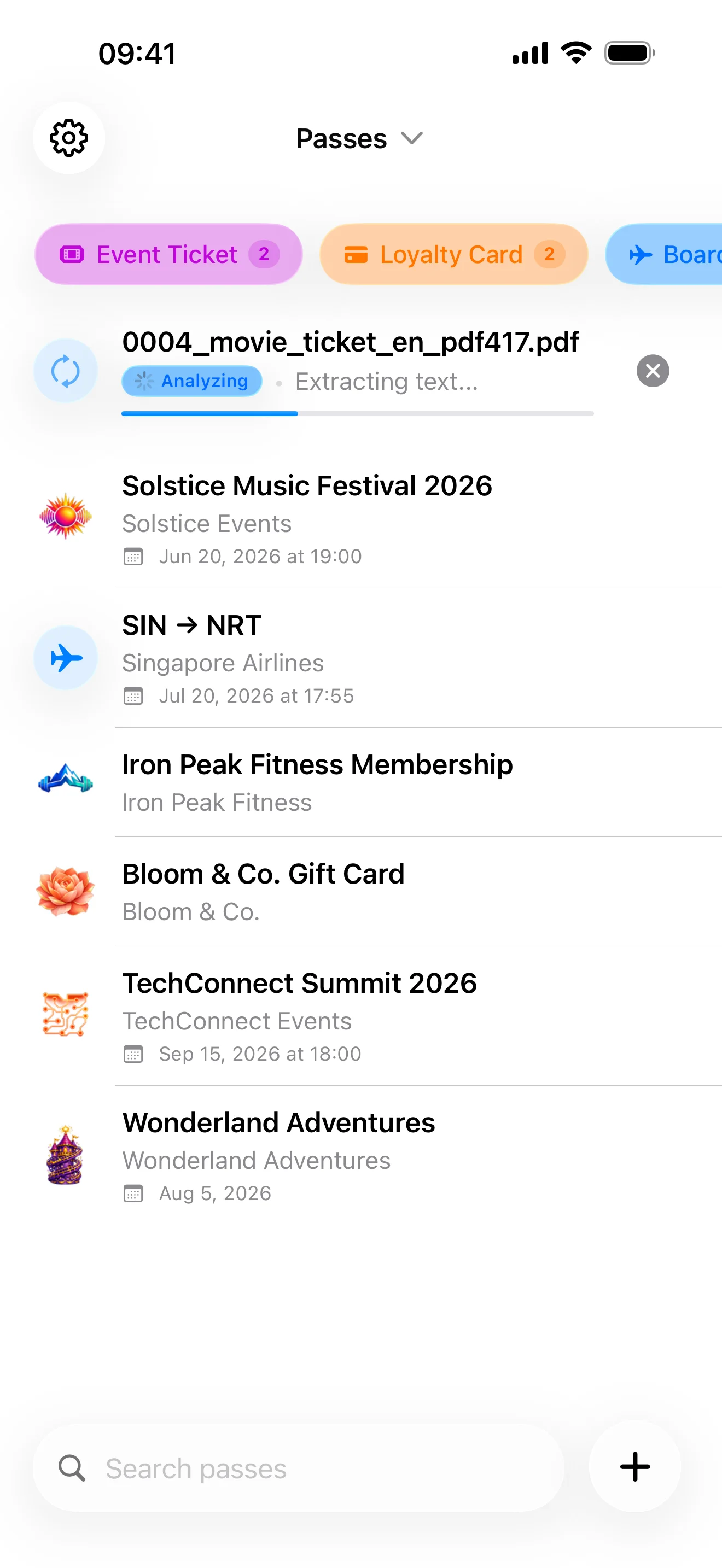
NeatPass converts PDF tickets, boarding passes, and loyalty cards into Apple Wallet passes in ~20 seconds, entirely on your iPhone. No cloud uploads, no subscription. Built by a solo developer in Germany. $4.99 once.
Who It's For
Frequent Travelers
Flight and train tickets always ready at the gate
Concert & Event Goers
No more digging through emails at venue entrances
Privacy-Conscious Users
Documents never leave your device
Subscription-Fatigued
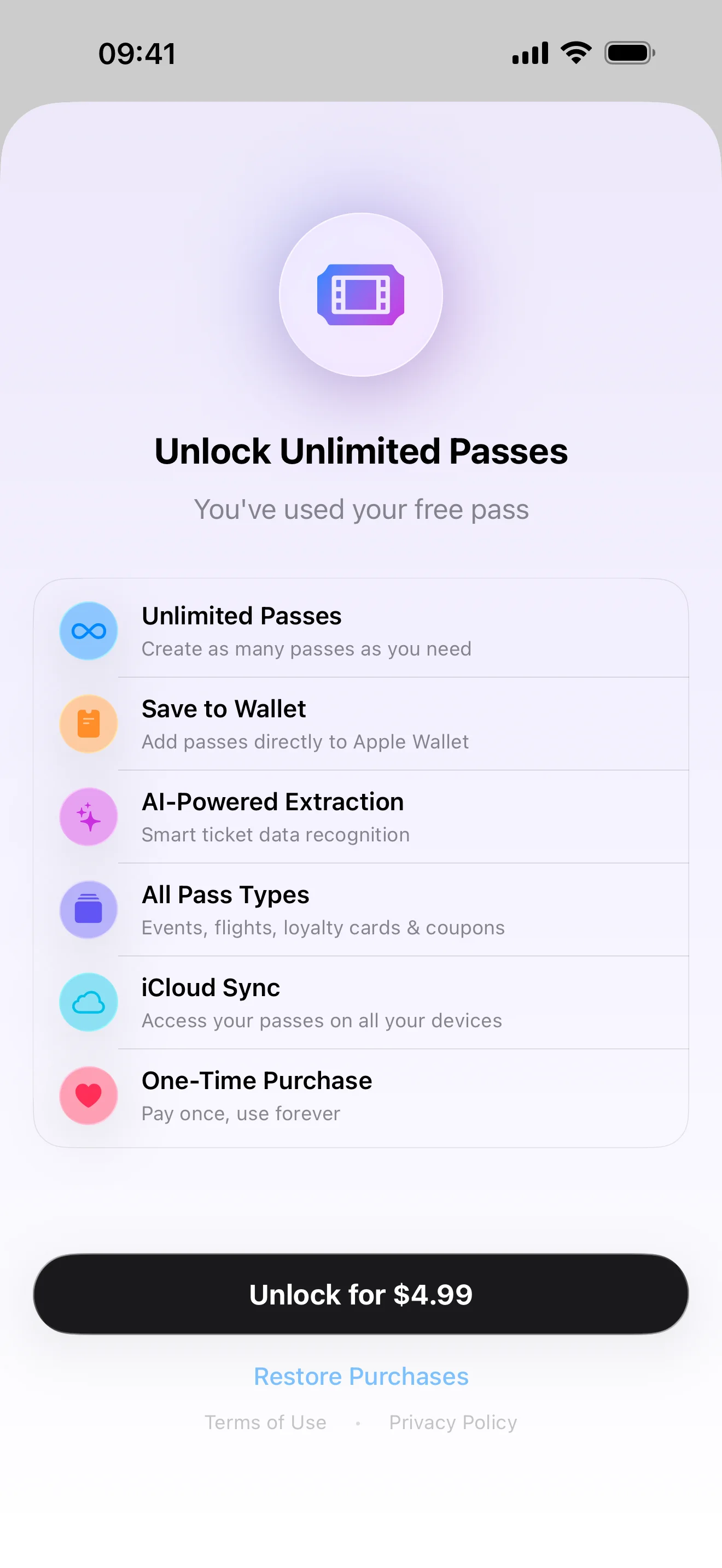
One payment, no recurring fees
Fact Sheet
Key Facts
~20s
Processing Time
100%
On-Device Processing
$4.99
One-Time Purchase
iOS 18.1+
Platform
119
Extraction Languages
18
Barcode Formats
Privacy Architecture
Your iPhone
Server
Technical Explanation
NeatPass processes your documents entirely on your iPhone. The PDF never leaves your device. Only file hashes are sent to our server for cryptographic signing, which Apple requires for all Wallet passes. We never see your actual ticket data, just the hashes we sign. The signed pass is returned immediately. We don't store anything.
Also Includes
Widgets
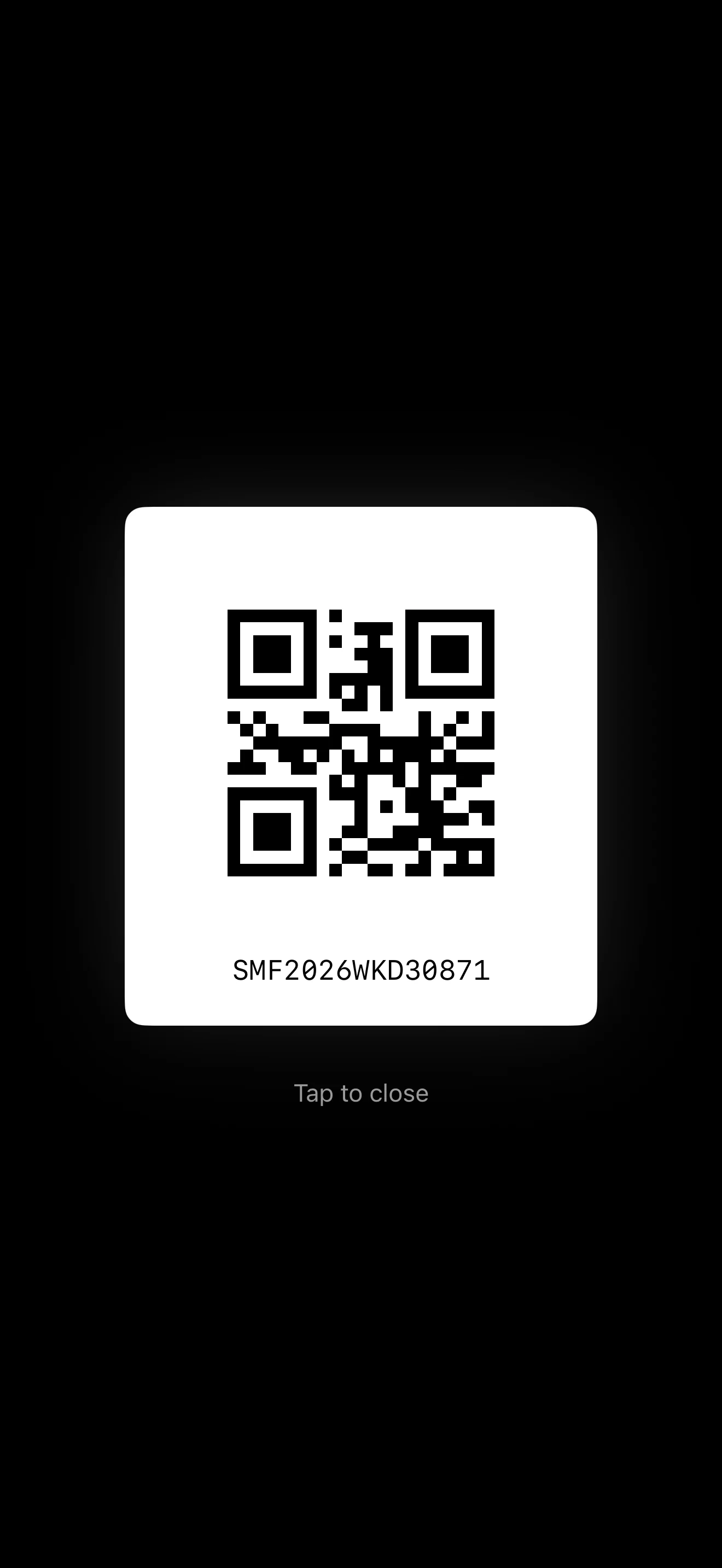
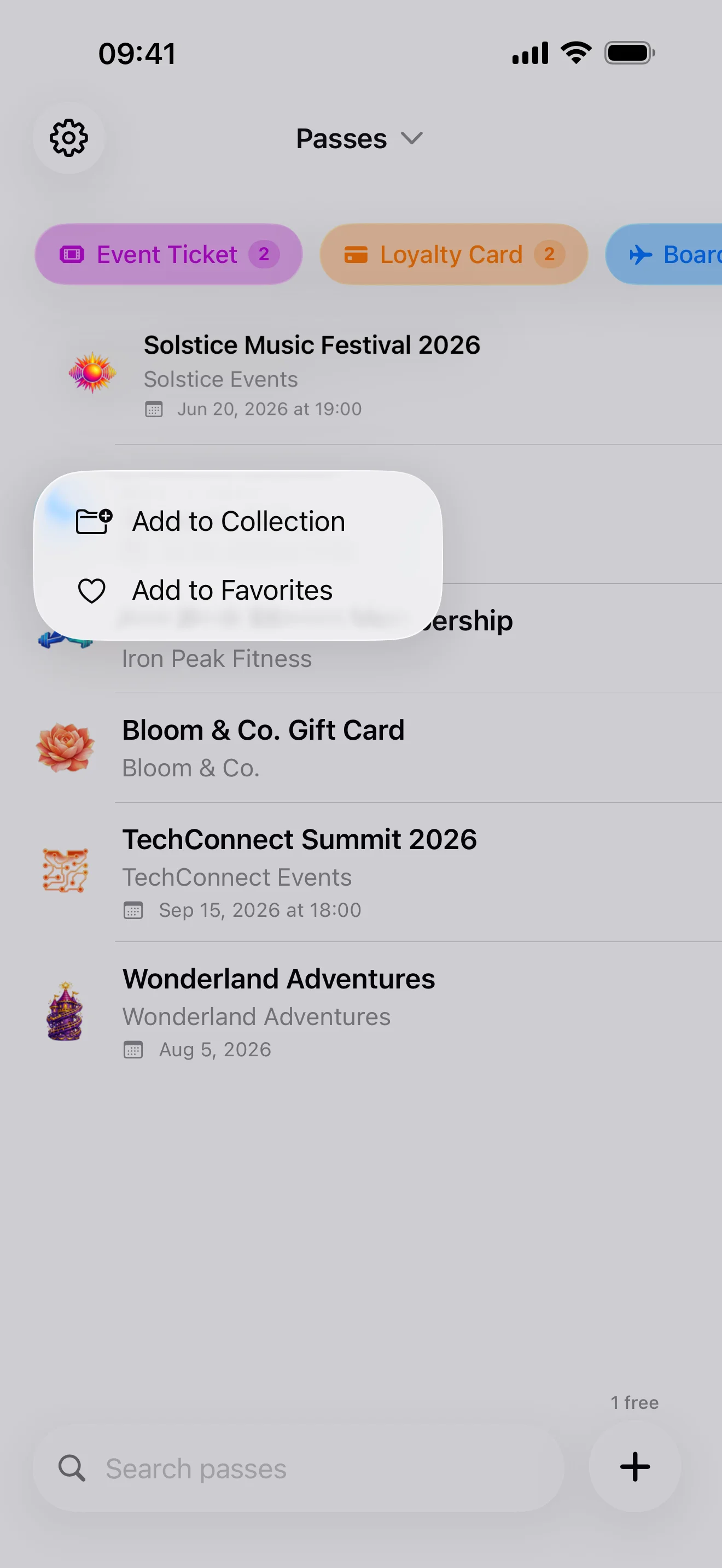
Home Screen, Lock Screen, and Control Center widgets with scannable barcodes
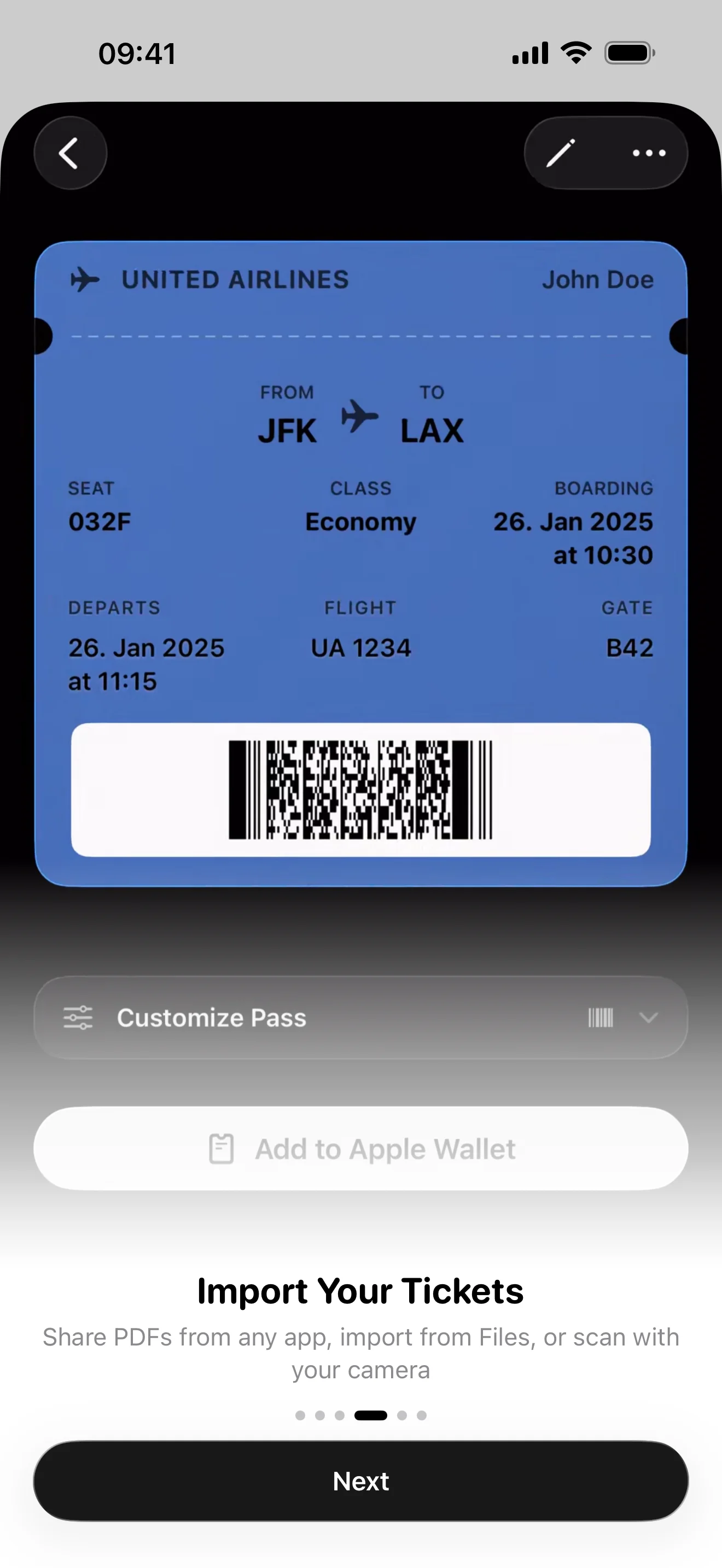
6 Import Methods
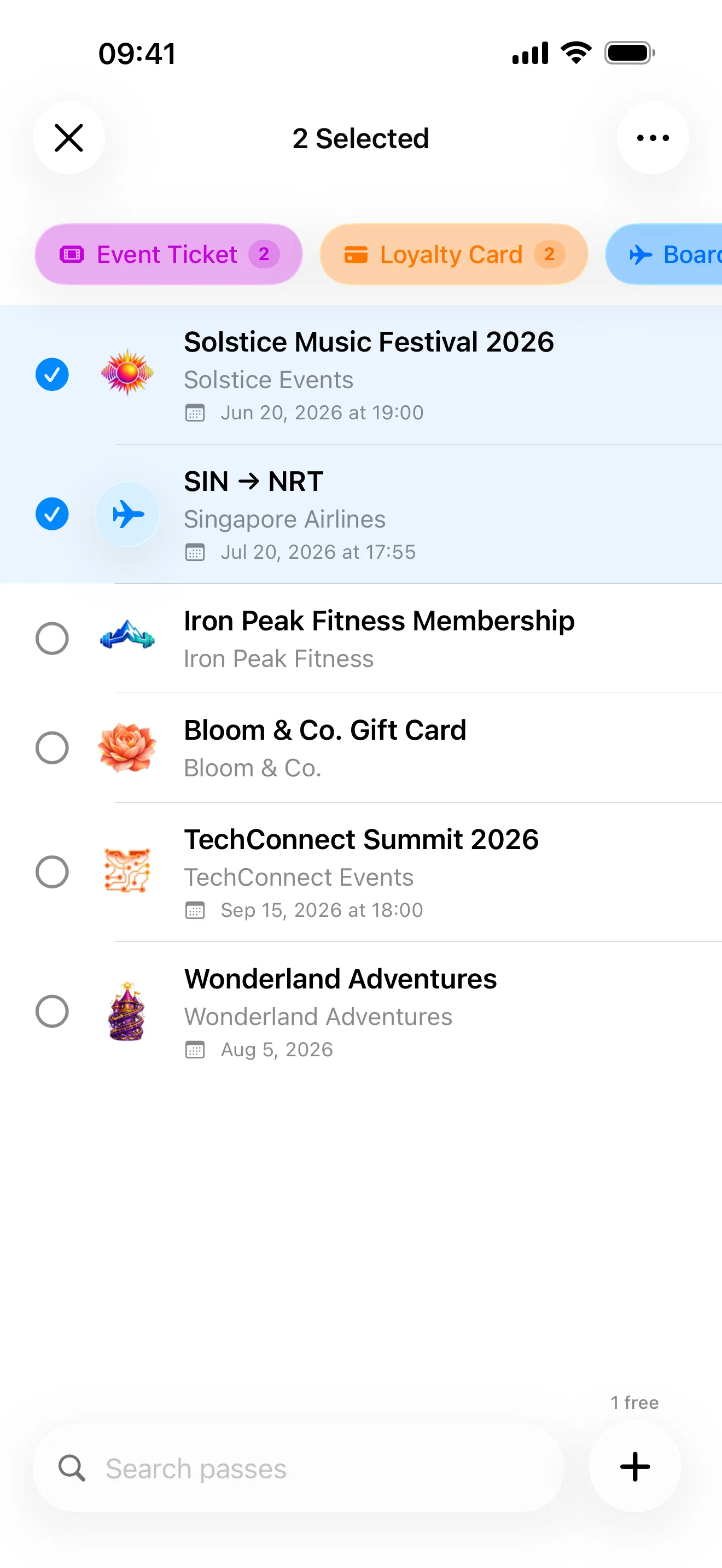
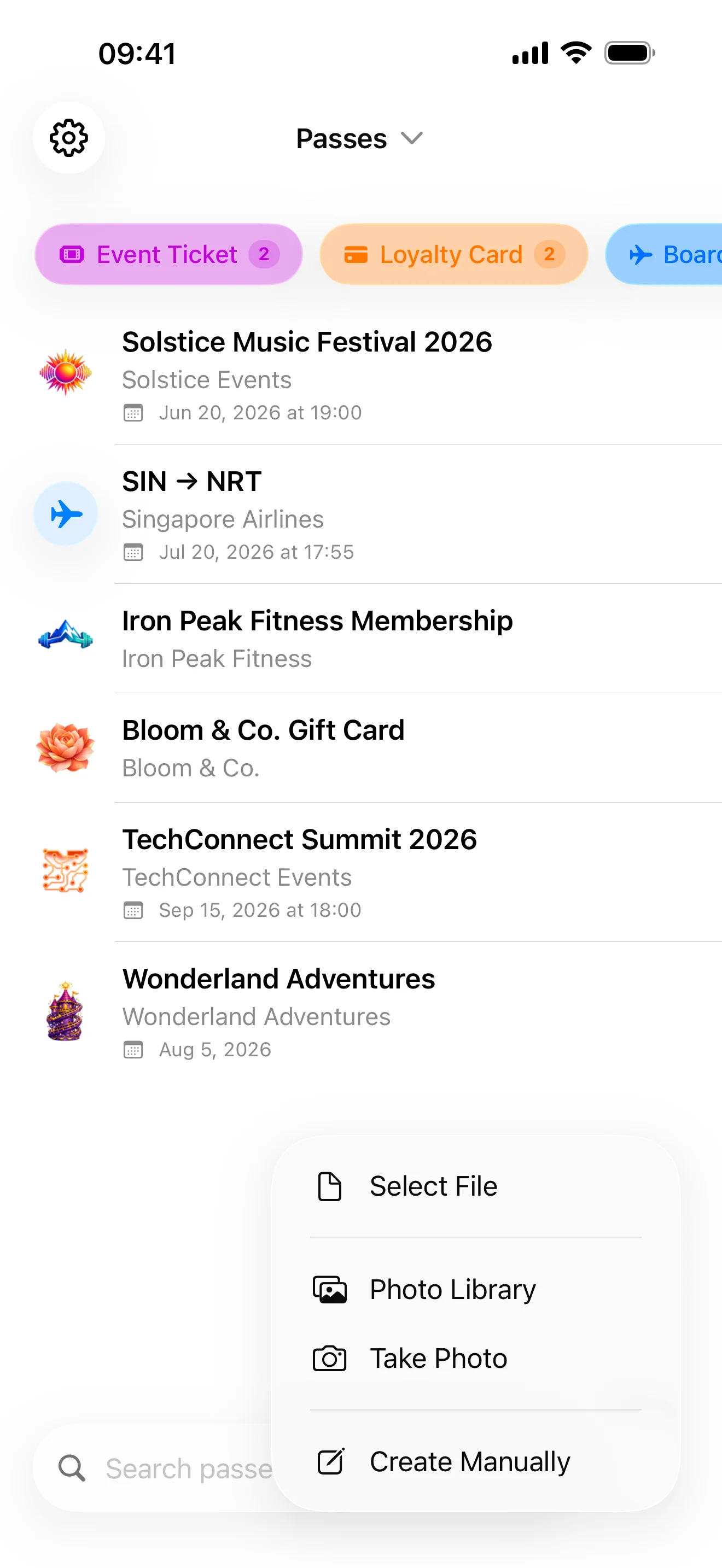
Share Extension, File Picker, Camera, Photo Library, Clipboard, or create from scratch
Multi-Ticket Detection
Automatically detects and splits multiple tickets from a single PDF
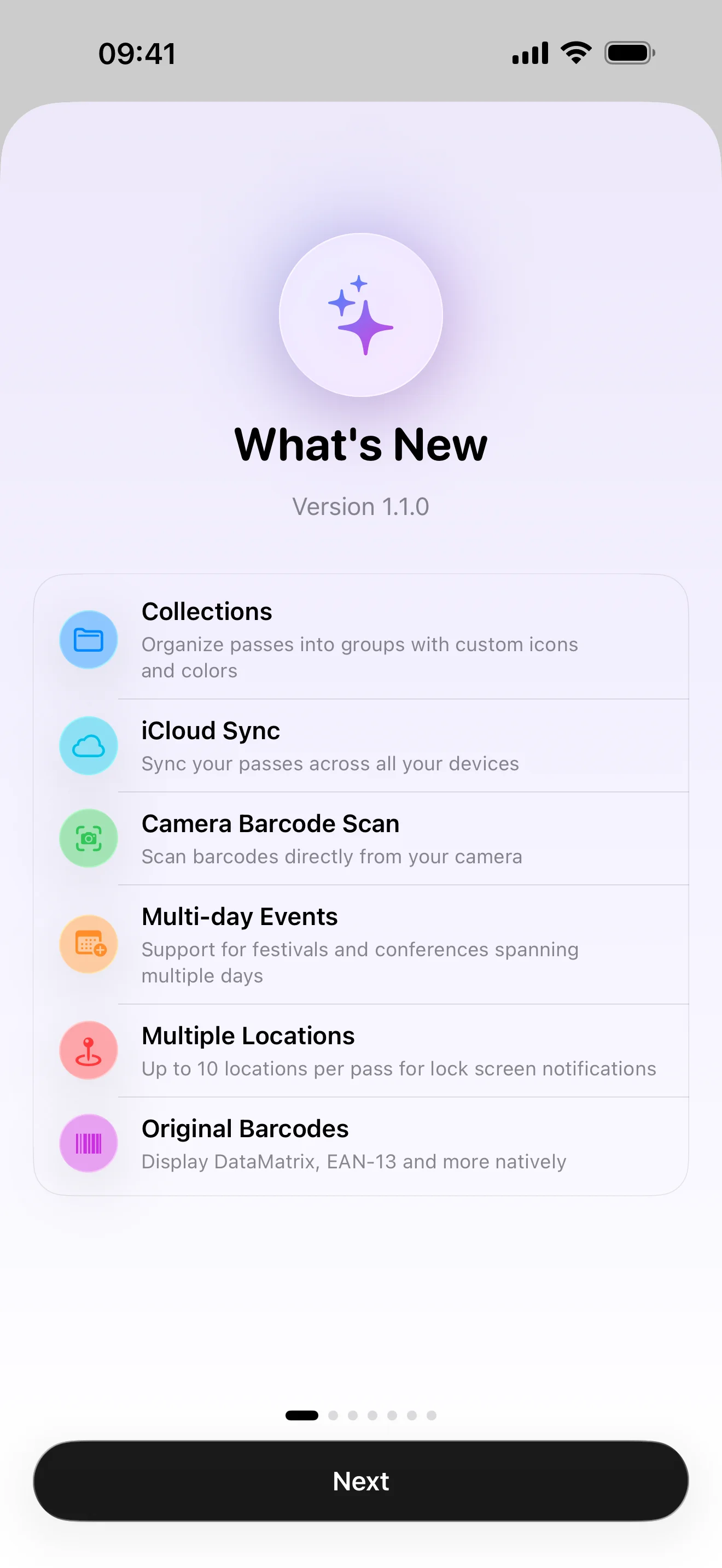
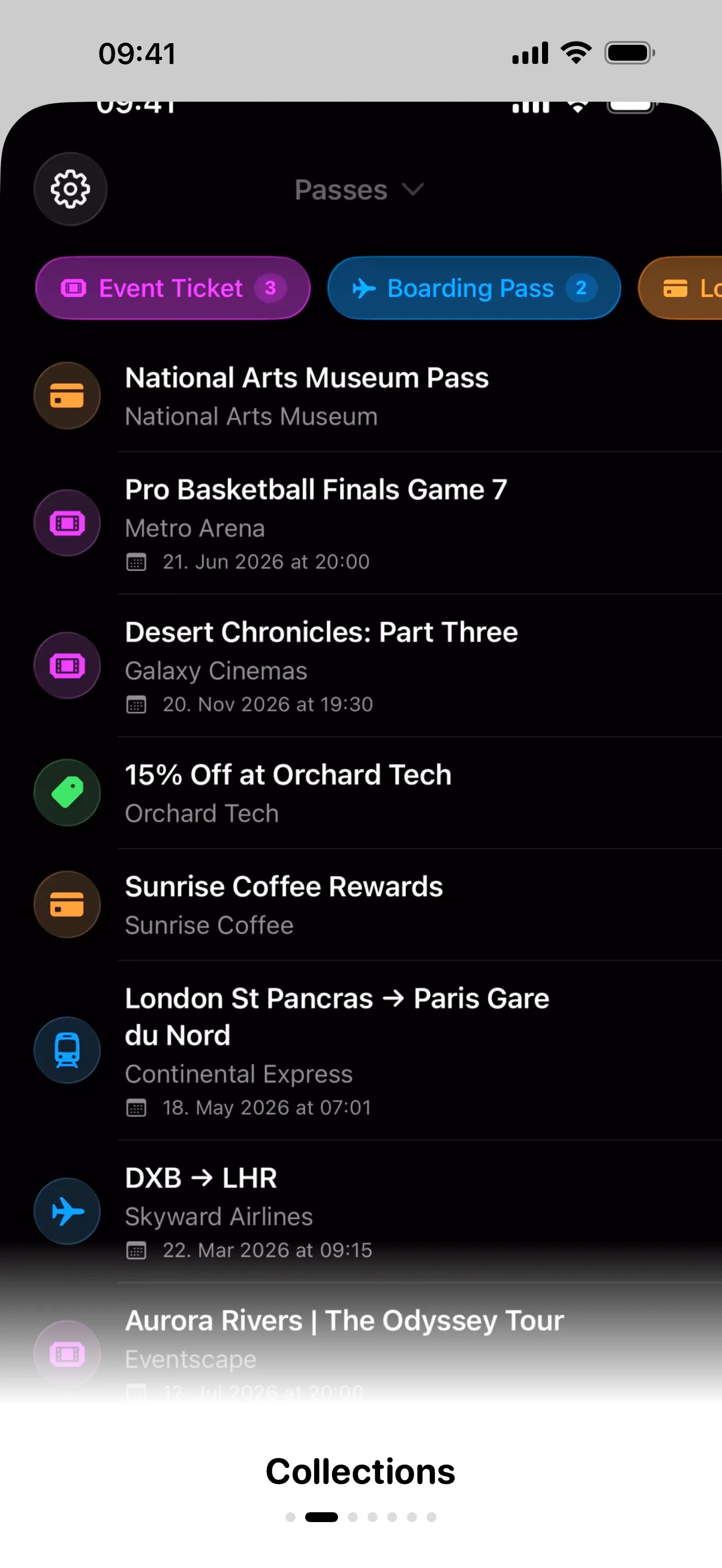
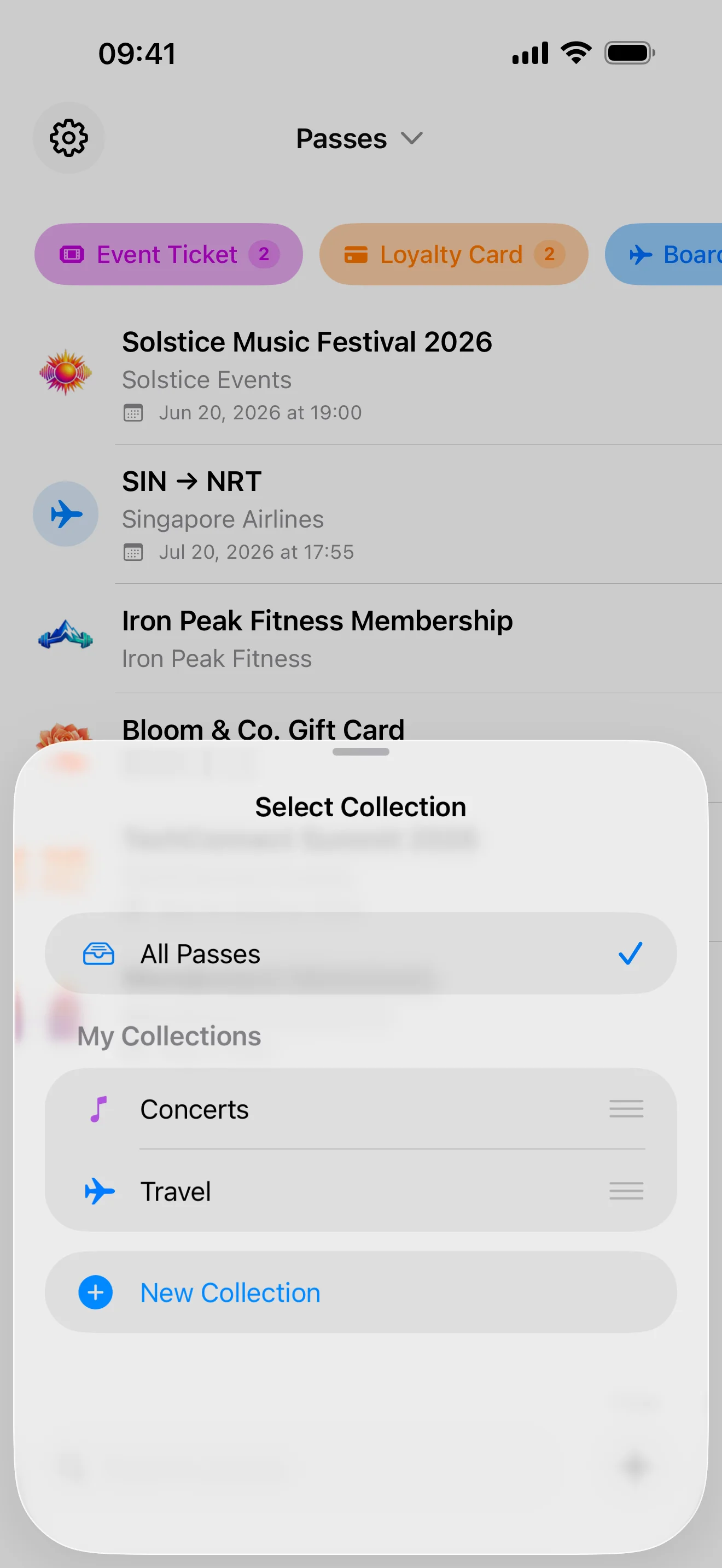
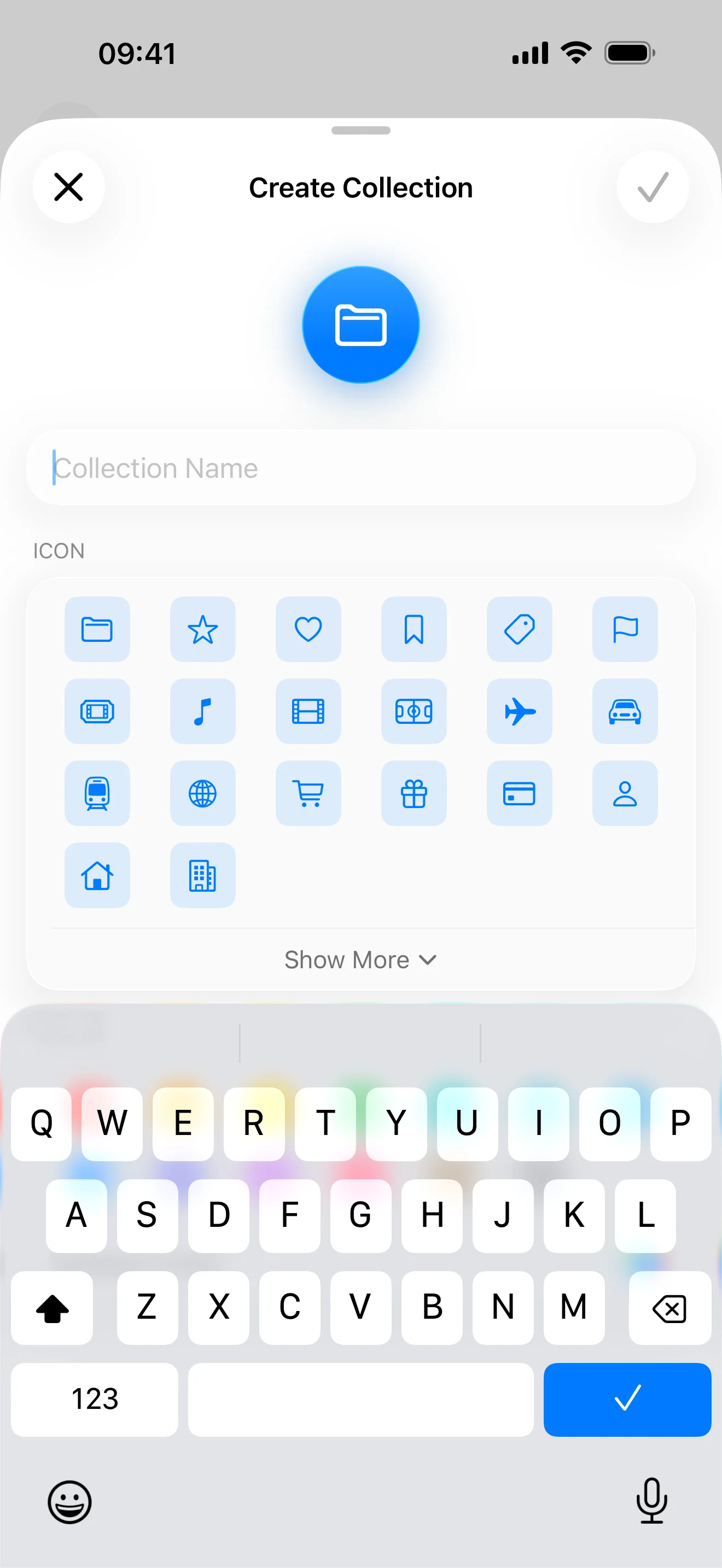
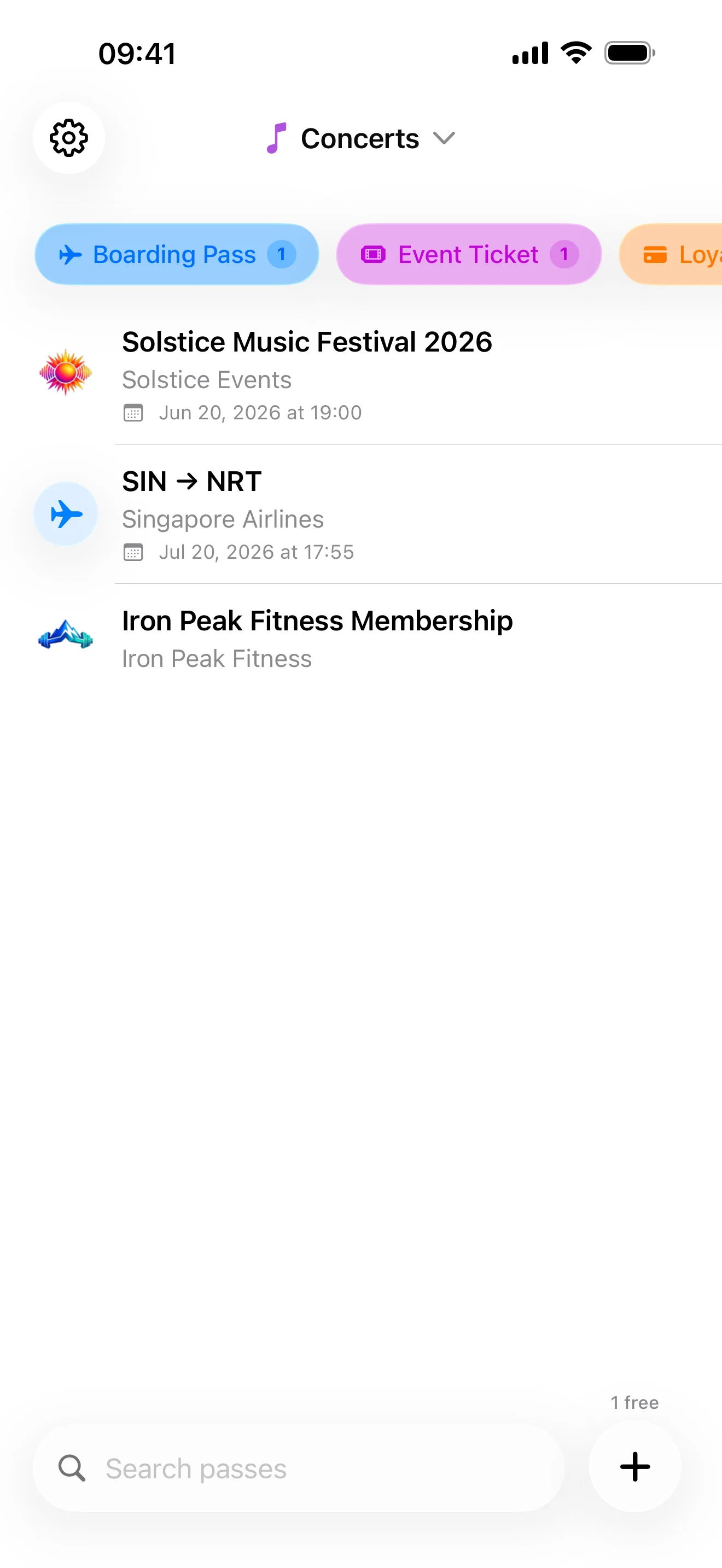
Collections
Organize passes into custom groups with 70+ icons and color themes
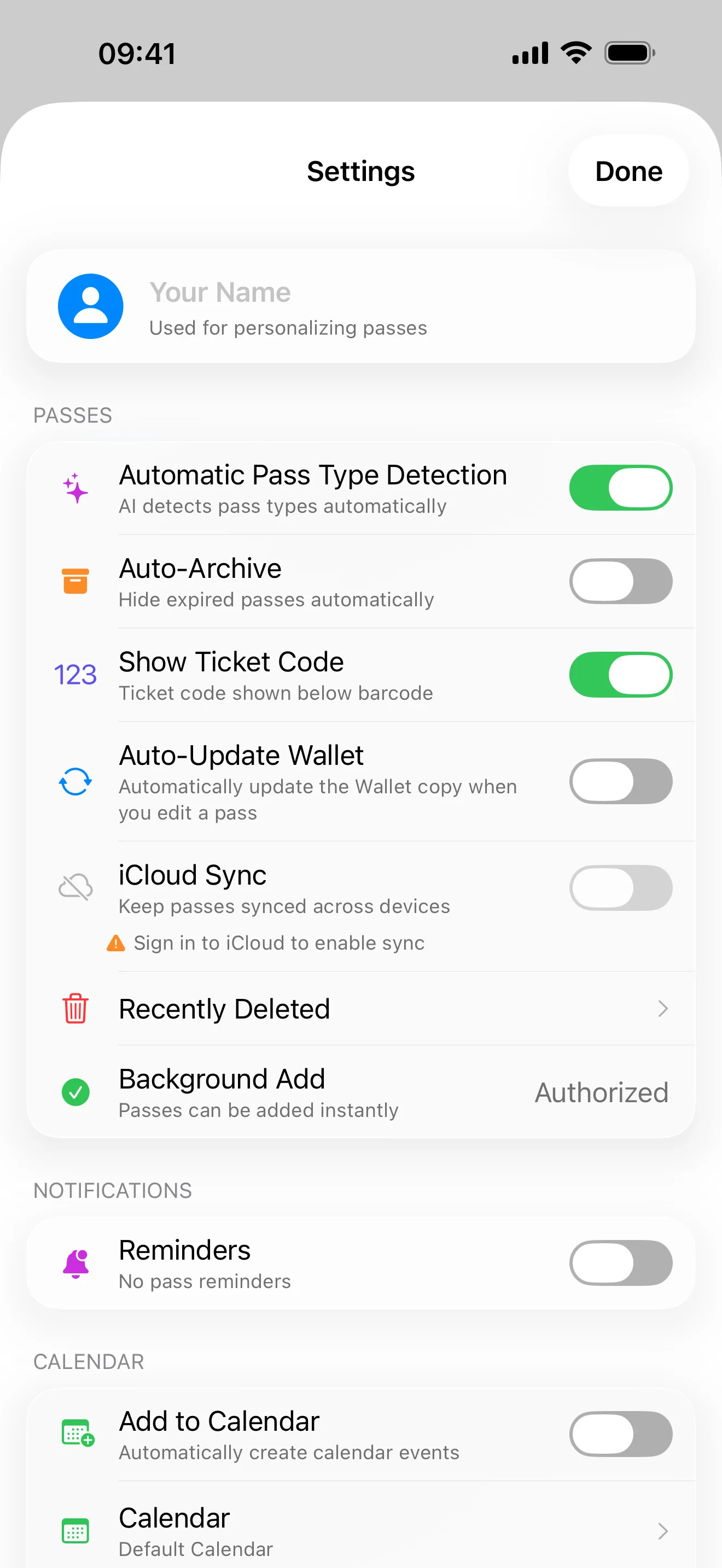
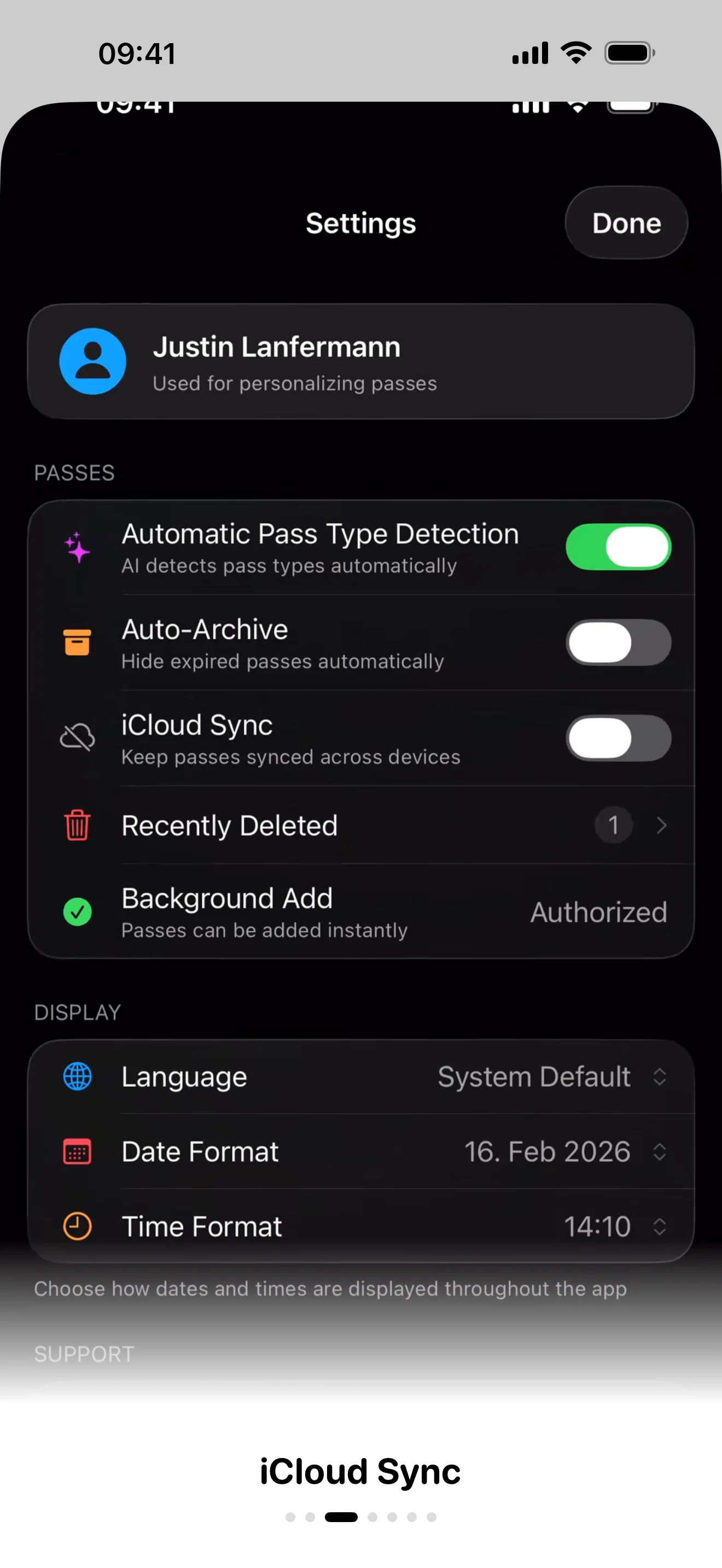
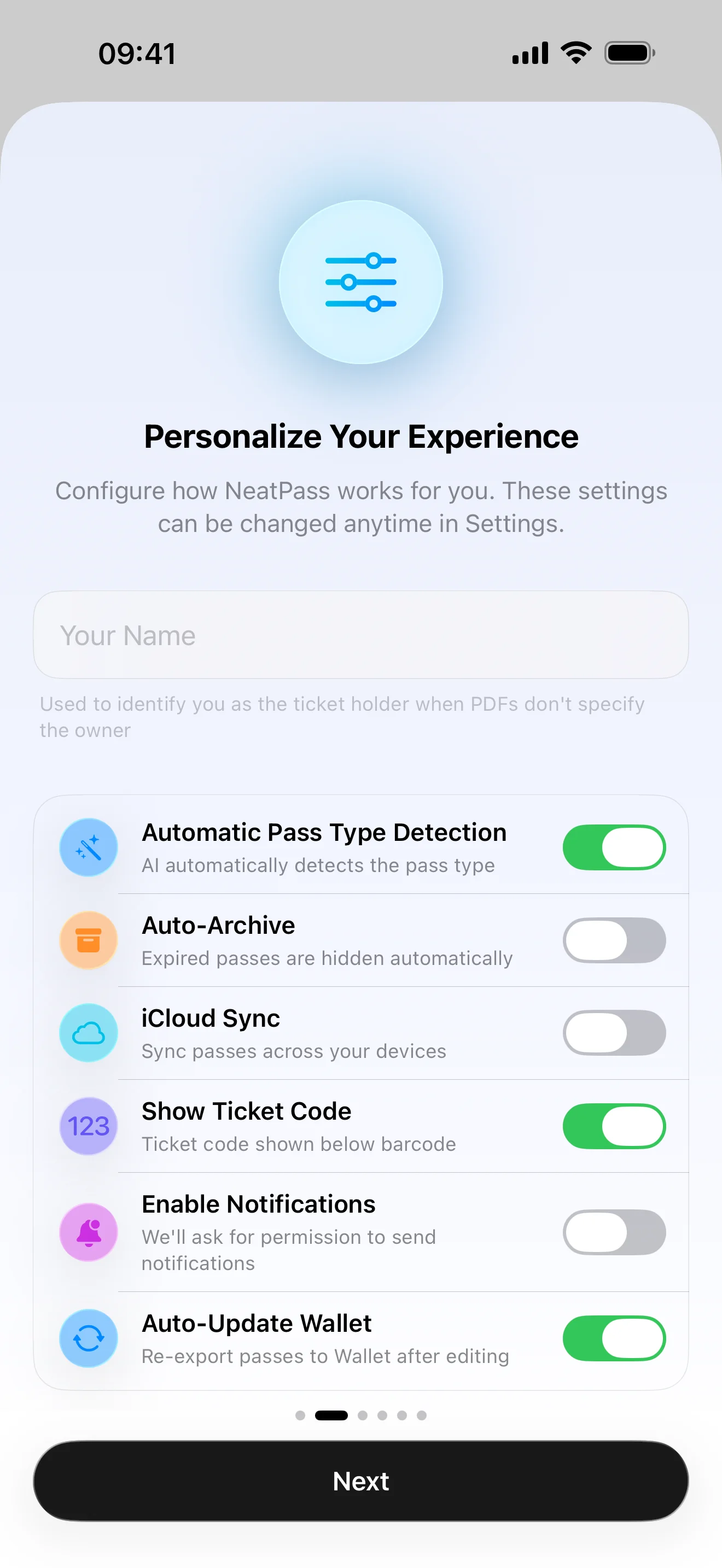
iCloud Sync
Keep passes synchronized across all your Apple devices
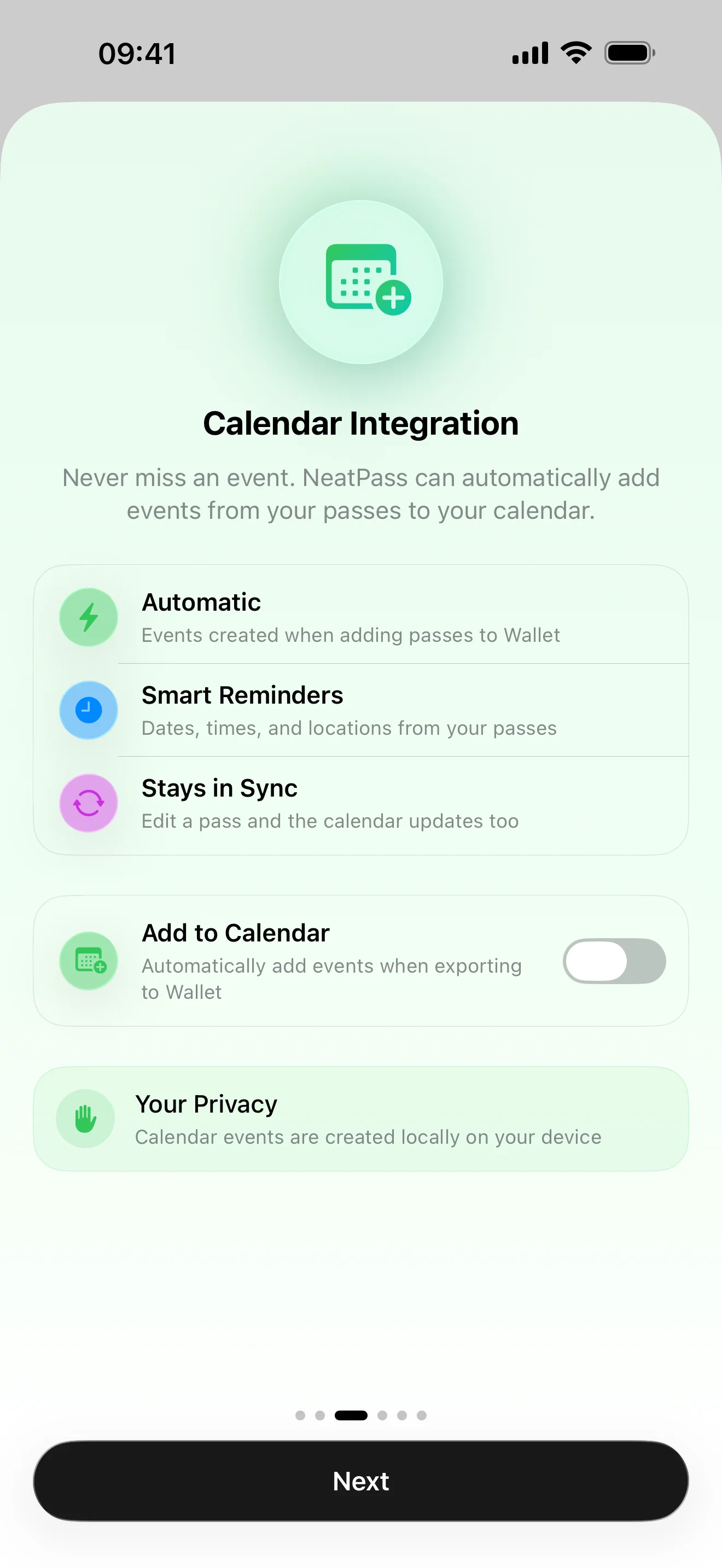
Calendar Integration
Automatically creates calendar events when you export passes
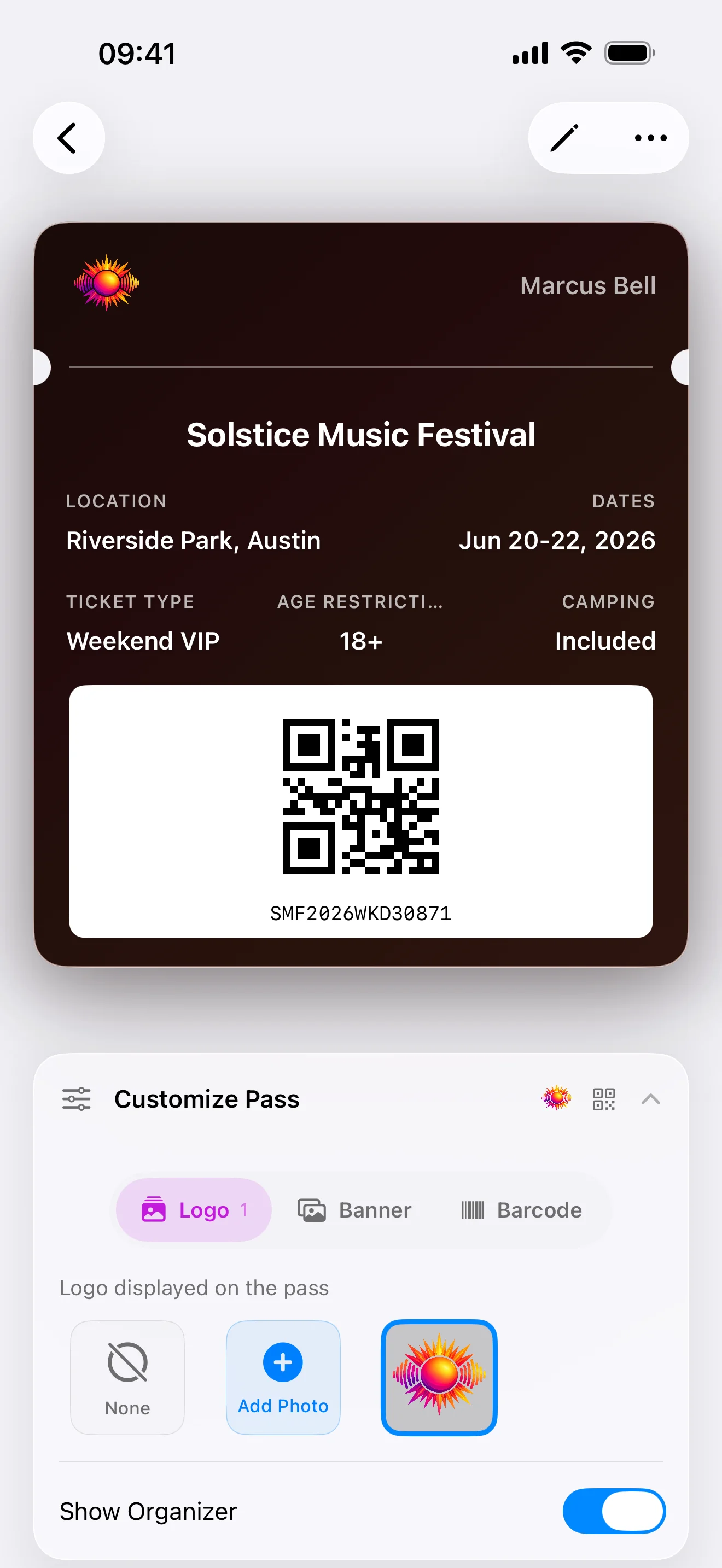
Custom Logos & Route Maps
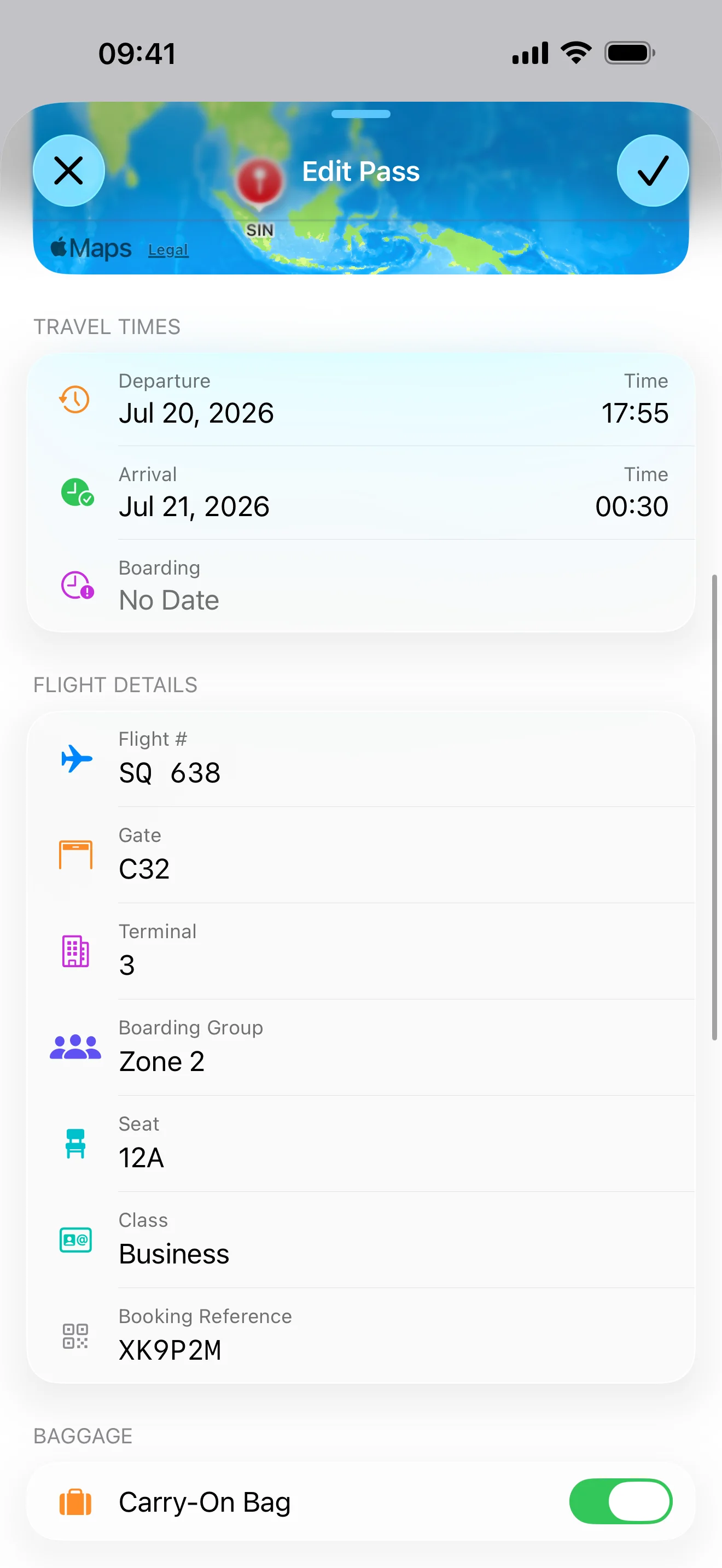
Import logos from Files or URLs, interactive route maps on boarding passes
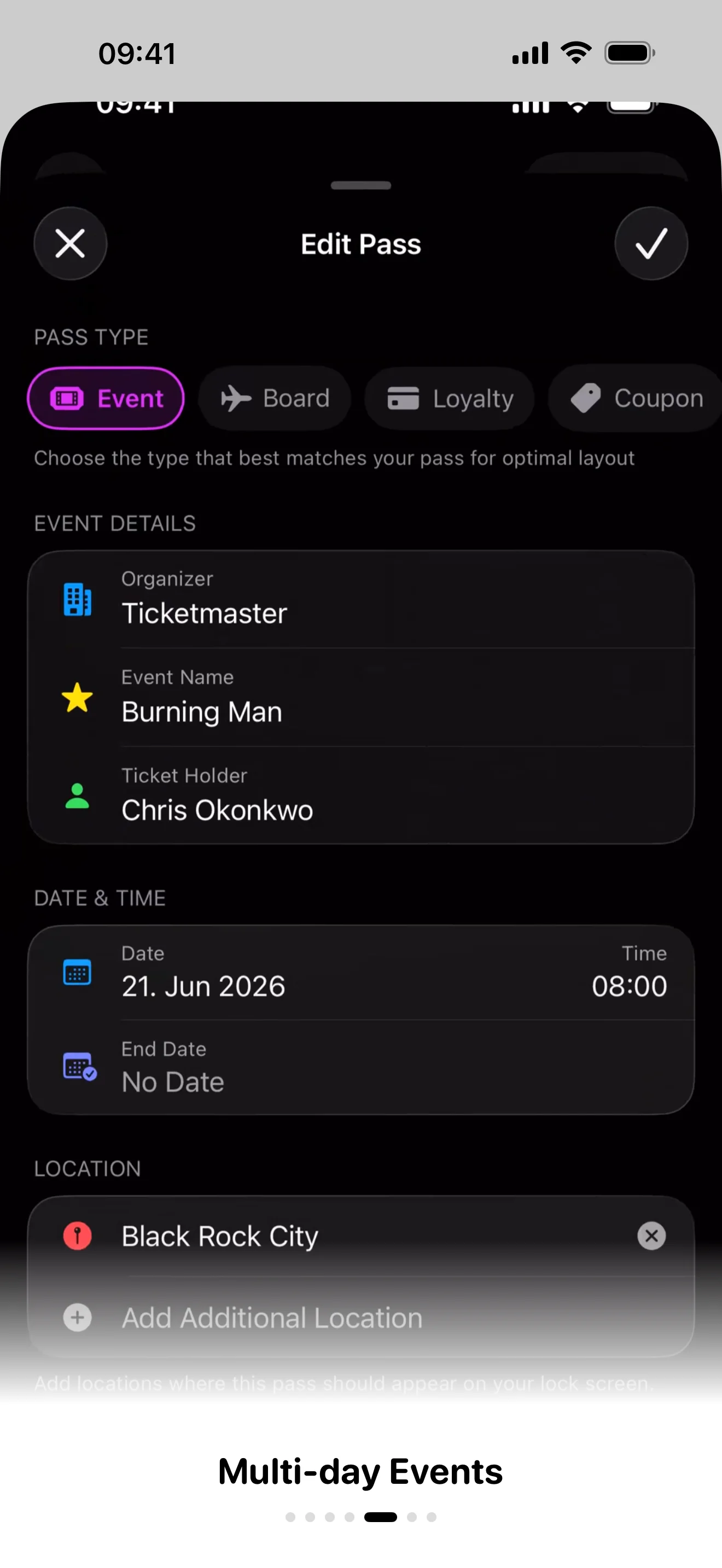
Multi-Day Events
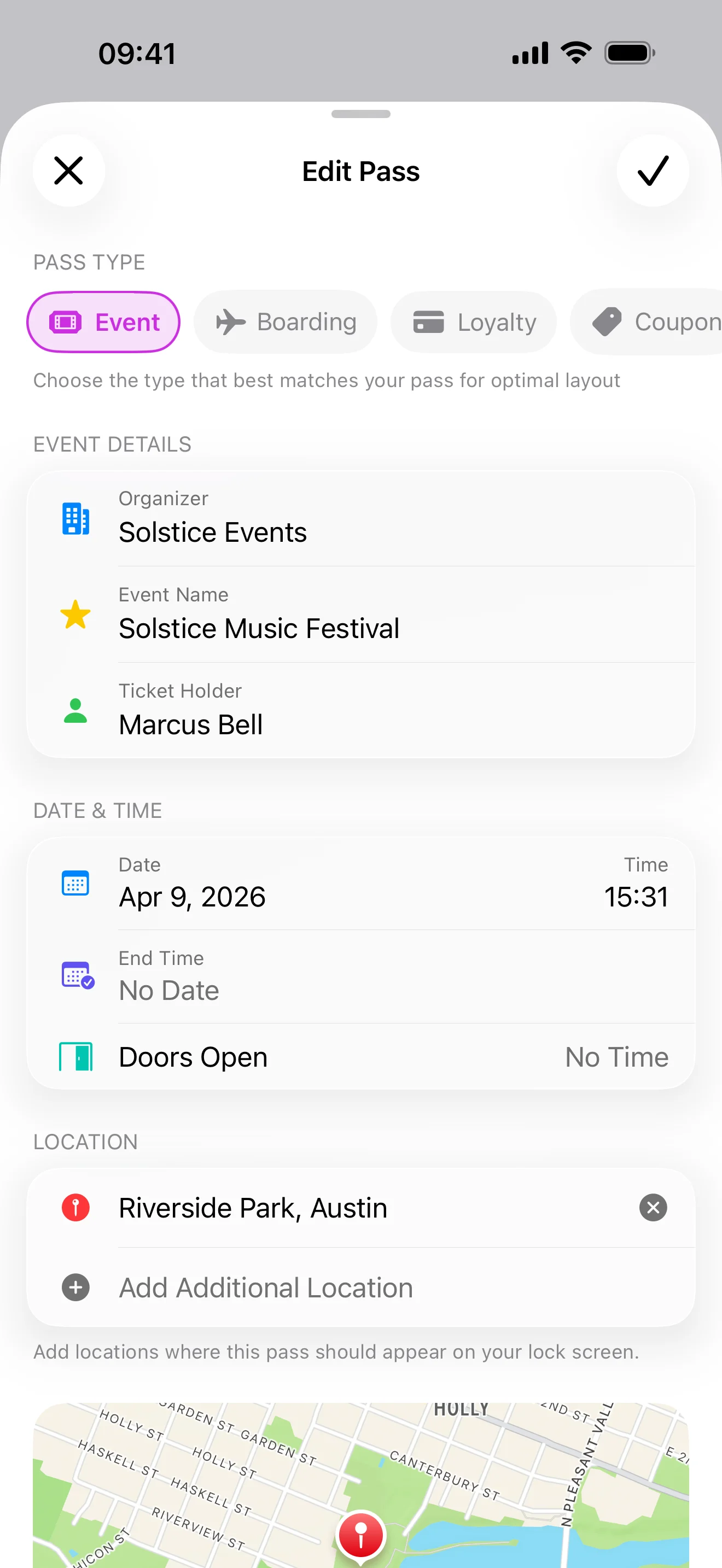
Set end dates so festival and conference passes appear on your lock screen every day
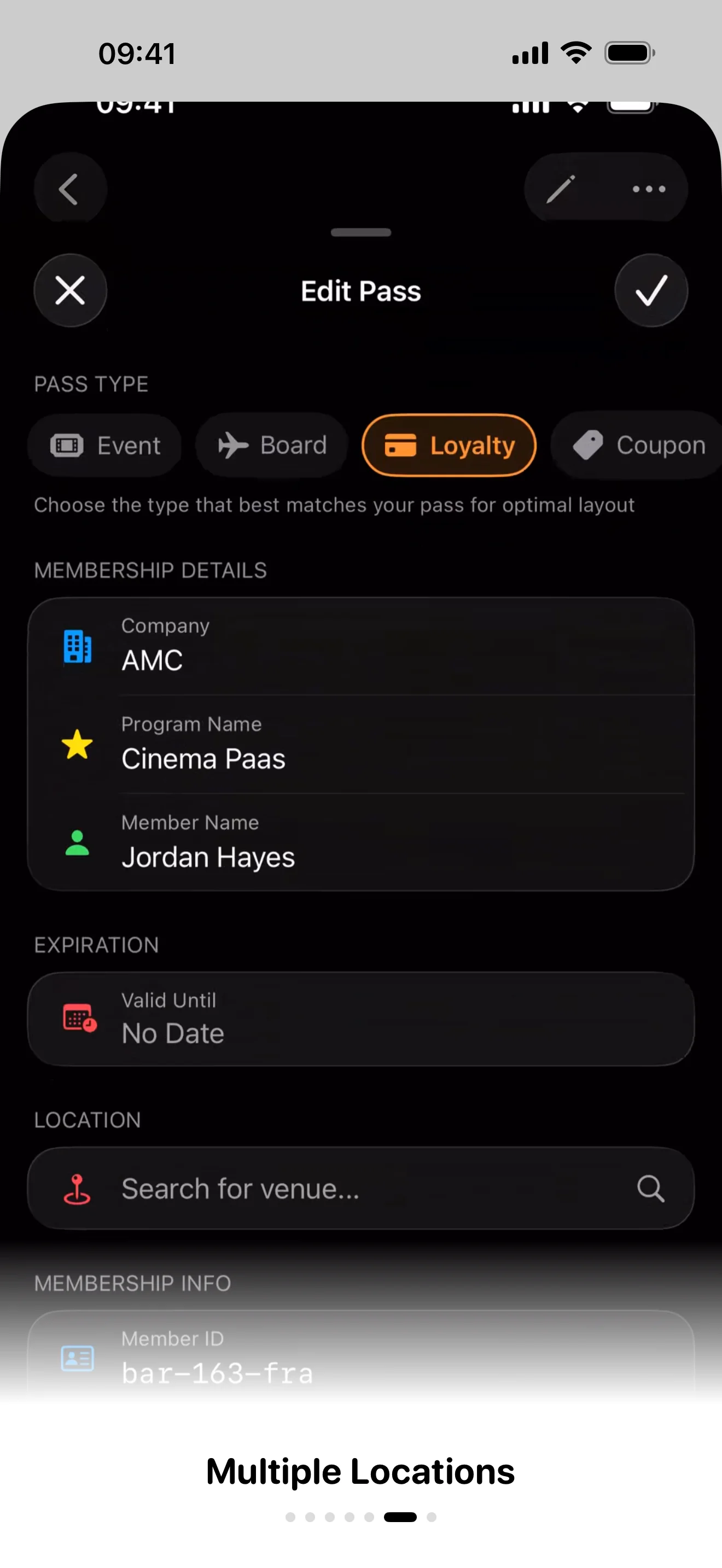
Multiple Locations
Add up to 10 locations per pass for automatic lock screen alerts
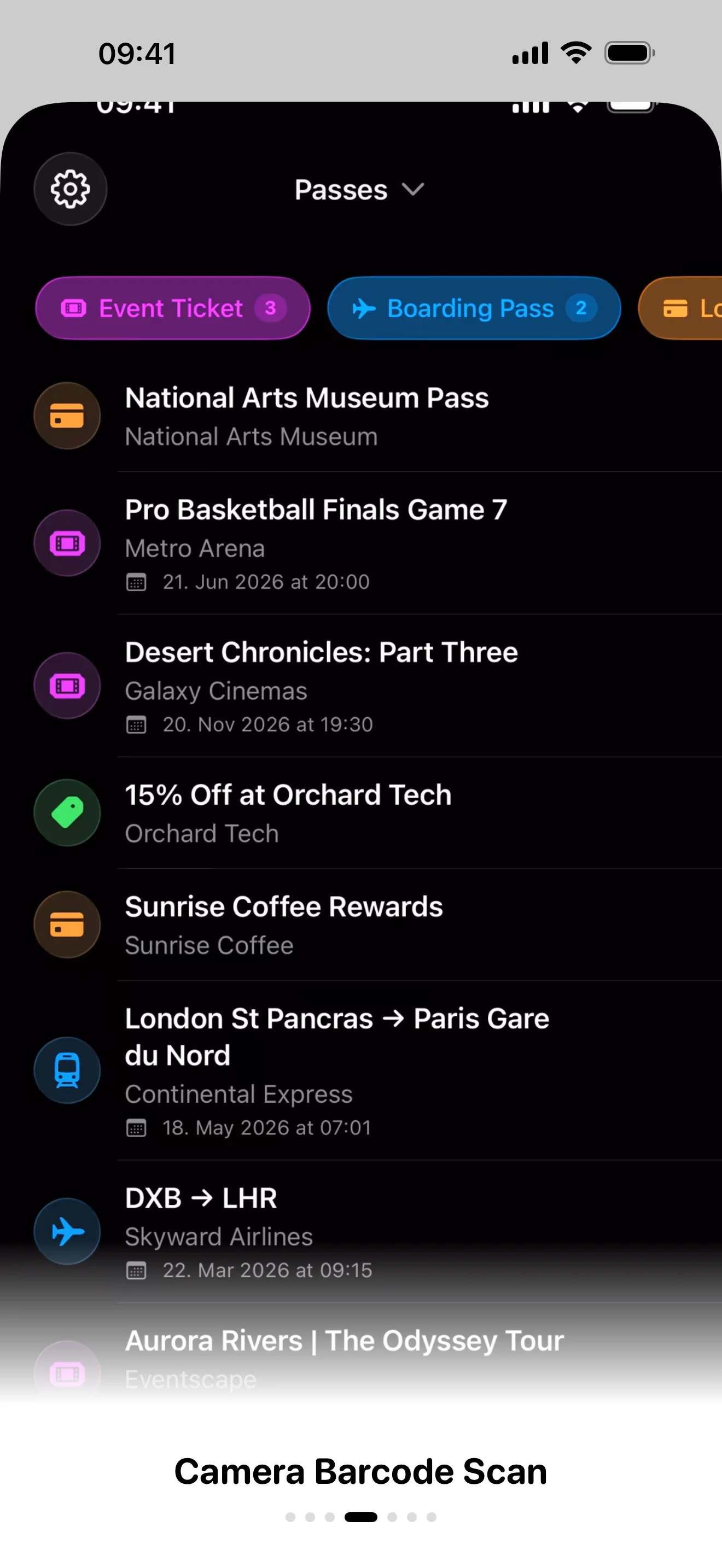
Camera Barcode Scanner
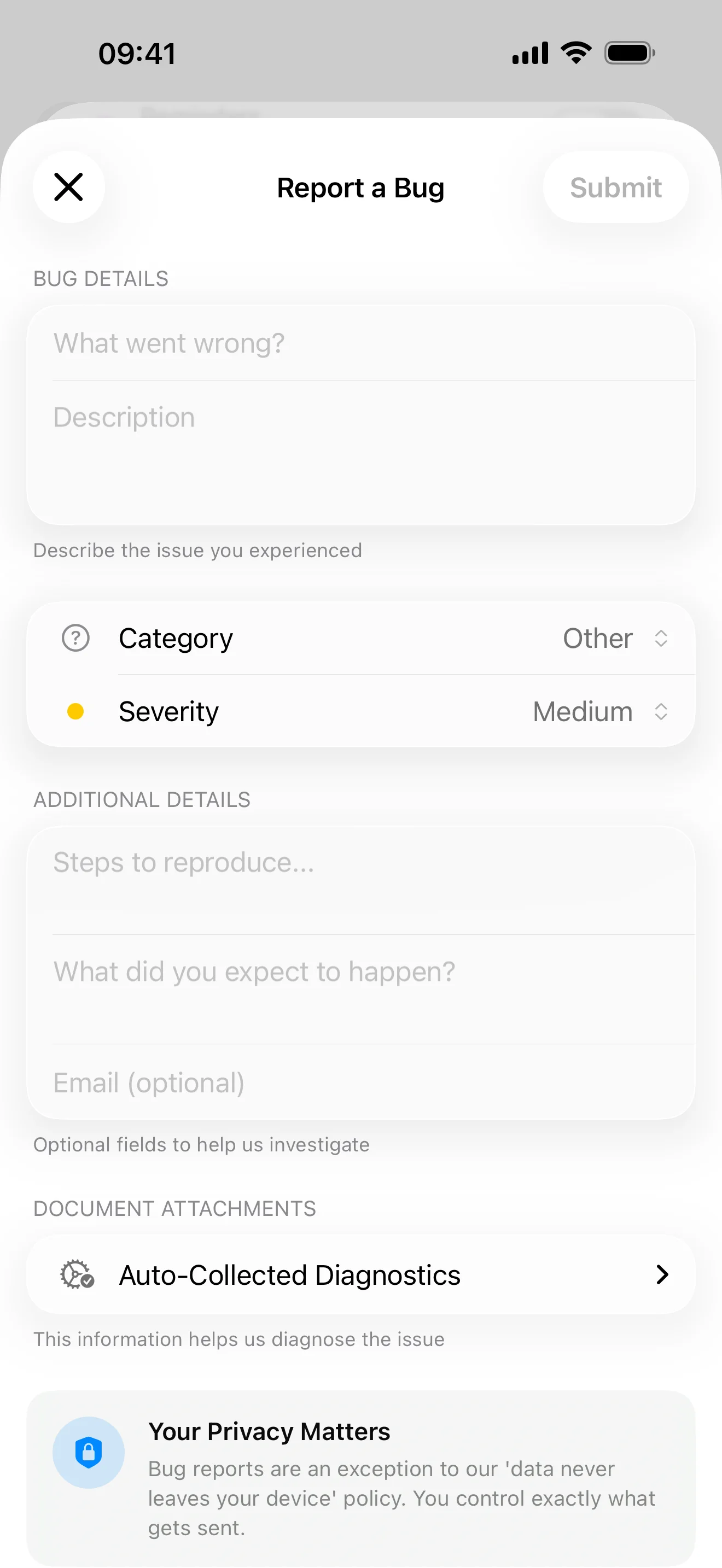
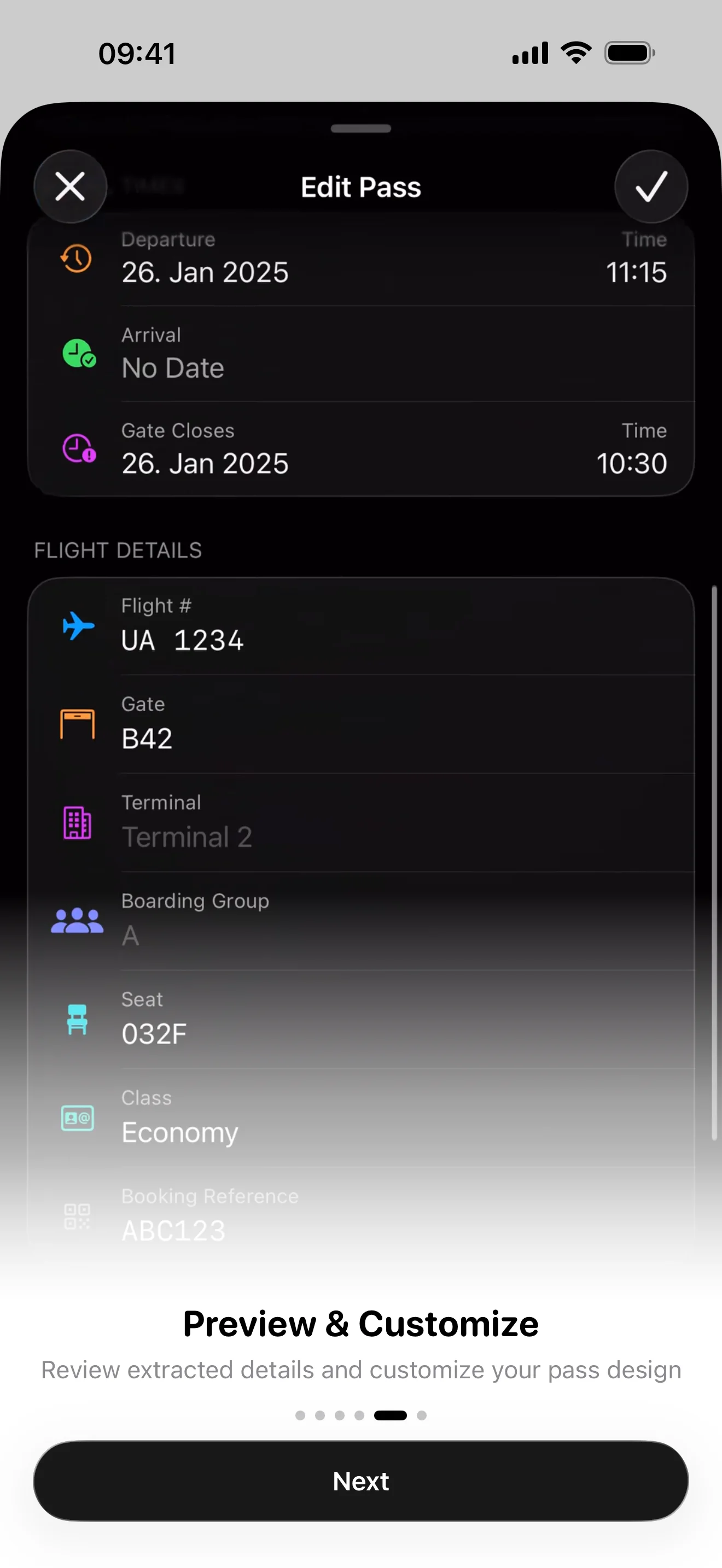
Scan barcodes with your camera to update or correct pass data
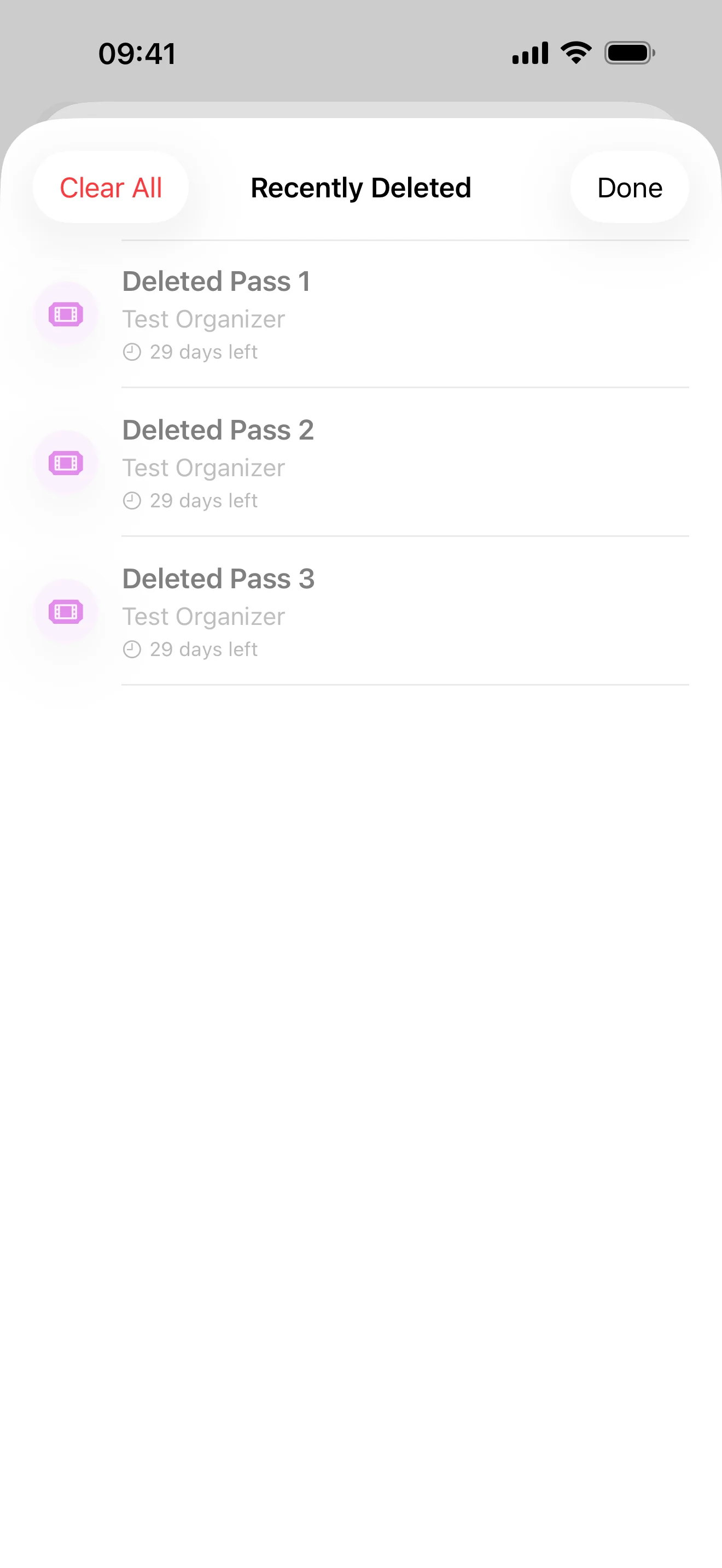
Recently Deleted
Recover accidentally deleted passes
Pass Renaming
Give passes custom display names for easier identification
About the Developer

Justin Lanfermann
I'm Justin, a solo iOS developer in Munich. I built NeatPass because I was sick of fumbling for boarding passes at airport gates and concert venues. Every existing app either uploaded my documents to servers I didn't trust, charged monthly subscriptions, or made me manually type in ticket details. So I built an ML pipeline that runs entirely on your iPhone. Your documents never leave your device. $4.99 once. Done. NeatPass is the app I wanted to exist.
Press-Ready Quotes
I built NeatPass because I wanted a ticket converter I could actually trust. Every document stays on your iPhone, the ML runs locally, no uploads, no tracking.
I'm tired of apps that cost $10/year for something you use twice a month. $4.99 once. Done.
Everyone knows the feeling, you're at the gate, the PDF is buried in your email, you're holding up the line. That's what NeatPass fixes.
No account required, no tracking, no cloud uploads. Just open your PDF in NeatPass and add it to Wallet.
Got a PDF with multiple tickets? NeatPass detects each one automatically and creates separate passes, no manual splitting.
From PDF to Wallet in about 20 seconds. No manual typing, no form filling, just import and go.
Testimonials
“All you do is import a PDF and it locally on device uses AI to parse it and create a pass for you. Knowing that the AI processing is happening locally can be a relief.”

Mikah Sargent
iOS Today, TWiT
“Your app really works! I actually purchased tickets to a con and because BOTH the barcode and QR code is in PDF, and used your app to converted it to a pass, I was able to check in flawlessly!!”
@sailormikey
App User
“I have been using the app for a few weeks now and it's been great!”
Brian P.
App User
“I've wanted this for so long. Thank you! Really great work too - nice clean design.”
@thezignal
App User
“This app looks like a Holy Grail for Wallet!”
@piotrzet_
App User
“It's pretty amazing! I needed this.”
@marcovanhaaften
App User
“The world needed this”
@dannystuart
App User
“All you do is import a PDF and it locally on device uses AI to parse it and create a pass for you. Knowing that the AI processing is happening locally can be a relief.”
Mikah Sargent
iOS Today, TWiT
“Your app really works! I actually purchased tickets to a con and because BOTH the barcode and QR code is in PDF, and used your app to converted it to a pass, I was able to check in flawlessly!!”
@sailormikey
App User
“I have been using the app for a few weeks now and it's been great!”
Brian P.
App User
“I've wanted this for so long. Thank you! Really great work too - nice clean design.”
@thezignal
App User
“This app looks like a Holy Grail for Wallet!”
@piotrzet_
App User
“It's pretty amazing! I needed this.”
@marcovanhaaften
App User
“The world needed this”
@dannystuart
App User
Default
Dark
Clear Light
Clear Dark
Tinted Light
Tinted Dark
Flight
Appointment
Bus

Coupon
Event
Gift Card
Gym

Hotel

Loyalty
Parking

Sports

Train