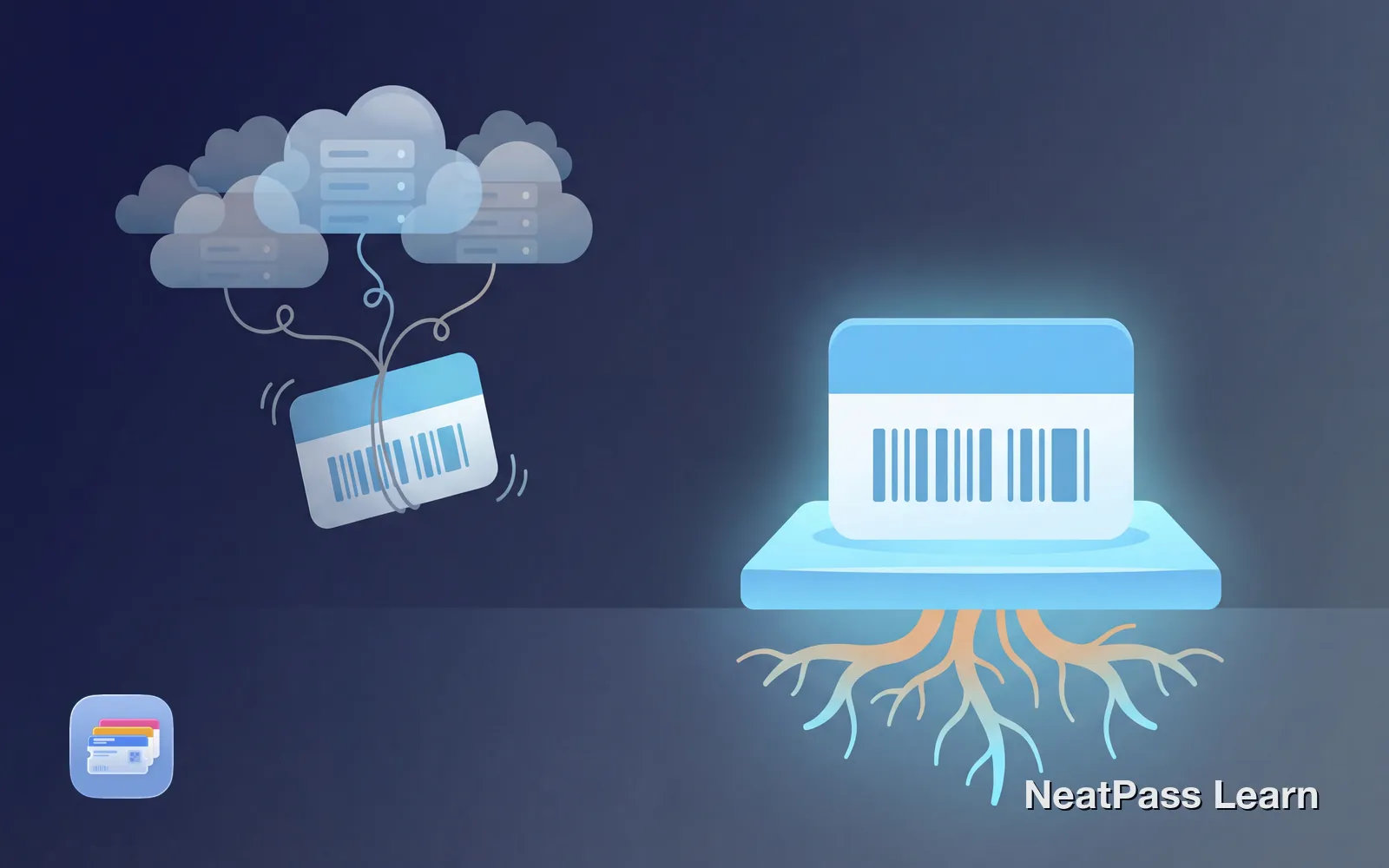
You've probably noticed there are two main ways to store your loyalty cards, tickets, and passes on your iPhone: Apple Wallet (the built-in app) and third-party wallet apps like Stocard, Pass2U, or mobile-pocket. They might look similar on the surface, but under the hood, they work very differently.
Understanding these differences isn't just technical trivia. It affects your privacy, whether your passes work offline, and how well they integrate with your iPhone's features.
How Apple Wallet Passes Actually Work
Apple Wallet uses a standardized file format called pkpass. Think of it as a small, self-contained package that includes everything a pass needs to function:
pass.json
The core file defining all pass data, layout, colors, and text fields
manifest.json
A list of all files with SHA-1 hashes to verify integrity
Images
Logos, icons, and branding for visual identification
Digital signature
Cryptographic proof that the pass comes from a trusted source
When you add a pass to Apple Wallet, iOS verifies the signature, checks the integrity of all files, and stores the pass locally on your device. The pass becomes part of your iPhone, not dependent on any external server to display or function.
Technical note
How Third-Party Wallet Apps Work
Third-party apps take a fundamentally different approach. When you scan or add a card to apps like Stocard or mobile-pocket, your card data typically gets:
- Uploaded to the app's cloud servers
- Linked to your account (email, phone number, etc.)
- Retrieved from those servers each time you open the app
Your passes don't exist as standalone files. They're database entries on someone else's server, displayed through their app's interface. This creates a fundamentally different relationship with your data.
Ready for a better wallet?
NeatPass makes it easy to convert any ticket, pass, or loyalty card to Apple Wallet.
The Technical Comparison
Data Storage
- Passes stored locally on device
- Backed up via iCloud (encrypted)
- No account or registration required
- Data stays on your hardware
- Data stored on company servers
- Requires account creation
- Data accessible to the app provider
- Depends on service availability
Offline Functionality
This is where the architectural difference becomes most apparent:
Apple Wallet: Fully offline
Passes load instantly, even in airplane mode or areas with no signal
Third-party apps: Often need internet
Many apps require syncing with servers to display your cards
Checkout speed
Local storage means no loading spinners at the register
Reliability
Server outages can't lock you out of your passes in Apple Wallet
Think about the last time you were at a store checkout with poor cell reception. With Apple Wallet, your barcode appears instantly. With a cloud-dependent app, you might be stuck waiting for data to load, or worse, unable to access your card at all. Learn more about why offline functionality matters. For technical details, see the offline mode guide.
iOS Integration
Because Apple Wallet is a native iOS feature, it has deep integration that third-party apps simply cannot replicate:
Lock screen access
Double-click the side button to access passes without unlocking
Location-based notifications
Passes appear automatically when you're near the relevant location
Push notifications
Receive updates when pass information changes
Face ID / Touch ID
Secure access to passes with biometric authentication
Apple Wallet can trigger geofenced notifications when you're within 100 meters of a store (for loyalty cards) or 1 kilometer of a venue (for event tickets). Third-party apps can request location access, but they can't achieve the same seamless lock-screen integration. To access passes even faster, see the guide on home screen and lock screen widgets.
Security & Privacy
- Passes cryptographically signed
- Data encrypted on device
- No tracking of card usage
- No account means no data breaches
- Usage data often collected and analyzed
- May share data with marketing partners
- Account breaches expose all your cards
- Some apps require social media login
Research has shown that many loyalty card apps collect far more data than necessary, including your name, email, phone number, and detailed usage patterns. This data is often used for targeted advertising or shared with business partners. For a deeper dive, read the article on how loyalty card apps track you. Learn about NeatPass's approach in the privacy FAQ.
How NeatPass Bridges the Gap
Here's the challenge: most loyalty programs and venues don't offer native Apple Wallet passes. They have their own apps or physical cards, leaving you stuck with third-party wallet apps or screenshots.
NeatPass solves this by creating proper pkpass files from your existing cards and tickets. Take a photo of a barcode, share a PDF ticket, or scan a QR code, and NeatPass generates a fully-compliant Apple Wallet pass that:
Uses the standard pkpass format
Properly signed passes that work like any official Apple Wallet pass
Stores locally on your device
Once in Apple Wallet, your passes are independent of NeatPass
No account required
Process passes without creating an account or sharing personal data
No cloud storage
Your card data isn't stored on NeatPass servers after processing
Good to know
When Third-Party Apps Make Sense
To be fair, third-party wallet apps do have some advantages for certain use cases:
Real-time point balances
Some apps can show live loyalty point counts by connecting to store systems
Cross-platform sync
If you use both iPhone and Android, cloud storage lets you access cards on either
Retailer integrations
Some apps offer direct partnerships with stores for exclusive features
However, for most users who simply want reliable, private, and fast access to their cards, Apple Wallet's local-first approach is superior.
Frequently Asked Questions
Switch to Apple Wallet
DownloadThe Bottom Line
The choice between Apple Wallet and third-party apps comes down to what you value most. If you prioritize privacy, offline reliability, and native iOS integration, Apple Wallet is the clear winner. Third-party apps offer convenience for cross-platform users or those who need real-time data syncing.
For most iPhone users, moving your cards to Apple Wallet, using a tool like NeatPass when native passes aren't available, gives you the best of both worlds: the universal acceptance of barcodes with the privacy and reliability of local storage.