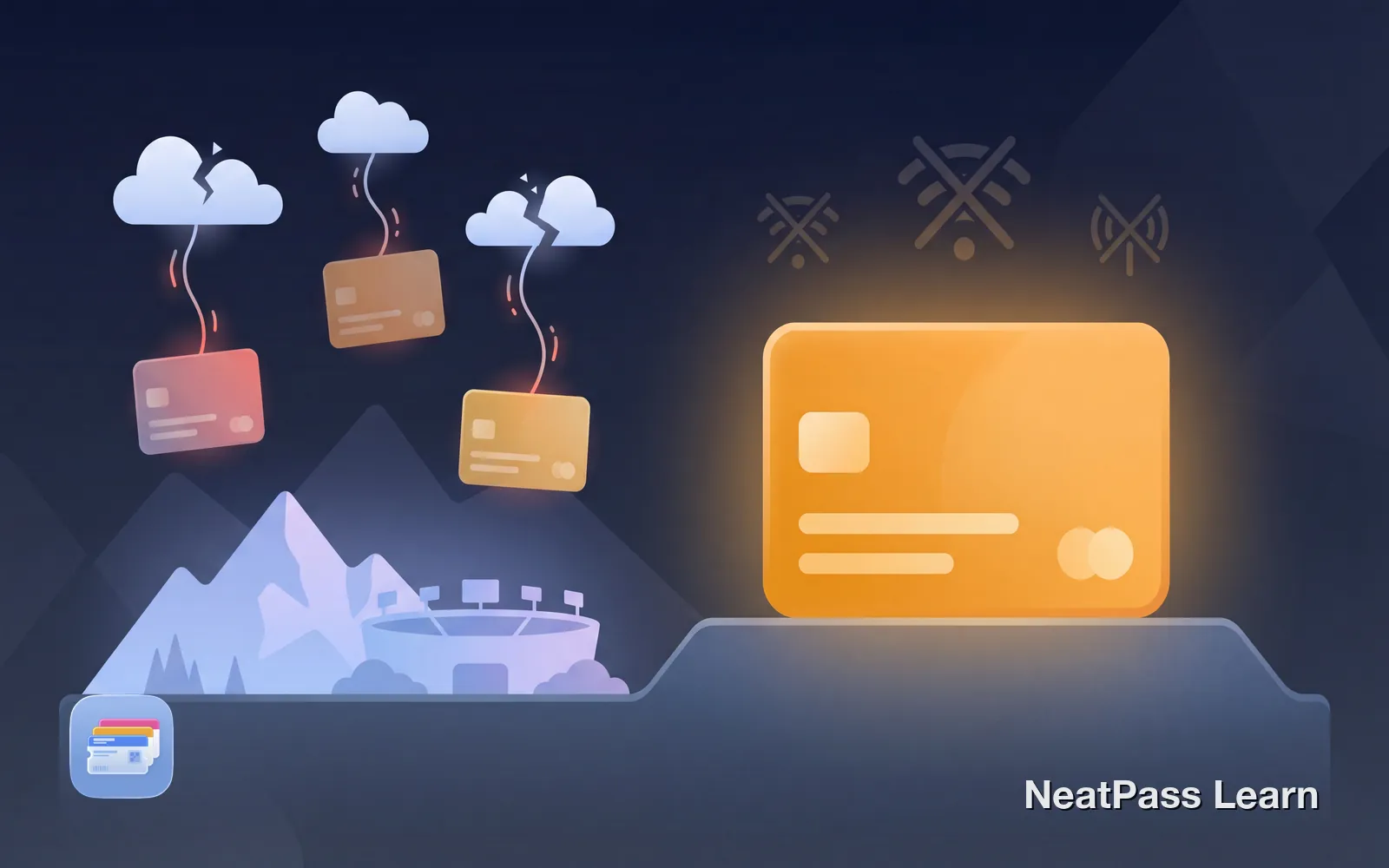
Many wallet apps store your passes on their servers. When you need them most (at crowded stadiums, underground parking, or international airports), the network fails. Your passes won't load because the app can't reach its servers.
Apple Wallet works differently. Passes are stored locally on your device and work completely offline. Here's why that matters, and how NeatPass follows the same approach.
When Connectivity Fails You
Mobile networks aren't designed to handle massive simultaneous connections. At crowded events, your phone might show full signal bars, but the tower itself can't process all the traffic. It's like standing outside a packed nightclub: you can see the door, but you're not getting in.
Concerts and stadiums
Networks collapse when 50,000+ devices compete for bandwidth
Underground parking
Concrete and earth block signals in basement garages
Airport Wi-Fi
Slow, unreliable, and often requires sign-up or payment
International travel
No local SIM means no data until you find Wi-Fi
Rural areas
Poor or nonexistent coverage outside cities
The stadium problem
The Problem with Cloud-Dependent Wallet Apps
Many third-party wallet apps store your passes on their servers. When you open the app, it fetches your cards over the internet. This creates several problems:
Network overload
Crowded venues overwhelm cell towers
No signal
Underground or remote areas with no coverage
Server outage
The company's servers go down
Stale data
App hasn't synced recently
No roaming
Traveling abroad without data
Some apps do cache cards locally, but the caching behavior varies. Updates, syncing, and account verification often still require a connection. And if the app hasn't been opened recently, your cards might not be available when you need them most.
Why Apple Wallet Works Offline
Apple Wallet takes a fundamentally different approach. Once a pass is added to your wallet, it's stored directly on your device. No internet required to view or use it.
Local storage
Passes are saved on your device, not fetched from servers
No connection needed
Works in airplane mode, underground, anywhere
Instant access
No loading spinners or waiting for server responses
No server dependency
Your passes work even if Apple's servers are down
You can test this yourself. Put your phone in airplane mode and open Apple Wallet. All your passes will be right there, ready to scan.
Want passes that work anywhere?
NeatPass makes it easy to convert any ticket, pass, or loyalty card to Apple Wallet.
How NeatPass Processes Everything Locally
NeatPass was built with the same offline-first philosophy. When you create a pass, everything happens on your device:
On-device barcode detection
Barcodes are scanned and decoded locally using Apple's Vision framework
Local pass creation
Passes are generated on your iPhone, not on remote servers
No server uploads
Your card images and data never leave your device
No account required
Nothing to sync because there's no cloud storage
This approach means your data stays private and your passes are always accessible. No server outages, no sync issues, no surprise when you're offline.
Benefits of Local Processing
Beyond reliability, processing locally offers advantages that cloud-dependent apps can't match:
Speed
No network latency means instant results
Privacy
Your card data isn't sent to or stored on third-party servers
Reliability
Works anywhere, anytime, regardless of connection
No downtime
No server means no outages that affect your passes
Before your next event
Frequently Asked Questions
Create passes that work anywhere
DownloadDon't Get Caught Without Connectivity
The next time you're heading to a concert, catching a flight, or traveling abroad, think about whether your wallet app will work when you need it. Apps that depend on internet connections are a liability in exactly the situations where you need them most.
Apple Wallet and NeatPass give you passes that work everywhere, every time, no connection required. That's how a wallet app should work. Learn more about how offline mode works in the help center.