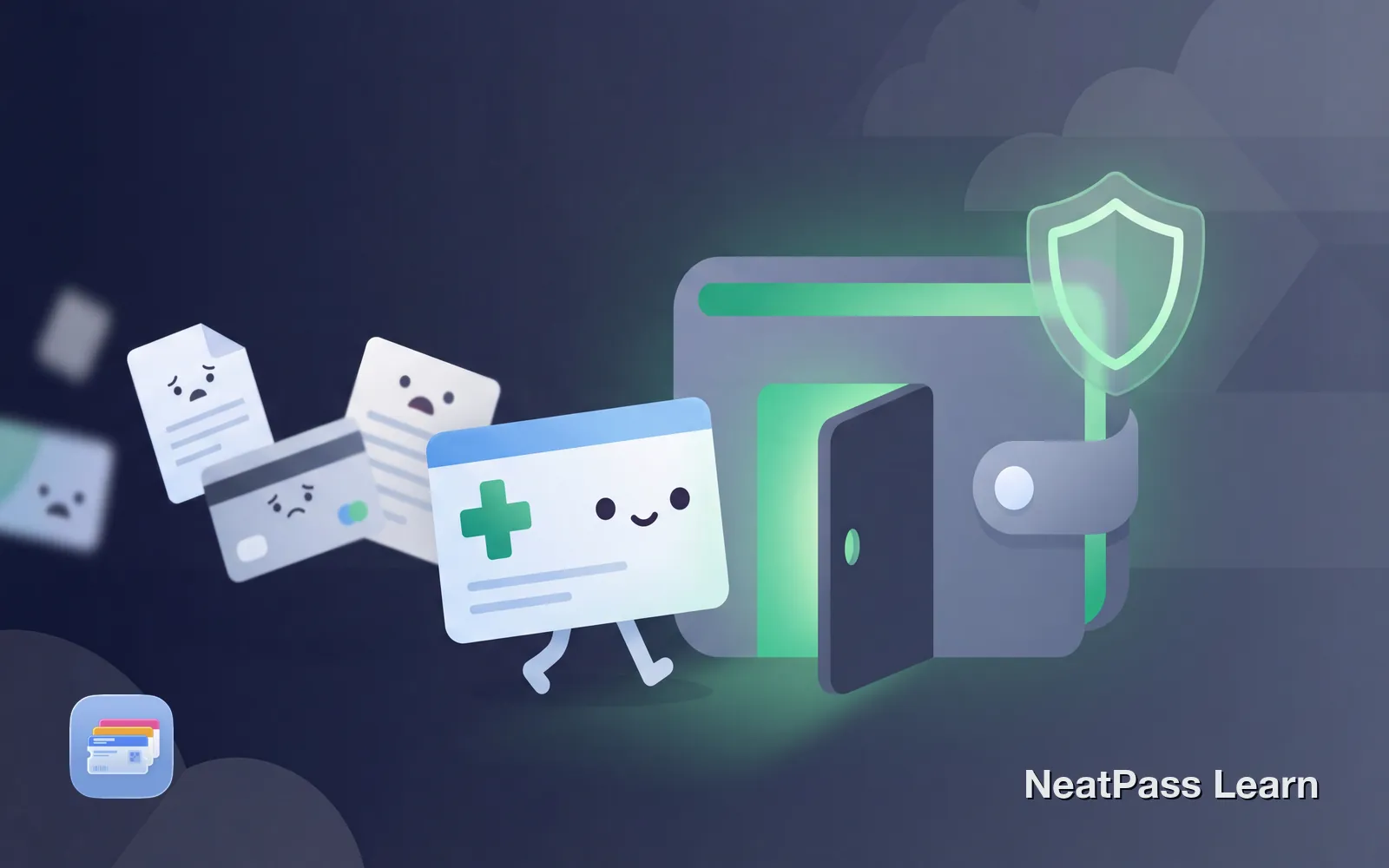
Most health insurers don't support Apple Wallet. Their apps are slow, require login every time, and don't work offline. Here's how to get your insurance card in Wallet anyway.
Do Insurance Companies Support Apple Wallet?
The answer depends on your insurer. Auto insurance is well covered. GEICO, State Farm, Progressive, Allstate, Farmers, and USAA all support adding your proof of insurance to Apple Wallet through their apps.
Health insurance is a different story. A few insurers offer Apple Wallet integration. BlueCross BlueShield of Tennessee lets members add their ID card through the MyBlueTN app. Aetna supports Wallet through the Aetna Health app. But most major health insurers, including UnitedHealthcare, Cigna, and Kaiser, only offer digital cards within their own apps.
If your health insurer doesn't support Apple Wallet, you're stuck with these pain points:
Slow app load times
Open app, wait for login, navigate to your card
No lock screen access
Cannot double-click to show your card at the pharmacy
Session expires
Re-enter password every time you need your card
Multiple apps for multiple cards
Health, dental, vision all require separate apps
The Workaround for Any Insurance Card
The solution works regardless of whether your insurer supports Apple Wallet. Take a photo or screenshot of your insurance card, then use NeatPass to convert it into a native Apple Wallet pass.
NeatPass uses on-device AI to read your entire card image, extracting the barcode and auto-filling pass details like insurer name and member ID. Most health insurance cards use PDF417 barcodes, the standard format required by pharmacies.
How it works
Ready to add your insurance card to Wallet?
NeatPass makes it easy to convert any ticket, pass, or loyalty card to Apple Wallet.
Step-by-Step: Insurance Card to Apple Wallet
Get your insurance card ready
Capture the barcode
Import into NeatPass
AI reads your card
Customize your pass
Add to Apple Wallet
Pro tip
Insurance Types That Work Well
Health Insurance Cards
Most health insurance cards have a PDF417 barcode on the front that encodes your member ID and group number. This is what pharmacies scan to process prescriptions and verify coverage. Your NeatPass card works exactly like the original because it contains the same barcode data.
Consider capturing both the front and back of your card. You can add the back side info as text fields on your pass for quick reference when a provider needs your plan details or customer service number.
Auto Insurance Proof
While most major auto insurers already support Apple Wallet through their apps, NeatPass provides a backup option if you have trouble with the official integration. Keep in mind that digital proof of auto insurance is accepted in all US states except New Mexico, where you still need a printed copy.
Dental and Vision Cards
Dental and vision insurance cards often come from different providers than your main health plan. Instead of juggling three different apps, add all your cards to Apple Wallet with NeatPass. Color-code them differently so you can quickly find the right one.
Benefits in Apple Wallet
Once your insurance cards live in Apple Wallet, you get features that insurer apps simply cannot provide.
Instant lock screen access
Double-click side button to show your card immediately
Works offline
No internet needed to display your card at the pharmacy
Auto-brightness for scanning
Screen brightens automatically for barcode scanners
No login required
Wallet passes never ask for your password
All cards in one place
Health, dental, vision, and auto in a single Wallet
Works on Apple Watch
Show your card from your wrist at the pharmacy counter
Why not just use a screenshot?
Frequently Asked Questions
Get your insurance cards in Wallet
DownloadAccess Your Coverage Instantly
Your insurer might never add native Apple Wallet support. Health insurance companies prefer keeping you in their apps where they can track engagement and push other services. But you don't have to wait for them.
With NeatPass, your insurance cards join your boarding passes, event tickets, and loyalty cards in Apple Wallet. One double-click to access. No app to open. No login required. Your card works offline even in spotty pharmacy reception, and you can add widgets for even faster access. Just scan and go pick up your prescription.