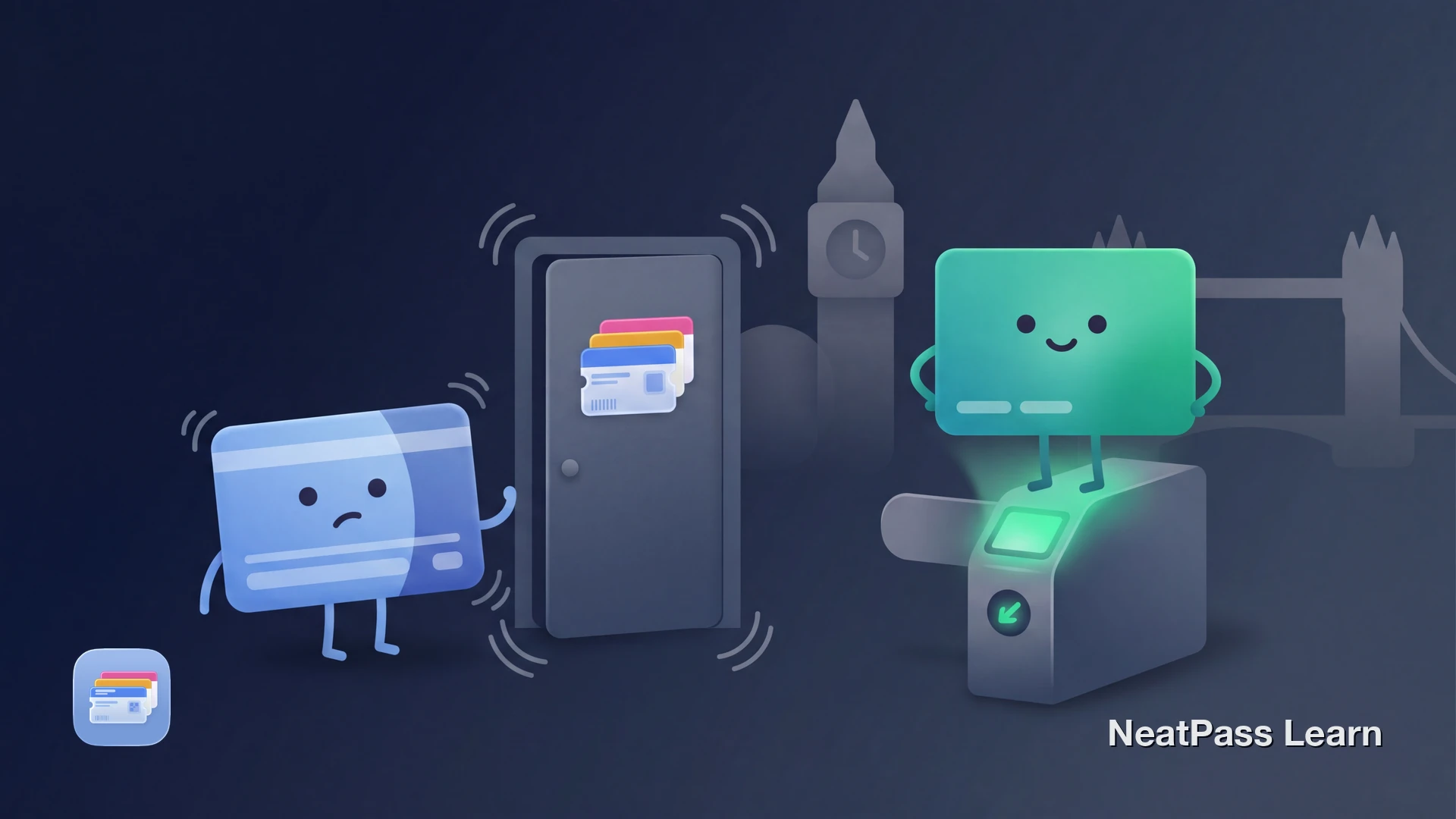
The physical Oyster card cannot be added to Apple Wallet, and as of 2026 it still cannot. There is no Add to Apple Wallet button in the official TfL Oyster and contactless app, and Transport for London has confirmed in multiple Freedom of Information responses that integration is still under evaluation.
The good news: the iPhone already works on every yellow reader in London. A contactless bank card in Apple Wallet, set as the Express Travel Card, taps the same gates as Oyster, with the same fares and the same daily caps.
Three Things People Confuse About Oyster and Apple Wallet
These three are all separate. Mixing them up is what creates the question of whether Oyster works in Wallet, when the practical answer is much simpler.
The plastic Oyster card
Cannot be added to Apple Wallet. The closed-loop MIFARE chip on the card cannot be replicated by an iPhone Wallet pass.
Contactless Apple Pay with Express Transit
Is the recommended Apple Wallet flow on London transport in 2026. Same fares as Oyster, same daily and weekly caps, no plastic to top up.
An "Oyster on iPhone" trial
Has not happened publicly. TfL FOI responses say digital Oyster is not currently in the business plan and has no committed launch date.
Why the Oyster Card Will Not Add to Apple Wallet
The Oyster card runs on a closed-loop MIFARE chip developed by TfL's previous revenue collection partner Cubic. Inspector and gate readers communicate with this chip directly, and the balance and travel records sit in TfL's back office systems keyed to the card's ID. Apple Wallet passes do not emulate MIFARE.
TfL chose this architecture in 2003 and doubled down in 2011 by prioritising EMV contactless bank cards (the regular Visa, Mastercard, and Amex chips) over a digital Oyster. The strategic call: let the banks issue the cards, and use the contactless network as the second front-end into the same fares system.
What TfL has actually said
The Apple Wallet Flow That Actually Works in London
The supported route is a contactless debit or credit card in Apple Wallet, set as the Express Travel Card. The same daily and weekly caps as Oyster apply automatically, and the journey history shows up in the TfL contactless account.
Coverage is the entire TfL network: Underground, buses, trams, DLR, London Overground, the Elizabeth line, IFS Cloud Cable Car, River Bus, and most National Rail services within London. Touch in at the start, touch out at the end on the yellow reader, exactly as with Oyster.
Setting up Express Transit on iPhone
Add a contactless card to Apple Wallet
Open Settings and tap Wallet & Apple Pay
Choose the card and confirm with Face ID or Touch ID
Tap the iPhone or Apple Watch on the yellow reader
Express Transit may work briefly with power reserve
Fares, Caps, and What to Expect on the Bill
TfL charges the same fare whether the tap comes from an Oyster card or from a contactless card on Apple Pay. Headline 2026 numbers look like this, with the daily and weekly caps proposed to stay frozen until March 2027 while Tube and rail singles rose slightly from 1 March 2026:
- Daily cap (Zones 1 to 2): GBP 8.90, applied automatically once the cap is reached
- Weekly cap (Zones 1 to 2): GBP 44.70, Monday to Sunday on contactless and Apple Pay
- Single bus or tram fare: GBP 1.75, with the Hopper allowing unlimited bus and tram transfers within one hour at no extra charge (frozen until July 2026)
- Tube Zone 1 single: peak fares from 1 March 2026 sit around GBP 3.10, with off-peak and zonal variations published on the TfL fare finder
Use the same device for the whole week
Got a London-area paper or PDF travel ticket that should be in Wallet?
NeatPass makes it easy to convert any ticket, pass, or loyalty card to Apple Wallet.
What Happened With "Oyster on iPhone"
There has never been a public Apple Wallet trial of Oyster. The story is years of evaluation rather than a launched product. As far back as 2018, industry analysts noted that TfL's strategic decision in 2011 to prioritise EMV contactless effectively put a digital Oyster on the back burner.
The 2024 award of TfL's seven-year revenue collection contract to Indra, replacing Cubic, mentioned account-based ticketing as a building block. TfL FOI responses still say digital Oyster is not currently in the business plan and has no committed launch date, so the contract should not be framed as a promised Wallet rollout.
Until then, the iPhone-friendly fare on London transport is contactless via Apple Pay. It is what TfL recommends, what the bank apps recommend, and what works at every yellow reader on the network.
What the TfL Oyster and Contactless App Does
The official TfL Oyster and contactless iPhone app is for managing an existing plastic Oyster card and reviewing contactless journey history. It can top up pay as you go credit, buy adult Travelcards and Bus & Tram passes, and show the last eight weeks of journeys with date, time, and cost.
What it does not do: create or push an Apple Wallet pass. The app is a back-office tool. The actual fare collection happens at the gate, either through the plastic Oyster card or through the contactless card set as Express Transit on the iPhone.
Where NeatPass Fits Around Oyster
NeatPass cannot put the Oyster card itself into Apple Wallet, and it should not pretend to. The closed-loop chip is outside what any Wallet pass does. Where NeatPass earns its place is the rest of the London travel paperwork that arrives as PDFs, emails, and screenshots.
What NeatPass can help with around London travel
- Visitor Travelcard PDFs: a paper Travelcard or a PDF day pass with a barcode can be turned into a Wallet pass that lives next to the rest
- National Rail tickets: standard QR-coded e-tickets and PDFs from longer journeys to or from London become Wallet tiles, ready before the gate
- Event and venue passes: O2 Arena, ExCeL, Wembley, and museum tickets that arrive as a PDF or screenshot get a clean Wallet home
What no Wallet app can do here
- Replicate the Oyster MIFARE chip: no Wallet pass can act as the plastic card on a TfL gate
- Replace contactless Apple Pay for tap-and-ride: for daily Tube and bus travel, the contactless Express Transit setup is the supported route, not a NeatPass pass
For the tickets that do work in Wallet, see the supported barcode formats, the import methods for getting them in, the customisation options for matching a TfL or operator colour, and the lock screen widgets for one-tap access at the gate.
Everything is processed on device. The privacy FAQ covers exactly what does and does not leave the iPhone when a pass is created.
Works in the Tube, even without signal
Frequently Asked Questions
Park London travel paperwork in Wallet
DownloadLondon Transport in Apple Wallet, the Realistic Version
The honest summary: the plastic Oyster card stays plastic in 2026, and Apple Wallet plays its role through contactless Apple Pay with Express Transit. Same fares, same caps, same yellow readers, no top-ups, and a short setup in the Wallet & Apple Pay screen.
For visitor Travelcards, National Rail tickets, and event passes that arrive as PDFs and screenshots, NeatPass turns the barcodes into Wallet passes that live alongside the contactless card. The iPhone ends up doing every London transit job at the gate, just not by pretending to be the Oyster chip.