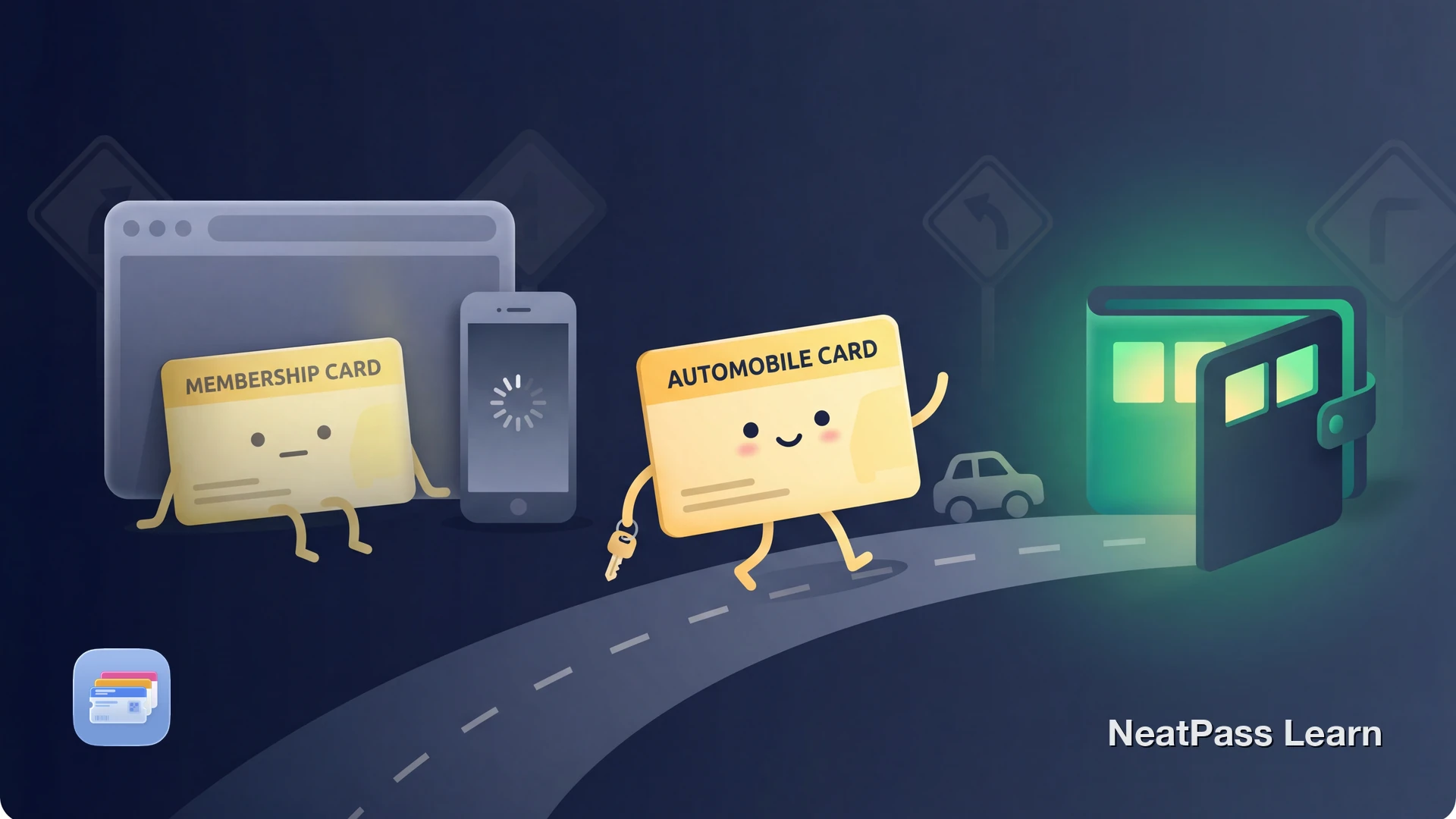
ADAC is Germany's largest automobile club with over 22 million members. If you carry an ADAC membership card, you can actually add it to Apple Wallet officially. But the official version has some notable limitations that make it less useful than you might expect.
Here is how the official method works, what its shortcomings are, and how to create a better version with NeatPass.
What Is ADAC?
The Allgemeiner Deutscher Automobil-Club (ADAC) was founded in 1903 and now has more than 22 million members. It provides roadside assistance, travel services, insurance, and member benefits. Members can use their yellow membership card as proof of membership when they need ADAC services or partner offers.
The Official Way to Add Your ADAC Card
ADAC offers an official Apple Wallet download for membership cards. You can add your digital membership card through the ADAC website. Here is how:
Open the member portal and log in
Find your membership card
Add to Wallet
Check the current member-portal flow
What to Know About the Official ADAC Wallet Card
The official ADAC Wallet card is useful, but it follows ADAC's standard portal-based setup and format:
Partner acceptance varies
The official pass shows your membership information, but each partner location may check it a little differently
Portal-based setup
Use the current flow in Mein ADAC on a supported device to add the official card to Wallet
Standard official format
The official pass follows ADAC's own layout and fields
No customization
You cannot change colors, add extra fields, or customize the pass layout to your preference
Want a better ADAC Wallet pass?
NeatPass makes it easy to convert any ticket, pass, or loyalty card to Apple Wallet.
A Better ADAC Pass with NeatPass
NeatPass lets you create a fully customized Apple Wallet pass from your ADAC membership card barcode. It supports supported barcode formats and gives you more control over your pass.
Why NeatPass Creates a Better Pass
Your actual membership barcode
Scan the barcode from your physical ADAC card or a screenshot, preserving the exact data for identification
Custom ADAC-style design
Use ADAC yellow styling and add your name and membership number as text fields
Uses your existing barcode
NeatPass preserves the barcode from your physical card or screenshot, so the pass matches the data you already have
No login required
No need to reopen the member portal every time. Just scan your card once and the pass stays in Wallet
How to Create Your ADAC Wallet Pass
Creating a custom ADAC pass is straightforward:
Get your ADAC barcode ready
Import into NeatPass
AI reads your card
Customize with ADAC colors
Add to Apple Wallet
Pro tip: ADAC brand colors
When You Need Your ADAC Card
Roadside assistance
Show your membership number when calling ADAC Pannenhilfe. Having it on your lock screen means instant access in stressful breakdown situations
Partner discounts
Use your card when you want to take advantage of ADAC partner benefits. Quick access in Wallet means your membership details are always handy
Travel planning
Keep your membership details accessible while traveling, booking, or comparing ADAC-related benefits
Proof of membership while traveling
Your digital card keeps your membership details available even without internet
Works without internet
Frequently Asked Questions
Create your custom ADAC Wallet pass
DownloadYour ADAC Card, Always Ready
ADAC offers an official Apple Wallet card, which is a good starting point. If you want a separate pass built from the barcode on your physical card or your own ADAC-style customization, NeatPass gives you that option.
Whether you need your card for ADAC assistance or a partner benefit, having it in Apple Wallet means it is always one double-click away.