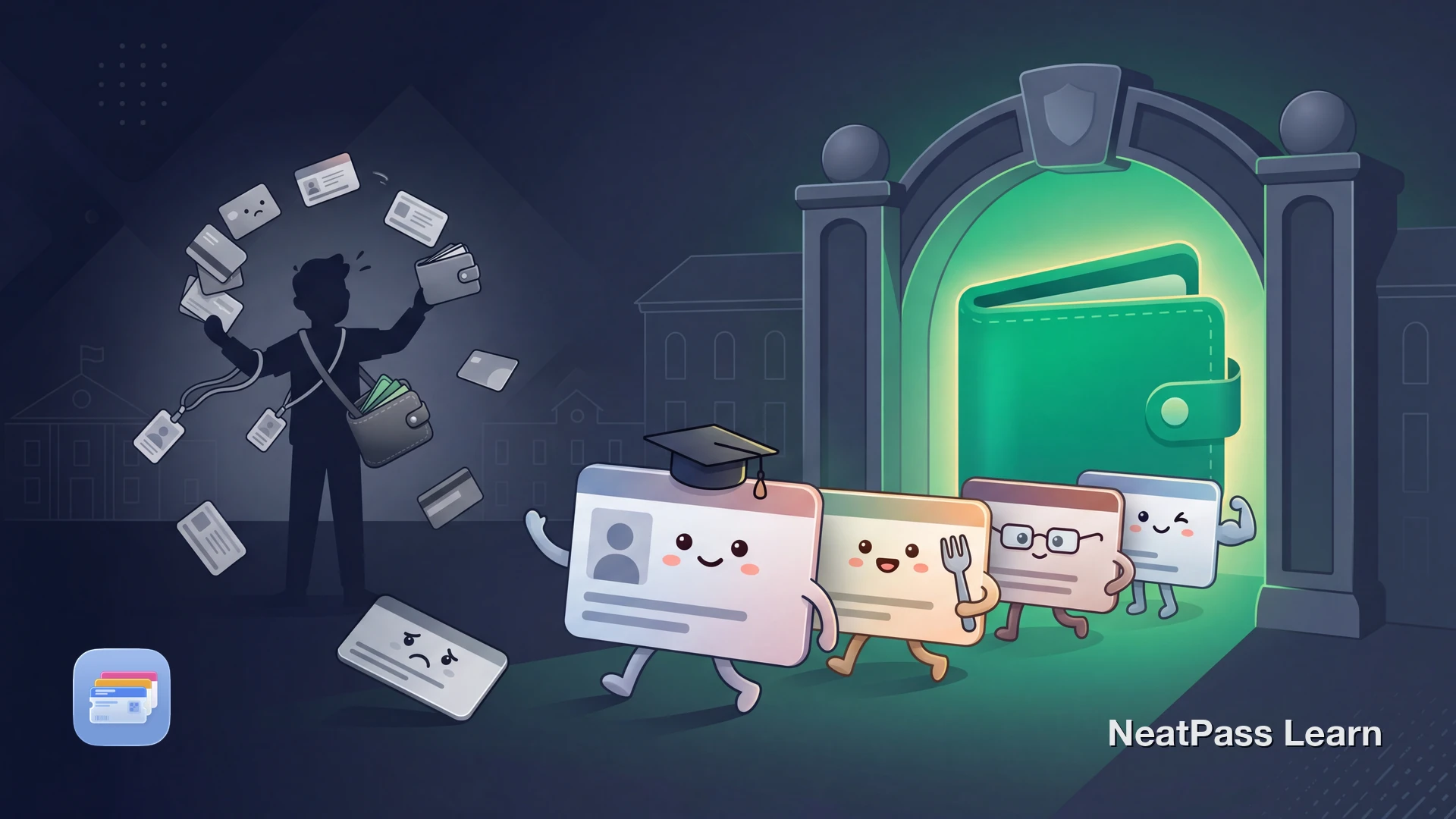
Apple's official student ID in Wallet only works through a participating college or university and the school's app. Meanwhile, many students still juggle a student ID, meal plan card, library card, gym pass, and transit pass across separate apps and physical cards.
There is still a practical workaround for some of those cards. When a campus card shows a visible barcode or QR code, you may be able to turn that scan flow into an Apple Wallet pass for quicker access.
Five Cards, Five Problems
A typical student carries multiple campus cards, each with its own app or physical format. Here is what that looks like in practice:
Student ID
Physical card or campus app with login required
Meal plan
Separate barcode in dining app or on physical card
Library card
Another barcode for book checkout and kiosk access
Gym / rec center pass
Key fob, barcode, or yet another app to check in
Transit pass
Semester ticket with QR code in a transit app
That is five different places to manage, five apps to keep logged in, and five things to forget at home. When you are running between classes, the last thing you need is to fumble through apps at every scanner.
One Wallet for Every Campus Card
The workaround: if a campus card shows a static barcode or QR code, capture that code and convert it into a native Apple Wallet pass using NeatPass. The goal is to preserve the visible code from the original card for places that already scan that code.
NeatPass uses on-device AI to detect barcodes in your screenshots and photos. No accounts, no cloud uploads. Your campus credentials stay on your device.
Important: NFC door access
Ready to digitize your campus cards?
NeatPass makes it easy to convert any ticket, pass, or loyalty card to Apple Wallet.
Card-by-Card Breakdown
Student ID
If a campus service already scans a visible student ID barcode, a Wallet pass can be a convenient way to present that same code. Apple's official student ID in Wallet still requires a participating college or university and the school's app. See the full guide on student IDs in Apple Wallet.
Meal Plan Card
If your dining hall uses a visible barcode for check-in, a Wallet pass may work for that same scan flow. Tap-based dining or payment systems still require the official credential flow.
Library Card
If your library card shows a scannable barcode, a Wallet pass can be more convenient at self-checkout kiosks and desks. See the guide on library cards in Apple Wallet for barcode-specific tips.
Gym and Rec Center Pass
Some campus gyms use barcode scanners for check-in. Screenshot the barcode from your gym app or photograph your physical pass. If your gym uses NFC key fobs without a visible barcode, ask the front desk whether a barcode alternative exists. See the guide on gym cards in Apple Wallet.
Campus Transit Pass
Some universities offer semester transit passes with QR codes or barcodes. If your transit pass displays a scannable code that the reader accepts from a phone screen, a Wallet pass may work for that same flow. NFC-only transit systems cannot be converted this way.
Multiple import options
How to Add All Your Campus Cards
Gather your campus barcodes
Screenshot or photograph each barcode
Import into NeatPass
Label and customize each pass
Add all passes to Apple Wallet
Color-code your passes
Why Apple Wallet Beats Campus Apps
Once compatible campus cards live in Apple Wallet, you may get a more convenient scan workflow than keeping each one buried in a different app.
Quick Wallet access
Use the side-button shortcut and swipe to the card you need
Often works offline
A Wallet pass can still be easier to present when campus reception is poor
Easy to find
Keep transit passes and campus cards organized in one place
Larger on-screen code
A dedicated pass is often easier to reopen and present than navigating back through the original app
Fewer repeated logins
You are not relying on the original app every time you need to show the barcode
Your passes work offline in any campus building. Use lock screen widgets for even faster access. See the privacy FAQ to learn how NeatPass keeps your campus data on-device.
Frequently Asked Questions
Get all your campus cards in Wallet
DownloadYour Campus in Your Wallet
You can consolidate compatible campus cards into one easier place to reach. Student ID barcodes, meal plan scans, library cards, gym check-ins, and transit codes all become simpler to manage when the original campus workflow already uses a visible barcode.
With NeatPass, barcode-based campus cards can become native Wallet passes. Keep the physical card, school app, or official student ID setup for doors, NFC taps, and any campus service that requires the original credential.