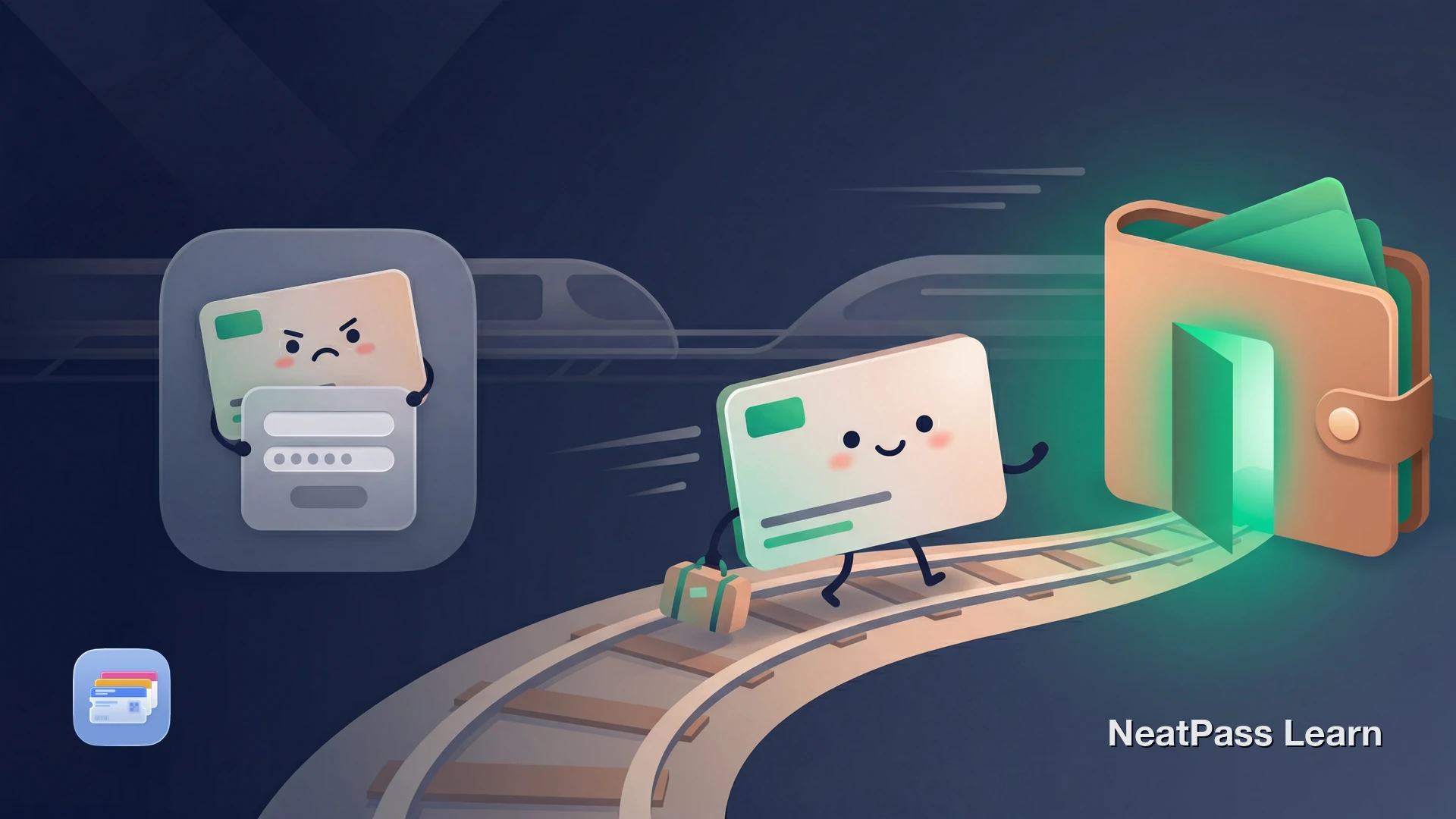
Deutsche Bahn's BahnCard gives discounts on eligible fares, while the BahnCard 100 works as a flat-rate travel product. The BahnCard itself is not available in Apple Wallet. Deutsche Bahn's documented digital options are DB Navigator or the PDF Ersatzdokument from your customer account. Here's how to keep a convenient Wallet copy based on that official PDF.
What Is the BahnCard?
The BahnCard is Deutsche Bahn's discount card for regular train travelers in Germany. The BahnCard 25 gives you 25% off all tickets, the BahnCard 50 gives you 50% off flex-price tickets and 25% off saver fare tickets, and the BahnCard 100 is an unlimited flat-rate ticket for all DB trains.
Since June 9, 2024, the BahnCard 25 and BahnCard 50 have been digital only. Deutsche Bahn no longer sends physical plastic cards for these types. The BahnCard 100 is handled separately and is still issued as a physical plastic card. For BahnCard 25 and 50, Deutsche Bahn points customers to DB Navigator or the PDF Ersatzdokument from the customer account.
Why the BahnCard Isn't in Apple Wallet
Deutsche Bahn does not support Apple Wallet for the BahnCard. Its documented digital options are DB Navigator for the digital BahnCard and the PDF Ersatzdokument from your customer account.
If you prefer Apple Wallet, that leaves only a few practical options:
No native Wallet pass
Deutsche Bahn does not provide an Add to Apple Wallet option for the BahnCard
Official proof stays with DB
The official digital proof remains DB Navigator or the PDF Ersatzdokument from your account
PDF is the best source for a copy
If you want a Wallet version, start from the official PDF rather than an informal screenshot
Manual refresh is still needed
If DB issues a newer official document, recreate your Wallet pass from that current PDF
Use the Official PDF, Not a Casual Screenshot
Deutsche Bahn documents the DB Navigator app and the PDF Ersatzdokument as its official digital options for BahnCard. A screenshot can be convenient for personal reference, but it is not the official document.
The official PDF includes the QR code from your customer account. That makes it the better source document for a NeatPass import. Learn more about supported barcode formats.
Get your BahnCard into Apple Wallet
NeatPass makes it easy to convert any ticket, pass, or loyalty card to Apple Wallet.
The Workaround: PDF Printout to Apple Wallet
Deutsche Bahn provides an official PDF Ersatzdokument with a QR code in your DB customer account at bahn.de. If you want a Wallet copy for quick access, this is the document to use as your source.
NeatPass scans the QR code from that PDF and creates a native Apple Wallet pass. Use it as a convenient copy alongside the official DB document.
Multiple import options
Step-by-Step: BahnCard to Apple Wallet
Get your BahnCard PDF
Open NeatPass
Scan the QR code
AI creates your pass
Add to Apple Wallet
Pro tip
Keep the Official Version Ready
An Apple Wallet pass gives you fast access to your BahnCard information. NeatPass also keeps the original scanned PDF alongside the pass, so you always have both the Wallet pass and the source document. Since the Wallet pass preserves the same QR code data from your official PDF, it works at ticket inspections. Keep the official DB Navigator or PDF as backup just in case.
Important for ticket inspections
Why Keep Your BahnCard in Wallet
As a convenience copy, keeping your BahnCard in Apple Wallet can still be useful during travel.
Instant lock screen access
Double-click your side button to show BahnCard details without opening any app
Quick backup access
Keep your BahnCard details handy in Wallet while the official app or PDF stays the authoritative version
Quick visual reference
Show your BahnCard number and type instantly when booking tickets at a counter
Alongside your tickets
Keep BahnCard and train tickets together in Wallet for a seamless travel experience
Reliable backup
Keep a readable copy available even when you prefer not to switch apps
Your Wallet pass works without internet thanks to offline mode. Add a lock screen widget for even faster access. For details on how NeatPass handles your data, see the privacy FAQ.
Frequently Asked Questions
Add your BahnCard to Wallet
DownloadYour BahnCard, One Tap Away
Deutsche Bahn does not support Apple Wallet for BahnCard, but you can still keep a convenient Wallet copy based on the official PDF Ersatzdokument.
Keep the official DB Navigator app or PDF document available for inspections, and recreate your Wallet pass whenever DB provides a newer official PDF.