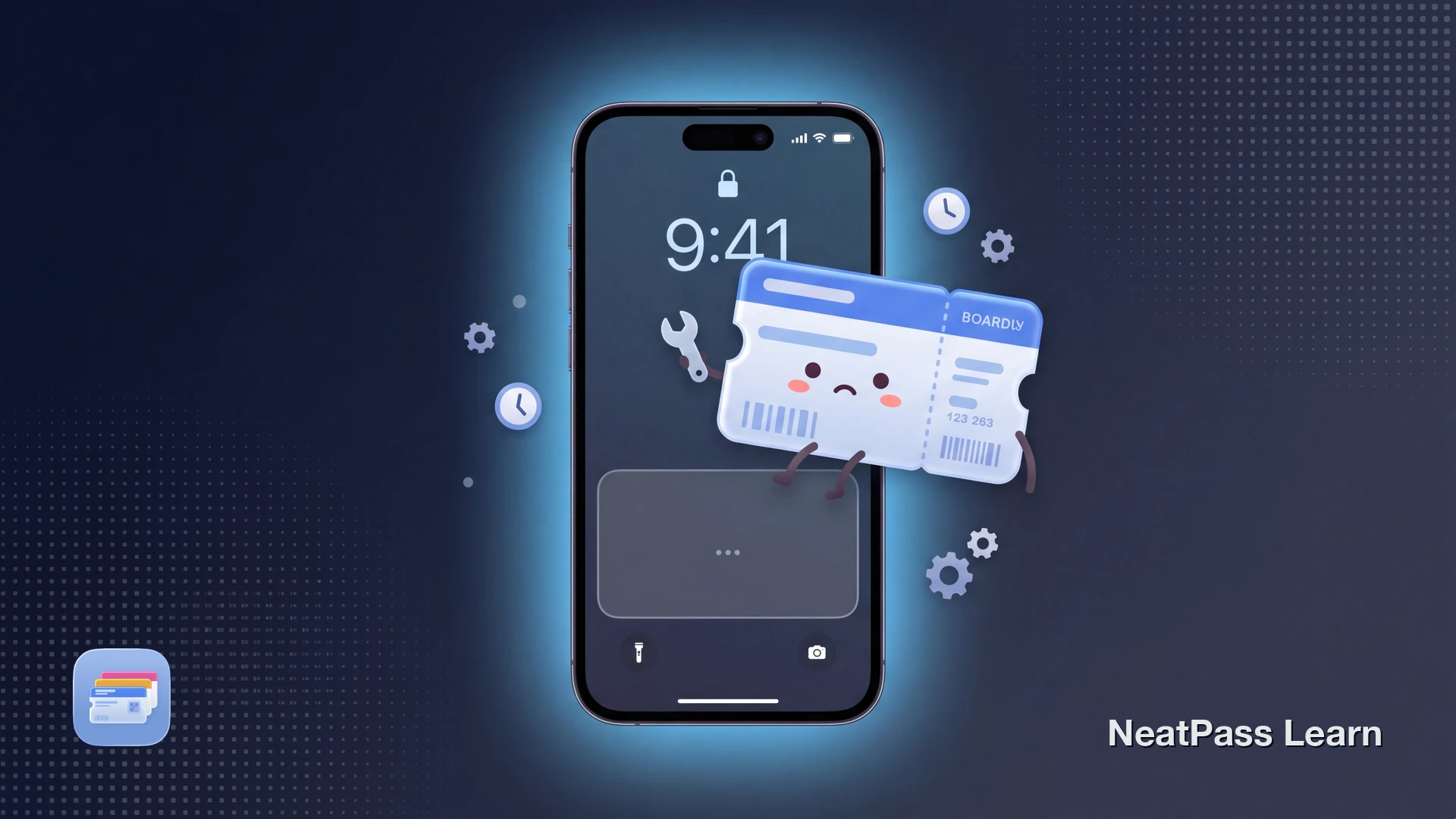
Delta briefly added support for the iOS 26 boarding pass Live Activity in November 2025, alongside United and Air Canada. The feature surfaces flight info on the lock screen and in the Dynamic Island, and refreshes automatically as the flight status changes.
Public sources support a Delta rollout, not a confirmed rollback. If the lock screen pass or Dynamic Island view is missing on a current Delta flight, check iOS version, pass eligibility, operating carrier, timing, and the current Fly Delta pass before assuming the feature is unavailable.
What Delta's iOS 26 Boarding Pass Does
During the November 2025 rollout, Delta's iOS 26 boarding pass was the same Wallet pass as before, with iOS 26 layering a Live Activity surface on top of it. The pass showed flight number, departure time, gate, and boarding time on the lock screen widget area and in the Dynamic Island. Apple Maps integration provided one-tap directions to the airport, and Find My integration tied the boarding pass to AirTag-tagged luggage.
The rollout was reported as server-side. According to MacRumors and 9to5Mac, Delta enabled the upgraded experience without a separate app update, and boarding passes added to Apple Wallet on iOS 26 after the rollout received the new presentation automatically. The barcode itself stays identical to a printed Delta pass.
Delta support is reported live
What Is Required for the Feature to Appear
For Delta and other supported airlines, every requirement in the list below still has to line up before the Live Activity appears.
iOS 26 or later
Apple introduced the boarding pass Live Activity surface in iOS 26. Older iOS versions show the pre-26 boarding pass without the Live Activity layer.
Airline server-side support active
The airline must serve a pass schema with the iOS 26 enhanced format and the right semantic fields for Live Activity support.
Carrier-operated flight
The Live Activity surface depends on the operating airline's pass schema. SkyTeam partner-operated segments use the partner's pass, and most partners do not yet support iOS 26 features (Air Canada is one of the exceptions).
Pass added close enough to departure
Apple's support page notes that the boarding pass shows on the lock screen near the time of boarding. Re-adding the pass on the day of travel is the most reliable way to trigger the Live Activity surface.
Why the Live Activity Does Not Appear
Reports across MacRumors forums, the Apple Developer Forums, and Apple Community threads narrow the cause to a few patterns.
- The specific Delta pass or booking is not eligible for the enhanced iOS 26 surface yet
- iPhone is on an older iOS version; the Live Activity surface requires iOS 26 or later
- Pass was added many days before departure, before iOS surfaces it on the lock screen
- Booking is on a SkyTeam codeshare partner segment that does not support the new format
- The pass is for a flight that has already departed or completed
- Wallet pass deletion was triggered by an iOS reset and the pass is missing entirely
- Find My or Apple Maps tie-ins are blocked by privacy settings, hiding part of the surface but not the whole Live Activity
- Recent Fly Delta app or Wallet bugs after iOS point updates that resolve in the next update
Avoid speculation, stick to what is documented
What to Actually Check, In Order
Run through this short checklist before assuming the feature is broken on the iPhone side. Delta support has been reported live, but eligibility can still vary by pass, flight, and timing.
Confirm iOS 26 or later
Re-add the boarding pass
Wait until close to boarding
Verify the flight is Delta-operated
If the Live Activity still does not appear after this checklist, the most useful action is to contact Delta. The general adding-to-Wallet guide covers iOS-side issues that block the underlying pass from being added in the first place, which is a different failure than the Live Activity not surfacing.
Need a backup pass when Delta features fail?
NeatPass makes it easy to convert any ticket, pass, or loyalty card to Apple Wallet.
Where NeatPass Helps and Where It Does Not
NeatPass creates a standard Wallet boarding pass with the same barcode and structured flight metadata where available. It cannot promise the same Live Activity as a Delta-issued pass because real-time behavior depends on airline support, semantic tags, and Delta's first-party systems.
- Backup of a printed-at-home boarding pass when the Fly Delta app fails to add the pass
- PDF e-tickets from corporate booking tools or travel agents with no Add to Apple Wallet button
- Older boarding passes where the barcode is the only data needed for the gate scanner
- Family members on a shared booking when the airline-side Wallet handover only adds the lead passenger
- Direct gate-change pushes from Delta's operations system through Delta's signed pass update endpoint
- Find My Baggage tie-ins that depend on Delta's specific pass schema
- The Delta-branded animated Dynamic Island layout that ships with Delta's first-party pass
NeatPass works with every supported barcode format and the resulting pass works in airplane mode and on weak networks.
Gate Changes and Network Reality (When Live Activity Is Active)
When the Live Activity is active on a supported airline, a few practical patterns are worth understanding so the feature does not look broken when it is actually doing the right thing.
- Live Activity refresh needs network - The barcode works offline, but airline-pushed gate and time changes need cellular or WiFi to reach the device
- Boarding window timing - Apple's documentation describes the lock screen pass appearing near boarding; outside that window, the pass lives in Wallet rather than on the lock screen
- Dynamic Island visibility - The Live Activity collapses to a compact glyph when other Live Activities are running; long-press to expand it again
- Multiple flights in one day - Each flight gets its own Live Activity once added; the most relevant one appears closest to boarding
Lock screen pass surfacing is also covered in the lock screen widgets help article.
Frequently Asked Questions
Keep a backup boarding pass in Wallet
DownloadLive Activity, Without the Guesswork
Delta's iOS 26 boarding pass Live Activity was reported live in November 2025. If it does not appear, work through eligibility, timing, app, and iOS checks before treating the pass as broken. The Wallet pass itself stays useful either way, with the same Aztec barcode the gate scanner reads and the same offline reliability at boarding.