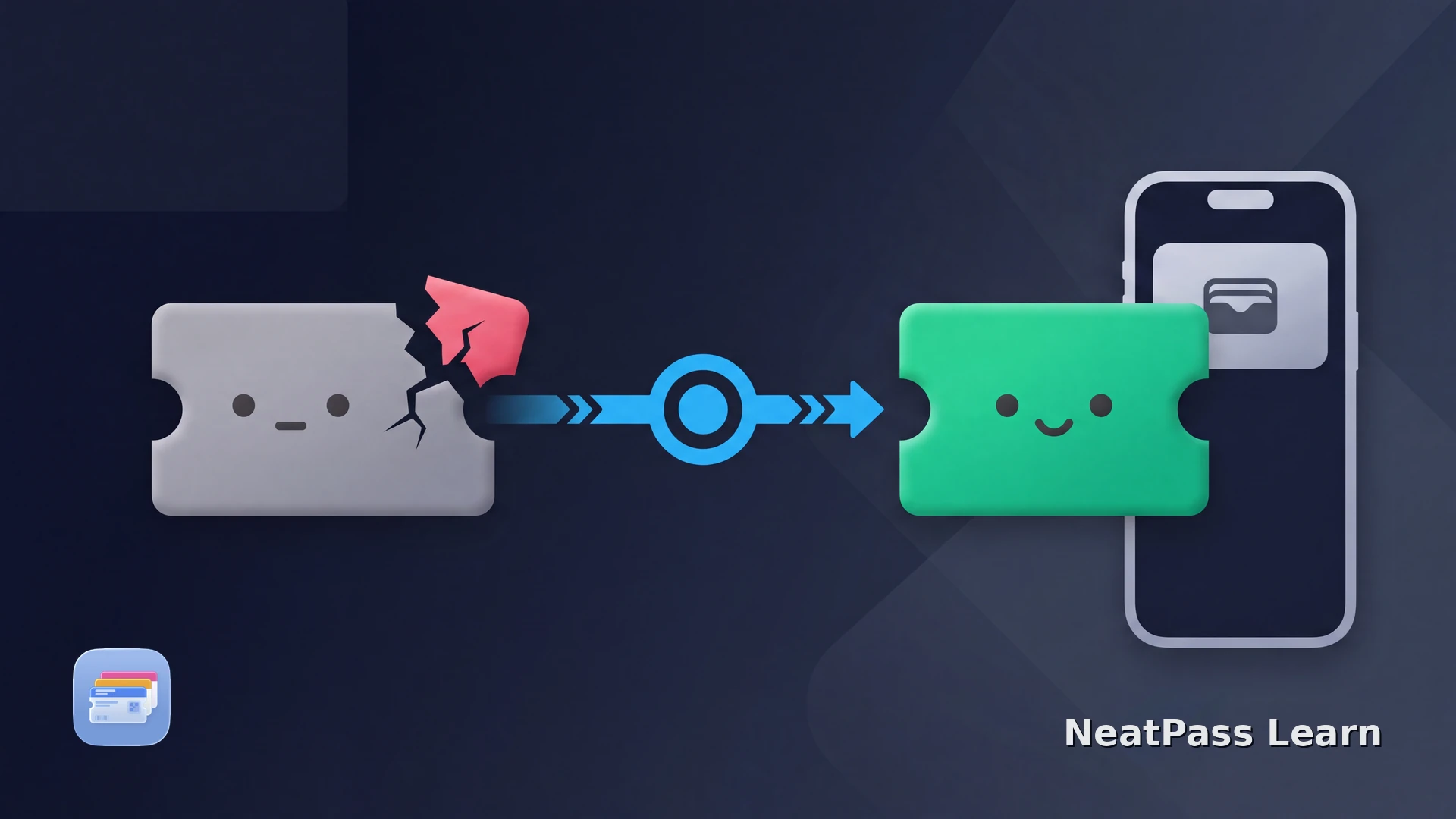
Resale changes more than the name on an order. An official resale or issuer transfer can replace the active ticket, barcode, and account relationship. The old Apple Wallet pass may no longer be accepted at entry, become invalid, be hidden after expiry, or remain visible but inactive; the exact Wallet appearance depends on the issuer and iOS.
Check the issuer and resale order status first. Once the buyer receives a valid static ticket, NeatPass can place its supported barcode in Wallet and keep the delivered source beside it. Rotating or account-controlled tickets stay in the buyer's issuer account.
What can happen after a ticket is resold
The visible event details may stay the same while the entry credential changes:
- Sold: depending on the issuer's resale flow, the seller's active barcode may be withdrawn once the resale is complete.
- Transferred: depending on the issuer's flow, the buyer may receive a new issuer barcode and the seller's old credential may be invalidated.
- Canceled: the issuer may invalidate the old credential even if a stale copy remains on the phone. Wallet may also move expired passes to its Expired list. Check the issuer status.
Confirm the buyer's active ticket first
Recover the buyer's active ticket
Use this order when a resale ticket is missing, no longer active, or still showing the seller's details:
Open the resale order
Sign in to the issuer account
Refresh the official ticket view
Contact the correct support team
Marketplace tickets need an extra status check
StubHub and SeatGeek can deliver different ticket formats depending on the original issuer. Compare the marketplace-specific guides for StubHub tickets and SeatGeek tickets.
An official resale may deliver a static Wallet pass or a static PDF or image that NeatPass can import, or it may deliver a rotating barcode or app-controlled live view. Follow the issuer's format and status, and use a static copy only when the buyer's order is valid and the delivered ticket is static. The issuer and venue still decide whether that format is accepted at entry.
Using NeatPass for a static resale ticket
After the buyer has a valid static ticket, NeatPass can read its supported barcode, place it in Apple Wallet, and keep the delivered source alongside the pass. Use the buyer's current issuer ticket whenever the barcode rotates or the account controls entry.
For the current static source, use the NeatPass import methods guide.
Ready to migrate your cards?
NeatPass makes it easy to convert any ticket, pass, or loyalty card to Apple Wallet.
Ticket validity depends on the issuer and venue
Keep the buyer's official ticket source and order confirmation, and complete payment, delivery, transfer, and resale inside the marketplace or issuer flow. The issuer and venue determine whether the current credential is valid for entry.
Frequently asked questions
Continue with transfer guidance
If the resale includes a new owner, read the guide to transferring an event ticket to Apple Wallet.
Ready to migrate your cards?
Download