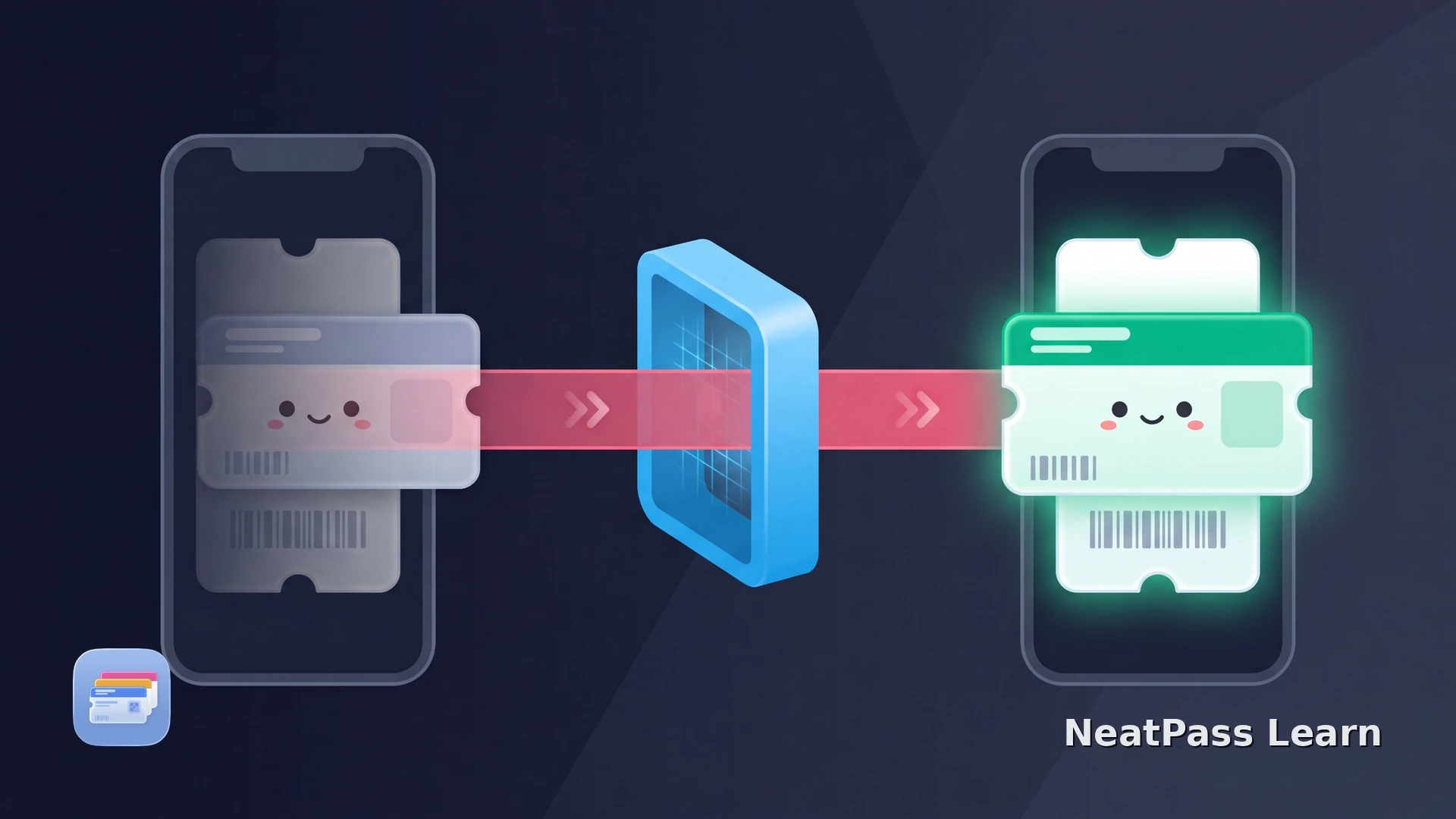
Transferring an event ticket is an issuer action, not the same thing as sharing a Wallet pass. The issuer controls the ticket owner and entry credential; some platforms issue the recipient a new barcode and invalidate the sender's credential after acceptance.
Complete the transfer in the ticket issuer's account or app. A Wallet Share option, even when the issuer enables it, is a separate pass-sharing action; it does not by itself transfer ownership, complete the issuer's Transfer flow, or guarantee a new entry credential.
How an official ticket transfer works
The exact labels differ by platform, but issuer-managed transfers commonly follow this sequence:
Start Transfer with the issuer
Enter the recipient
Recipient accepts
Sender loses entry access
Wallet Share is not ownership transfer
Credential and venue rules still apply
Ticketmaster, AXS, and official resale
For Ticketmaster tickets, use the issuer flow before checking Wallet. The Ticketmaster Wallet guide helps when the new recipient cannot find an Add to Wallet option. For AXS, the AXS ticket guide explains Mobile ID, transfer, and official resale behavior.
Ticketmaster keeps a transfer pending until the recipient accepts it, then issues a new barcode and invalidates the sender's ticket. AXS sends the recipient a link to get the ticket and says the original Mobile ID is no longer valid after the transfer completes. Treat the recipient's active issuer view as the source of truth.
If the transferred ticket is not in Wallet
A missing pass after transfer is usually an issuer or order-state question. Check the account and transfer status before trying to repair a stale pass.
If the issuer confirms that the recipient has a current static source, import that source into NeatPass and add the resulting pass to Wallet. If the issuer has not delivered the ticket, contact the issuer or marketplace; a Wallet copy cannot create a missing credential.
Keep the recipient's static ticket ready with NeatPass
After the recipient accepts the transfer and receives a valid static ticket, NeatPass can place its supported barcode in Wallet and retain the delivered source. Start and accept the ownership transfer in the issuer account first.
For a static ticket, choose a NeatPass import method for the recipient's current source.
Ready to migrate your cards?
NeatPass makes it easy to convert any ticket, pass, or loyalty card to Apple Wallet.
Frequently asked questions
Sharing versus transferring
For the difference between a controlled share and an unusable copy, read why a shared Apple Wallet pass may not work.
Ready to migrate your cards?
Download