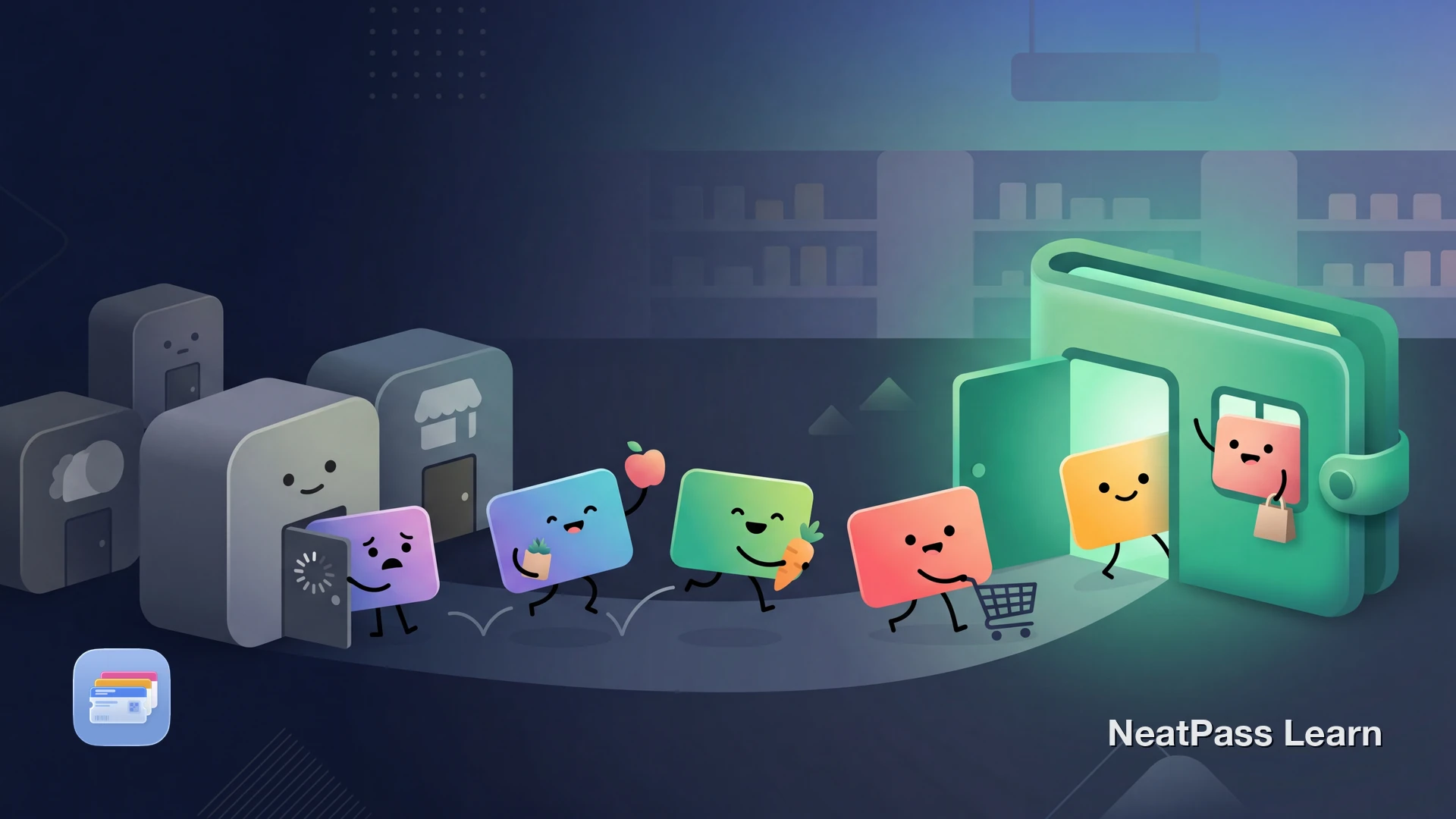
Many grocery loyalty programs still start inside the retailer's own app. Target documents the barcode in the Target app, Kroger focuses on Shopper's Card, Alt ID, and Kroger Pay, and Walgreens centers the myWalgreens app experience. If you want one Wallet-style place for barcode access, a personal Apple Wallet pass can be a useful shortcut.
The App-Per-Store Problem
Major grocery and pharmacy chains often use different loyalty flows. Target Circle can use a barcode or phone number in the Target app. Kroger points customers to Shopper's Card, Alt ID, and Kroger Pay. Walgreens uses myWalgreens inside its own app. The result is the same: you still have to reach for the right retailer-specific screen at checkout.
At checkout, this means:
Fumbling through apps
Finding the right store app while the line grows behind you
Different flows at different stores
One store uses a barcode, another wants a phone number, another pushes its own checkout tab
No lock screen access
Cannot double-click to show your card like a boarding pass
Screens buried inside larger apps
Coupons, payments, and account menus can get in the way when you only need the loyalty barcode
Sometimes you end up typing a phone number, opening the app again, or skipping the scan entirely because the fastest option is not obvious.
Why the Official Flow Usually Starts in the Store App
The official flow differs by retailer. Target help points users to the Target app's Wallet tab and barcode or phone-number checkout flow. Kroger help focuses on Shopper's Card, Alt ID, and Kroger Pay. Walgreens promotes myWalgreens inside its app experience.
That does not mean every grocery loyalty program works the same way. Some programs use a physical card, some show a digital barcode in-app, and some rely heavily on phone numbers or app checkout tools.
The safe starting point is the barcode or account flow the retailer already documents. If you want faster access, use that official barcode as the source for your personal Wallet pass.
Skip the store apps. Get your grocery cards in Wallet.
NeatPass makes it easy to convert any ticket, pass, or loyalty card to Apple Wallet.
The Workaround: Start with the Store's Barcode
If your loyalty program gives you a scannable barcode, either on a physical card or inside the retailer's app, you can use that barcode as the source for a personal Wallet pass.
NeatPass uses on-device AI to read the barcode from your card image and create a native Apple Wallet pass. It gives you a faster barcode shortcut while you keep the official retailer app for coupons, payments, or account changes.
How it works
Store-by-Store Guide
Kroger Shopper's Card
Kroger help materials focus on Shopper's Card, Alt ID, and Kroger Pay. If your account gives you a scannable Shopper's Card barcode, you can use that barcode as the source for a personal Wallet pass. Keep Kroger's official app available for coupons, payments, and account changes.
Target Circle
Target help says you can find the barcode in the Target app, and checkout can also use your phone number. If you want a barcode shortcut, use the barcode shown in the Target app as the source image for NeatPass. Keep the Target app for offers and account management.
myWalgreens
Walgreens promotes myWalgreens through its app experience. If your account shows a scannable loyalty barcode in the Walgreens app, you can use that barcode as the source image for a personal Wallet pass.
Other Stores
Other chains vary. Some rely on barcodes, some on phone numbers, and some on their own app checkout features. The safe rule is simple: if the program gives you a scannable barcode, NeatPass can help turn that into a personal Wallet pass.
How to Add Any Grocery Card to Apple Wallet
Find your card's barcode
Open NeatPass
Scan the barcode
AI fills in the details
Add to Apple Wallet
Pro tip
Why Wallet Beats Store Apps
Once your grocery cards live in Apple Wallet, checkout can get faster.
One place for many stores
Keep your grocery and pharmacy loyalty barcodes together in Wallet instead of jumping between apps
Lock screen access
Open a supported Wallet pass faster than digging through a retailer app
Works without internet
After the pass is added, Wallet can display it without loading the retailer app
Fewer checkout taps
Use Wallet when you only need the barcode, and leave coupons or account tasks to the official app
Cleaner than a screenshot
A Wallet pass is easier to find and manage than a barcode image buried in Photos
Retailer tools stay separate
Keep store-specific payments, coupons, and account settings in the official app without using it just to show the barcode
Your cards can still be shown in airplane mode after you add them. Learn more about offline mode and how NeatPass keeps your data local. See the privacy FAQ for details.
Even faster access
Frequently Asked Questions
Get all your grocery cards in Wallet
DownloadAll Your Grocery Cards, One Swipe Away
Retailers still control the official loyalty flow, but you do not need to open a different app every time you just want the barcode. If the program gives you a supported barcode, you can turn it into a personal Wallet pass for faster access.
With NeatPass, converting a supported grocery loyalty barcode takes only a quick scan and a brief signing step while online. After that, your Wallet pass is ready the next time you check out.