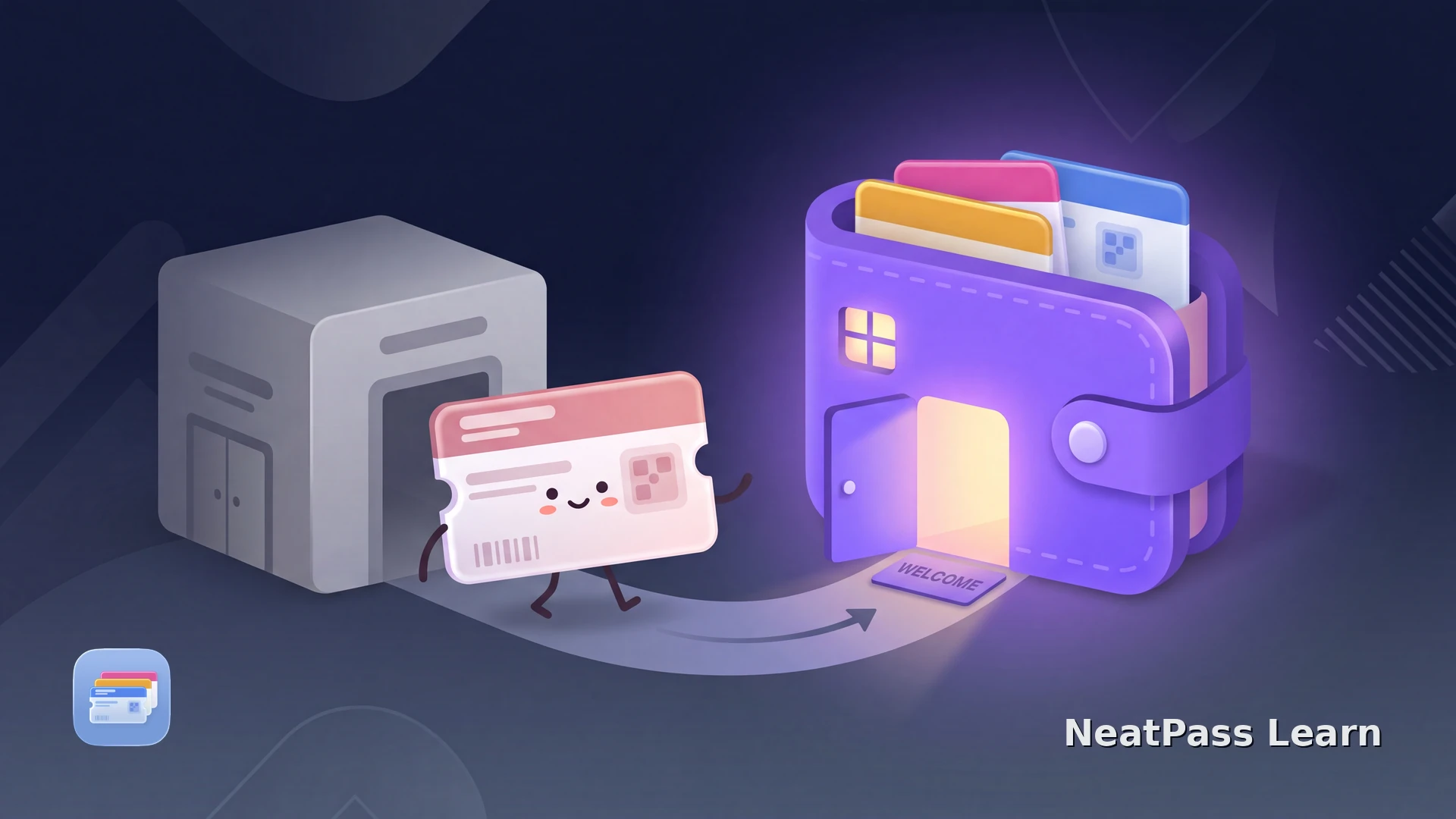
Stocard was the loyalty card app millions of people relied on, but it has shut down as a standalone app after Klarna, which acquired it in 2021, folded its loyalty card feature into the main Klarna app. If you are looking for a new home for your cards, it helps to understand how a tool like NeatPass differs from the Stocard you remember.
The short version: Stocard stored your cards inside its own app. NeatPass instead puts each card into the built in Apple Wallet on your iPhone, so there is no separate app to open at the register. Here is a fair, feature by feature comparison.
The core difference: separate app vs Apple Wallet
Stocard was its own wallet. You opened the Stocard app, found the card, and showed its barcode from inside that app. NeatPass does not try to be a wallet at all. It scans your card once and hands a real pass to Apple Wallet, where it lives alongside your boarding passes and payment cards.
Where cards live
Stocard kept cards inside the Stocard app. NeatPass adds them to Apple Wallet, so you reach them from the lock screen without opening another app.
How cards get in
Both scan a barcode. NeatPass uses an on-device AI model that also reads photos, PDFs, and screenshots, and keeps the original document alongside the pass.
Platform
Stocard ran on iPhone and Android. NeatPass is iPhone only and focuses on the built-in Apple Wallet experience.
Accounts and cloud: what changed
Stocard offered optional accounts and cloud sync so your cards followed you across devices. That convenience meant your card data lived on a server. When Klarna took over, the migration pushed users into a full Klarna account, which several people found frustrating for what used to be a simple loyalty app.
NeatPass takes the opposite approach. It needs no account, and adding a pass never asks you to sign in. There are no cloud uploads of your card images, and the scanning happens on your device. A signing server does receive a cryptographic hash so the finished pass can be added to Apple Wallet, which is why the honest phrasing is no accounts and no cloud uploads rather than no servers. You can read exactly how that works in the privacy FAQ.
Move your loyalty cards into Apple Wallet
NeatPass makes it easy to convert any ticket, pass, or loyalty card to Apple Wallet.
Where Stocard was genuinely better
A fair comparison names the tradeoffs. Stocard did some things that NeatPass, by design, does not.
- Ran on both iPhone and Android
- Had its own Apple Watch app for quick barcodes
- Synced cards across devices via the cloud
- Bundled offers and a rewards catalogue
- Cards live in native Apple Wallet, no extra app
- No account and no cloud uploads
- On-device scanning, works offline
- One-time price, no ads or affiliate offers
Note that once your card is in Apple Wallet, you still get an Apple Watch pass and quick lock screen access, since Wallet itself provides those. Klarna, by contrast, dropped the beloved Stocard Apple Watch loyalty feature during the transition.
Passes work without a signal
Pricing compared
Stocard was free, funded by offers and affiliate deals inside the app. NeatPass uses a simpler model with no ads.
- NeatPass free tier: every feature, plus one pass added to Apple Wallet.
- NeatPass unlimited: a one-time 4.99 EUR purchase for unlimited passes, no subscription.
- Klarna app: free, but it is a broader payments and shopping app that now houses the old Stocard loyalty feature.
Moving your cards over
You do not export anything from Stocard or Klarna. NeatPass rebuilds each card fresh from the physical card or a photo of it.
Gather your cards
Scan with NeatPass
Add to Apple Wallet
NeatPass reads 18 barcode formats and gives you six ways to import a card, and you can customize the design so each pass is easy to spot. For a full walkthrough, the Stocard to Apple Wallet guide covers every step.
Common questions
Give your loyalty cards a permanent home
DownloadA permanent home for your cards
Stocard served its users well for years, and its shutdown left a gap. NeatPass fills it differently, by trusting Apple Wallet to be the wallet and keeping everything on your device. You get lock screen access, an Apple Watch pass, and no account to manage, all from a one-time purchase.