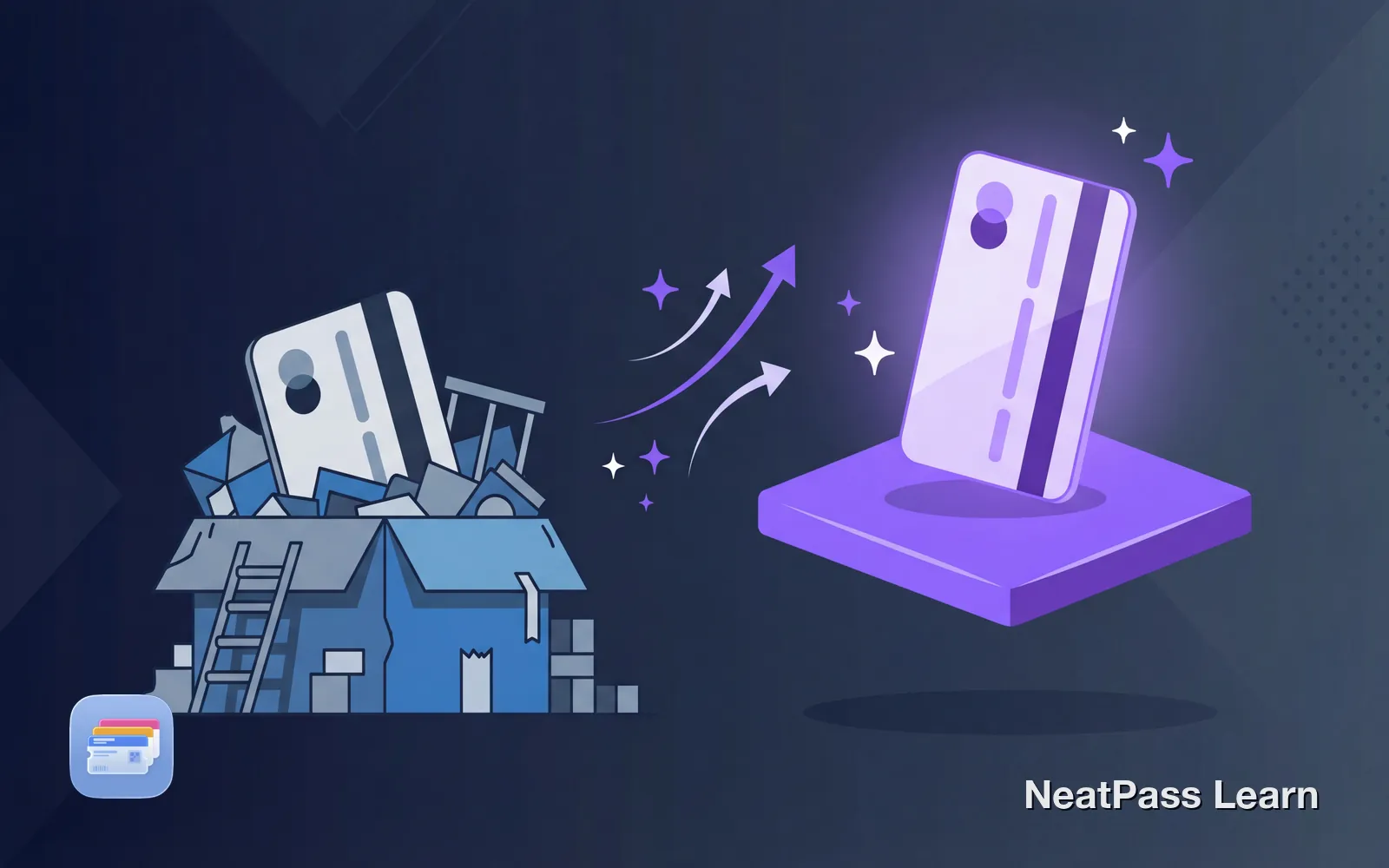
The Stocard shutdown caught many users off guard. But here's the thing: if you've been using a third-party app to store loyalty cards on an iPhone, you were always using the inferior option.
Apple Wallet has been on every iPhone since iOS 6. It was designed specifically for passes and cards. And unlike Stocard, it's not going anywhere.
The Problem with Third-Party Card Apps
Stocard's shutdown reveals a fundamental issue with third-party loyalty apps:
They can disappear
Stocard proved companies shut down or pivot
Your data goes to servers
Cards synced to company databases
Accounts required
Email, password, verification steps
Ads and upsells
Free apps monetize through promotions
Another app to maintain
Updates, storage, potential bugs
Klarna acquired Stocard in 2021 and is now discontinuing it to focus on payments. Your loyalty cards were never their priority.
Why Apple Wallet Is the Better Choice
Apple Wallet solves every problem that made third-party apps risky:
Built into iOS
Already on every iPhone, no download needed
Never going away
Core iOS feature since 2012
No account required
Cards stored locally on your device
100% private
No tracking, no data collection
Works offline
Cards always accessible, no internet needed
Location-aware
Relevant cards appear automatically
Ready to upgrade your wallet experience?
NeatPass makes it easy to convert any ticket, pass, or loyalty card to Apple Wallet.
The Lock Screen Advantage
This is the feature Stocard could never match: instant access from your lock screen.
Double-click to access
Apple Wallet also uses location to surface the right card at the right time. Walk into a coffee shop, and your loyalty card appears on the lock screen. This happens automatically, without opening any app.
You can also add home screen widgets for your most-used cards, or lock screen widgets for even faster access.
But My Store Doesn't Offer Apple Wallet Support
This is the one legitimate complaint about Apple Wallet: not every store provides native passes. Many retailers only offer physical cards or their own apps.
This is exactly where NeatPass comes in. NeatPass converts any barcode into a proper Apple Wallet pass. Take a photo of your card, and NeatPass creates a native pass you can add to Wallet.
Bridge the gap
NeatPass supports 18+ barcode formats including QR codes, EAN-13, Code 128, and more. If a store has a scannable barcode, NeatPass can turn it into an Apple Wallet pass.
Learn more about how barcode conversion works and how to add passes to Apple Wallet.
Privacy: The Hidden Advantage
Here's something most Stocard users didn't realize: Stocard knew exactly where you shopped, how often, and what you bought. That data was valuable. Klarna didn't acquire Stocard for approximately EUR 110 million for nothing.
No tracking
Apple Wallet doesn't monitor your usage
No ads
No promoted offers or sponsored content
No account
Nothing to sign up for or manage
Data stays on device
Cards stored locally, backed up to iCloud
NeatPass follows the same philosophy. All processing happens on your device. Your card data never touches NeatPass servers. Read the full privacy FAQ for details.
Offline Access: Always Available
Third-party apps often need internet to load your cards. Apple Wallet cards are stored locally and work without any connection.
This matters more than you think. Grocery stores often have poor cell reception. Festival venues can be connectivity dead zones. Underground parking garages rarely have signal. Your Apple Wallet passes work in all these places.
Learn more about offline mode and why local storage matters.
Frequently Asked Questions
Ready to make the switch?
DownloadMake the Switch
The Stocard shutdown is a reminder that relying on third-party apps for everyday essentials is risky. Apple Wallet is the permanent, private home your loyalty cards deserve.