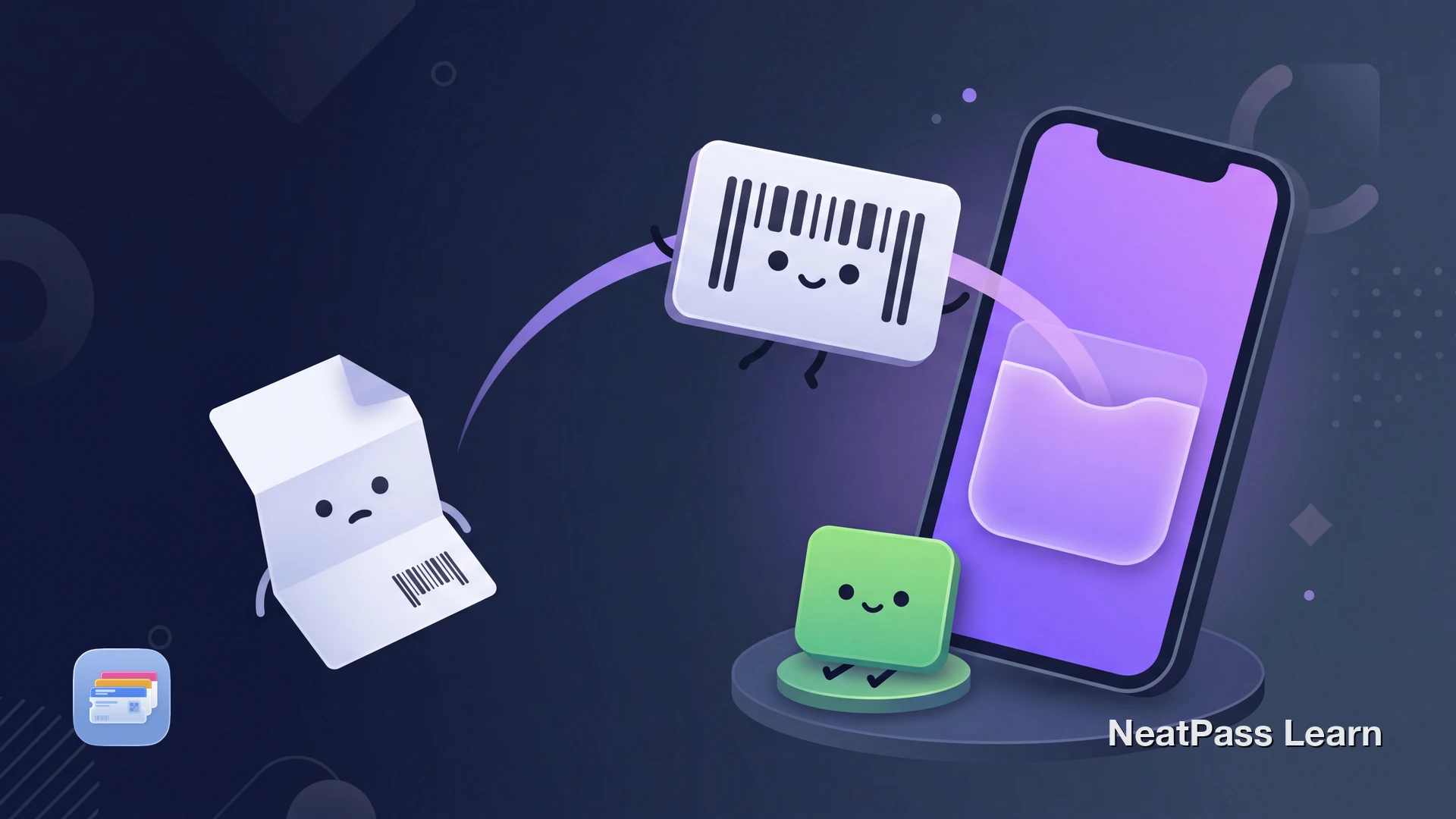
Searching for WalletPasses on iPhone usually means one of two things: you saw the app on Android and want the iOS version, or someone sent you a pass and you are not sure how to open it. Here is the short answer. WalletPasses is an Android app, and on iPhone you do not need it.
Apple Wallet already opens any .pkpass file natively. The thing iPhone users actually lack is a way to create a pass for a card that has no Add to Apple Wallet button. That is the gap NeatPass fills.
What WalletPasses Actually Is
WalletPasses describes itself as Passbook Wallet for Android. It is a free viewer that opens .pkpass files, the same pass format Apple Wallet uses, because Android has no built-in support for them. Its listed features are Passbook compatibility, automatic pass updates, geo and iBeacon notifications, and a built-in QR scanner.
On Android that is genuinely useful, since the system cannot open a .pkpass file on its own. On iPhone the operating system already does this job, which is why a standalone viewer has little reason to exist on iOS.
iPhone opens passes without any extra app
What Each Tool Is For
These are not three versions of the same thing. They solve different problems on different platforms, so it helps to line them up plainly.
WalletPasses (Android)
A free viewer that lets an Android phone open and store .pkpass files it otherwise could not. It displays passes someone already created and handed to you.
Apple Wallet (iPhone)
Built into iOS. It opens and stores any .pkpass file natively, so the viewing job WalletPasses does on Android is already covered on iPhone with nothing to install.
NeatPass (iPhone)
A pass creator and importer. It turns a barcode, PDF, image, or screenshot into a real Apple Wallet pass, which is the part neither a viewer nor Apple Wallet does on its own.
The Real iPhone Problem Is Creation, Not Viewing
Plenty of cards never ship a .pkpass file at all. A paper loyalty card, a gym membership, a library card, or a PDF event ticket has a barcode but no Add to Apple Wallet button. Apple Wallet can display a pass, but it cannot build one from a card you are holding.
That is the actual gap on iPhone, and it is the opposite of the Android viewer problem. You do not need help opening a finished pass. You need a way to create the pass in the first place.
Have a card with a barcode but no Wallet button?
NeatPass makes it easy to convert any ticket, pass, or loyalty card to Apple Wallet.
Where NeatPass Fits on iPhone
NeatPass does the one thing Apple Wallet does not: make a pass out of a card that has no Wallet button. It is the practical iPhone counterpart to what people are looking for when they search WalletPasses.
What NeatPass turns into a Wallet pass
- Barcodes from physical cards: scan a loyalty, gym, or library card with the camera and on-device scanning reads the code using Apple MLX, no typing required
- PDFs and tickets: a PDF event or travel ticket becomes a Wallet pass with its barcode intact, ready at the gate
- Images and screenshots: a photo of a barcode or a screenshot of a digital card gets a clean Wallet home
It reads 18 barcode formats, offers six import methods for getting cards in, lets you match the card design, and adds lock screen widgets for one-tap access.
No accounts, no cloud uploads
Passes are created on the iPhone, the barcode scanning runs on device, and the original document stays untouched. The privacy FAQ covers exactly what does and does not leave the device when a pass is added to Wallet.
Passes work without a connection
Getting a Card Into Apple Wallet
If a business gives you an Add to Apple Wallet button, tap it and you are done. For the cards that do not, here is the NeatPass path.
Open NeatPass and choose how to add the card
Confirm the details
Add it to Apple Wallet
Pin it for fast access
Frequently Asked Questions
Bring your barcode cards into Apple Wallet
DownloadThe iPhone Answer to WalletPasses
The honest comparison is not feature for feature, because WalletPasses and NeatPass live on different platforms and solve different problems. WalletPasses gives Android a way to view .pkpass files. iPhone already views them with Apple Wallet, for free.
What an iPhone is missing is a way to create passes for the cards that never offered one. NeatPass scans the barcode or imports the document, on device, with no account and no cloud uploads, and the card lands in Apple Wallet where it belongs.