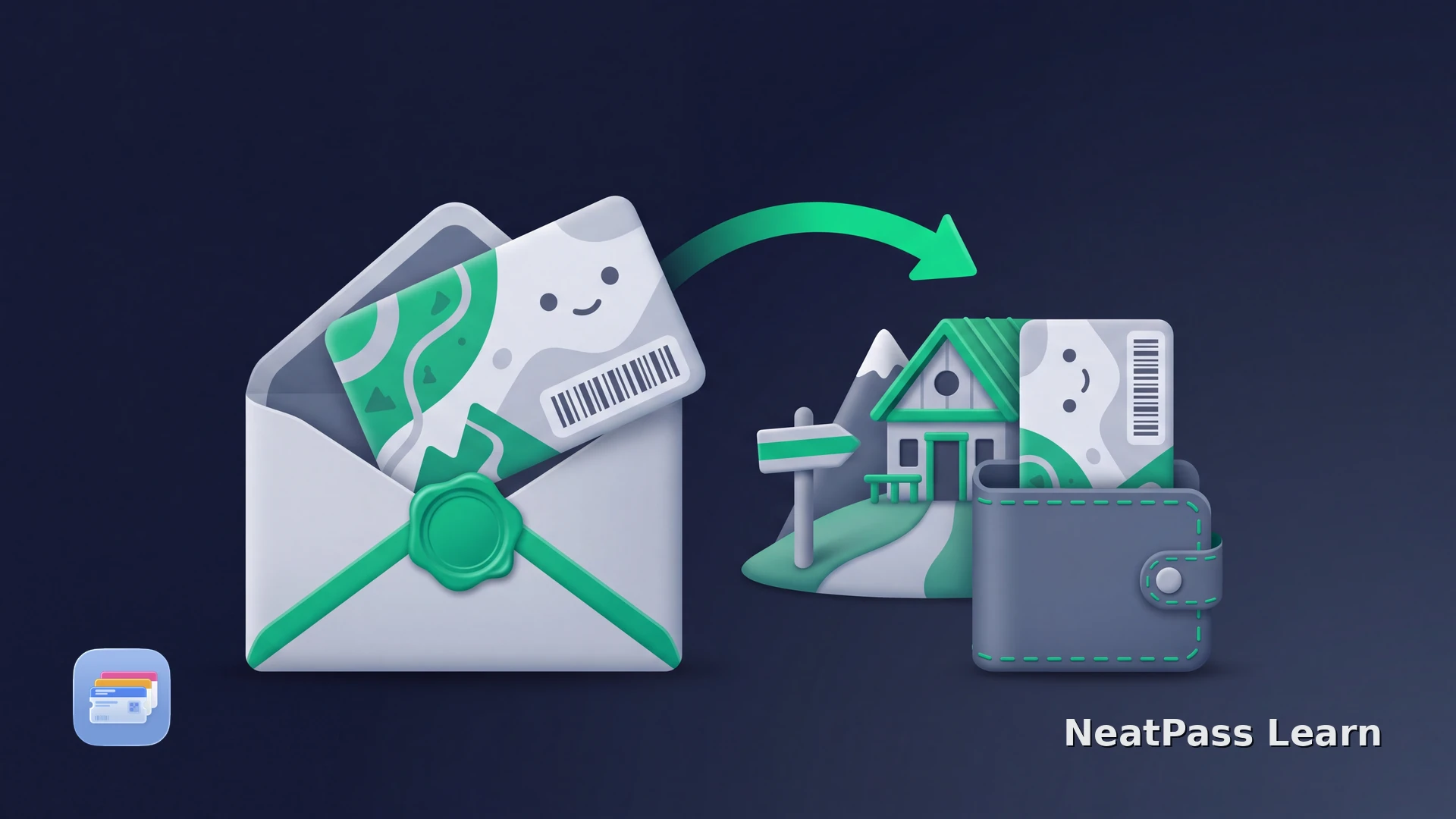
The Austrian Alpine Club, or ÖAV, already offers an official digital membership card. If you belong to an Austrian section, start with mein.alpenverein instead of making a copy yourself.
The official service provides the card online and offers a download for a phone wallet. If that route is temporarily unavailable and an allowed current source contains a detectable barcode, NeatPass offers a convenient backup in Wallet. Keep the official card and any required physical proof available.
Use the Official mein.alpenverein Route First
The service platform is the source of truth for your membership. The ÖAV FAQ ties continued member benefits to a current membership with the annual contribution paid, so check that your account shows the card as valid. Register once with your valid membership details, then use the digital card supplied by the Austrian Alpine Club.
Open mein.alpenverein
Open the digital membership card
Download the official Wallet file
Check the card before a trip
The central mein.alpenverein service page explains the official online and Wallet route. Follow the download shown in your current account.
The official card can be saved for offline use
The hiking app is not the membership-card portal
A practical backup for a supported barcode
When your own current membership document contains a supported barcode, NeatPass can turn it into a convenient Wallet copy. The official ÖAV card remains the source for membership status, benefits and insurance.
Reliable barcode detection
Import a clear card image or document. NeatPass reads supported formats and preserves the decoded barcode data in the Wallet pass.
Keep the original beside it
NeatPass keeps the imported source with the pass so you can compare the convenience copy with your card.
Official status stays with ÖAV
Use mein.alpenverein to confirm membership, validity and the rules of your ÖAV section.
A backup copy does not stay current automatically
The NeatPass guide lists all supported barcode formats if you want to confirm the detected format.
Keep your official ÖAV card close, with a backup when detection allows it
NeatPass makes it easy to convert any ticket, pass, or loyalty card to Apple Wallet.
Create the backup from a current source
After checking the official route and confirming that you may copy your own card, these steps keep the backup accurate.
Save the official card first
Choose a clear source
Save the detected barcode
Keep the official card current
Using the Card on the Mountain
Present the official digital card, the official Wallet file or the physical card requested by your section, hut or partner. A NeatPass copy keeps an allowed barcode close at hand, while the official membership record determines benefits, insurance and admission.
A saved backup remains available through offline mode, which is useful at huts with weak reception.
Each family member has a separate card
Keep the official proof available
Membership benefits and insurance follow the official membership record and current ÖAV terms. Keep the official card and any identity or physical document required by your section, hut or partner alongside the Wallet backup.
Frequently Asked Questions
Keep the official ÖAV card ready, with a convenient Wallet backup
DownloadYour ÖAV Card in the Right Place
mein.alpenverein already gives Austrian Alpine Club members an official digital membership card and a Wallet download. Start there, keep the official source available and follow the section's current proof requirements.
For other membership cards, read membership cards in Apple Wallet or the guide to a custom Wallet pass on iPhone.