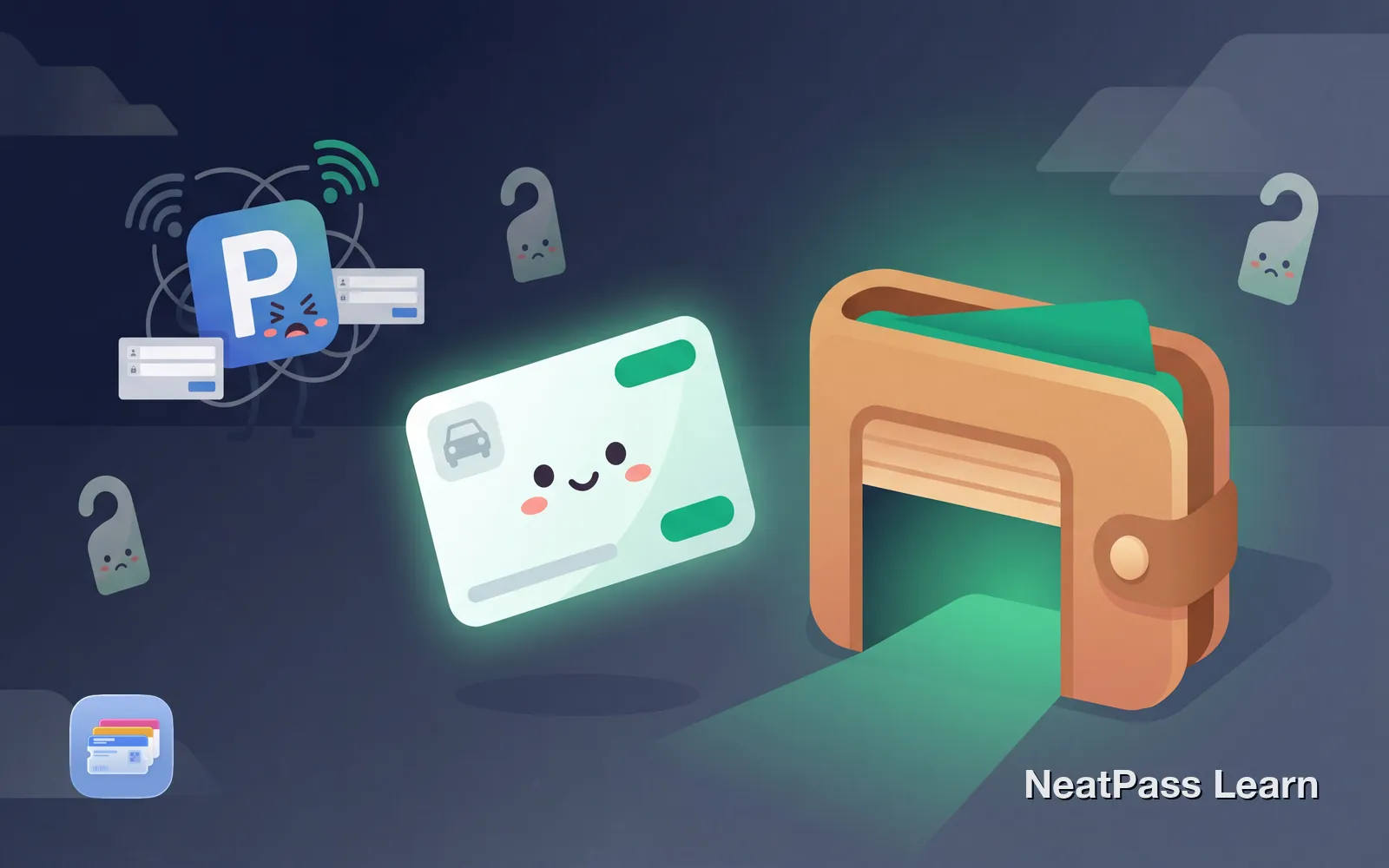
Your parking permit probably doesn't support Apple Wallet. Every day means fishing for a hangtag, opening an app, or hoping your phone has signal in an underground garage. Whether it's a workplace permit, university pass, or residential sticker, there's a better way.
Why Most Parking Systems Skip Apple Wallet
Unlike airlines that embraced digital boarding passes, parking operators rely on license plate recognition (LPR), proprietary apps, or physical permits. Services like ParkWhiz, SpotHero, and JustPark offer "Add to Wallet" buttons for event parking, but most workplace, campus, and residential permits remain stuck in the past.
Universities use systems like T2 Systems, ParkingPass.com, or MiPermit that tie permits to your license plate. Workplaces issue hangtags or access cards. The result is the same problem:
App login every time
Open parking app, sign in, wait for permit to load
No lock screen access
Cannot double-click to show your permit QR code
Signal issues underground
App won't load when you need it at the garage gate
Forgotten hangtags
Physical permits left at home or in another vehicle
The Workaround That Works
If your parking permit has a barcode or QR code, you can convert it to a native Apple Wallet pass. Screenshot your permit from the app or take a photo of your physical permit, then use NeatPass to extract the barcode and create a Wallet pass.
The pass contains your real permit data, so it scans just like the original. The difference is instant lock screen access, no app login, and it works even when you have no signal.
How parking barcodes work
Ready to add your parking permit to Wallet?
NeatPass makes it easy to convert any ticket, pass, or loyalty card to Apple Wallet.
Step-by-Step: Permit to Apple Wallet
Find your permit barcode
Screenshot or photograph it
Import into NeatPass
AI reads your permit
Customize your pass
Add to Apple Wallet
Pro tip
Parking Permit Types That Work
University and Campus Permits
Most universities issue digital permits through apps like T2 Systems, ParkingPass.com, or MiPermit. If your campus app shows a QR code for garage entry, screenshot it and convert with NeatPass. Some universities like the University of Houston use virtual permits tied to license plates without a scannable code, but many still require QR scans for gated entry.
Workplace Parking Permits
Corporate parking systems vary widely. Some use access cards or key fobs (NFC only, no barcode to extract). Others use QR codes displayed in an employee app or printed on hangtags. If yours has a barcode, it can become a Wallet pass.
Residential and HOA Permits
Guest parking passes, visitor permits, and HOA decals often include barcodes for patrol officers to scan. Photograph your physical permit and add it to Wallet. No more worrying about leaving the hangtag in your other car.
Event and Paid Parking
Services like ParkWhiz and JustPark often include "Add to Wallet" buttons. Use those when available. For services that don't, NeatPass fills the gap by converting their QR codes into native Wallet passes.
Benefits in Apple Wallet
Once your parking permit lives in Apple Wallet, you gain features no parking app provides.
Instant lock screen access
Double-click side button, scan, drive through
Works offline
No signal needed in underground garages
Location-aware
Pass can appear automatically when near your garage
Auto-brightness
Screen brightens for the scanner automatically
No login required
Wallet passes never ask for username or password
Apple Watch sync
Show your permit from your wrist without your phone
For details on offline functionality, see the offline mode guide. Unlike parking apps that need network access to display your permit, Wallet passes are just data stored locally on your device.
What About License Plate Recognition?
Many modern parking systems use license plate recognition (LPR) instead of barcodes. These systems photograph your plate on entry and match it against permitted vehicles. No barcode, no scannable pass.
If your garage uses LPR-only access, there's no barcode to convert. However, some LPR systems still show a QR code in their app as a backup, or for gates without cameras. Check your parking app, as you may have a scannable fallback.
What About Time-Limited Codes?
Some parking systems generate dynamic QR codes that change periodically for security. If your permit code regenerates (check by closing and reopening your parking app), a static Wallet pass won't work reliably.
Most parking permits use static codes tied to your permit ID, which work perfectly as Wallet passes. Only security-focused systems like some paid hourly garages use rotating codes.
Frequently Asked Questions
Get your parking permit in Wallet
DownloadYour Permit, Always Ready
Parking operators have no incentive to support Apple Wallet. Their apps collect usage data and keep you in their ecosystem. But you don't need their permission to make your own permit more convenient.
With NeatPass, your parking permit joins your boarding passes, event tickets, and membership cards in Apple Wallet. One tap access. No app to open. No waiting for signal in the garage. Just scan and park.