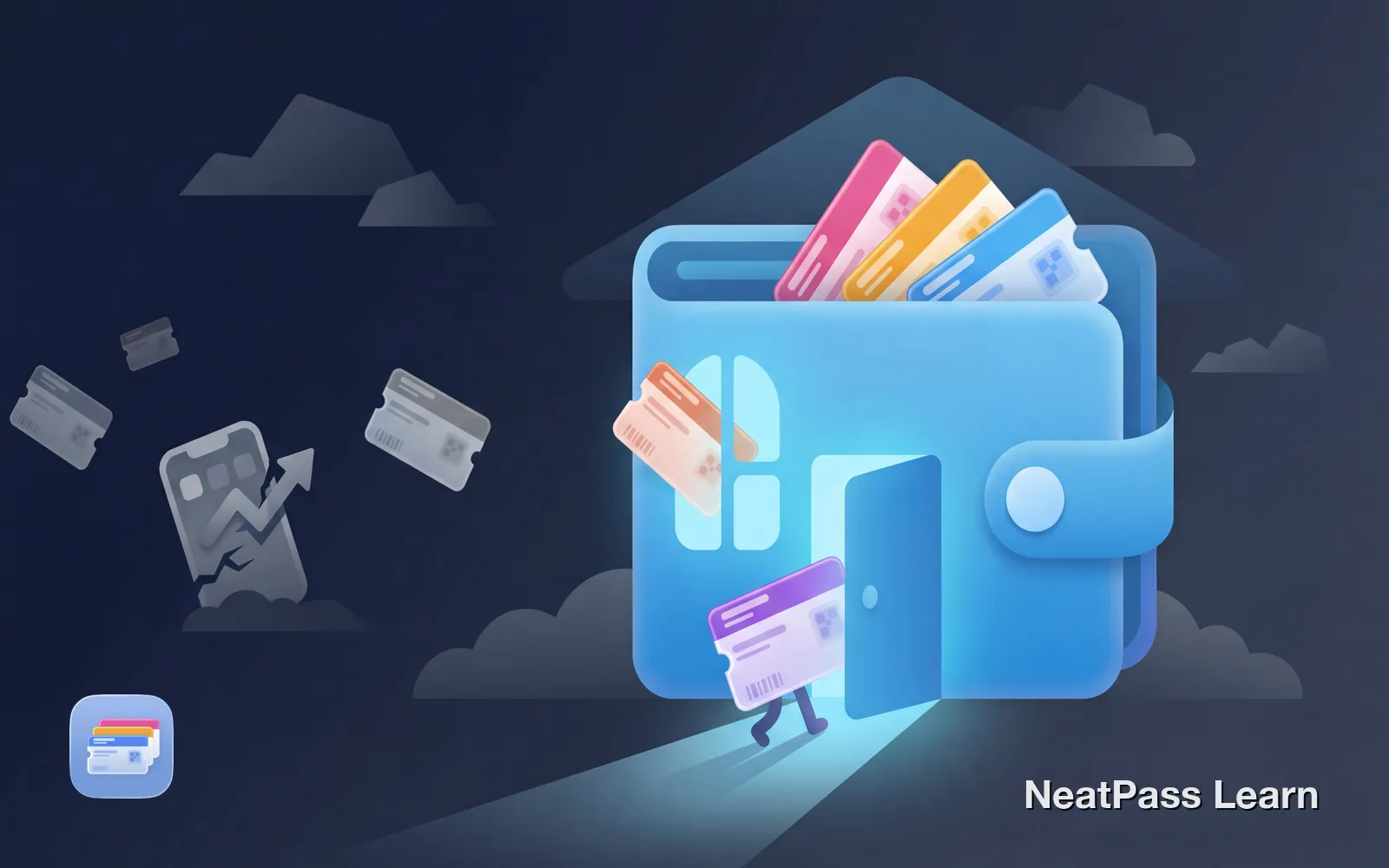
You have loyalty cards in one app, event tickets in another, and boarding passes scattered across three different email threads. Every new wallet app promises to organize your life, but adds another layer of complexity.
There is a better approach. Your iPhone already has a secure, built-in wallet that will never disappear, require a subscription, or sell your data. Here is why Apple Wallet should be your single source of truth for passes and cards.
The Risk of Third-Party Wallet Apps
Third-party apps come with an uncomfortable truth: they can disappear at any moment. When a company gets acquired, loses funding, or simply changes strategy, your carefully organized cards go with it.
Stocard is the most recent example. The loyalty card app had over 47 million active users when Klarna acquired it in 2021. In 2024, Klarna began notifying users that the app would be discontinued, forcing millions to migrate to Klarna's payment-focused app or find alternatives. Users who had no physical copies of their cards suddenly faced the prospect of losing access entirely.
It happens more often than you think
Why Apple Wallet Is Different
Apple Wallet is not an app you download. It is a core iOS feature, built into every iPhone since 2012. Apple cannot "shut it down" any more than they could shut down the phone dialer or camera app.
- Built into iOS, always available
- No account or sign-up required
- Data stored locally on device
- Works without internet
- Maintained by Apple
- Can be discontinued anytime
- Usually require account creation
- Data often stored on company servers
- Many features need internet
- Dependent on company survival
Hardware-Level Security
Apple Wallet does not just store your passes differently. It secures them at the hardware level using the Secure Element, a dedicated chip in your iPhone that isolates sensitive data from everything else on the device.
Secure Element chip
Sensitive data is isolated in dedicated hardware, not just encrypted software
Biometric protection
Face ID and Touch ID protect access to your passes
No shared secrets
Card numbers never leave your device or touch Apple servers
On-device processing
Passes are managed locally without sending data to the cloud
Third-party apps cannot access the Secure Element. They rely on standard app sandboxing and encryption, which is secure enough for most purposes, but fundamentally different from hardware-backed isolation.
Ready to simplify your wallet?
NeatPass makes it easy to convert any ticket, pass, or loyalty card to Apple Wallet.
Privacy That Protects You
When you use a third-party wallet app, you typically create an account. That account tracks which cards you add, how often you use them, and where. This data has value, and many apps monetize it.
Apple Wallet works differently. There is no account to create, no profile to build. Your passes live on your device. Apple explicitly states they do not retain information that can be tied back to you from pass presentations.
No account needed
Add passes without creating yet another login and password
No tracking
Apple does not know which stores you visit or how often
Local storage
Your cards exist on your device, not a company database
Minimal data sharing
Passes only share what the recipient needs, nothing more
For more details on how NeatPass handles your data when creating passes, see the privacy FAQ.
Seamless iOS Integration
Because Apple Wallet is part of iOS, it has access to features that third-party apps simply cannot replicate.
Lock screen access
Double-tap the side button to show your pass instantly, no unlocking required
Location awareness
Passes appear on your lock screen when you arrive at the relevant location
Works offline
No internet connection needed, even in airplane mode or dead zones
Auto brightness
Screen automatically brightens for barcode scanning
iCloud sync
Passes sync across your Apple devices automatically via iCloud backup
Apple Watch support
Access your passes from your wrist without reaching for your phone
Express Mode takes this even further. Transit cards, building access, and certain passes can work with the screen off, no authentication required. This level of hardware integration is impossible for third-party apps to match. Learn more about offline functionality and lock screen widgets for even faster access.
The Challenge: Not Everything Supports Apple Wallet
If Apple Wallet is so good, why does everyone use third-party apps? The answer is simple: not every business offers Wallet passes. Many loyalty programs, gyms, and smaller venues do not have the technical resources to create and distribute Apple Wallet passes.
This is the gap that apps like NeatPass fill. Instead of replacing Apple Wallet, NeatPass bridges the gap by converting any barcode-based card into a native Wallet pass. See the guide on adding passes to Apple Wallet for how it works. Your card gets all the benefits of Apple Wallet integration without waiting for the business to add support.
Best of both worlds
What Happens When Apps Shut Down
The key point is what happens when a wallet app shuts down:
Cards become inaccessible
If you do not have physical cards, you may lose access entirely
Rushed migration
Limited time to export data before the service ends
No direct export
Most apps do not offer Apple Wallet export functionality
Start over
Re-adding cards manually to a new solution takes hours
With Apple Wallet, this scenario does not exist. Your passes are stored locally, backed up via iCloud, and completely independent of any third party's business decisions.
Frequently Asked Questions
Ready to simplify your wallet?
DownloadMake the Switch
Every card stored in a third-party app is a card that depends on that company staying in business, maintaining the app, and not changing their terms. Apple Wallet removes that dependency entirely.
Start with your most-used cards. Loyalty programs, gym memberships, transit passes. Convert them to Apple Wallet passes with NeatPass, and experience what a unified, privacy-respecting wallet should feel like. No accounts, no subscriptions, no worrying about the next acquisition headline.
Your passes deserve a permanent home. Apple Wallet has been that home for over a decade, and it is not going anywhere.