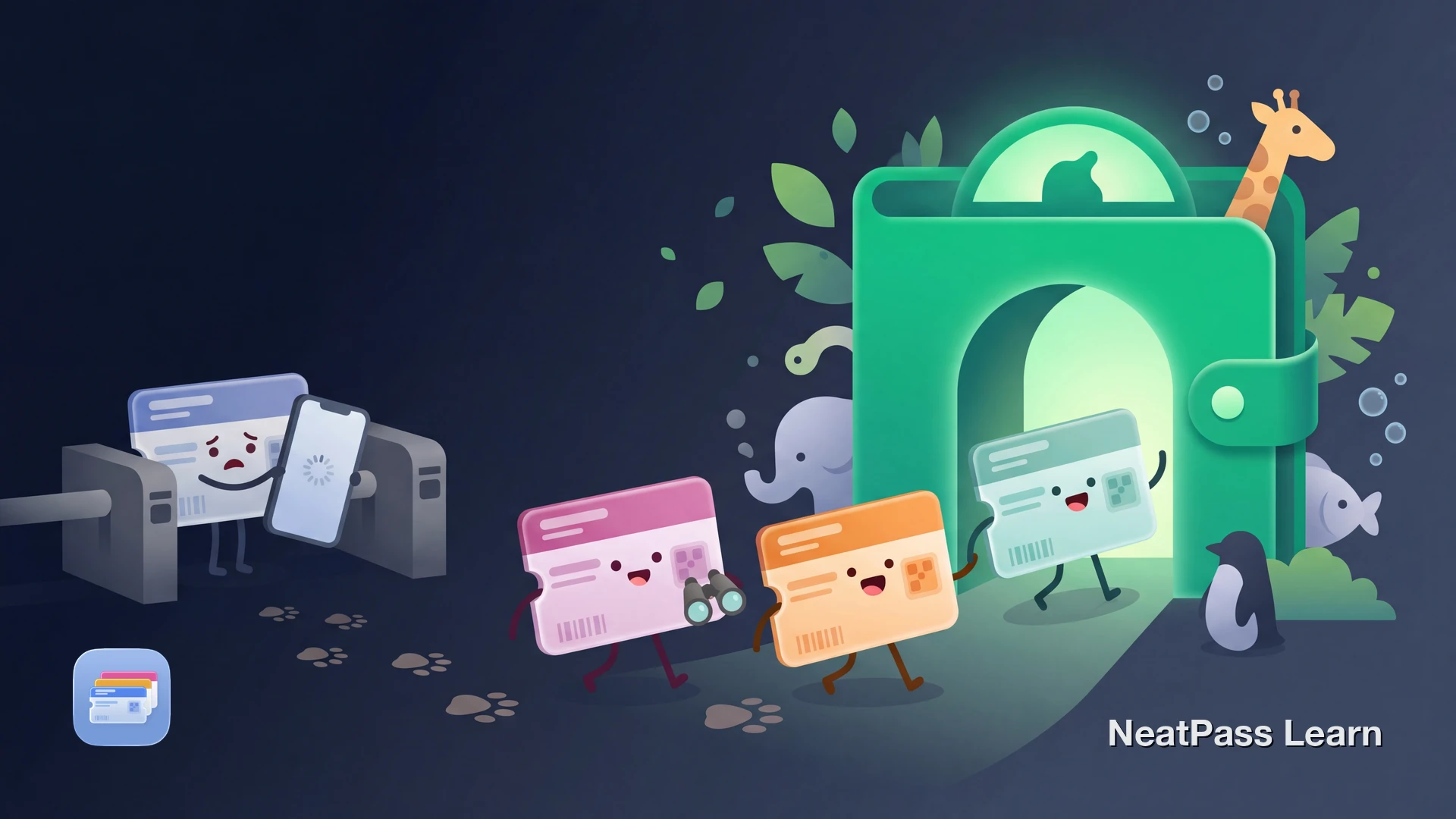
If your zoo or aquarium membership card has a scannable barcode, you can often turn it into a Wallet pass for quicker access. Before you rely on it at the gate, check the venue's own rules for admission and digital proof.
Why Zoo Memberships Belong in Your Phone
Zoo and aquarium memberships are great value, especially with family plans and reciprocal admission perks. But the physical card experience hasn't kept up:
Easy to forget at home
Left in a jacket pocket, a different bag, or buried in a drawer
Cards fade and get damaged
Barcodes wear out from wallet friction, rain, and sun exposure
Slow entry at busy gates
Fumbling through your wallet while kids run ahead and lines grow
One card for the whole family
If you hand it to someone, you don't have it when you need it
If your membership card has a scannable barcode, NeatPass can turn that barcode into a Wallet pass.
Reciprocal Admission Made Easy
Some zoo memberships include reciprocal admission through programs like the AZA Reciprocal Admissions Program. Some science center memberships also offer reciprocal access through the ASTC Passport Program.
These programs set their own check-in rules. AZA notes that participating facilities may require a valid current membership card, and ASTC has its own travel rules. Having your card in Wallet can make a barcode easier to present, but the host institution decides what proof it accepts.
Ready to digitize your zoo membership?
NeatPass makes it easy to convert any ticket, pass, or loyalty card to Apple Wallet.
How to Add Your Membership to Apple Wallet
If your membership card has a scannable barcode, NeatPass can create a Wallet pass from that barcode. It uses on-device AI to read your card's barcode and create a native Apple Wallet pass. The resulting pass preserves the barcode data from your original card for Wallet display.
How it works
Step-by-Step: Membership Card to Apple Wallet
Find your membership card
Open NeatPass
Scan the barcode
AI creates your pass
Add to Apple Wallet
Pro tip
Benefits at the Zoo Gate
Once your membership is in Apple Wallet, visits get noticeably smoother.
Instant lock screen access
Double-click side button to show your membership barcode at the gate
Works offline
No internet needed once the pass is already on your phone
Useful for shared family cards
If your membership uses one barcode for the household, Wallet can make that barcode easier to present
Location-aware when configured
If you add the zoo as a location, the pass can appear automatically when you arrive
Auto-brightness for scanning
Screen brightens automatically so the gate scanner reads your barcode
Less wear on the physical card
You can keep using a digital copy instead of repeatedly pulling out the original card
If you want a copy that stays available without reopening another app or website, learn more about offline mode to understand why this matters. You can also set up lock screen widgets for even faster access. For details on how NeatPass handles your data, see the privacy FAQ.
Family day tip
Frequently Asked Questions
Get your zoo membership in Wallet
DownloadQuick Access at the Gate
Zoo and aquarium memberships are meant to make visits effortless. Having your card in Apple Wallet removes the last bit of friction: no more searching for a plastic card, no more faded barcodes, no more forgetting it at home.
With NeatPass, you can keep a scannable copy of the barcode on your phone and reach it from the lock screen. Just confirm the venue accepts that form of presentation before you rely on it.