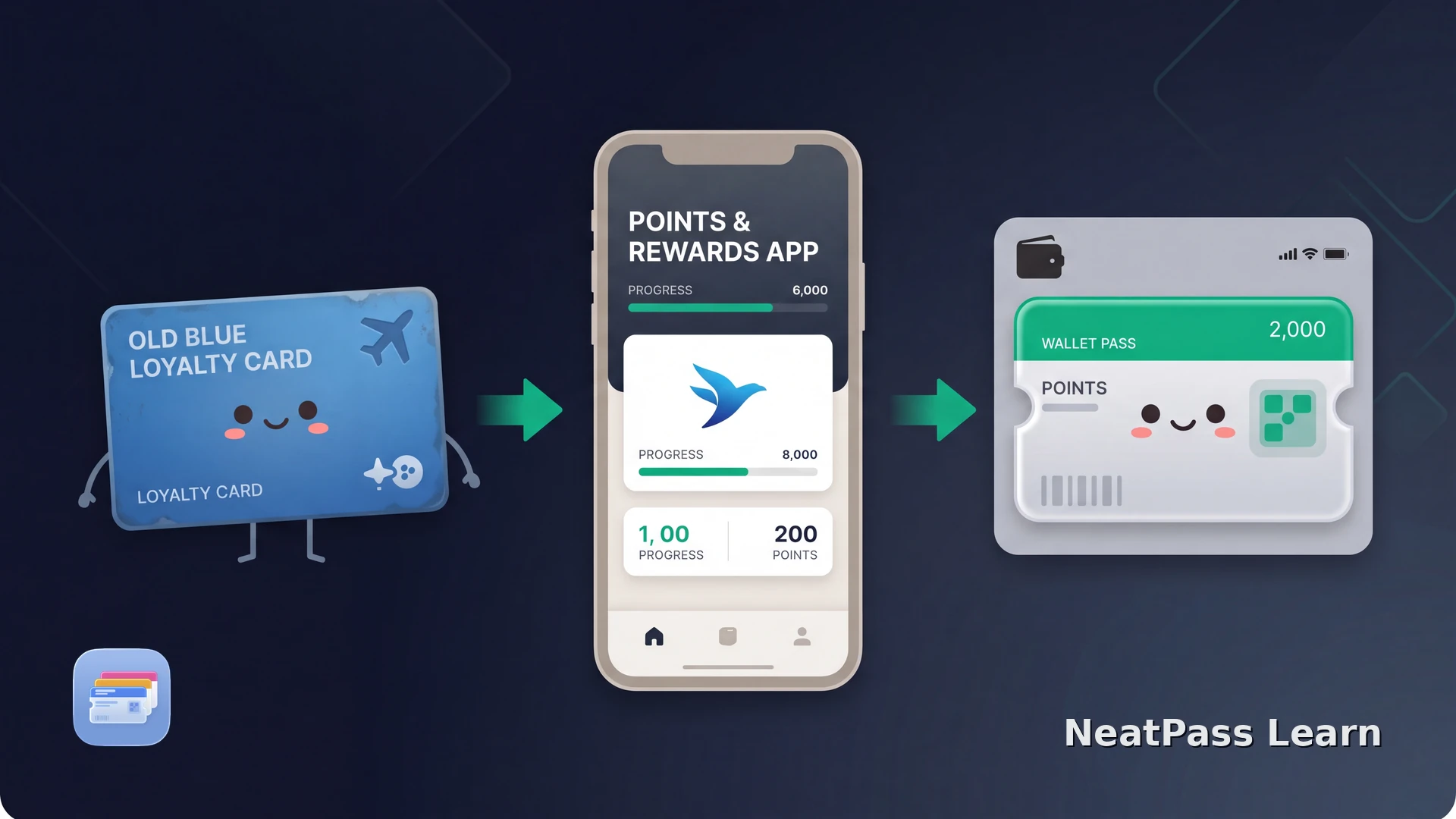
AIR MILES has become Blue Rewards in Canada. The transition took effect on June 2, 2026: existing cards and member numbers stayed the same, and BMO says the old AIR MILES digital Wallet card still works. The current Blue Rewards app can add the refreshed digital card to Apple Wallet.
Blue Rewards has a native Apple Wallet path
BMO's transition support says your AIR MILES card and member number continue to work under Blue Rewards. For the digital card, open the Blue Rewards app, tap the card icon, and tap Add to Wallet. That creates the current Blue Rewards look in Apple Wallet.
The Blue Rewards app remains the source for points, offers, balance and transaction history, receipts, rewards and account settings. Keep it installed even after adding the pass; Wallet is the quick way to show the card, not a replacement for the live programme.
Apple's general adding to Apple Wallet guide explains the final save step. If the Add to Wallet control is missing, use the current Blue Rewards support centre, not an old AIR MILES walkthrough.
Keep the same card and member number
BMO says the existing AIR MILES card and member number continue through the move to Blue Rewards.
Refresh the digital card
In Blue Rewards, open the card view and tap Add to Wallet to get the current Blue Rewards version in Apple Wallet.
Keep account features in Blue Rewards
The app remains responsible for points, offers, balances, receipts, rewards and account settings.
Remove the old pass only after checking the new one
BMO provides a remove-pass step for the old AIR MILES card. Confirm the refreshed pass first, then remove the duplicate if you want to.
The current official route is the Blue Rewards app. The old AIR MILES digital Wallet card still works, but use Add to Wallet to show the refreshed Blue Rewards version.
If you need a barcode-only fallback
The official Blue Rewards pass should be your first choice. If you cannot use that path and have a physical card or issuer-provided image with a stable barcode, NeatPass can create an independent Wallet pass from the same barcode data. It is a fallback for scanning, not a way to reproduce Blue Rewards.
Keep changing and contactless credentials in Blue Rewards
Keep a stable loyalty barcode ready
NeatPass makes it easy to convert any ticket, pass, or loyalty card to Apple Wallet.
Label a fallback pass clearly
If you make a fallback pass, give it a clear name and use the pass customisation guide if you want a different appearance. A custom label does not change the Blue Rewards account or keep its points and offers in sync.
Create the optional fallback pass
Try the official pass first
Use a stable barcode only as a fallback
Import and name it
Add and test the pass
A fallback pass is only the card identifier
A static fallback can reduce friction at a scan, but it cannot carry Blue Rewards transition or account data. Use the app whenever the transaction depends on a live account, current offer or contactless credential.
Quick access at checkout
Open Wallet to present the stable barcode without waiting for the loyalty app to load.
Keep the same identifier
NeatPass keeps the barcode data from your source instead of inventing another loyalty identifier.
Ready with weak reception
The saved barcode is on the iPhone, which helps when mobile data is slow in a shop.
Keep the fallback separate
A name such as Blue Rewards card helps you distinguish the fallback from an official or old AIR MILES pass.
The offline mode guide explains local access. Read the privacy FAQ for NeatPass data handling.
Frequently asked questions
Keep the current rewards card close
DownloadUse the official Blue Rewards pass first
Treat AIR MILES as a transition search term, then open Blue Rewards and add the refreshed digital card to Apple Wallet. Existing AIR MILES cards and member numbers continue, while the app keeps the live programme available.
Use NeatPass only when the official path is unavailable and you can verify a stable barcode. It preserves the same barcode data for scanning, but it is not connected to Blue Rewards points, offers, account actions or contactless credentials.