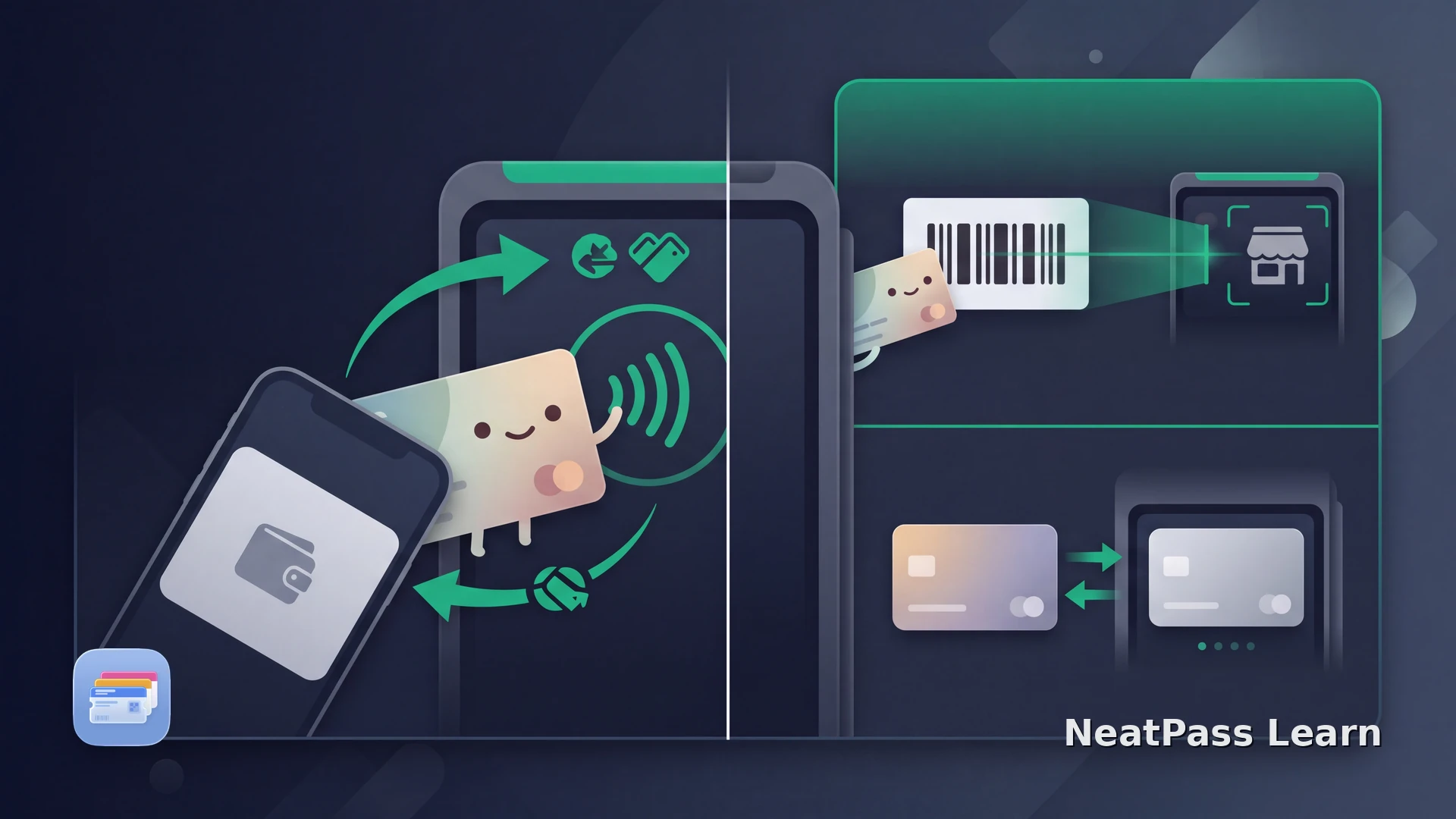
A loyalty card can work with Apple Pay in one terminal interaction, but only when the merchant has built a participating contactless loyalty experience. Adding an ordinary barcode card to Apple Wallet does not automatically make rewards and payment happen in one tap.
One-step and staged checkout flows are both possible. They depend on an issuer-supplied contactless pass, compatible store hardware, and point-of-sale support. Normal Apple Pay authorization still applies, and Express Mode is a separate feature.
What One-Tap Loyalty Payment Means
Apple Wallet can combine loyalty identification with Apple Pay in more than one merchant-controlled sequence. The phrase one tap describes the interaction with the terminal, not a universal property of every loyalty pass.
One terminal interaction
A participating contactless loyalty or membership pass can be appended to the Apple Pay transaction so rewards and payment are processed together.
A staged checkout
Some merchants ask for the loyalty pass first, update offers or the amount, and then request Apple Pay as a second step.
Rewards without payment
A merchant can also use a contactless pass only to identify the account, record a visit, or show eligible offers.
Payment authorization remains
One tap does not mean unsecured payment. The usual Apple Pay authorization and the merchant's checkout rules still govern the purchase.
Where Automatic Selection fits
What the Merchant Must Support
Apple calls the underlying contactless protocol Apple Pay Value Added Services, or VAS. It is an issuer and merchant integration, not something a customer can add to an existing barcode by changing a Wallet setting.
A contactless Wallet pass
The loyalty provider must issue and manage a pass that contains the supported contactless capability.
An NFC certificate
The developer or loyalty partner must request the required certificate for contactless pass use.
A VAS-certified terminal
The store reader must accept Apple Pay and be certified to process the VAS loyalty interaction.
Compatible point-of-sale software
The merchant's checkout system must understand loyalty-only and combined payment-and-loyalty modes.
Express Mode is not the shortcut behind this flow
Use NeatPass for a Static Loyalty Barcode
Use NeatPass when you want a standard Apple Wallet pass for a compatible static loyalty barcode. It preserves the source data for optical scanning; the issuer and merchant supply contactless loyalty, payment, Express Mode, and live-update behavior.
For a genuine static source, confirm its format in the NeatPass supported barcode guide. A visual barcode remains a code for an optical scanner.
Review the result, then follow the steps in the NeatPass guide to adding the pass to Wallet. These choices make the barcode easier to use; contactless capability still comes from the issuer and merchant.
You can correct visible information with the NeatPass pass-editing guide. Editing keeps the barcode information clear without adding contactless capability.
Keep a static loyalty barcode ready
Create a standard Wallet pass for a compatible barcode without confusing it with a merchant's contactless payment integration.
How to Know Which Checkout Flow You Have
Start with the merchant's official Add to Apple Wallet flow when it exists. That is a direct way for the issuer to provide its contactless pass. A contactless flow still needs a compatible iPhone or Apple Watch and a VAS-certified reader. A compatible NFC terminal can support a one-step or staged VAS flow, while a barcode scanner indicates a visual-code workflow.
Follow the terminal prompts because the merchant decides whether loyalty and payment are processed together or whether payment follows after rewards and offers are applied. Authorize Apple Pay as requested, and do not interpret one tap as Express Mode or as permission to bypass payment confirmation.
Frequently Asked Questions
Create a clear barcode pass
DownloadOne Tap Requires the Whole Checkout System
Apple Wallet can make loyalty and payment feel like one action when the issuer, terminal, and point-of-sale system all support VAS. A static barcode pass solves a different problem: quick visual access to the same loyalty code. Keep those two capabilities separate and follow the merchant's prompts at checkout.
Continue Reading