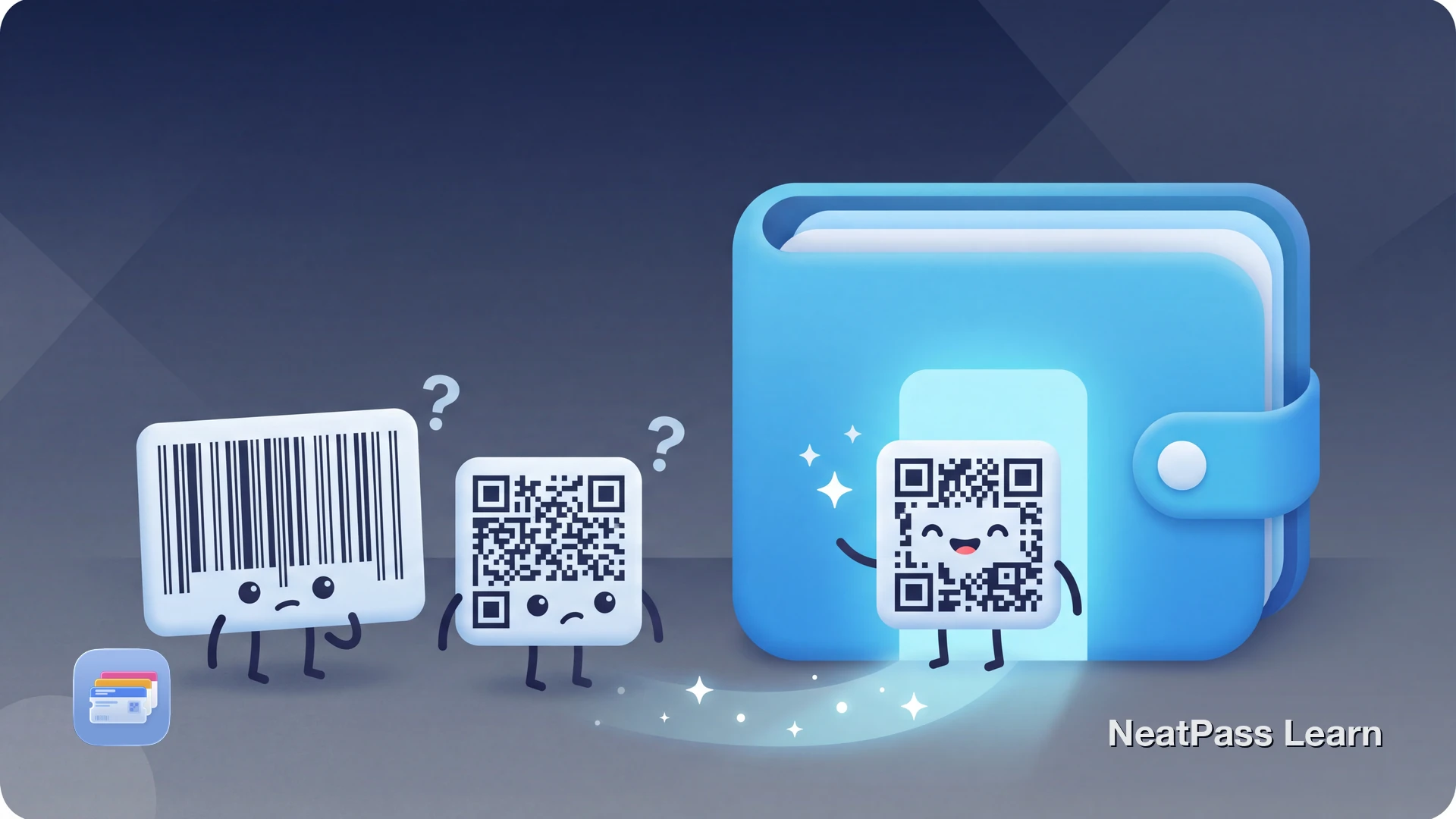
Your loyalty card, gym membership, or retail product uses an EAN-13 or DataMatrix barcode. You want to add it to Apple Wallet for quick access. But Apple Wallet does not support either format natively.
This is a platform limitation, not a bug. Apple Wallet only renders four barcode types: QR Code, PDF417, Aztec, and Code 128. EAN-13 (the standard European retail barcode) and DataMatrix (a compact 2D matrix code) are not included.
What Are EAN-13 and DataMatrix?
EAN-13 (European Article Number) is the 13-digit barcode found on virtually every retail product in Europe and most of the world. It is the international equivalent of the American UPC-A code. You will find EAN-13 on:
- Retail loyalty cards and membership programs
- Product packaging and grocery items
- Library books and media
- Some gym and fitness center memberships
DataMatrix is a high-density 2D barcode that stores data in a square or rectangular grid of black and white cells. Unlike EAN-13, DataMatrix can encode large amounts of data in a small space. Common uses include:
- Industrial and manufacturing labels
- Healthcare and pharmaceutical products
- Some event tickets and access control systems
- Electronic component tracking
Why Apple Wallet Does Not Support These Formats
Apple Wallet was designed primarily for boarding passes, event tickets, and payment cards. The four supported formats cover these use cases:
- QR Code - tickets, links, general data
- PDF417 - boarding passes, IDs
- Aztec - airline and transit tickets
- Code 128 - retail, shipping labels
- EAN-13 - European retail standard
- DataMatrix - industrial, healthcare
- GS1 DataBar - coupons, produce
- UPC-A - American retail products
EAN-13 and DataMatrix serve different markets than Apple Wallet's primary focus. Retail loyalty programs and industrial tracking were not the original use cases Apple designed for. For a complete list of what NeatPass can process, see supported barcode formats.
Add Any Barcode to Apple Wallet
NeatPass makes it easy to convert any ticket, pass, or loyalty card to Apple Wallet.
The NeatPass Solution
NeatPass handles EAN-13 and DataMatrix with a dual approach, giving you the best of both worlds:
Original Format Display
NeatPass shows your original EAN-13 or DataMatrix barcode exactly as it appears. No conversion, full scanner compatibility.
Smart QR Conversion
When exporting to Apple Wallet, NeatPass converts to QR Code while preserving all encoded data. The information stays identical.
The conversion preserves your barcode data completely. An EAN-13 encoding "5901234123457" becomes a QR code containing the same number. Learn more about how barcode conversion works.
Data Integrity
How to Add Your EAN-13 or DataMatrix Card
Import Your Card
Review Detection
Export to Wallet (Optional)
Test at Checkout
For all available import options, see import methods.
Will Converted Barcodes Scan?
In most cases, yes. Modern point-of-sale systems and membership scanners read the encoded data, not the specific barcode format. Whether the scanner sees an EAN-13 or a QR code containing the same number, the result is identical.
However, some older or specialized systems may require the original format. In those cases:
- Use NeatPass directly at checkout (displays the original barcode)
- Keep your physical card as backup for legacy systems
- Ask staff to manually enter the number if scanning fails
If your barcode looks different after import, that is expected behavior. See why your barcode looks different for an explanation.
Test Before You Need It
Common Use Cases
Retail Loyalty Cards
Supermarket and pharmacy loyalty cards often use EAN-13. One scan earns points and applies discounts.
Gym Memberships
Fitness centers frequently issue EAN-13 or DataMatrix cards for check-in. Keep them on your phone for quick gym access.
Warehouse Club Cards
Membership cards from wholesale retailers sometimes use EAN-13 for compact encoding and quick identification.
Library Cards
Many libraries use EAN-13 barcodes on membership cards for book checkout and account access.
Frequently Asked Questions
Additional Barcode Support
Beyond EAN-13 and DataMatrix, NeatPass supports 18 barcode formats, including several that Apple Wallet cannot display:
- GS1 DataBar for coupons and fresh produce
- UPC-A/UPC-E for American retail
- Code 39/Code 93 for legacy systems
- Codabar for libraries and blood banks
- ITF/ITF-14 for shipping and logistics
All formats work offline once imported. See offline mode for details on using passes without internet.
Your Cards in Wallet
EAN-13 and DataMatrix not working in Apple Wallet is a platform limitation, not a problem with your card. NeatPass bridges this gap by displaying original barcodes in-app and converting to compatible formats for Wallet export.
Whether you use the Wallet pass or NeatPass directly depends on your scanner. Either way, your membership data stays intact and accessible from your phone.
Ready to migrate your cards?
DownloadRelated Reading