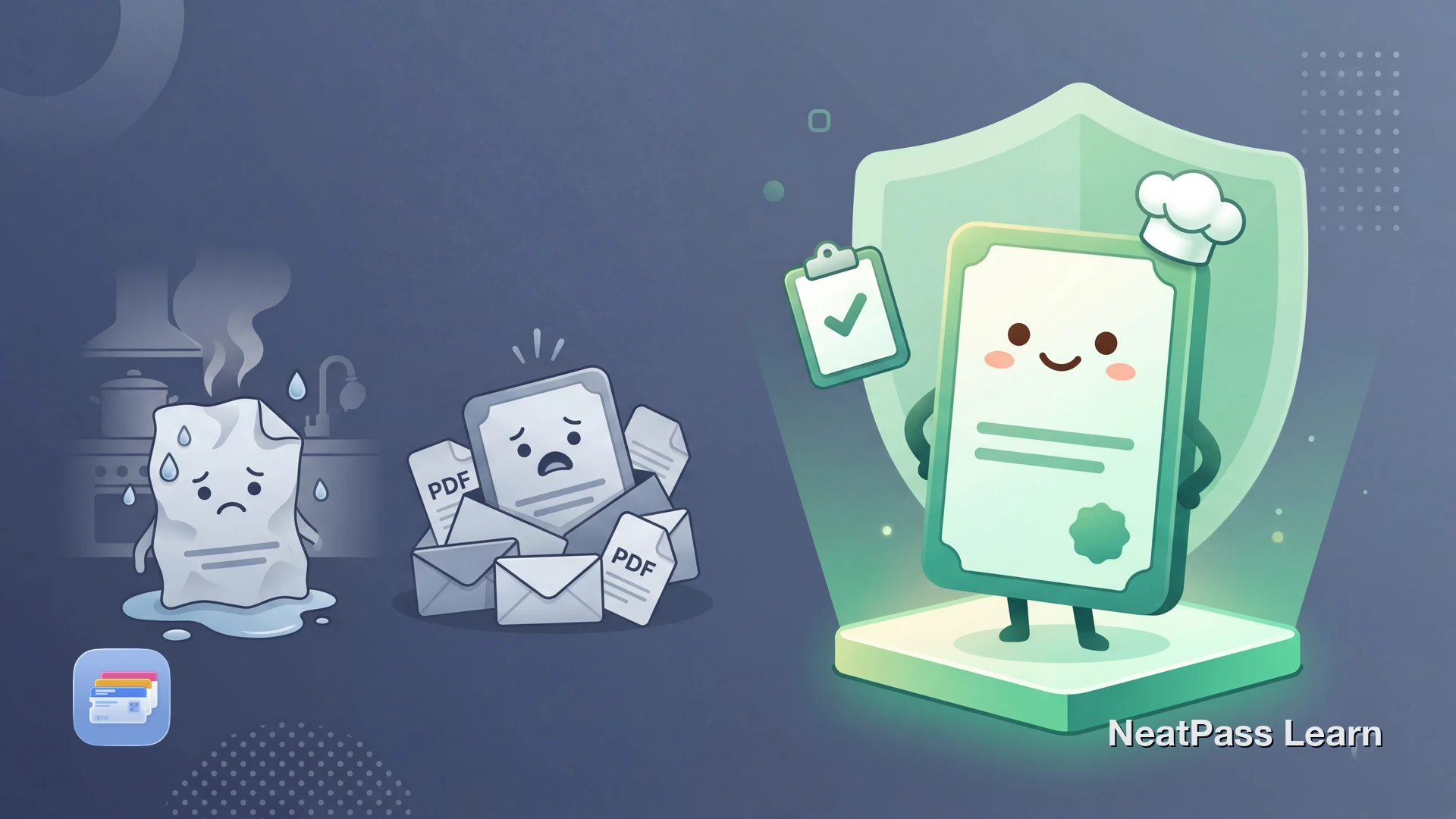
States like California, Texas, and Washington legally require food service workers to carry a valid food handler card on the job. Health inspectors can ask for proof at any time. But the card itself is usually a PDF certificate, a paper wallet card, or a login-gated online portal.
No major food handler certification provider offers Apple Wallet integration. Here's how to get your food handler card in Wallet anyway.
Do Any Providers Support Apple Wallet?
The biggest certification providers in the US are ServSafe (National Restaurant Association), StateFoodSafety, eFoodHandlers, 360training (Learn2Serve), and eFoodcard. None of them offer an "Add to Apple Wallet" option for food handler certificates.
After passing the exam, you typically get a downloadable PDF certificate and sometimes a laminated wallet-sized card mailed to you. Some providers keep your certificate in an online account that requires a login to access. None of these formats work with Apple Wallet natively.
This means food service workers deal with:
PDF buried in email
Your certificate is in a confirmation email from weeks or months ago
Paper card gets damaged
Wallet-sized cards get bent, stained, or lost in a kitchen environment
Portal requires login
Accessing your certificate online means remembering a password during an inspection
No quick access under pressure
Health inspectors don't wait while you search your email or dig through your bag
Add Any Food Handler Card to Apple Wallet
NeatPass creates a native Apple Wallet pass from a photo or screenshot of any food handler certificate. It works with ServSafe, StateFoodSafety, eFoodHandlers, 360training, or any other provider.
The app uses on-device AI to read your certificate image, extract details like your name, certificate number, expiration date, and provider, and build a Wallet pass automatically. If your certificate has a barcode or QR code, NeatPass detects and includes it. See all import methods and read the privacy FAQ to learn how your data stays on your iPhone.
Photo or screenshot import
Snap your paper card or screenshot your PDF certificate
Barcode and QR detection
Automatically detects and embeds verification codes from your certificate
Works offline
No internet needed when the health inspector arrives
On-device processing
Your certificate image never leaves your iPhone
Custom colors and fields
Organize your pass with colors that help you find it fast in Wallet
Works with any provider
ServSafe, StateFoodSafety, eFoodHandlers, or any other certification
Multiple certificates?
Get your food handler card in Wallet
NeatPass makes it easy to convert any ticket, pass, or loyalty card to Apple Wallet.
Step by Step: Food Handler Card to Apple Wallet
Find your certificate
Capture the certificate
Import into NeatPass
AI reads your certificate
Review and customize
Add to Apple Wallet
Pro tip
Which States Require a Food Handler Card?
Food handler card requirements vary by state. Some states mandate training for all food service employees, while others leave requirements to counties or cities. Here are some of the states with statewide requirements:
- California - all food handlers must get a card within 30 days of hire, valid for 3 years
- Texas - food handler training required, card valid for 2 years
- Washington - food worker card required within 14 days of hire, initially valid for 2 years
- Florida - food handler card required for all food service employees, valid for 3 years
- Oregon - food handler card required, valid for 3 years
- Illinois - food handler training required within 30 days of employment
- Alaska - food worker card required within 30 days of hire
- Utah - food handler permit required for all food service workers
Even in states without statewide mandates, individual counties or cities may require food handler cards. For example, Maricopa County (Arizona) and Clark County (Nevada) have their own food handler permit requirements.
In Washington, the law specifically requires that your card or a copy of it be available at work during health inspections. A Wallet pass on your iPhone means it is always with you, and it works offline even in kitchens with poor reception.
Important: This Is Not a Legal Replacement
A Wallet pass created from your food handler card is a convenience tool for quick access to your barcode and certification information. It is not an official document issued by your state or local health department. Regulations about what constitutes valid proof of food handler training vary by state and county.
Always keep your original certificate or PDF accessible as the primary proof. Use your Wallet pass for quick reference and barcode display during inspections. You can customize the pass design to include notes about which documents to carry alongside it.
Frequently Asked Questions
Add your food handler card to Wallet
DownloadYour Card, Always on You
Food handler certification providers have not caught up with Apple Wallet. ServSafe, StateFoodSafety, and the rest still rely on PDFs, paper cards, and login portals. But your certification is a credential you need to carry on the job, and it should be as easy to access as your boarding pass.
With NeatPass, any food handler card becomes a native Wallet pass in under a minute. It works offline, sits on your lock screen through widgets, and works with every provider and every state. Next time the health inspector walks in, just double-click.