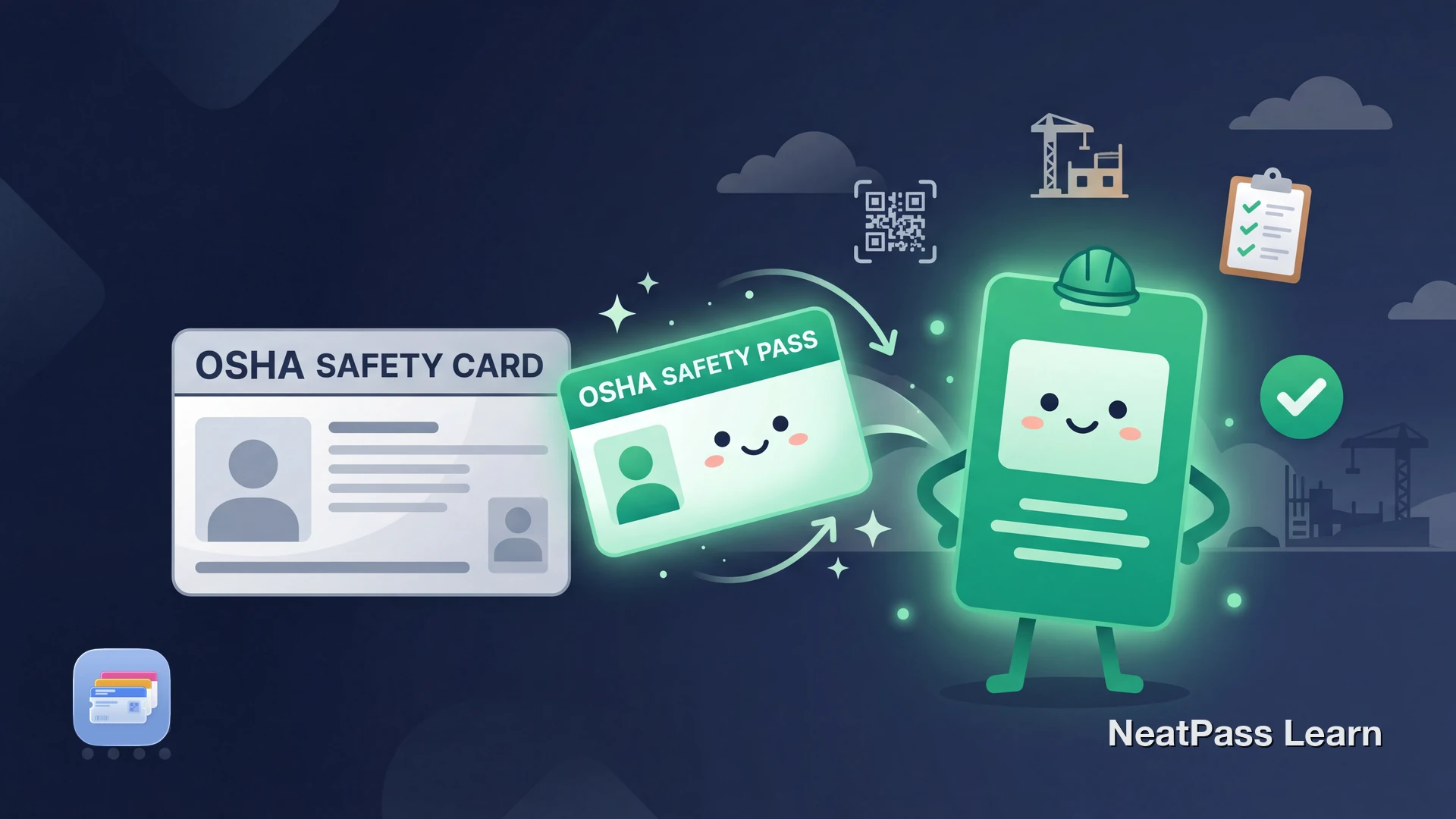
OSHA 10-Hour and 30-Hour training cards have no Apple Wallet support. The plastic DOL card sits in your physical wallet or toolbox, and there is no official way to add it to your iPhone. On job sites that require proof of training, that means pulling out a card that could be damaged, faded, or left at home.
Since 2016, OSHA cards include a QR code on the back for verification. That QR code is all you need to create a native Apple Wallet pass with NeatPass, giving you instant lock screen access to your safety credentials.
What Is an OSHA Training Card?
The OSHA Outreach Training Program is run by the U.S. Department of Labor. Workers who complete the 10-hour or 30-hour course receive a plastic, wallet-sized DOL card as proof of completion. The 10-hour course covers basic hazard recognition for entry-level workers, while the 30-hour course is designed for supervisors and workers with safety responsibilities.
The card itself shows your name, course type, completion date, and a color-coded stripe indicating the industry and course level. Since 2016, the back includes a QR code that provides contact information for the OTI Education Center that processed the card, allowing employers to verify its authenticity.
That QR code uses a standard format that NeatPass can detect. Check the list of supported barcode types if you want to confirm compatibility before scanning.
Why Carrying a Physical OSHA Card Is a Problem
Construction workers deal with harsh conditions daily. A plastic card faces the same environment.
Damage and wear
Dust, moisture, and daily handling can fade or crack the card over time, making the QR code harder to scan.
Replacement is limited
OSHA allows only one replacement card per course, and only if training was within the last five years. After either limit, you must retake the course.
Required on many job sites
Multiple states and many employers require proof of OSHA training before allowing workers on site. Not having the card ready can delay your start.
No digital backup from OSHA
OSHA does not keep student records centrally or offer a digital credential. Your plastic card is the primary official proof, though trainers keep records for five years.
How NeatPass Puts Your OSHA Card in Apple Wallet
NeatPass scans the QR code from your OSHA card and creates a native Apple Wallet pass. The pass stores the verification QR code so supervisors can still scan it, and you can add text fields for your name, course type, and completion date.
You can import from a photo of the card, a screenshot, or the camera directly. See all available import methods for details. Your card data is processed on-device, so personal details stay private. Read the privacy FAQ for more on how NeatPass handles your information.
Scan from card or photo
Photograph the back of your OSHA card or import an existing photo. NeatPass detects the QR code automatically.
Preserves the verification QR code
The Wallet pass displays the same QR code, so anyone scanning it reaches the same verification contact information.
Works offline on site
Apple Wallet passes display without internet. No cell service on a remote job site? Your card still shows up.
On-device processing
NeatPass uses local AI to read and process your card image. Your name, training data, and DOL card number never leave your phone.
Customize the pass appearance
Add a clear title like "OSHA 30 - Construction" and pick colors that help you find the pass quickly among other Wallet cards.
Lock screen access
Double-click the side button to show your OSHA pass immediately. No app to open, no searching through your physical wallet.
Don't skip the final step
Add your OSHA card to Apple Wallet
NeatPass makes it easy to convert any ticket, pass, or loyalty card to Apple Wallet.
Step-by-Step: OSHA Card to Apple Wallet
Get a clear view of the QR code
Open NeatPass and scan or import
Add card details as text fields
Customize the pass design
Add to Apple Wallet and verify
Pro tip for multiple cards
States That Require OSHA Training Cards
OSHA Outreach Training is a voluntary federal program, but several states and local jurisdictions have made it mandatory for construction workers, especially on publicly funded projects.
- New York requires OSHA 10 for all construction workers on public works and certain private projects.
- Connecticut requires OSHA 10 for public works projects over $100,000.
- Massachusetts requires OSHA 10 for public works projects over $10,000.
- Nevada requires OSHA 10 for all construction workers statewide.
- Missouri requires OSHA 10 for any project with public funding, regardless of value.
In these states, having your OSHA card ready is not optional. A Wallet pass that works offline means you are never caught without your credentials, even on a site with no reception.
Important: This Is Not a Legal Replacement
A Wallet pass created from your OSHA card is a convenience tool for quick access to your QR code and training information. It is not an official document issued by the DOL (Department of Labor). Your plastic DOL card remains the primary official proof of OSHA Outreach Training completion.
Always keep your original OSHA card stored safely as the primary proof. Use your Wallet pass for quick reference and QR code display on site. You can customize the pass design to include notes about which documents to carry alongside it.
Frequently Asked Questions
Get your OSHA card in Wallet now
DownloadYour Safety Card, Always Ready
An OSHA training card is one of those documents you rarely think about until someone asks for it. Keeping it in Apple Wallet means it is always on your phone, protected from the same job site conditions that wear down the physical card.
Scan the QR code, create the pass, and add it to Wallet. For even faster access on site, add a lock screen widget so your OSHA card is one tap away before you even unlock your phone.