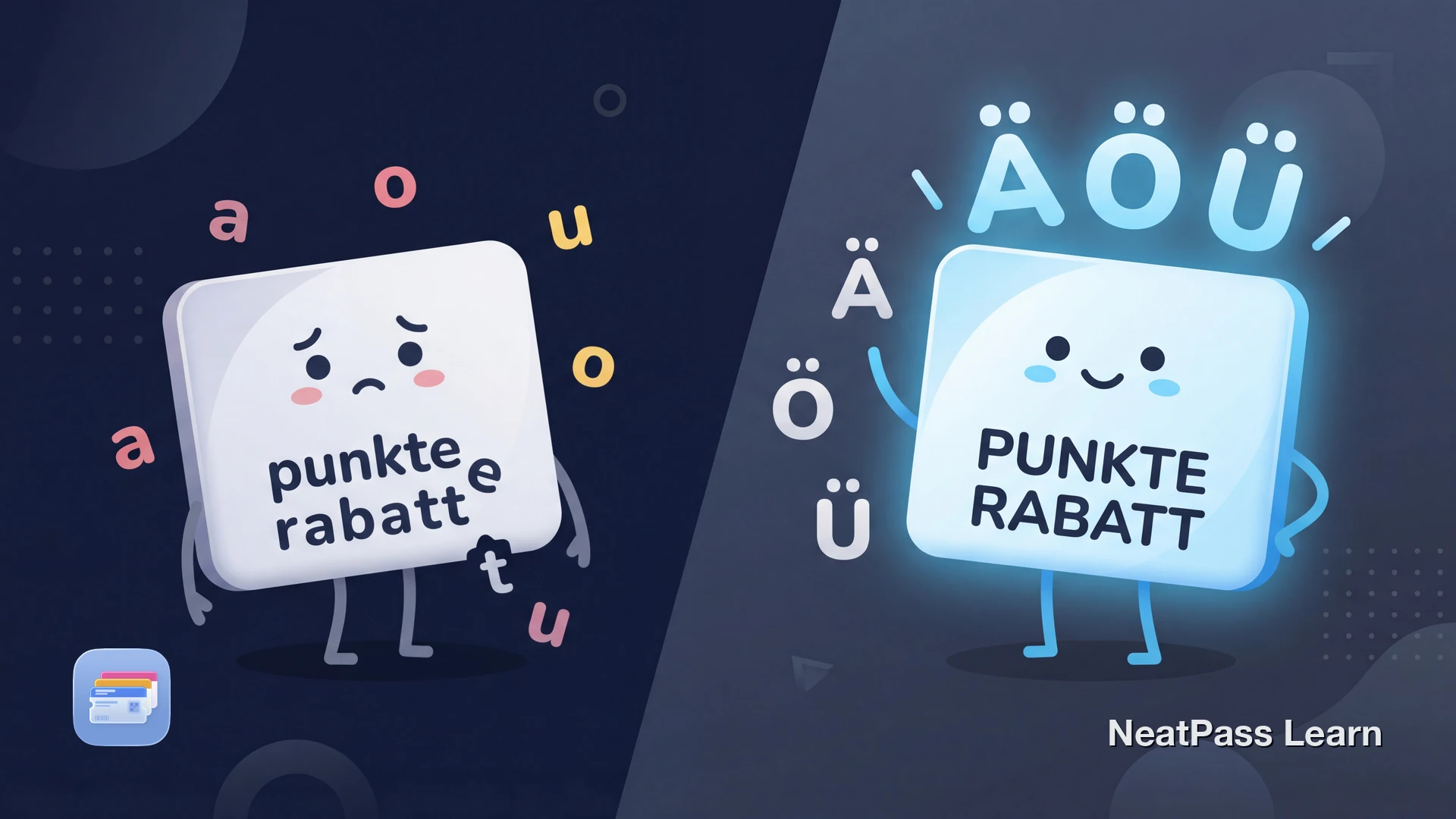
German is the only major language that capitalizes all nouns. When your REWE card shows as "rewe" or your EDEKA card becomes "edeka," it's not just aesthetically wrong. It looks unprofessional and can even cause confusion at checkout.
Most wallet apps were built for English speakers and apply text formatting that breaks German capitalization rules. Here's why it matters and how to keep your German cards looking correct.
Why German Capitalization Matters
In German, every noun is capitalized. This isn't optional styling. It's a fundamental grammar rule that dates back centuries. The word Großschreibung (noun capitalization) helps readers quickly identify nouns in a sentence and distinguishes German from other languages.
Brand names follow specific capitalization that's part of their identity. REWE is always all-caps. EDEKA is always all-caps. But dm (the drugstore) is intentionally lowercase. When an app ignores this, it's like misspelling the brand entirely.
All nouns capitalized
German is unique among major languages in capitalizing every noun, not just proper nouns
Brand identity
REWE, EDEKA, PAYBACK use specific capitalization as part of their trademark
Special characters
Umlauts (ä, ö, ü) and ß are essential, not decorative
German Brands and Their Correct Capitalization
Here's how major German retail brands should appear on your loyalty cards. Getting these wrong makes your digital wallet look sloppy.
Correct Capitalization
REWE
All capitals - Germany's second-largest supermarket chain
EDEKA
All capitals - Germany's largest supermarket group
PAYBACK
All capitals - Germany's largest loyalty program
dm
Intentionally lowercase - the drugstore chain's official branding
Common Mistakes
rewe
Lowercase - makes the brand look like a typo
edeka
Lowercase - loses the brand's visual identity
DM
Wrong case - dm is never capitalized, even at sentence start
Müller → Muller
Missing umlaut - changes the word entirely in German
Umlauts change meaning
Why Wallet Apps Get German Wrong
Most loyalty card apps and wallet pass creators have these issues with German text:
- Automatic lowercase: Apps convert all text to lowercase for "consistency" without considering German grammar rules
- Title case conversion: Converting to title case capitalizes the wrong words and lowercases brand names
- Encoding issues: Poor UTF-8 handling turns ä into a, ö into o, or worse, into garbled characters like ??
- No manual override: Many apps don't let you edit the text after import, locking in mistakes
Stocard (now Klarna) and similar apps were built primarily for English-speaking markets. German support was often an afterthought, leading to these persistent issues.
Keep your German cards looking correct
NeatPass makes it easy to convert any ticket, pass, or loyalty card to Apple Wallet.
How NeatPass Handles German Text
NeatPass was built with international users in mind from day one. The app is fully localized in German, and more importantly, it respects your text exactly as you enter it.
What NeatPass Preserves
- Original capitalization: REWE stays REWE, dm stays dm, Rossmann stays Rossmann
- All umlauts: Proper UTF-8 encoding means ä, ö, ü, and ß display correctly everywhere
- Manual editing: You can always adjust the title and details before adding to Apple Wallet
- Custom labels: Name your passes in German with proper capitalization. Learn about customization
Full German Language Support
The entire NeatPass interface is available in German. AI-powered ticket extraction recognizes German text on tickets and passes. And on-device processing means your data never leaves your device.
AI recognizes German text
Creating German-Correct Wallet Passes
Here's how to ensure your German loyalty cards look right in Apple Wallet. You can use any import method.
- Open NeatPass and tap the plus button
- Import your card via photo, screenshot, or barcode scan
- Review the extracted text and fix any capitalization if needed
- Add custom German labels like "Kundenkarte" or "Bonuskarte"
- Tap Add to Wallet and your properly formatted pass is ready
Your passes work completely offline, so you'll always have quick access at the checkout, even without internet.
Frequently Asked Questions
Your cards, your language
DownloadYour Cards in Proper German
German capitalization isn't just a preference. It's how the language works. When your REWE card shows as "rewe," it's not just ugly. It's grammatically incorrect and disrespects the brand identity.
NeatPass preserves your text exactly as you enter it. Your German loyalty cards will look correct in Apple Wallet, with proper capitalization, intact umlauts, and the professional appearance they deserve.