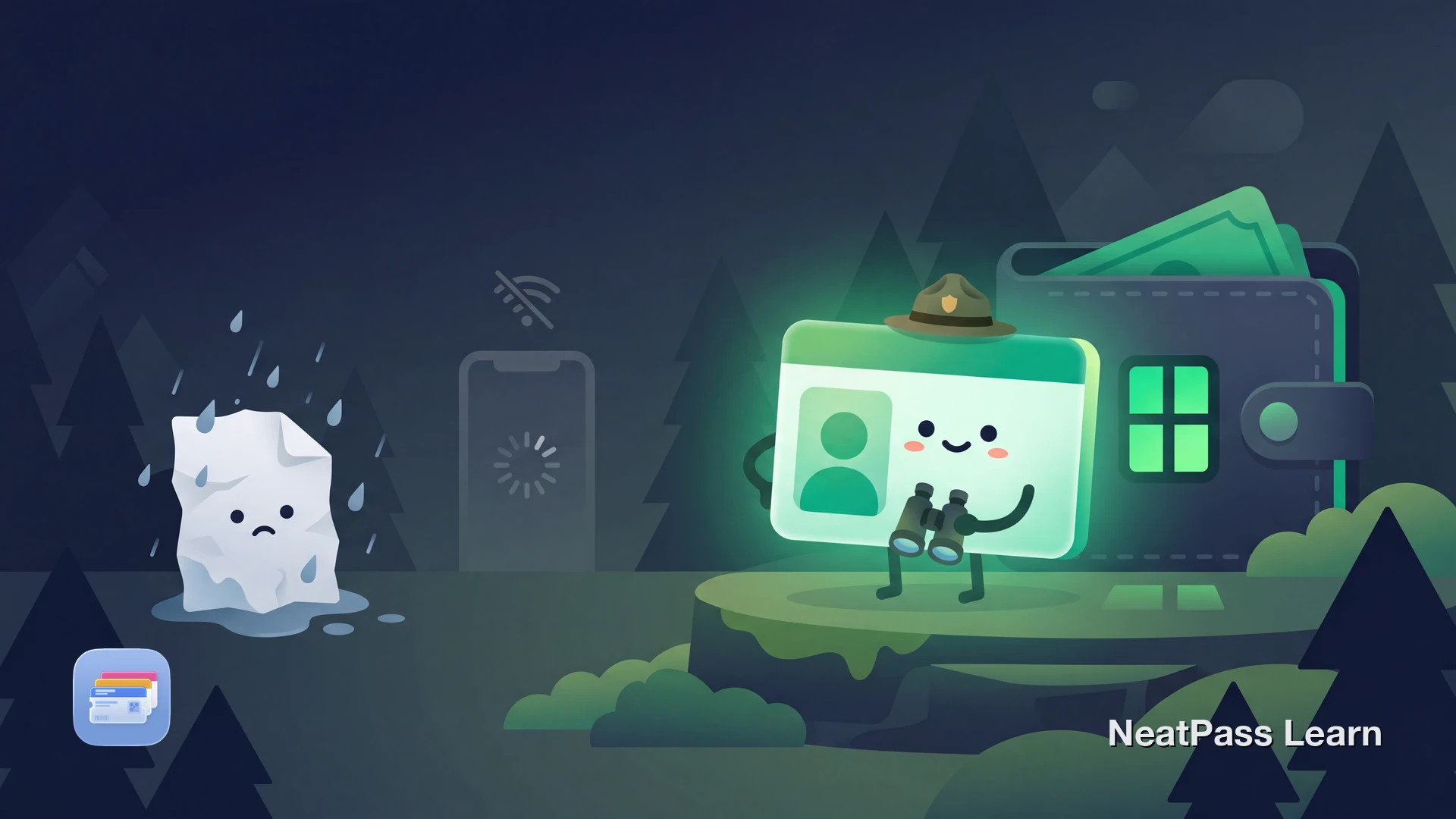
Most states still issue hunting licenses as paper documents, PDF confirmations, or through dedicated state apps that vary wildly in quality. When you are deep in the field with no cell service, fumbling through an app that requires login or network access is not practical.
If your hunting license includes a barcode or confirmation number, you can add it to Apple Wallet as a pass that works offline, opens instantly, and stays accessible even in remote areas without signal.
Why Hunters Want a Digital License on Their Phone
Paper licenses get wet, torn, and lost. State apps often require network access or repeated login. In the field, you need something that works every time without waiting for signal or loading screens.
An Apple Wallet pass solves these problems. It loads instantly from your lock screen, works completely offline, and survives rain and mud better than any piece of paper. Your license is always where your phone is.
State Hunting License Apps and Their Limitations
Several states now offer their own digital licensing apps. These are useful for purchasing licenses and reporting harvests, but most lack Apple Wallet integration.
Texas Hunt & Fish
Offers digital licenses through the Texas Hunt & Fish app. A Super Combo digital pilot launched in 2022, with full digital licensing for all types rolling out by 2025. Supports digital tagging and harvest reports, but licenses live inside the app rather than Apple Wallet.
Washington MyWDFW
Launched for the 2026 license year. Allows digital license display and electronic tagging for deer, elk, turkey, and bear. Supports some offline features.
Missouri MO Hunting
Accepts digital copies of permits displayed on a mobile device since 2015. Hunters can notch harvest dates within the app, but there is no Wallet integration.
Other state systems
Idaho, Oregon, Montana, Georgia, Florida, and North Carolina all offer some form of digital licensing. Most use PDF downloads or in-app displays without Apple Wallet support.
These apps are helpful for purchasing and managing licenses, but none of them put a pass into Apple Wallet. That gap is where NeatPass comes in.
The Federal Duck Stamp and Apple Wallet
The Federal Duck Stamp is one notable exception. The Duck Stamp Modernization Act of 2023 authorized digital alternatives. Starting in July 2025, DuckStamp.com began offering a digital E-Stamp as a .pkpass file that adds directly to Apple Wallet. It is valid for waterfowl hunting and entry to over 570 National Wildlife Refuges.
The Duck Stamp .pkpass works natively in Apple Wallet because it uses the standard pass format. For other licenses that do not offer .pkpass files, you can still create a Wallet pass by capturing the barcode. Check supported barcode formats to confirm compatibility.
Duck Stamp is the exception, not the rule
Adding Any Hunting License to Apple Wallet with NeatPass
NeatPass lets you scan or import a hunting license barcode and convert it into a real Apple Wallet pass. Whether your license came as a PDF email, a state app screenshot, or a printed document, you can capture the barcode data and create a pass that opens from your lock screen.
This is especially valuable for hunters because licenses are needed in remote locations where apps fail. Review the available import methods and see the privacy FAQ to understand how your data is handled.
Capture from PDF, app, or printout
Scan the barcode from your emailed PDF confirmation, a screenshot of your state app, or even a physical printed license.
Barcode-first conversion
NeatPass preserves the barcode data that matters for verification, so the pass shows the same information as your original license.
Offline access in the field
Once added to Apple Wallet, your license displays without cell service. Essential for hunting in backcountry or heavily wooded areas.
Local processing for privacy
Hunting licenses contain personal information like your name, address, and date of birth. Local processing keeps this data on your device.
Custom labels for season and type
Name passes by license type and season so you can quickly find the right one when a game warden asks.
Works for all permit types
The same process handles fishing licenses, trapping permits, wildlife stamps, and harvest tags alongside your hunting license.
Final step matters
Add your hunting license to Apple Wallet
NeatPass makes it easy to convert any ticket, pass, or loyalty card to Apple Wallet.
Step-by-Step: Hunting License to Wallet Pass
Locate your license barcode
Import or scan in NeatPass
Review the pass details
Customize for quick identification
Add to Wallet and test before heading out
Important: This Is Not a Legal Replacement
A Wallet pass created from your hunting license is a convenience tool for quick access to your barcode and license information. It is not an official document issued by your state wildlife agency. Regulations about what constitutes valid proof of licensing vary by state.
Always carry your original paper license or use your state's official app as the primary proof. Use your Wallet pass for quick reference and barcode display. You can customize the pass design to include notes about which documents to carry alongside it.
Frequently Asked Questions
Create a Wallet pass for your hunting license
DownloadYour License, Ready in the Field
Hunting happens in places where apps fail and paper gets destroyed. An Apple Wallet pass gives you instant access to your license barcode whether you are at a check station, in a tree stand, or miles from the nearest cell tower.
Scan or import your license barcode into NeatPass, create the pass, and add it to Wallet. For even faster access, set up lock screen widgets so your license is one tap away when you need it.