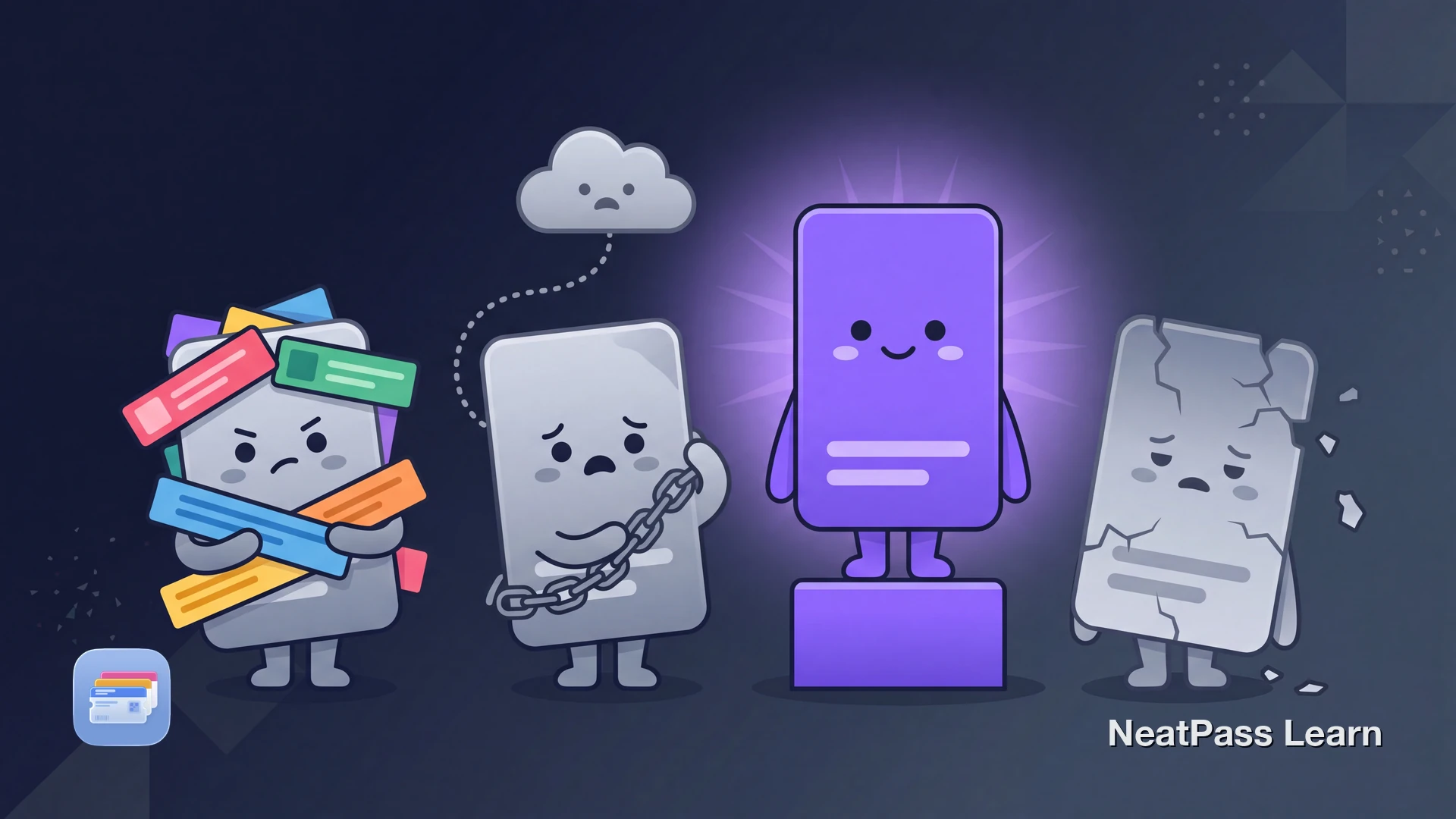
Most pass apps make you trade something away. Some show ads in the app you opened just to see a barcode. Some lock the ad-free version behind a weekly subscription. Some need an account before you can save a single card, and some send your card details to a server to build the pass.
If the goal is simply getting loyalty cards, tickets, and IDs into Apple Wallet, those trade-offs feel like a lot. This page compares the main options, Pass2U, WalletPasses, Stocard, and NeatPass, on the criteria that actually decide which one belongs on your iPhone.
What Actually Matters When Picking a Pass App
Most pass apps do the basic job of putting a barcode on screen. The differences that matter show up in how they make money, where the data goes, and what they do with the original document.
No ads, no subscription
A pass app is a utility you open at a checkout counter. Video ads and weekly fees turn a two-second task into an annoyance and a recurring bill.
Data stays on the device
Scanning a card with the camera should not mean uploading its details to a server. On-device processing keeps the card number on your phone.
Enough barcode formats
Apple Wallet natively supports four code types. Cards using other formats need an app that handles them properly, not as a flat image.
Keeps the original document
A scanned membership PDF or photo is worth keeping next to the pass, so the full document is one tap away when a barcode is not enough.
Want passes in Wallet without ads or an account?
NeatPass makes it easy to convert any ticket, pass, or loyalty card to Apple Wallet.
The Apps Compared
Here is how the four most common choices line up on price, where the data lives, account requirements, barcode handling, and whether the original document is kept. Cells marked as not stated are simply not publicly confirmed.
| App | Price model | On-device vs cloud | Account needed | Barcode formats | Keeps original doc |
|---|---|---|---|---|---|
| NeatPass | Free + EUR 4.99 one-time, no ads | On-device (Apple MLX) | No | 18 | Yes |
| Pass2U Wallet | Free with ads + $2.99 one-time Pro | Server template for manual entry | Optional | Apple's 4 native; others as images | No |
| WalletPasses | Free with video ads; ad-free reportedly EUR 14.99/week (Android) | Imports .pkpass | Not stated | Renders existing passes | No |
| Stocard (Klarna) | Free | Cloud account | Yes (Klarna) | In-app list, not Wallet passes | No |
Pass2U Wallet
Pass2U Wallet is a capable and popular app with a long track record and a solid App Store rating around 4.3. It can build Wallet passes from templates, scan many card types, and handle coupons and stamp cards. For a lot of people it does the job well.
The trade-offs are worth knowing. The free tier shows ads, and the App Store privacy disclosure states it collects browsing history for third-party advertising. A $2.99 one-time Pro purchase removes the ads. Manual card entry uploads the card information as a template to the Pass2U platform, and Apple Wallet's four native barcode formats mean other codes are rendered as strip images rather than scannable native barcodes.
For a full feature-by-feature breakdown, see the NeatPass vs Pass2U comparison.
WalletPasses
WalletPasses is best known on Android, where there is no built-in Apple Wallet, so it fills a real gap by importing and displaying .pkpass files. Once a pass is imported it works offline. It is a genuinely useful tool for the platform it was built around.
The pricing is the catch. The free tier forces long video ads, and per a June 2025 update the ad-free upgrade was reported to be repriced to EUR 14.99 per week. That weekly figure comes from the Android context, and iOS feature and price parity is not confirmed, so treat it as reported rather than universal. WalletPasses renders passes you already have rather than scanning new cards into 18 formats.
For a closer look at how the two differ, see the NeatPass vs WalletPasses comparison.
Stocard
Stocard was one of the most popular loyalty card apps for years. In 2026 its owner Klarna shut down the standalone Stocard app, giving users roughly a two-week window to migrate. That migration was widely reported as rocky, with people struggling to move their cards across in time.
The replacement is the Klarna app, which is a payments platform first. Stocard kept cards in an in-app list rather than as real Apple Wallet passes, so it never put barcodes into Wallet the way a Wallet-focused tool does. Anyone left stranded by the shutdown needs a new home for those cards.
The full story and what to do next is in the Stocard shutdown guide.
Where NeatPass Fits
NeatPass removes the trade-offs above. Card scanning runs on device using Apple's MLX framework on the GPU, so the camera reads the card without sending its details anywhere. There are no accounts and no cloud uploads of card data. The one part that touches a server is adding a pass to Wallet, and the signing server receives only a cryptographic hash, not the card itself.
On-device scanning covers 18 barcode formats, and there are six ways to import a card, from the camera and photo library to the share sheet and clipboard.
Because nothing about the card leaves the phone, the privacy FAQ spells out exactly what does and does not get sent. NeatPass also keeps the original scanned document, so viewing the original PDF or photo is one tap away when the barcode alone is not enough.
There is no subscription and no ad. The free tier includes every feature plus one pass to Wallet, and a one-time EUR 4.99 purchase unlocks unlimited passes, as the pricing page explains. Once a pass exists, adding it to Wallet is the standard Apple flow.
Works without a connection
On-device scanning
Apple MLX runs the card recognition on the GPU, so the camera reads the card locally without a server round trip.
No account required
No sign-up, no login, no cloud sync of card data. The signing server sees only a hash when a pass is added to Wallet.
Fully offline after creation
Once a pass is made it renders its barcode from local data, so it works in a basement parking garage with no signal.
One-time price, no ads
Free for one pass with every feature, EUR 4.99 once for unlimited. No weekly fee and no ads at the checkout counter.
A Shorter Import Handoff
NeatPass can receive a static barcode directly from the iPhone share sheet when it is already in a photo, PDF, email, or another app. That avoids downloading it again or rebuilding its fields by hand: review the detected barcode and visible details, then prepare the signed Wallet pass. Rotating codes, NFC credentials, and issuer-controlled tickets still belong in the official issuer flow.
Frequently Asked Questions
Try a pass app with no ads and no account
DownloadChoosing Your Pass App
Every app here can put a barcode on screen, so the choice comes down to the cost of doing it. Ads, weekly fees, forced accounts, and server-side card data are real differences, not small print, and the comparison table lays them out side by side.
If keeping card data on the phone, paying once instead of weekly, and scanning a wide range of formats matters to you, NeatPass was built for exactly that. If a free ad-supported app or an Android-first tool fits better, the table makes that clear too.