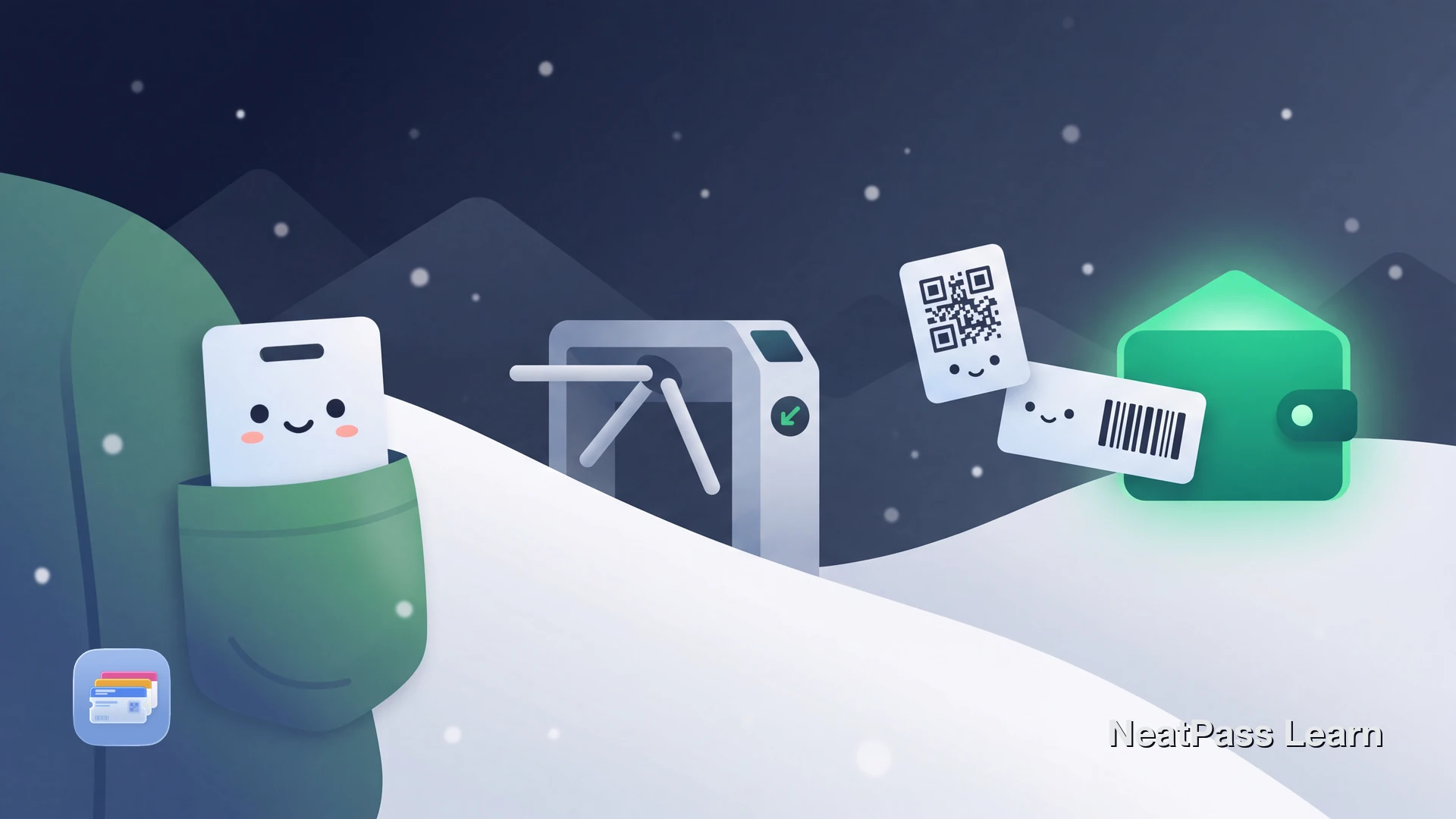
Ski lift passes use RFID technology that Apple Wallet simply cannot replicate. If you have been searching for a way to add your lift pass to your iPhone, the short answer is: the physical card has to stay in your pocket. But that does not mean your phone is useless on the mountain.
Booking confirmations, equipment rental barcodes, ski lesson vouchers, and resort loyalty cards all come with scannable barcodes or QR codes. Those can go straight into Apple Wallet for quick access at the ticket window, rental counter, or ski school check-in.
Why Ski Lift Passes Cannot Go in Apple Wallet
Ski lift passes contain passive RFID chips operating at 13.56 MHz (the HF band, ISO 15693 standard). Companies like Skidata and Axess manufacture the gate systems used at most resorts worldwide. The RFID chip in your pass has no battery. It draws power from the radio signal emitted by the gate reader, then responds with its unique identifier.
Apple Wallet works with barcodes, QR codes, and Apple's own NFC payment system. It cannot emulate a passive RFID tag. Here is how the two technologies compare:
- Scans through jacket pockets
- Works with ski gloves on
- Passive chip, no battery needed
- Reads from several inches away
- Handles high-speed lift lines
- Requires visual line of sight
- Phone screen must be visible
- Works on any barcode scanner
- Can be created from screenshots
- Works offline once in Wallet
RFID cannot be added to Apple Wallet
Epic Pass, Ikon Pass, and Digital Options
Epic Pass (Vail Resorts) has moved toward mobile access through the My Epic app, which uses Bluetooth technology for hands-free lift gate scanning. This works through Vail's proprietary system, not Apple Wallet. Physical RFID cards remain available for guests who prefer them.
Ikon Pass (Alterra Mountain Company) uses physical RFID cards. There is no Apple Wallet integration. You pick up or receive your RFID card and carry it in your pocket throughout the season.
Individual ski resorts may have their own pass systems, but virtually all rely on RFID gate technology from Skidata or Axess. None currently offer native Apple Wallet lift access.
What You Can Store in Apple Wallet for Ski Trips
While the lift pass itself stays physical, plenty of other ski trip essentials come with barcodes or QR codes that work perfectly in Apple Wallet:
Booking confirmations
Online lift ticket purchases often include a QR code for pickup at the ticket window
Equipment rental receipts
Rental shops send confirmation barcodes via email for check-in at the counter
Ski lesson vouchers
Pre-booked lessons come with QR codes for check-in at the ski school
Resort loyalty cards
Loyalty program barcodes for earning points at resort restaurants and shops
NeatPass supports all common barcode formats used by ski resorts. Check supported barcode types and import methods for details.
Store ski trip barcodes in Apple Wallet
NeatPass makes it easy to convert any ticket, pass, or loyalty card to Apple Wallet.
How to Add Ski Trip Barcodes to Apple Wallet
Here is how to get your booking confirmations and rental barcodes into Wallet with NeatPass:
Find your barcode or QR code
Open NeatPass and scan
Customize and add to Wallet
Access at the counter
For a full walkthrough, see adding passes to Wallet. You can also customize the pass design to make it easy to find.
Works without cell service
Why Ski Resorts Chose RFID Over QR Codes
RFID makes sense for lift access. Skiers wear thick gloves, carry poles, and pass through gates quickly. Pulling out a phone, removing a glove, unlocking the screen, and showing a QR code would be slow and impractical in freezing temperatures. RFID reads through fabric from inside a pocket in under a second.
The My Epic app's Bluetooth approach solves the same problem differently: your phone stays in your pocket and communicates with the gate wirelessly. But this only works at Vail Resorts properties and requires their specific app and infrastructure.
For everything else on your ski trip, barcodes and QR codes work great. NeatPass processes all data on your device without sending anything to external servers. Learn more in the privacy FAQ.
Frequently Asked Questions
Add your ski trip barcodes to Wallet
DownloadYour Ski Trip, Organized
Your lift pass has to stay in your jacket pocket. That is just how RFID works. But everything around it, the booking confirmation, the rental receipt, the lesson voucher, the loyalty card, can live in Apple Wallet for instant access.
With NeatPass, screenshot or scan those barcodes once and they are ready all season. Add lock screen widgets to pull up your most-used passes without even unlocking your phone.