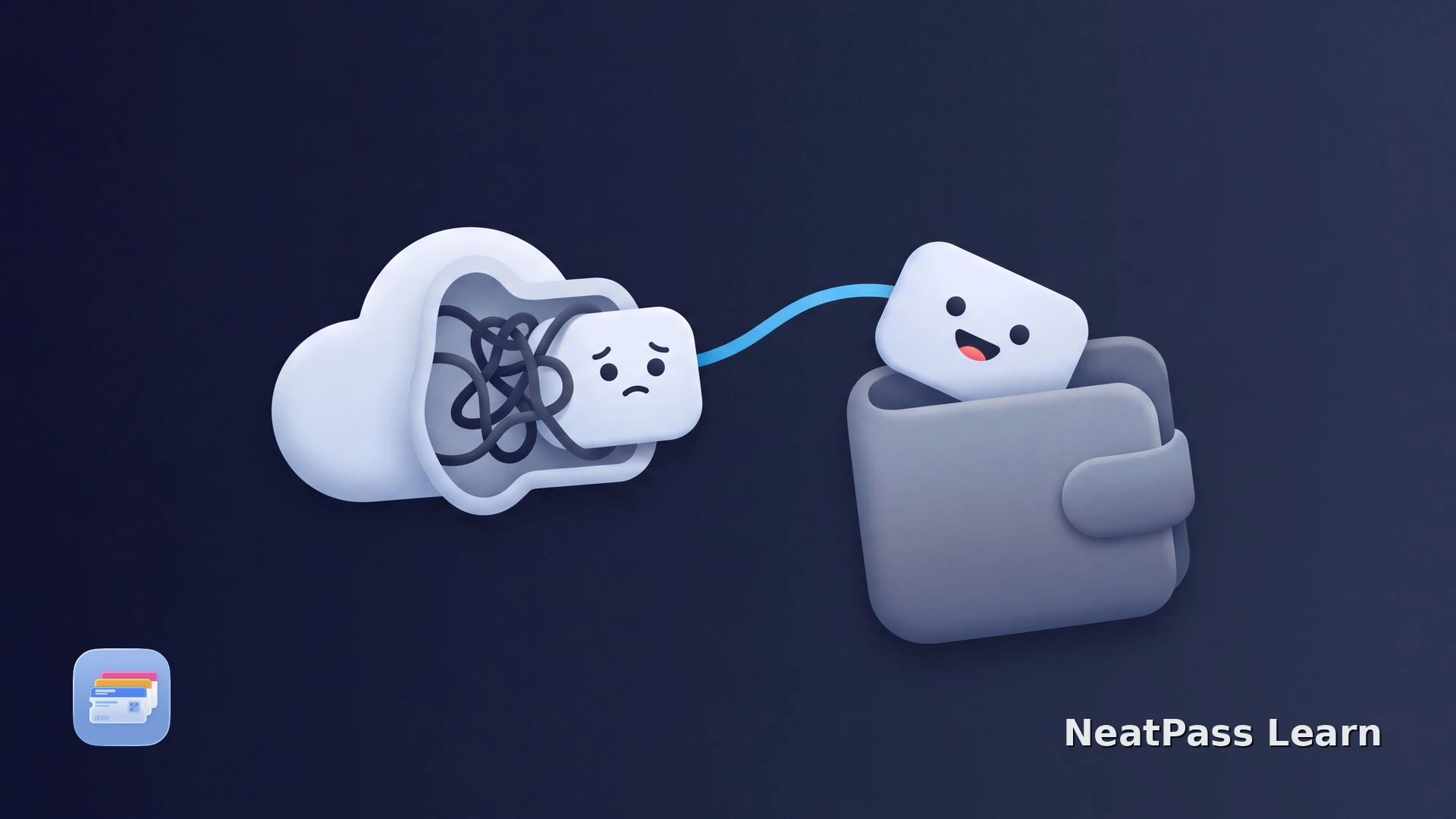
A Wallet pass download can appear stuck in Safari, Mail, or an embedded browser. The spinner may mean the .pkpass response is still downloading, or the browser has finished but has not handed the file to Wallet.
Treat the browser handoff and the pass file as separate checks. If the issuer route still fails but you have a complete static barcode source, NeatPass can create a new pass without the broken download handoff.
What a stuck download looks like
The next step depends on what actually happened on the device.
Spinner never ends
Safari or Mail still shows a loading state and no Wallet confirmation appears.
File downloaded, Wallet did not open
The .pkpass file may be in Downloads even though the browser did not offer the Wallet handoff.
Embedded browser blocks the handoff
An in-app browser can keep the response inside its own view instead of passing it to Safari and Wallet.
Wallet opens with an error
The download completed, but the package can be incomplete or invalid, or the pass may be expired or rejected by the issuer.
A completed download is not a valid pass
Get the download into Wallet
Work through these steps in order so you do not lose the original source.
Check Downloads
Use Safari for the issuer link
Start the official flow again
Separate the file from the handoff
If you are using NeatPass, see its NeatPass Wallet troubleshooting guide.
Why Safari matters
Wallet needs a correctly served .pkpass response and a browser handoff. An embedded web view can download the response without exposing the same Wallet action that Safari provides.
Safari also gives you a visible download list and the chosen Files location. If the issuer's page still fails in Safari, the package, account state, or current pass availability may be the problem rather than your iPhone.
If a browser button is missing, read the Safari and Add to Wallet guide before trying another download service.
Put a valid static barcode in Wallet without a broken download
NeatPass makes it easy to convert any ticket, pass, or loyalty card to Apple Wallet.
Where NeatPass helps
Once the source is complete and readable, NeatPass can import a photo, PDF, physical card, or another supported static barcode and create a new pass. If the issuer package is rejected, request a fresh pass from the issuer first.
Confirm the format in the NeatPass supported barcode guide. The resulting pass keeps the imported barcode data, while the issuer controls live account details and dynamic ticket sessions.
Keep the original source with the NeatPass original-document guide so it remains available if the issuer changes its app flow.
Frequently asked questions
Keep a usable static pass ready
DownloadSeparate the browser from the pass
Check whether a complete file exists, repeat the official source in Safari, and only then diagnose Wallet validation. This avoids wasting time on a browser spinner when the issuer has actually supplied a rejected pass.
For the next recovery step, read the ticket-to-Wallet guide and the .pkpass detection guide.