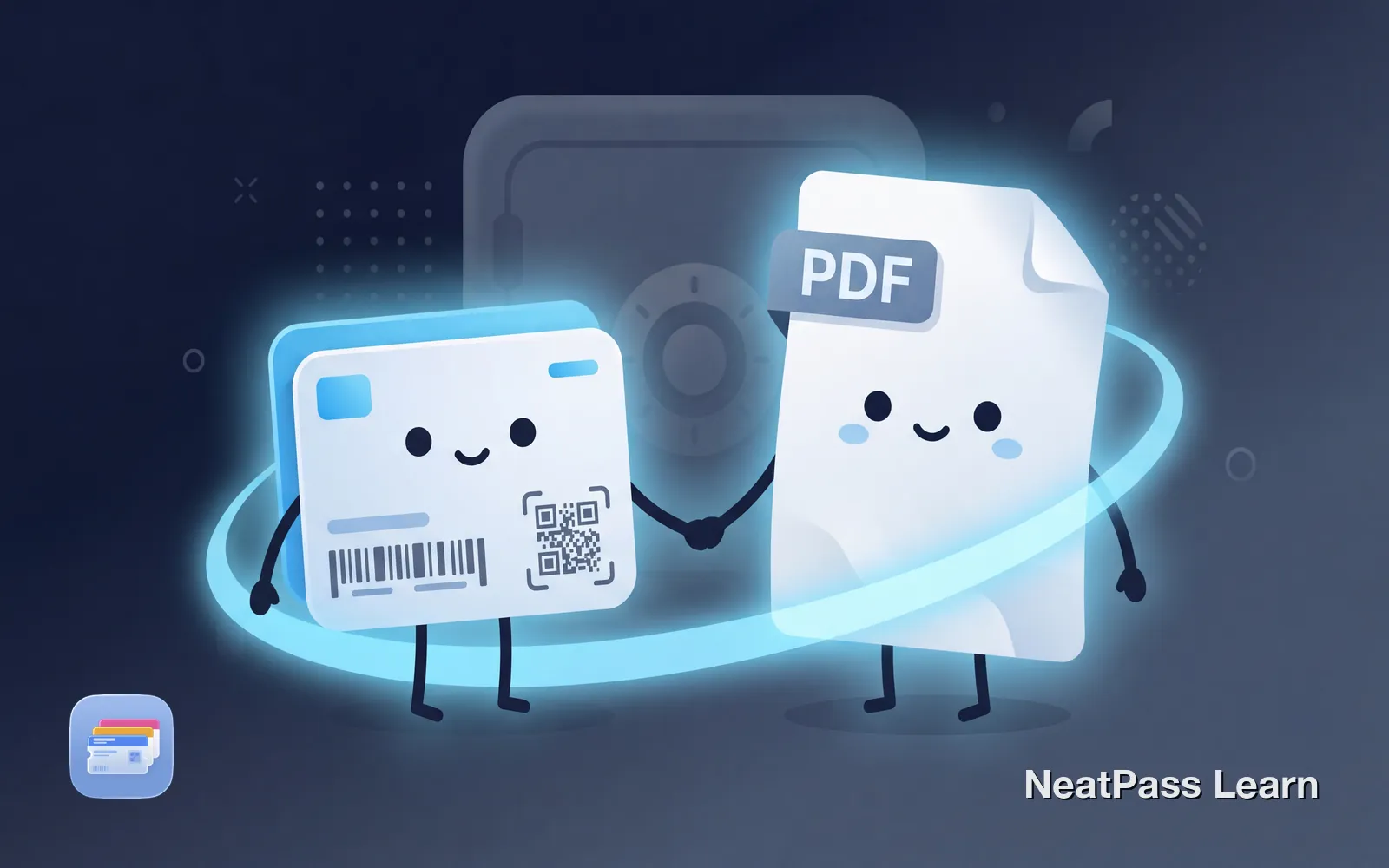
Adding a ticket to Apple Wallet is convenient. Pull out your phone, show the barcode, walk in. But the wallet pass should complement your original ticket, not replace it entirely. Here's why keeping your source documents matters.
Think of wallet passes as a convenience layer. Your PDF boarding pass, email confirmation, or screenshot still serves as the authoritative source. The wallet version makes daily access easier.
When You Might Need the Original
Most of the time, your wallet pass works perfectly. But certain situations call for the original document:
Disputes and issues
Customer service may need your confirmation email or PDF
Rebooking or changes
Airlines often require the original booking reference
ID verification
Some venues check names against the original ticket
Time-sensitive access
If your pass fails to scan, having the original is your backup
A wallet pass extracts the essential information: barcode, date, venue. But the original often contains additional details like terms and conditions, full booking references, contact information for the organizer, or proof of purchase for refunds.
If the extracted data doesn't look right, check the guide on fixing incorrect extractions.
Refund situations
The NeatPass Approach: View Original
NeatPass includes a "View Original" feature specifically for this reason. When you create a pass from a PDF, screenshot, or image, the original file is preserved and accessible from within the pass.
This means you get both: quick access to your barcode through Apple Wallet, and the complete original document when you need it. Learn more about this feature in the View Original guide.
One-tap access
Open the original PDF or image directly from your pass
Automatic storage
Original files are preserved when you create passes
Always available
Access originals even when offline
Full fidelity
Complete document with all details intact
Want wallet passes that keep your originals?
NeatPass makes it easy to convert any ticket, pass, or loyalty card to Apple Wallet.
Traditional Ticket Storage - And Why NeatPass Makes It Unnecessary
Here's what managing tickets typically looks like when your wallet app doesn't store originals:
Manually Keep Source Files
Maintain a Dedicated Folder
Screenshot Important Details
Constantly Track What's Missing
Common Scenarios
Flight Check-in
Your wallet pass gets you through the gate, but if there's a delay or rebooking situation, agents may want your full booking reference or confirmation email. Airlines sometimes need to verify details that aren't encoded in the boarding pass barcode.
Concert or Event Entry
If the scanner has trouble reading your pass, security might accept your original PDF or email. Having it readily accessible beats holding up the line while you search through old emails.
Hotel Check-in
Wallet passes for hotel reservations show basic details, but the full confirmation usually includes room type, rate, cancellation policy, and contact numbers. Keep the original for reference.
Membership Renewals
If you added a membership card to your wallet, the original welcome email or card documentation contains your member number and account details needed for renewals or account issues.
Frequently Asked Questions
Ready to keep your originals safe?
DownloadConvenience and Security Together
The best workflow treats wallet passes as what they are: convenient shortcuts to your most important documents. Your phone becomes the quick access point, while the originals remain safely stored as backup.
With apps like NeatPass that preserve original files, you don't have to choose between convenience and completeness. Add your ticket to Apple Wallet for easy scanning, but know the full document is always one tap away when you need it.
Related reading