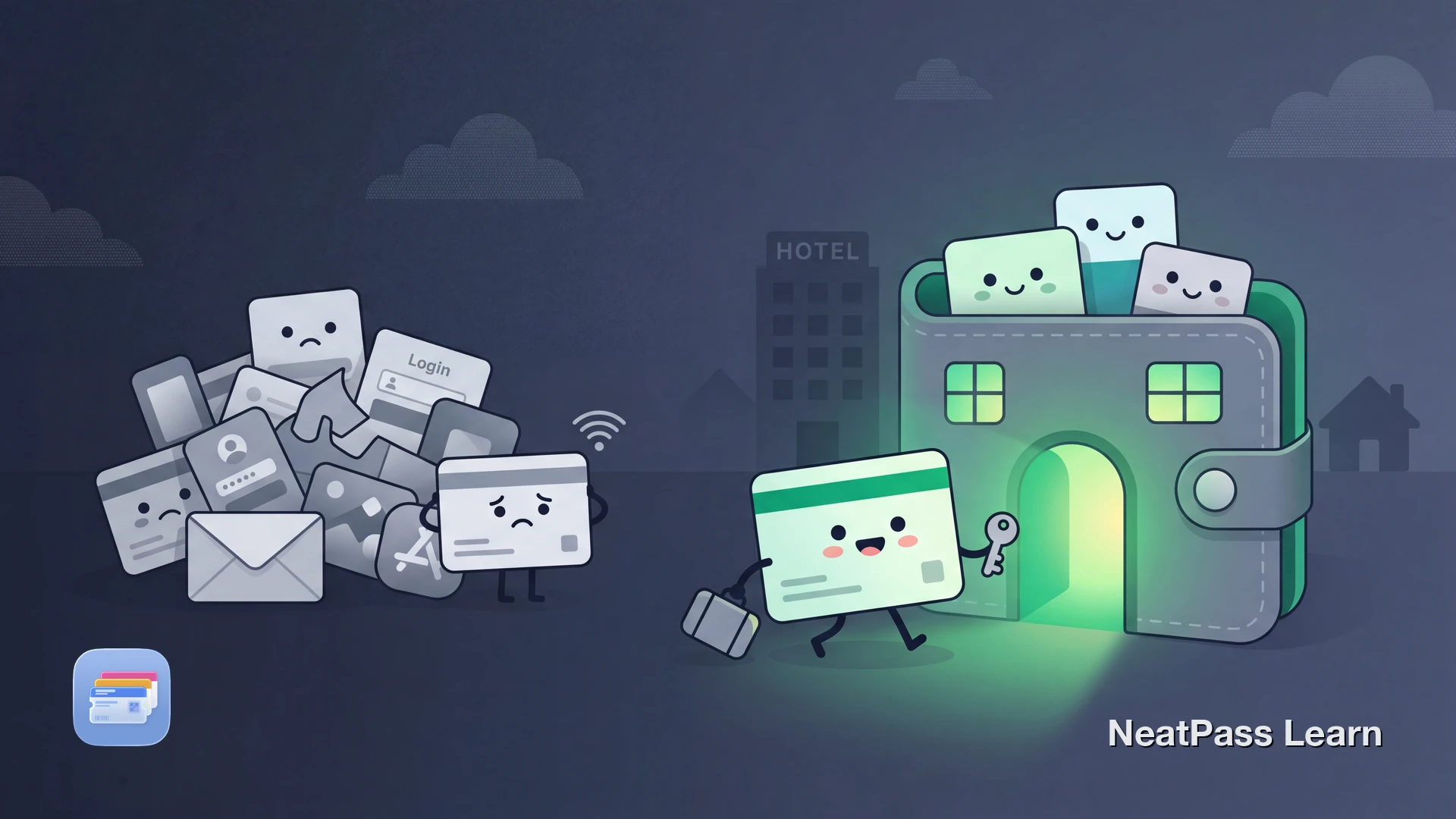
Booking platforms like Airbnb, Booking.com, and VRBO send confirmation PDFs and emails you can never find when you need them. At check-in, you end up scrolling through your inbox or digging through the app while someone waits.
Apple Wallet solves this for boarding passes and event tickets, but most booking platforms have removed or never built Wallet support. NeatPass bridges the gap by converting your booking confirmation barcodes into native Wallet passes.
Wallet Support Across Booking Platforms
Here is where the major booking platforms stand on Apple Wallet integration as of 2026:
- Airbnb - Retired Apple Wallet support in 2024. Reservations can no longer be added to Wallet from the app.
- Booking.com - Still offers an Add to Wallet button, but many users report persistent errors and 'unable to load' messages.
- VRBO - No native Apple Wallet integration. Booking details only accessible through the VRBO app.
- Hotels.com - No direct Wallet pass support. Confirmations arrive as emails and in-app notifications.
The pattern is clear: booking platforms are pulling away from Apple Wallet or never adopted it. That leaves travelers without a reliable way to keep confirmations accessible.
Why Booking Confirmations Are Hard to Access
Without Wallet integration, your booking confirmation lives inside an email or a proprietary app. Both have the same problems:
Buried in your inbox
Confirmation emails get lost between newsletters and receipts
Requires internet
Apps need connectivity to load reservation details
App login required
Most booking apps need authentication every session
Multiple apps for one trip
Flight in one app, hotel in another, car rental in a third
Why Wallet is better
The Workaround: Confirmation Barcodes in Wallet
Most booking confirmations include a QR code or barcode, either in the email, the PDF attachment, or the app. That barcode is your key to check-in.
- Search email for confirmation
- Download PDF attachment
- Open booking app and log in
- Zoom into barcode on PDF
- Hope for internet at check-in
- Double-tap side button
- Pass appears on lock screen
- Barcode auto-brightens
- Works completely offline
- All trips in one place
Add booking confirmations to Wallet
NeatPass makes it easy to convert any ticket, pass, or loyalty card to Apple Wallet.
How to Add a Booking Confirmation to Apple Wallet
NeatPass supports multiple import methods for getting your booking barcode into Wallet:
Find your booking confirmation
Capture the barcode
Import into NeatPass
Name your pass
Add to Apple Wallet
Pro tip
Benefits of Booking Confirmations in Wallet
Once your booking confirmation is in Apple Wallet, check-in becomes significantly smoother:
Instant access at check-in
Double-tap the side button and show your barcode, no app needed
Works without internet
Perfect for international travel, remote properties, or poor connectivity
All confirmations together
Flight, hotel, and car rental passes organized in one Wallet view
Your passes work offline wherever you go. Add lock screen widgets for even faster access. NeatPass supports all major barcode formats used by booking platforms.
Your booking data stays on your device
Frequently Asked Questions
Get your bookings into Wallet
DownloadYour Confirmations, Always Ready
Booking platforms have made it harder to keep confirmations in Apple Wallet, not easier. Airbnb removed Wallet support entirely. Booking.com's integration is unreliable. VRBO never offered it. But the confirmation barcode is still there, and NeatPass turns it into a Wallet pass that works every time.
Ready to start? Check out the full guide on adding passes to Apple Wallet and have your next trip confirmation ready in seconds.