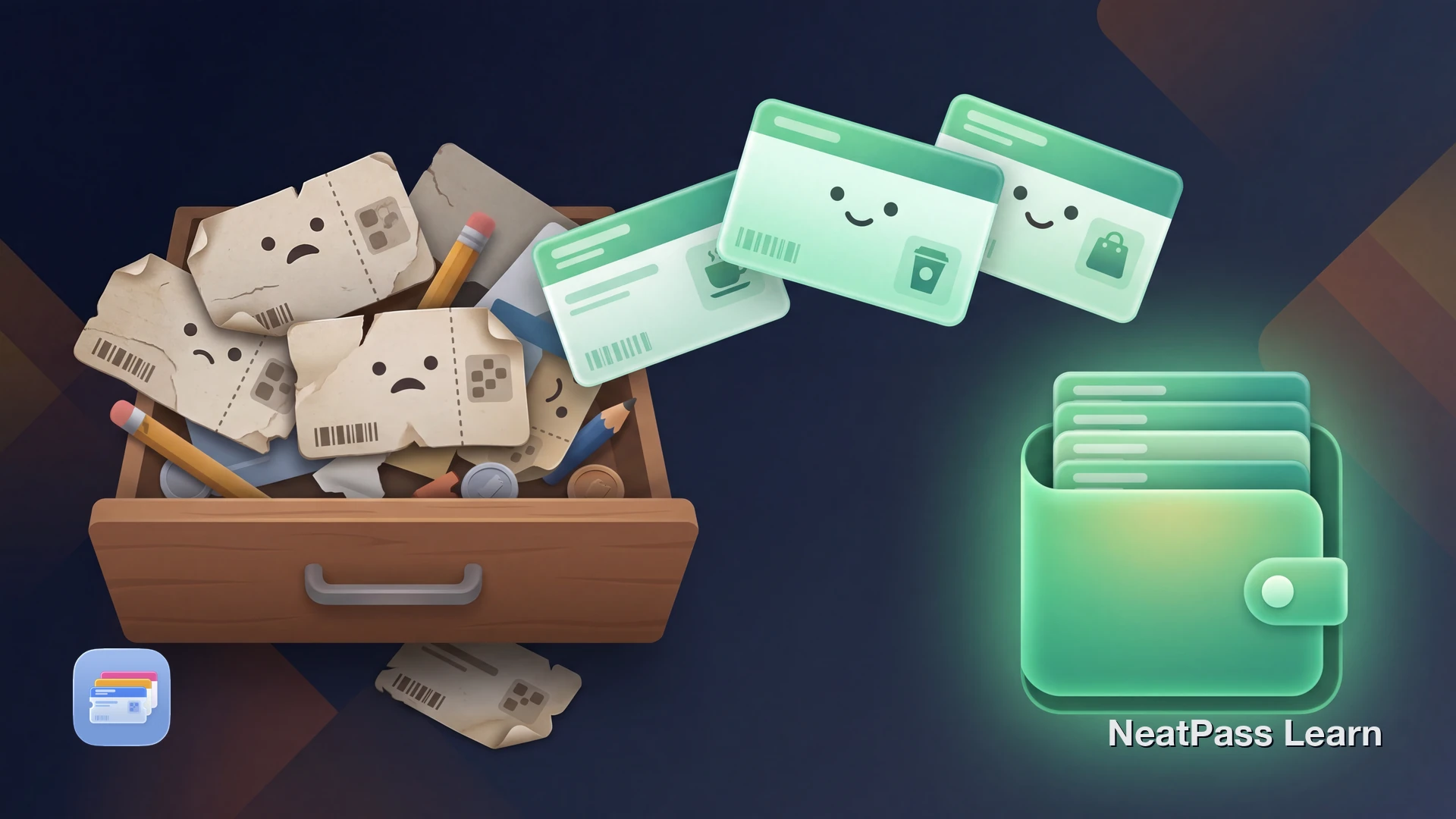
Physical punch cards get lost in wallets, forgotten at home, or end up too damaged to scan. Proprietary loyalty apps are no better: each store wants its own app with its own login, filling your phone with apps you open once a week to show a barcode.
Many modern punch and stamp cards use a barcode or QR code for identification. That barcode is all the store scanner needs. It doesn't matter whether it lives on cardboard, in an app, or in Apple Wallet.
The Problem with Physical Punch Cards
Punch cards and stamp cards are everywhere: coffee shops, sandwich places, frozen yogurt stores, hair salons. The idea is simple, but the execution has real problems.
Easy to lose
Physical cards slip out of wallets, get left at home, or end up in the washing machine
App overload
Each business wants you to download a separate app with a separate account
Wallet clutter
Five or ten punch cards thicken your wallet for businesses you visit a few times a month
Damaged barcodes
Worn cards have faded or scratched barcodes that scanners can't read
The result: you miss stamps because you forgot your card, or you stand at the register fumbling through a stack of cards. There's a simpler way.
Add your punch cards to Wallet
NeatPass makes it easy to convert any ticket, pass, or loyalty card to Apple Wallet.
How to Add a Punch Card to Apple Wallet
If your punch card has a barcode (most modern loyalty programs do), you can get that barcode into Apple Wallet. NeatPass handles the detection and conversion.
Important: what the Wallet pass does and doesn't do
Here's how the process works:
Find your punch card barcode
Capture the barcode
Import into NeatPass
Barcode detected automatically
Customize and add to Wallet
NeatPass supports 6 import methods including camera, photo library, and PDF. See all import methods.
Where to Find Your Barcode
Not sure where your punch card barcode is? Here are the most common places:
- Physical card: Flip it over, most barcodes are on the back
- Business app: Navigate to "My Card" or "Loyalty" section and screenshot the barcode screen
- Email receipt: Some businesses email a digital card when you sign up
- PDF attachment: Check your inbox for a welcome email with a PDF membership card
- Website account: Log into the business's website and look for your member profile
NeatPass supports all common barcode formats including QR codes, Code 128, Code 39, and PDF417. See the full list of supported barcode types.
Why Apple Wallet Beats Carrying Cards
A native Wallet pass has real advantages over both physical cards and business apps.
Instant access
Double-click the side button to show your card from the lock screen
Auto-brightness for scanning
Apple Wallet maxes screen brightness when displaying a barcode, so scanners read it reliably
Works without internet
Your pass works in airplane mode, dead zones, and when store Wi-Fi is down
No login required
No accounts, no passwords, no app updates. Just your barcode.
Even faster with widgets
How Punch Tracking Actually Works
When you scan a physical punch card, the cashier's system records the visit against your loyalty ID. The punch count lives in the business's database, not on your card. Your card is just the key that identifies you.
This means a Wallet pass works exactly the same way as a physical card for identification. The cashier scans it, their system looks up your account, and the visit counts. Whether you present cardboard or a phone screen, the result is identical.
The one thing your Wallet pass won't show is your current stamp count or progress toward a reward. For that, you'd check with the business or their app. But for the daily task of presenting your card at checkout, the Wallet pass is faster and more reliable than carrying the physical card.
Your pass works even without internet. Learn more about offline mode.
For Small Business Owners
If you run a coffee shop, bakery, or salon with a barcode-based loyalty program, your customers can use NeatPass to add their cards to Apple Wallet. You don't need to build an app or integrate with Apple's PassKit framework.
Customers who have their loyalty card in Wallet are more likely to present it at every visit. No more "I forgot my card" situations. Your loyalty program gets used more consistently, and your customers get a better experience.
Customers can customize their pass appearance through design options and learn about adding passes to Wallet.
Frequently Asked Questions
Get your punch cards in Wallet
DownloadYour Cards, Always Ready
Physical punch cards are a solved problem. If the card has a barcode, it can live in Apple Wallet. No more forgetting cards at home, no more fumbling through a stack at the register, no more faded barcodes that won't scan.
NeatPass converts your punch card barcode into a native Wallet pass in about 20 seconds. It syncs across your devices with iCloud, works offline, and shows up on your lock screen when you need it.