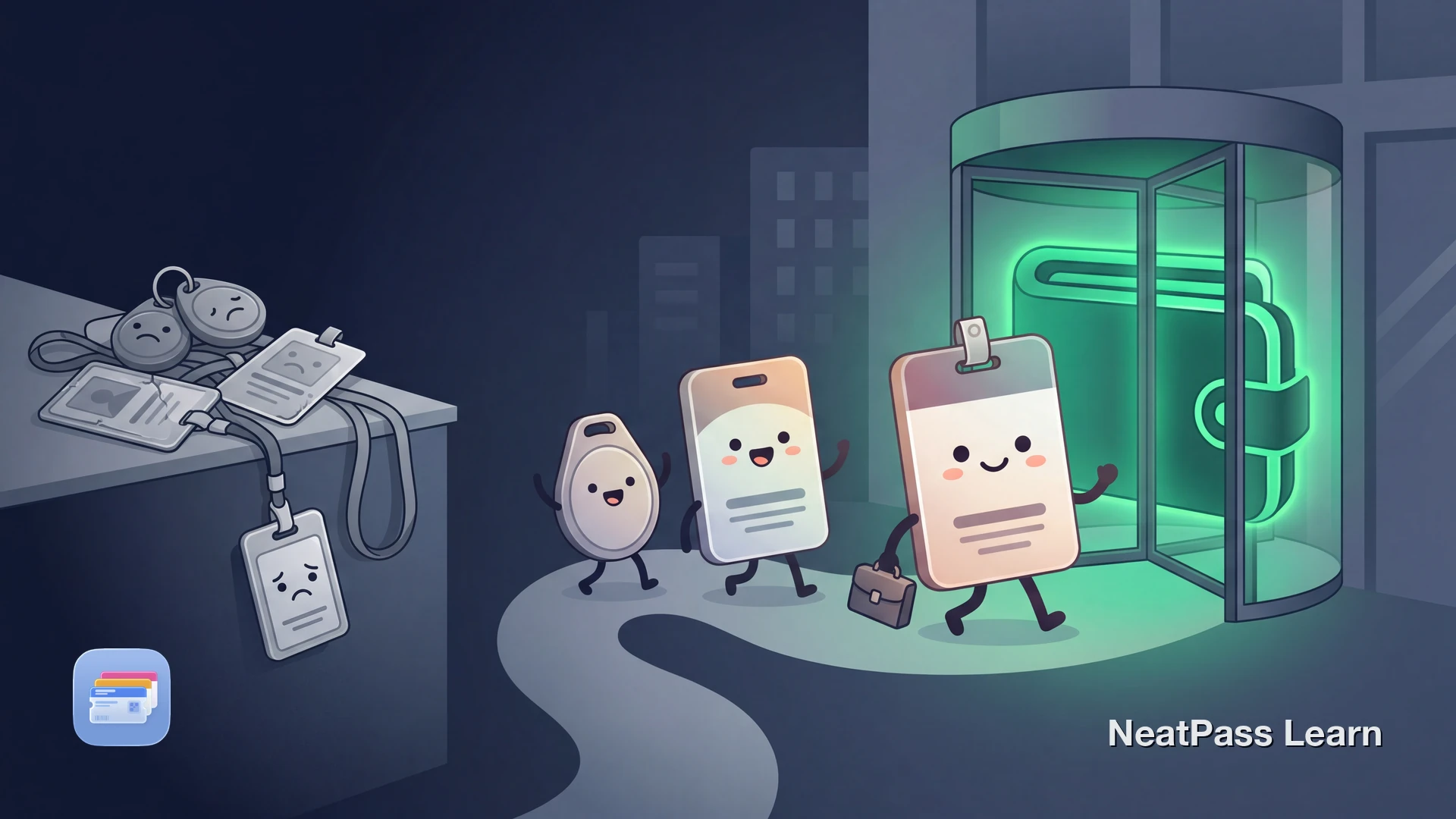
Many offices and coworking spaces still use physical badges, key fobs, or proprietary apps for building access. Apple's Employee Badge program is the main native Apple Wallet exception in supported enterprise setups. If you forget your badge, you are stuck waiting for someone to let you in.
NeatPass lets you digitize the barcode or QR code on your office badge and keep it in Apple Wallet. No more fumbling through pockets or juggling between coworking apps. Your building access code is always one tap away on your lock screen.
The Problem with Office and Coworking Badges
Whether you work in a corporate office or rotate between coworking spaces, physical access credentials create friction every day.
Forgotten badges
Left your badge at home or on your desk? You are locked out until someone escorts you in or reception issues a temporary pass.
Multiple memberships
Freelancers and remote workers who use several coworking spaces end up carrying multiple cards, fobs, or relying on several different apps.
App fatigue
Each coworking brand can have its own app for check-in. These apps may require internet, can ask for login again, and add another workflow to manage.
Visitor passes
Guest badges are usually paper or temporary plastic cards that get lost by lunch. A digital pass in Wallet keeps your visitor QR code accessible all day.
What You Can Actually Digitize
Office and coworking badges typically contain two types of access technology. The first is NFC or RFID chips for door readers, which cannot be copied to a phone. The second is barcodes or QR codes used for reception check-in, printer access, cafeteria payments, and visitor management systems.
If your badge has a scannable barcode or QR code, NeatPass can extract it and create an Apple Wallet pass. This covers most day-to-day interactions that do not involve tapping a door reader. For barcode-based check-in workflows, the Wallet pass can reproduce the same scannable barcode data.
Digitize your office or coworking badge
NeatPass makes it easy to convert any ticket, pass, or loyalty card to Apple Wallet.
How to Add Your Office Badge to Apple Wallet
NeatPass supports 18 supported barcode formats, including QR codes, Code 128, and other common badge formats.
Photograph your badge or screenshot the app
Import into NeatPass
Customize your pass
Add to Apple Wallet
For the full walkthrough, see the guide on adding passes to Wallet or explore all import methods available in NeatPass.
Wallet Pass vs. Coworking Apps
Many coworking spaces push their own apps for check-in and room booking. Here is how a Wallet pass compares for the access badge itself:
- Instant access from lock screen, no app launch needed
- Works offline in basements and parking garages
- No login required, no session timeouts
- All coworking badges in one place alongside other passes
- Location alerts surface the right badge automatically
- No battery drain from background processes
- Requires opening the app and navigating to badge screen
- Can require internet connection to load or refresh the QR code
- May prompt for login again or time out
- Separate app per coworking brand clutters your phone
- May not offer lock screen access without workarounds
- Can rely on its own app flow and notifications
Your Wallet pass works completely offline, so it is available even in basement lobbies or parking garages with no signal.
Organize multiple office badges
Managing Multiple Coworking Spaces
If you work from different coworking locations throughout the week, NeatPass keeps all your badges organized in one Wallet. Create a separate pass for each space with distinct colors and names. Apple Wallet's location awareness will surface the correct pass as you approach each building.
For even faster access, pin your most-used badge to a home screen or lock screen widget so it is always one tap away, regardless of which location you are heading to.
Your Badge Data Stays on Your Device
Office badges can contain your full name, employee number, department, and sometimes your photo. NeatPass processes the import locally on your iPhone. You do not need an account for this workflow.
For details on what stays local and how optional iCloud Sync works, see the privacy FAQ.
Frequently Asked Questions
Quick Access at Every Office
Physical office badges and coworking key fobs are easy to forget and annoying to manage. For any badge that uses a scannable barcode or QR code, a Wallet pass gives you instant, offline access right from your lock screen.
Photograph your badge, create a pass in NeatPass, and walk into your next coworking session or office meeting without digging through your bag.
Create an office badge pass with NeatPass
Download