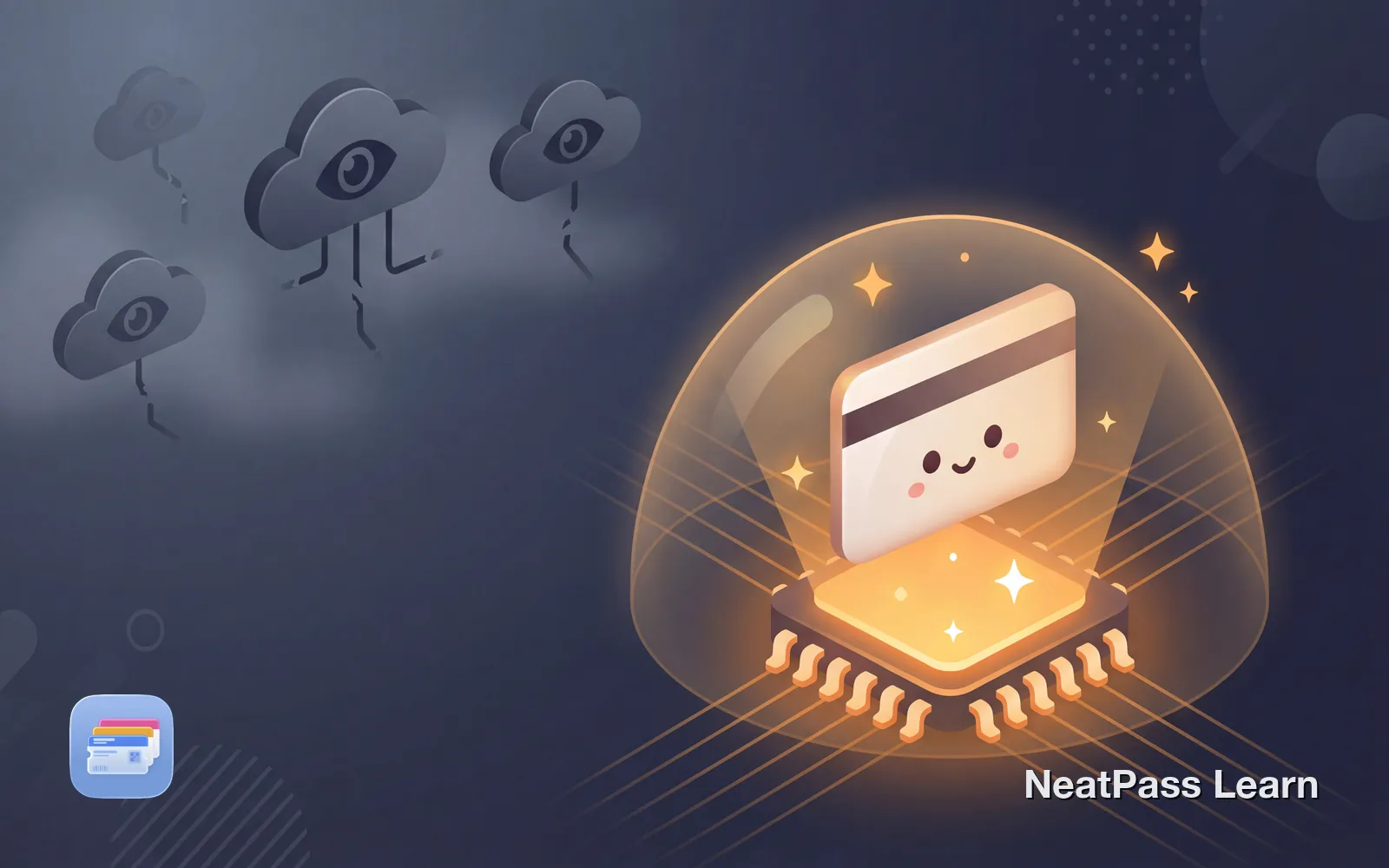
Most ticket scanning apps upload your images to remote servers for processing. Your concert tickets, boarding passes, and event barcodes pass through company infrastructure before the result comes back. With on-device AI, that upload never happens.
The difference matters more than you might think. When your ticket data stays on your phone, there's nothing to intercept, nothing to store, and nothing that can be exposed in a data breach.
How Traditional Ticket Scanning Works
When you use most ticket scanning apps, here's what typically happens behind the scenes:
- You take a photo or upload your ticket image
- The app uploads the image to a cloud server
- Server-side AI extracts the barcode and text
- Results are sent back to your phone
- Your ticket image may be stored on their servers
This round-trip takes time and creates multiple points where your data could be accessed, logged, or leaked. Even apps that claim to delete images after processing have already transmitted that data over the internet.
The server problem
On-Device Processing: A Different Approach
On-device AI keeps everything local. Modern iPhones have powerful on-device hardware capable of running machine learning models without any network connection. NeatPass uses Apple's MLX framework to run AI directly on your iPhone's GPU.
Local processing
AI runs entirely on your iPhone's GPU
No uploads
Your ticket images never leave your device
Instant results
No waiting for server responses or internet connection
Private by design
Nothing to intercept, store, or expose in breaches
This isn't just a privacy feature. On-device processing is often faster because there's no network latency. It also works in airplane mode or areas with poor connectivity.
Want ticket scanning that stays private?
NeatPass makes it easy to convert any ticket, pass, or loyalty card to Apple Wallet.
Cloud vs. On-Device: The Real Difference
The technical difference determines what happens to your data at every step:
- Images uploaded to company servers
- Data passes through multiple systems
- May be stored for training AI models
- Requires internet connection to work
- Subject to server policies and breaches
- Images never leave your phone
- Processing happens in device memory
- No data retention by third parties
- Works offline in airplane mode
- You maintain full control of your data
Why This Matters for Tickets
Tickets contain more sensitive information than you might realize:
Personal details
Names, booking references, seat assignments
Travel patterns
Flight routes, hotel stays, event attendance
Financial info
Partial payment details, loyalty numbers
Location data
Where you'll be and when you'll be there
A boarding pass reveals your flight number, seat, departure time, and destination. Concert tickets show which events you attend. Aggregated over time, this data builds a detailed profile of your movements and interests.
How NeatPass Uses On-Device AI
NeatPass processes all tickets locally using Apple's MLX framework. When you scan a ticket or import an image:
- The image stays in your device's local memory
- On-device AI reads your entire image, detecting the barcode and extracting all ticket details like title, date, venue, and seat information
- Pass details like title, date, and venue are auto-filled automatically
- A wallet pass is created locally
- The pass is added directly to Apple Wallet
At no point does the image or extracted data leave your iPhone. The entire process happens locally on your device using Apple's MLX framework.
Learn more about NeatPass's approach in the Privacy FAQ, or see how the AI model works.
Technical Requirements
On-device AI requires modern hardware. NeatPass uses Apple's MLX framework with advanced ML capabilities:
- iOS 18.1 or later (required)
- iPhone 12 or newer (recommended for best performance)
- iPhone 11 and SE may work but with potential limitations
For detailed device compatibility, see the system requirements guide.
The AI model is bundled with the app, so there's no downloading additional data. Scanning is instant even without network access. For supported barcode types, see the barcode compatibility guide.
Frequently Asked Questions
Ready for private ticket scanning?
DownloadPrivacy Without Compromise
On-device AI represents a fundamental shift in how apps can handle sensitive data. Instead of asking you to trust that servers will handle your information responsibly, the data simply never leaves your control.
For tickets and passes containing personal information, this approach makes sense. Your boarding pass, concert ticket, or event entry doesn't need to exist on anyone's server. It just needs to work when you scan it at the gate.
If you run into scanning issues, check the guides on fixing incorrect extractions and resolving extraction timeouts.
Learn more about privacy