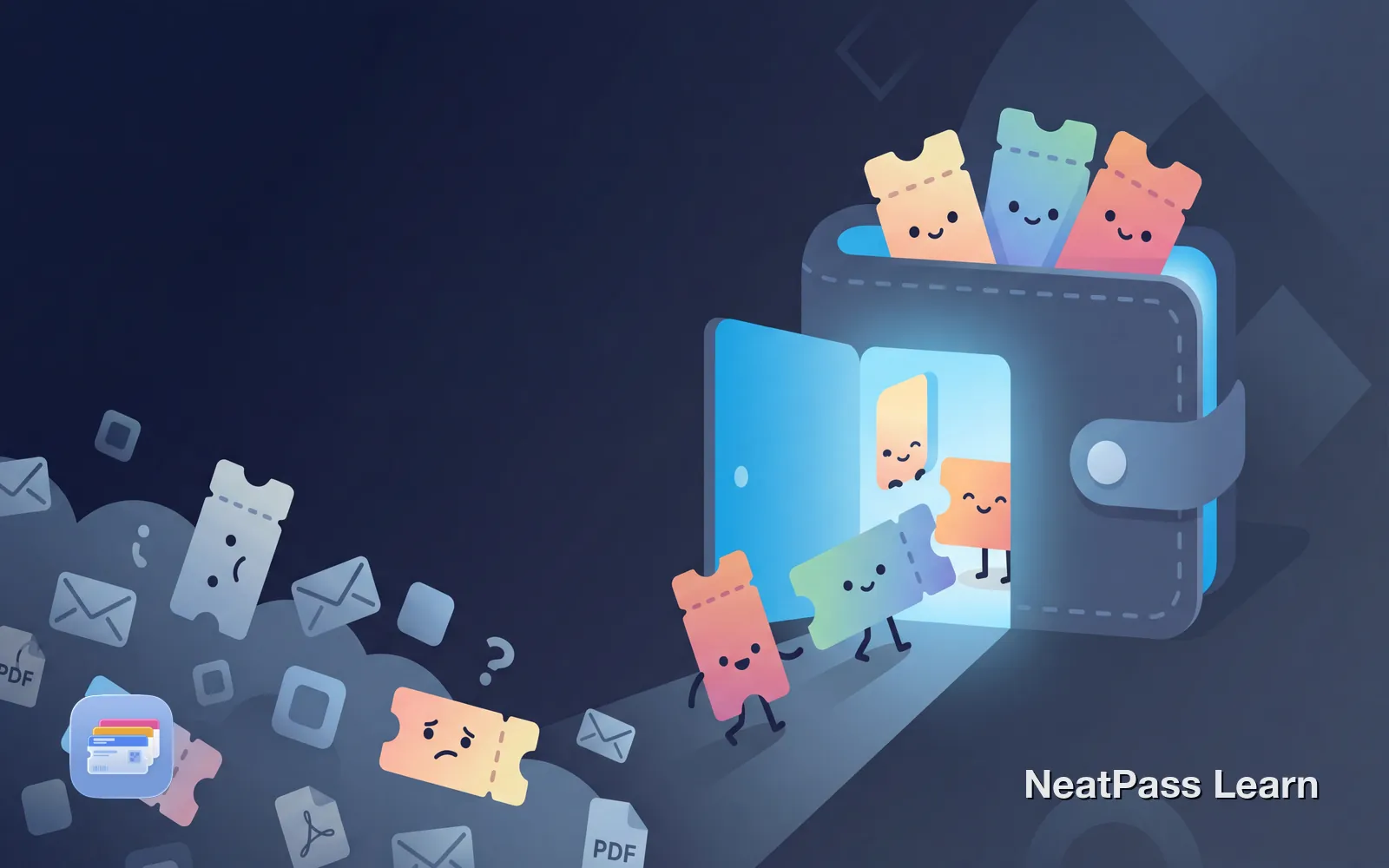
Concert tickets in your email. Festival passes in a PDF. Stadium tickets in three different apps. Every event uses a different platform, and you end up with tickets scattered across your entire phone. Finding the right ticket at the venue entrance becomes a stressful search.
Apple Wallet can be your single location for all event tickets. The challenge is that most ticketing platforms do not support it natively. Here is how to consolidate everything into one reliable place.
Why Tickets End Up Everywhere
The problem starts with how events sell tickets. Each platform has its own system, its own app, and its own way of delivering tickets:
Email confirmations
Tickets arrive as PDF attachments or inline images buried in your inbox
Multiple apps
Ticketmaster, Eventbrite, AXS, SeatGeek, each wants you in their app
PDF downloads
Some venues email PDF tickets that sit in your Downloads folder
Screenshots
You screenshot tickets to find them faster, creating photo library clutter
By the time you attend a few events, your tickets live in five different places. At the venue entrance, you are scrolling through apps, searching email, and holding up the line.
Apple Wallet as Your Ticket Hub
Apple Wallet is designed to be your single location for passes and tickets. When a ticket lives in Wallet, you get instant access from your lock screen, no searching required.
- One location for all events
- Lock screen access
- Works offline
- Location-based notifications
- Use Wallet relevance and manual ordering
- Search multiple apps at entry
- Email hunting while in line
- Requires internet for most apps
- Easy to forget which app
- Screenshot clutter in photos
The issue is that not every ticketing platform offers Apple Wallet integration. Various import methods can help bridge this gap.
Ready to organize your tickets?
NeatPass makes it easy to convert any ticket, pass, or loyalty card to Apple Wallet.
Common Ticket Formats and How to Handle Them
Event tickets typically arrive in one of four formats. Each can be converted to Apple Wallet with the right approach:
PDF Tickets
Many venues email tickets as PDF attachments. These usually contain a QR code or barcode that scanners read at entry. The share extension lets you import PDFs directly from your email or Files app.
Email Tickets
Tickets embedded in email confirmations can be captured as screenshots. NeatPass supports 18+ barcode formats, including QR codes, Aztec codes (common for events), and PDF417 barcodes.
App-Based Tickets
For tickets locked in platform apps, take a screenshot of the barcode. Make sure the barcode is clearly visible and not cropped. Avoid dynamic barcodes that rotate (see warning below).
Physical Tickets
Still have a paper ticket? NeatPass can scan physical barcodes directly using your camera. The ticket moves to your Wallet while you keep the original as backup.
Dynamic Barcodes Do Not Convert
Step-by-Step: Consolidate Your Tickets
Gather your upcoming tickets
Screenshot or save each ticket
Import into NeatPass
AI reads your tickets
Add all to Apple Wallet
For detailed guidance on specific formats, see the guide on adding tickets to Apple Wallet.
Benefits of Centralized Tickets
Once all your tickets live in Apple Wallet, event entry becomes dramatically simpler:
Instant access
Double-tap the side button to show any ticket from the lock screen
No more searching
All tickets in one app, with manual ordering and relevance cues
Works offline
Crowded venue with no signal? Your passes work regardless
Location alerts
Relevant tickets surface on your lock screen when you arrive
Auto-brightness
Screen brightens automatically for scanning
Sorted by date
Use relevance cues and the Expired list to find current events
Learn more about offline mode to understand why this matters at crowded venues.
Platforms and Wallet Compatibility
Some platforms support Apple Wallet natively. Others require conversion:
- Ticketmaster (most events)
- MLB Ballpark
- NBA/NHL official apps
- Some airline boarding passes
- Apple Events
- Eventbrite
- AXS
- See Tickets
- Dice
- Festival-specific platforms
Even when platforms support Wallet, they sometimes hide the option for specific events or disable it for fraud prevention reasons. Conversion remains a reliable backup.
Keeping Your Original Tickets
Converting tickets to Wallet does not mean deleting the originals. NeatPass can store your original source alongside the converted pass. If you ever need to show the original PDF or email, it is one tap away.
Frequently Asked Questions
Ready to organize your tickets?
DownloadAll Your Events in One Place
The days of hunting through apps and emails at venue entrances can be over. With your tickets consolidated in Apple Wallet, you get instant lock screen access, offline reliability, and manual ordering plus relevance cues.
Start with your next upcoming event. Import the ticket, add it to Wallet, and experience how much smoother entry becomes when everything lives in one place.