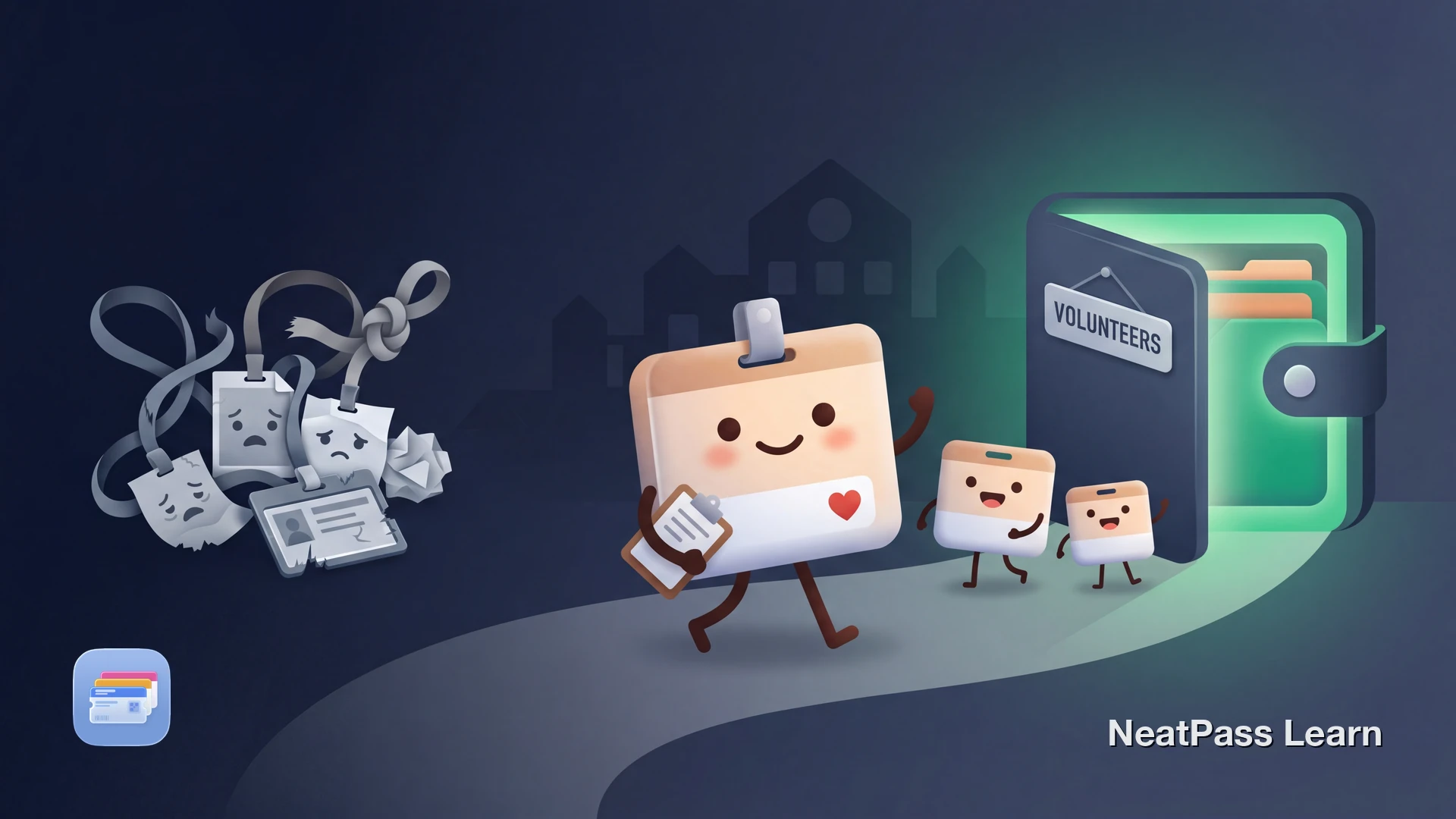
Nonprofits, charities, and community organizations rarely offer digital badges. Every shift means clipping on a lanyard, digging through a bag for a laminated card, or waiting in line while someone looks up your name on a clipboard.
If your volunteer badge has a barcode or QR code, NeatPass can turn it into a native Apple Wallet pass. No more worn-out lanyards or forgotten credentials.
The Problem with Physical Volunteer Badges
Volunteer credentials create friction that paid employees rarely deal with:
Low-tech systems
Most nonprofits use paper badges, laminated cards, or lanyards that wear out quickly and are easy to lose
Irregular schedules
Volunteers who come once a week or once a month forget their badge between shifts
Multiple organizations
Regular volunteers often serve at several nonprofits, each with its own badge and check-in process
No digital alternative
Unlike corporate offices, nonprofits almost never invest in badge apps or digital check-in systems
What You Can Digitize
Volunteer badges typically fall into two categories. The first is badges with a scannable barcode or QR code used for check-in, timekeeping, or building access. The second is visual ID badges with your name, photo, and organization that staff verify by sight.
NeatPass handles both. For barcode badges, it extracts the code and creates a scannable Wallet pass. For visual-only badges, you can create a reference pass from a photo of your credential.
Barcode support
Digitize your volunteer badge
NeatPass makes it easy to convert any ticket, pass, or loyalty card to Apple Wallet.
How to Add Your Volunteer Badge to Apple Wallet
The process takes under two minutes. NeatPass supports multiple import methods, so you can work from a photo, screenshot, or even a clipboard barcode.
Find or photograph your badge
Import into NeatPass
Label your pass
Customize colors and details
Add to Apple Wallet
Pro tip
Volunteering at Multiple Organizations
Many volunteers split their time between two or three nonprofits. Instead of carrying multiple lanyards or remembering which badge goes where, keep all your credentials in Apple Wallet. Each pass gets its own color, label, and barcode.
Pin your most-used volunteer badge to a lock screen widget so it is ready the moment you arrive at the site.
Why Apple Wallet Beats a Lanyard
Moving your volunteer badge to Apple Wallet solves the daily annoyances of physical credentials:
Instant check-in
Double-click the side button to show your badge, no fumbling with lanyards or bags
Works offline
Community centers, outdoor events, and rural nonprofits often have weak or no signal
Location-aware
Your badge can appear on the lock screen when you arrive at the volunteer site
Private and secure
NeatPass processes everything on-device with no cloud uploads or accounts
Easy to share setup
Show fellow volunteers how to create their own pass via AirDrop
Always with you
Your phone is already in your pocket, your lanyard probably is not
Your pass works offline, which is essential for outdoor volunteer events. See the guide on adding passes to Wallet and read the privacy FAQ to understand how your data stays on your device.
Badge without a barcode?
Frequently Asked Questions
Check In, Not Out
Nonprofits run on tight budgets. Digital badge systems are rarely a priority. But your volunteer credential does not have to stay stuck on a lanyard or laminated card.
With NeatPass, your volunteer badge lives in Apple Wallet right next to your transit pass and loyalty cards. One tap at check-in. No lanyards. No forgotten badges. Just show up and start helping.
Get your volunteer badge in Apple Wallet
Download