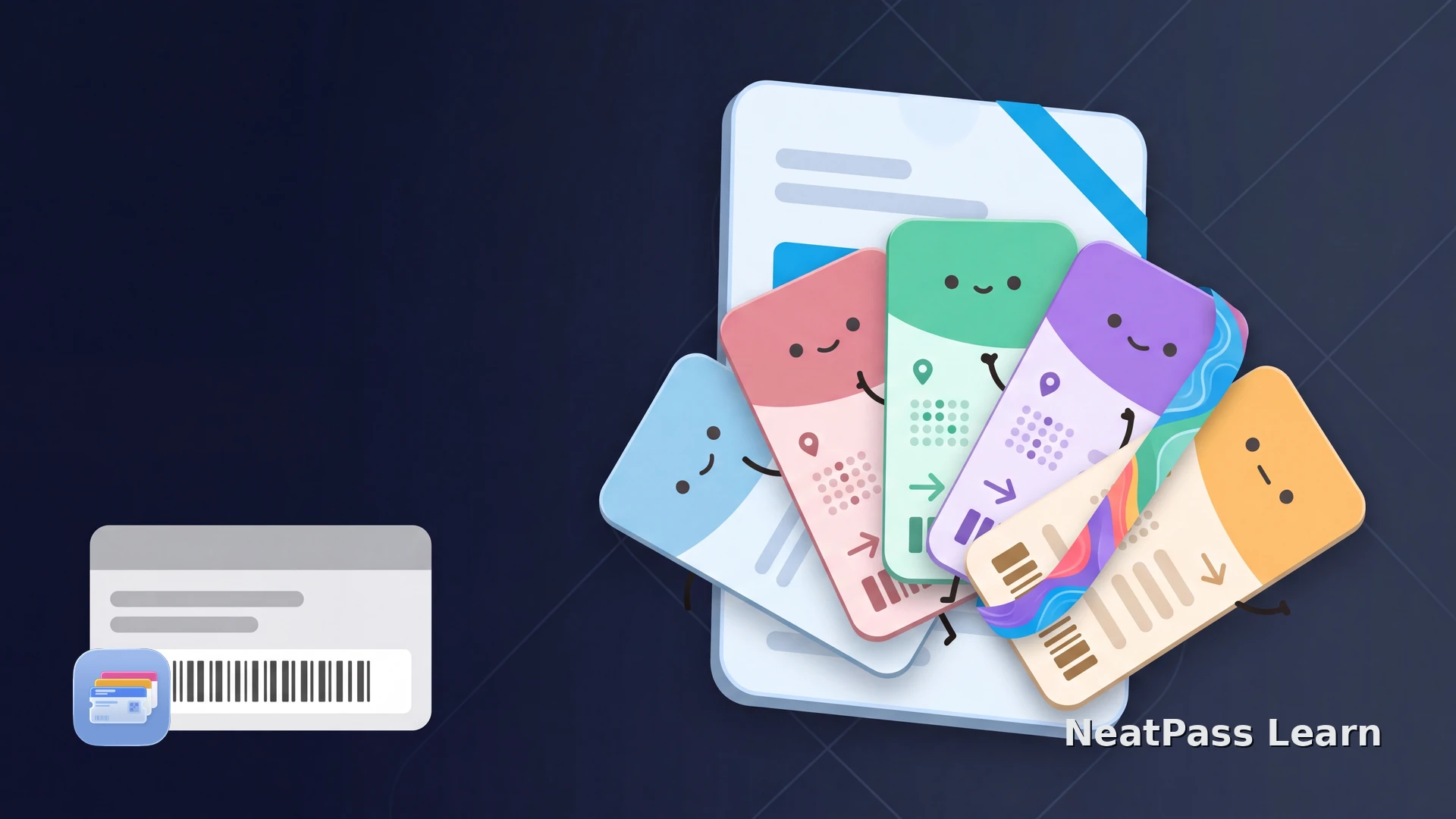
If one ticket covers a season or a series of related events, iOS 26 can now show each Upcoming Event inside the same Poster Event Ticket. The Poster Event design and semantic event data are not new to iOS 26; Apple introduced them in iOS 18.
If your ticket issuer offers an Apple Wallet pass, use that delivery first. If it does not, a supported static barcode ticket can still have a practical home in Wallet through NeatPass.
What iOS 26 Added: Upcoming Events
Upcoming Events extends the Poster Event Ticket experience introduced with iOS 18. A single ticket can give you a list of related events, and each event can open its own detail view with:
- Event-specific artwork, date, venue, and seating information.
- A dedicated event guide with relevant details and actions.
- Multiple related events covered by the same ticket, such as a season ticket or multi-event admission.
- An active state that lets Wallet keep the currently relevant event easy to find.
Initial delivery or later updates
Choose the Right Wallet Format
Poster Event Tickets are semantic layouts for supported sports and live-performance tickets. Apple does not allow this format to carry a barcode or QR entry credential. Poster Generic is a separate style introduced in iOS 27, and it can include a barcode, so the Poster Event restriction should not be applied to Poster Generic or standard Wallet passes.
Upcoming Events is one part of Apple's broader Wallet release. The iOS 26 Wallet features guide covers the other Wallet changes from the same release.
The Best Route for Your Event Ticket
Choose the route that preserves the ticket's actual entry credential:
Use the issuer's Wallet delivery first
Verify the source
Import, review, and add
Put your supported static event ticket in Wallet
NeatPass makes it easy to convert any ticket, pass, or loyalty card to Apple Wallet.
Use NeatPass for a Standard Wallet Pass
When native Wallet delivery is missing, NeatPass turns a supported static barcode ticket into a useful standard Apple Wallet pass on iPhone. Dynamic or rotating credentials, and tickets whose entry data can change, need to stay in the issuer's official flow.
Bring in the PDF, image, screenshot, or email you already use. The NeatPass import methods explain each available route into the app.
Confirm the credential appears in the list of NeatPass supported barcode guide, review the imported details, then follow the NeatPass Wallet-export steps to add the finished pass to Apple Wallet.
For a ticket that spans several dates, NeatPass offers NeatPass multi-day event organization. It organizes your standard pass and schedule, distinct from Apple's Upcoming Events list inside one Poster Event Ticket.
Once exported, the standard pass remains available in Wallet without a connection. The NeatPass offline mode guide explains the behavior in more detail.
Frequently Asked Questions
Keep your supported ticket ready in Wallet
DownloadThe Right Event Ticket in Wallet
iOS 26 makes a Poster Event Ticket more useful when one credential covers several related events. Use the issuer's Wallet pass when available. When it is not, NeatPass gives a supported static barcode ticket a clear, accessible place in Apple Wallet.