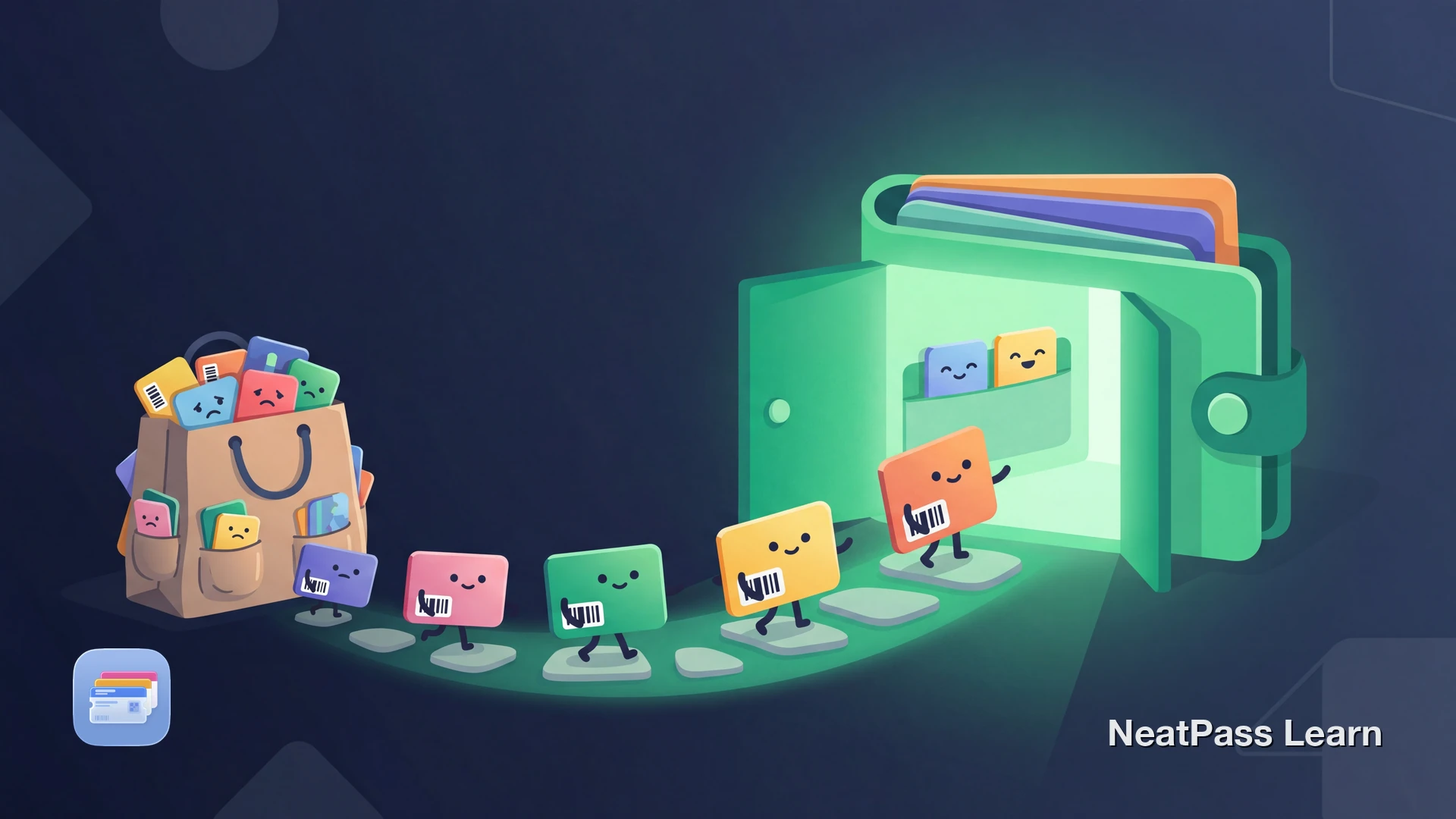
Klarna can store loyalty cards, but that does not automatically put them into Apple Wallet. If you want Wallet-style access, the practical route is to turn the same barcode into a proper Wallet pass.
Klarna launched its loyalty card feature on June 22, 2022, and said it was powered by the 2021 Stocard acquisition. Apple Wallet also supports loyalty and rewards cards, but only when the issuer provides a pass. That is why Klarna loyalty cards usually stay inside Klarna unless the barcode is recreated for Wallet.
What Klarna Supports Today
Klarna's public loyalty-card page points to the Klarna app for card access, so the app and Apple Wallet serve different jobs.
Launched in June 2022
Klarna announced its loyalty card feature on June 22, 2022.
Built on Stocard
Klarna said the feature was powered by its 2021 acquisition of Stocard. The standalone Stocard experience was folded into Klarna during 2025.
Cards live in the Klarna app
Klarna's loyalty pages describe storing and opening cards inside the Klarna app.
The barcode is what matters
At checkout, the scanner reads the barcode data, not the app around it.
So if the goal is Apple Wallet, the useful part is the barcode itself, not the Klarna app screen around it.
Turn Klarna loyalty cards into real Wallet passes
NeatPass makes it easy to convert any ticket, pass, or loyalty card to Apple Wallet.
Why Apple Wallet Needs a Different Path
Apple says Wallet can hold loyalty and rewards cards, and if Add to Apple Wallet is missing, the merchant or company needs to support passes. That makes issuer support the deciding factor.
Klarna's loyalty-card pages point to the Klarna app for card access, while Wallet needs a pass it can open natively. If the barcode is the same, the practical fix is to rebuild that barcode as a Wallet pass.
Important distinction
The Workaround: Recreate the Barcode as a Wallet Pass
Most Klarna loyalty cards are digital versions of the same barcode from the original store card. At checkout, the scanner reads the barcode data, not the app brand around it. If the barcode is the same, the account is the same.
NeatPass extracts that barcode from a screenshot or photo and turns it into a native Apple Wallet pass. That gives you lock-screen access, Apple Watch sync, and a cleaner checkout flow than opening Klarna every time.
Barcode check
How to Move a Klarna Loyalty Card to Apple Wallet
Open the card in Klarna
Capture a clear image
Import it into NeatPass
Check the extracted details
Add it to Apple Wallet
Pro tip
Why Wallet Is Better for Daily Scanning
Once the Klarna barcode becomes a Wallet pass, the experience gets simpler.
Faster presentation
Open the pass directly from Wallet instead of navigating through a shopping app.
Works offline
The pass still shows when store reception is bad or mobile data is weak.
Apple Watch support
Passes added on iPhone also sync to a paired Apple Watch.
Less app friction
No Klarna login, shopping feed, or payment screens when all that is needed is the barcode.
Cleaner checkout flow
Apple Wallet is built to present passes and barcodes cleanly at the register.
That is especially useful in stores with weak signal. See how offline mode helps, and review the privacy FAQ if a simple pass feels better than opening a full shopping app every time.
One-tap access
What You Do Not Get
A self-created Wallet pass is excellent for scanning, but it does not replace every Klarna or retailer feature.
No live points sync
Points and balance do not update live from Klarna or the merchant.
No coupon updates
Offers and coupons from the original app do not flow into the Wallet pass.
No account features
Password changes, profile edits, and offer browsing stay in the original app.
Rotating barcodes
If a merchant uses a changing barcode instead of a fixed one, keep the original app available.
For most loyalty cards, that tradeoff is acceptable. Scanning is usually the thing that matters most.
Frequently Asked Questions
Your Card in Wallet
Klarna already digitizes loyalty cards inside its own app. Apple Wallet needs a proper pass, not just a card view inside another app.
If a Klarna loyalty card shows a normal barcode, NeatPass can turn it into a native Wallet pass in a few taps. That keeps checkout fast while Klarna stays available for the features that actually need an account.
Put Klarna loyalty barcodes in Wallet
DownloadRelated Guides