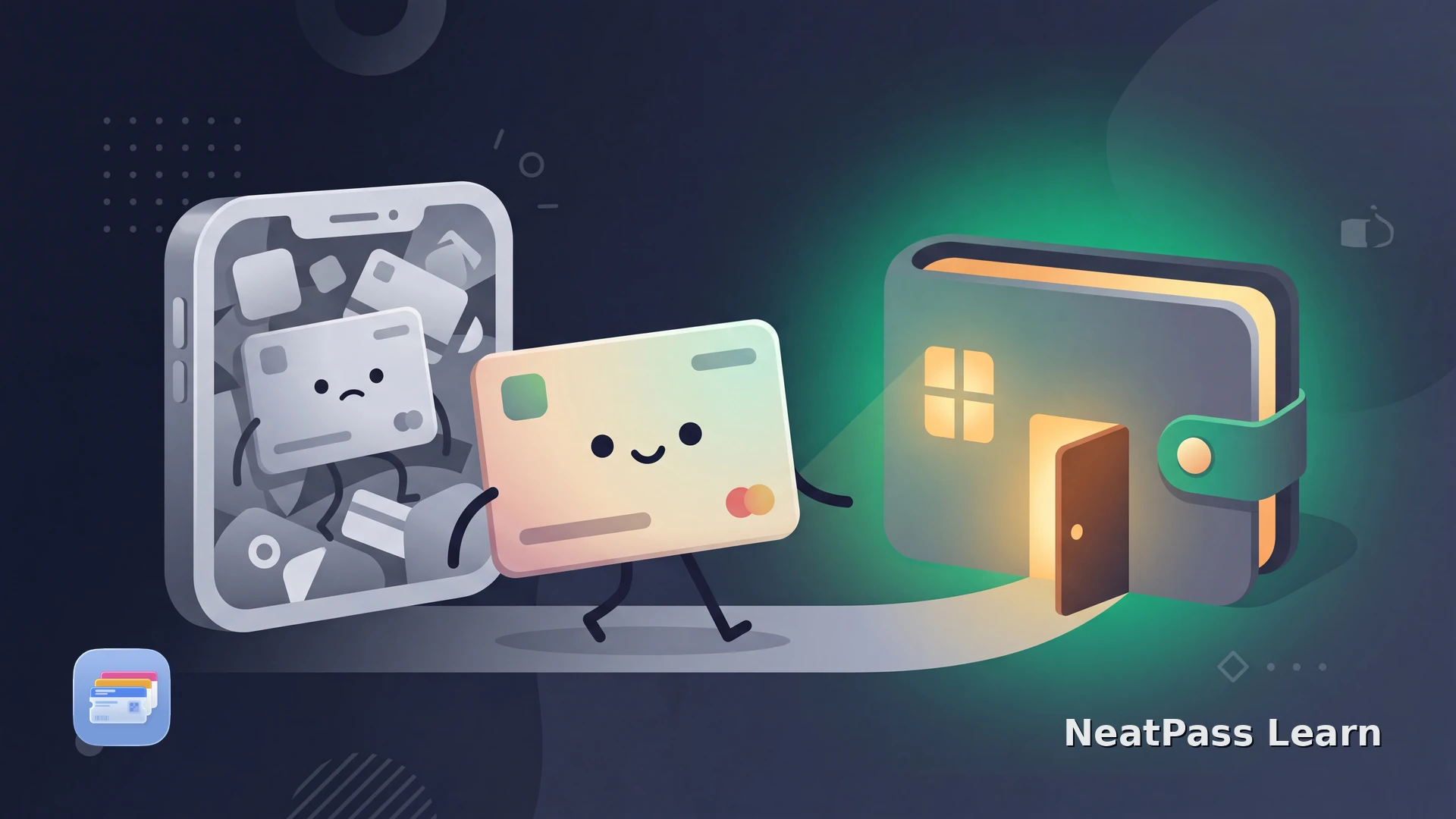
Kroger has no official Add to Apple Wallet button for the Plus Card (also called the Shopper's Card). Instead, the Kroger app pushes you toward Kroger Pay, its own QR system that still requires opening the app and logging in every time. Here is how to get your loyalty barcode into Apple Wallet anyway.
Why Kroger Has No Wallet Pass
Kroger built its own proprietary payment stack rather than adopting Apple's ecosystem. Kroger Pay bundles payment and your Shopper's Card into a single in-app QR code, so the loyalty barcode lives behind an account and a login screen, not on your lock screen.
No official Wallet button
There is no .pkpass loyalty pass for the Plus Card. The app is the only in-app path to your barcode.
Login required
A Kroger digital account and sign-in stand between you and the Shopper's Card at checkout.
App load times
Opening the app, waiting for it to load, then finding Kroger Pay adds friction at the register.
Needs connectivity
A weak signal at the back of the store can leave you fumbling while the app tries to load.
The good news: the barcode printed on your physical Plus Card or keychain tag is all you need. Copy it into a real Wallet pass and skip the app entirely.
Turn your Kroger card into a Wallet pass
NeatPass makes it easy to convert any ticket, pass, or loyalty card to Apple Wallet.
The Workaround: Scan Your Physical Card
NeatPass reads the barcode straight from a photo of your physical Plus Card or keychain tag and builds an Apple Wallet pass from it. It auto-detects the format, so you do not need to know whether the card uses a numeric loyalty code, UPC-A, or something else. See the import methods for scanning from the camera or your photo library.
Same barcode, same result
How to Add Your Kroger Card
Grab your physical card
Scan the barcode with NeatPass
Add it to Apple Wallet
Scan it at checkout
Make it easy to spot
What You Get
A Wallet pass turns a multi-step app ritual into a single tap.
One-tap access
Reach the barcode from the lock screen without unlocking into an app.
Works offline
The pass displays and scans with no signal, even at the back of the store.
No account needed
NeatPass never asks you to sign up. There are no cloud uploads of your card.
Auto-brightness
Wallet brightens the screen when the barcode is on display, so scanners read it fast.
Lock screen suggestions
Wallet can surface the pass when you arrive at a store you shop often.
Original kept safe
NeatPass stores the scanned card image alongside the pass as a backup.
Because the pass works offline and appears through lock screen widgets, it is faster than the app and keeps your data private. Read how that works in the privacy FAQ.
Common Questions
Add your Kroger card in seconds
DownloadYour Card at Checkout
Your Plus Card belongs where you can reach it instantly, not buried behind a login. Scanning it into Wallet takes under a minute and the pass is yours to keep. See the full adding to Wallet walkthrough if you want the details.