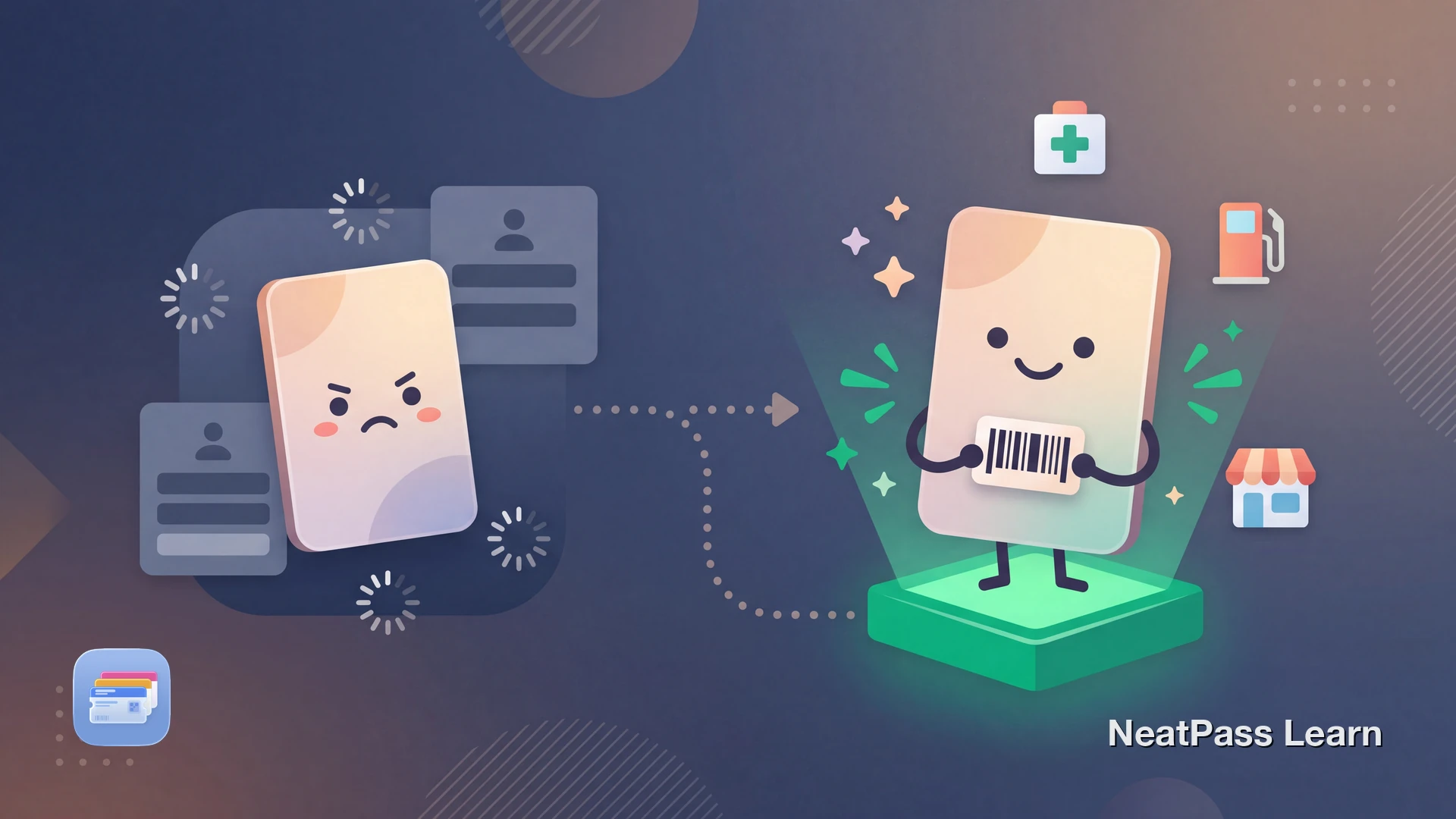
PAYBACK says it has more than 35 million active customers in Germany, with partners such as EDEKA, dm, and Aral. Official PAYBACK materials document the physical PAYBACK card and the mobile PAYBACK card in the PAYBACK app. No official Apple Wallet add flow was found, so many people still reach for the PAYBACK app when they only need the barcode.
Why the PAYBACK App Falls Short at Checkout
The PAYBACK app is the official home for the mobile PAYBACK card and for coupon features. But when you only need the barcode, the full app flow can still feel like extra work.
Common frustrations with the PAYBACK app at checkout:
More taps than a barcode-only pass
You still have to open the app and navigate to the mobile card screen
Coupons and account tools mixed together
Useful features, but not the fastest route when you only want the checkout barcode
Another app in the checkout flow
PAYBACK becomes one more screen to find while you are already juggling shopping and payment
Harder to create a one-swipe shortcut
Apple Wallet is better for quick access than a full loyalty app interface
The good news: PAYBACK still documents a physical card and a mobile in-app card. If you have a scannable PAYBACK barcode, you can use it as the source for a personal Wallet pass.
Understanding the PAYBACK Card Barcode
PAYBACK's official materials document both the physical PAYBACK card and the mobile PAYBACK card in the app. In both cases, the important part for checkout is the scannable barcode that identifies your account where PAYBACK collection is supported.
If you want faster access, the practical approach is to start with that official PAYBACK barcode and turn it into your own Wallet shortcut. Keep the official PAYBACK app available for coupons and account management.
Ready to add PAYBACK to your Wallet?
NeatPass makes it easy to convert any ticket, pass, or loyalty card to Apple Wallet.
How to Add PAYBACK to Apple Wallet
The practical workaround is to scan the PAYBACK barcode you already use, either from your physical card or from the mobile PAYBACK card in the app.
NeatPass uses on-device AI to read your card's barcode and create a native Apple Wallet pass. Where a checkout flow normally accepts the PAYBACK barcode, the Wallet pass can act as a convenient copy of the same data, but hardware and partner flows can vary.
How it works
Step by Step: PAYBACK Card to Apple Wallet
Find your PAYBACK barcode
Open NeatPass
Scan the barcode
AI creates your pass
Add to Apple Wallet
Pro tip
Benefits of PAYBACK in Apple Wallet
Once your PAYBACK card lives in Apple Wallet, checkout can feel quicker because the barcode is easier to surface.
Instant lock screen access
Open your PAYBACK barcode faster than navigating through the full app
Works offline
After the pass is added, Wallet can display it without reopening the PAYBACK app
Location-aware if you set it up
You can configure locations in NeatPass if you want reminders near the places you use the card most
Manual brightness as backup
If a checkout scanner struggles, raise screen brightness before trying again
Reliable backup
Keep a separate Wallet copy of the barcode alongside the official PAYBACK app
Faster than the app
Useful when you only need the barcode and not the rest of the app
Learn more about offline mode and why local storage matters for loyalty cards. For details on how NeatPass handles your data, see the privacy FAQ.
Quick access at every store
Frequently Asked Questions
Get your PAYBACK card in Wallet
DownloadYour PAYBACK Card, Always Ready
With partners such as EDEKA, dm, and Aral, PAYBACK is part of everyday shopping in Germany. A Wallet pass does not replace PAYBACK's official app, but it can give you a faster way to surface the barcode at checkout.
With NeatPass, your PAYBACK barcode can live in Apple Wallet as a personal shortcut while the official PAYBACK app stays available for everything else. Check out the complete guide to adding cards to get started.