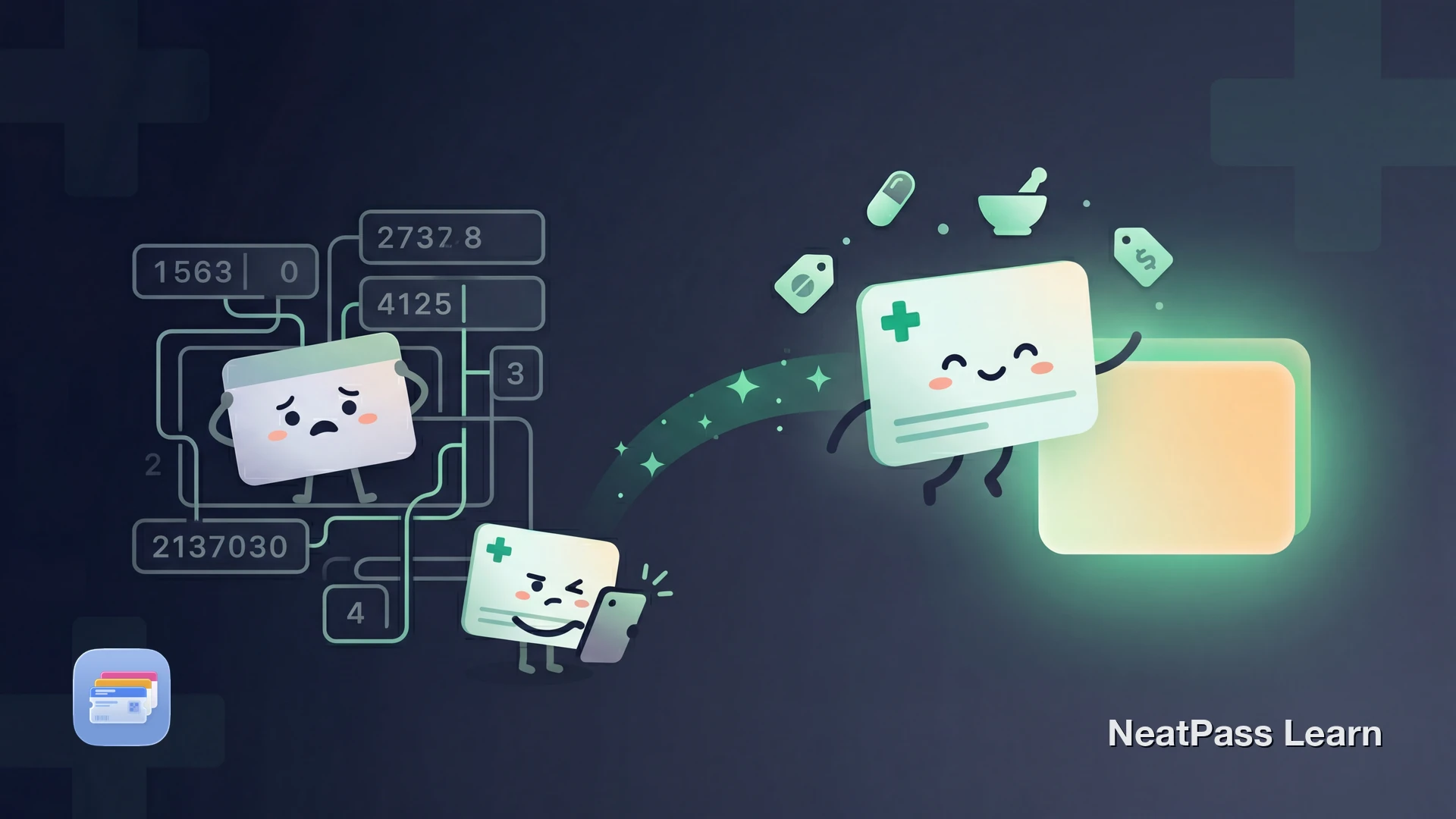
GoodRx and other prescription discount cards can save you money at the pharmacy, but they often live in an app, email, or printable card instead of a ready-made Apple Wallet pass. Every refill means finding the card again before you reach the counter. Here's how to get a compatible discount card into Wallet for faster access.
What Is a Prescription Discount Card?
Prescription discount programs help people compare cash prices and use savings coupons at participating pharmacies. GoodRx says its coupons can save customers up to 80%, but other discount programs can use different pricing networks, card formats, and pharmacy coverage.
Many cards include a set of codes that the pharmacist can use at checkout: BIN, PCN, Group, and Member ID. These codes route the transaction to the correct discount program and apply your negotiated price.
Why These Cards Often Stay Outside Apple Wallet
Prescription discount cards are often accessed through an app, website, email, or printable card instead of a built-in Apple Wallet pass. That means extra steps every time you pick up a prescription.
Extra steps at checkout
You often need to open an app, email, or saved image to find the card again
Not always one tap
Access depends on how the card was delivered instead of living in Wallet already
App friction
Some apps may require login or extra navigation before you reach the barcode
Presentation varies
Different apps and screenshots can make the card less convenient to show quickly at the counter
The good news: you can add your prescription discount card to Apple Wallet using NeatPass, and it works with many discount programs that use a barcode.
Ready to add your GoodRx card to Wallet?
NeatPass makes it easy to convert any ticket, pass, or loyalty card to Apple Wallet.
Understanding BIN, PCN, Group, and Member ID
Many prescription discount cards include four key fields that the pharmacy uses to process the discount. Knowing what they mean helps you verify your Wallet pass is set up correctly.
- BIN (Bank Identification Number) - A six-digit routing number that helps the pharmacy send the claim to the right processor.
- PCN (Processor Control Number) - A secondary routing code that directs the claim to the correct processor.
- Group - Connects the pharmacy to the specific price agreement for your discount program.
- Member ID - Your unique identifier within the discount program.
If your card encodes these values in a supported barcode, NeatPass can read them automatically. For details on which barcode formats are supported, see supported barcode types.
Step-by-Step: GoodRx Card to Apple Wallet
Get your GoodRx card ready
Open NeatPass
Scan the barcode
Verify the details
Add to Apple Wallet
Pro tip
Multiple ways to import
Benefits at the Pharmacy Counter
Having your prescription discount card in Apple Wallet makes every pharmacy visit smoother.
Quick Wallet access
Open Wallet from the side-button shortcut instead of hunting through another app
Works without internet
Your BIN, PCN, Group, and Member ID are stored locally on your device
Cleaner presentation
A dedicated pass is easier to reopen and present than digging through app screens or old emails
Private and secure
No extra NeatPass account is required for this workflow, and the pass is added directly to Apple Wallet on your iPhone
Reliable backup
Works when the GoodRx app is slow, updating, or having login issues
Often faster than reopening the app
Once the pass is set up, getting back to it can be quicker than navigating to the savings card again
Your discount card works completely offline thanks to offline mode. Add a lock screen widget for even faster access. For details on how NeatPass handles your data, see the privacy FAQ.
New to Apple Wallet passes?
Frequently Asked Questions
Get your prescription card in Wallet
DownloadQuick Access at the Counter
Prescription discount cards like GoodRx can save real money, but fumbling with the app at the pharmacy counter slows you down. Having your card in Apple Wallet means your BIN, PCN, Group, and Member ID can be easier to reach when you need them.
With NeatPass, you can keep a Wallet-ready version of a compatible discount card available offline and open it quickly when you need it.