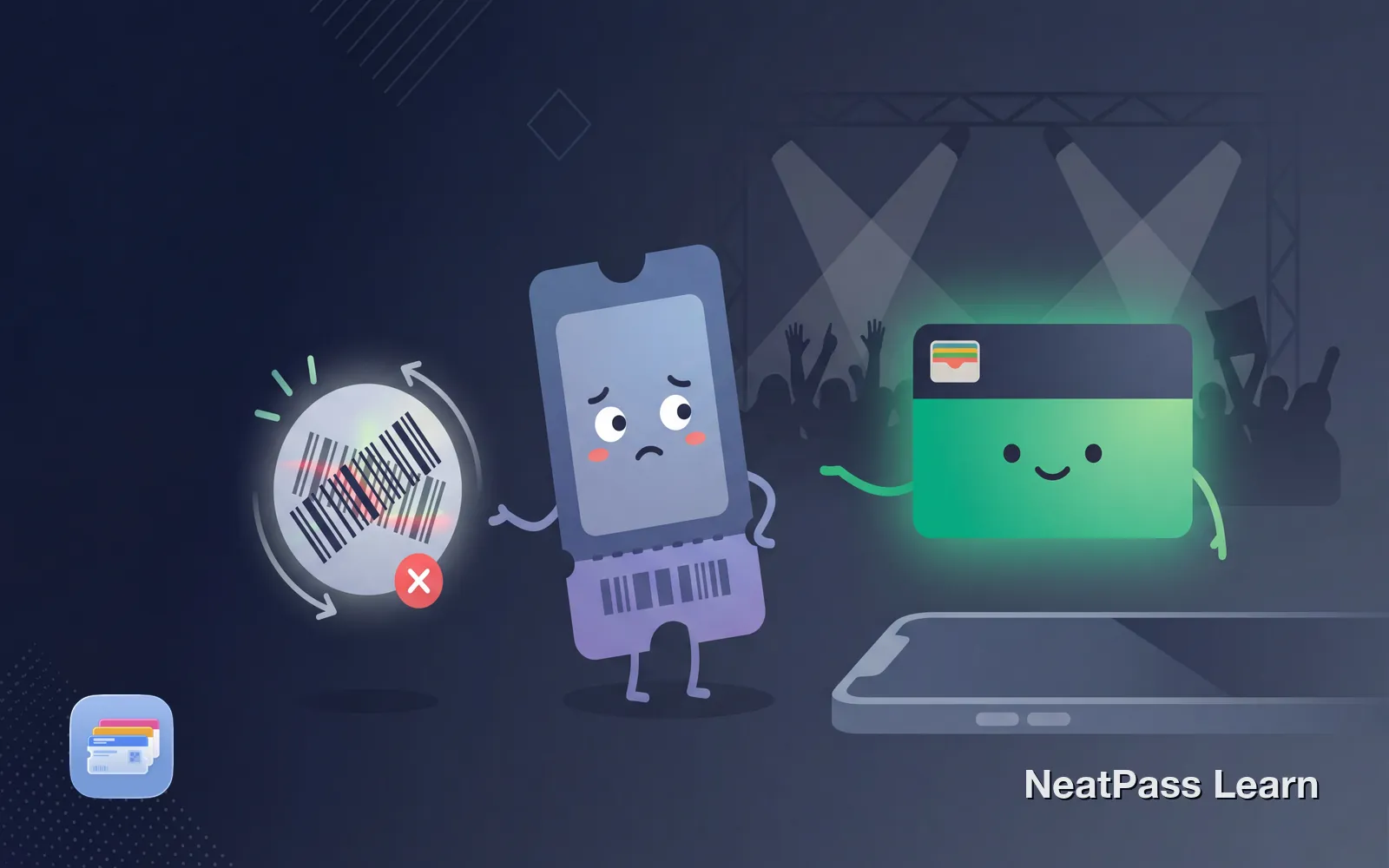
Your Ticketmaster ticket in Apple Wallet will not scan. The scanner at the venue rejects it, you see "Pass disabled," or the barcode simply will not appear. This is frustrating, especially when you are already at the venue.
One possible cause is a SafeTix rotating barcode, Ticketmaster's security technology that refreshes the barcode every 15 seconds. Understanding how SafeTix works helps you know when NeatPass can help and when you need Ticketmaster's app or official Wallet pass.
Why a SafeTix Wallet Pass Can Fail
SafeTix For tickets that use SafeTix, Ticketmaster uses an encrypted barcode that refreshes automatically every 15 seconds for fraud and counterfeit protection. Because that barcode changes, screenshots and static copies are not valid for entry.
Rotating barcodes
SafeTix barcodes refresh automatically every 15 seconds
Fraud protection
The encrypted moving barcode is designed to prevent copying and counterfeiting
Issuer-controlled pass
Ticketmaster still controls delivery, account, and entry rules
Screenshots rejected
Static images are instantly identified as invalid
When you add a SafeTix ticket to Apple Wallet, Ticketmaster creates a pass that can update its barcode. If that issuer update or account state is unavailable, the pass may stop working.
Common Reasons Your Ticket Won't Scan
Several issues can cause Ticketmaster Apple Wallet tickets to fail. Here are the most common with solutions.
1. Third-party purchase not transferred correctly
If you bought from StubHub, SeatGeek, or another reseller, the ticket needs to be transferred through Ticketmaster's system. A "Pass disabled" error often means the transfer did not complete properly. Contact your seller to complete the transfer correctly.
2. Ticket already in someone else's Wallet
If Ticketmaster shows "Device limit reached," the ticket may already be in someone else's Wallet, or your Ticketmaster account may already be linked to another Apple ID. If you own the account, contact Fan Support for help unlinking it.
3. Delivery delay still active
Ticketmaster says mobile ticket barcodes are generally available 3-7 days before the event. If you still cannot see the barcode two days before the event, contact Fan Support.
4. VPN or privacy proxy interfering with Wallet setup
If Ticketmaster shows an error while adding the ticket to Wallet, its support guidance says to turn off a VPN, Apple Private Relay, or another proxy temporarily and try again.
5. Outdated app or iOS version
Ticketmaster's Wallet integration requires current software. Update your iPhone to the latest iOS version and make sure the Ticketmaster app is current.
SafeTix cannot be converted
Troubleshooting Steps
If your Ticketmaster Wallet pass is not working, try these solutions in order.
Update iOS and the Ticketmaster app
Verify the Apple ID and ticket status
Remove and re-add the official pass
Contact Ticketmaster Fan Support
Learn more about barcode detection issues and general extraction troubleshooting in the help center.
When NeatPass Can Help
NeatPass only works with static barcodes, where the code stays the same every time you view it. The deciding factor is the barcode itself and the ticket's official delivery method, not the size or type of venue.
- Barcode stays the same (no animation)
- PDF tickets from email confirmations
- Print-at-home tickets with static QR codes
- Delivery method explicitly allows printing
- No SafeTix label visible on the ticket
- Animated barcode with sliding bar
- SafeTix label on the ticket
- Timer or countdown on the barcode
- "Screenshots not valid" warning
- Mobile Entry ticket that cannot be printed or screenshotted
Check supported barcode types to see the 18+ formats NeatPass can process.
Have a static barcode ticket?
NeatPass makes it easy to convert any ticket, pass, or loyalty card to Apple Wallet.
Converting Static Ticketmaster Tickets
If you have confirmed your ticket uses a static barcode, you can convert it to an Apple Wallet pass with NeatPass.
Screenshot or save the ticket
Import into NeatPass
Review extracted details
Add to Apple Wallet
Learn more about the Add to Wallet process and customizing your pass design.
Why Wallet Passes Beat the Ticketmaster App
For static barcode tickets, a native Apple Wallet pass offers advantages the Ticketmaster app cannot match.
Works offline
No signal needed in crowded arenas or stadiums
Auto-brightness
Screen automatically maximizes for scanning
Lock screen access
Double-tap to display, no app opening or logging in
No loading time
Instant access without waiting for app startup
Read more about offline mode and lock screen widgets for quick access at events.
If You're Already at the Venue
Your Wallet pass failed at the door and you need to get in now. Here are your options.
Open the official ticket
Use Ticketmaster's app or official Wallet pass if either shows a current valid ticket.
Visit the box office
Ask the venue or box office which ID, payment card, or order confirmation they require to locate the order.
Venue requirements vary. Allow extra time for assistance and keep the purchase confirmation ready if the box office asks for it.
Frequently Asked Questions
Your Ticket Ready at the Door
Ticketmaster's SafeTix technology protects against fraud but creates frustration when things go wrong. For rotating barcode tickets, use Ticketmaster's app or its official Wallet pass. For eligible static-barcode tickets, NeatPass can create a Wallet pass that remains available offline.
Check your ticket type before the event. Knowing whether you have SafeTix or a static barcode saves stress at the door.
Ready to migrate your cards?
Download